
3.
①.
②.
③.
4.
①.
②.
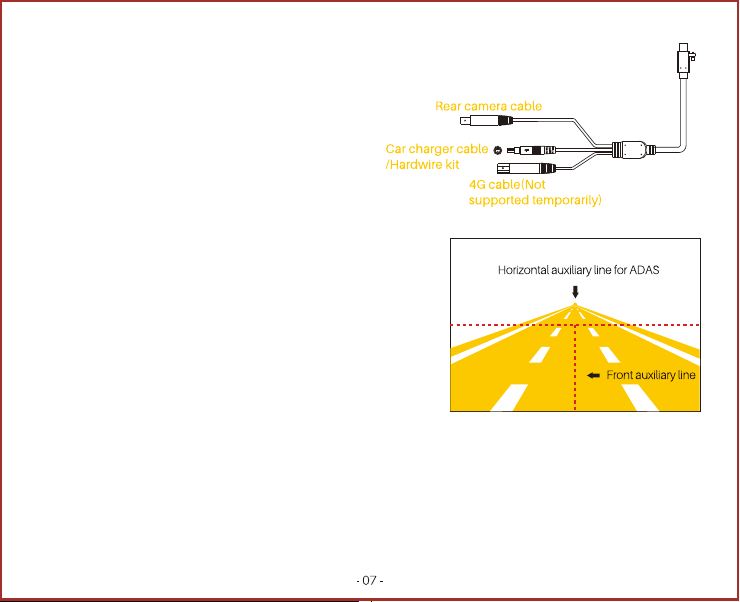
Notice:Please refer to the horizontal center line and vertical center line to determine the position of the recorder,
otherwise some functions of the recorder will be affected.
Turn on the power
Insert the Type-C end of the power cord into the recorder,
and tighten the screw corresponding to the screw hole of the recorder.
Connect the other end of the power cable of car charger,
and plug the car charger into the cigarette lighter.
After the car is started, the recorder is powered on and
automatically starts up, and a start-up prompt sound is
issued, and the recorder starts recording at this time.
Determine the installation position of the recorder and adjust the lens angle
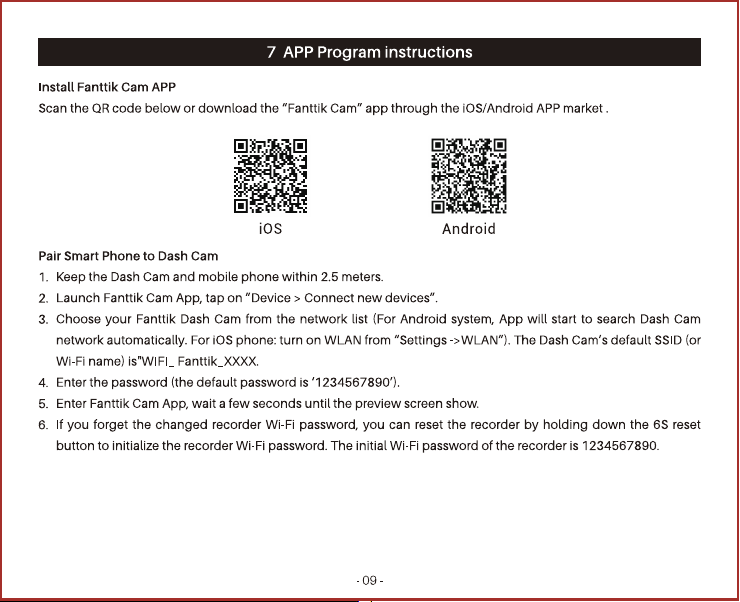
Refer to the mobile phone Fanttik Cam App to connect the recorder.
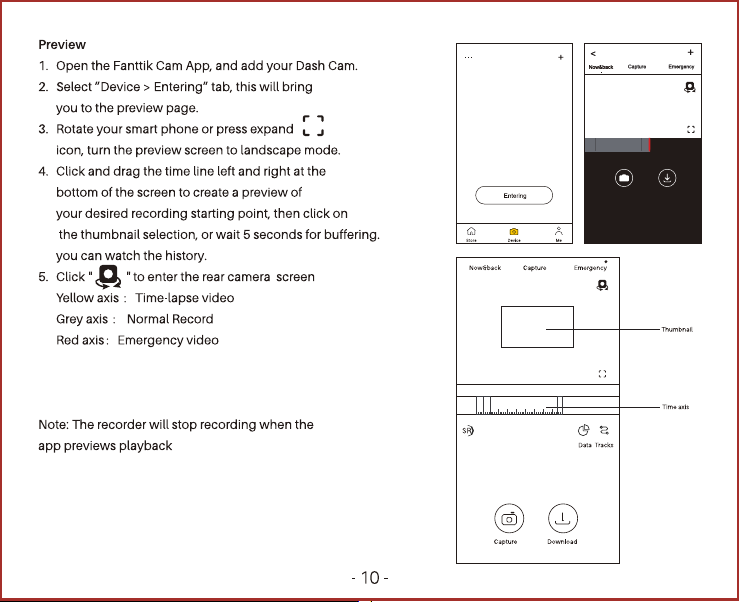
After connecting the Fanttik Cam App with the recorder , enter the
Fanttik Cam App, select "Device > Enter the Recorder", enter the
"Now & Back" interface, and the level will be displayed on the screen.
midline and vertical midline .
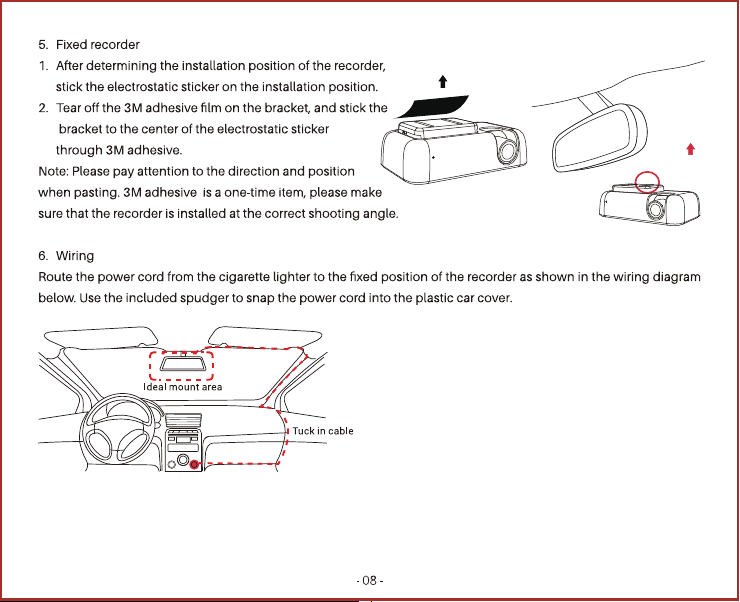
Place the recorder in the middle of the front windshield,
make the bottom of the bracket stick to the front windshield, with
the lens facing outward and the power interface facing right.
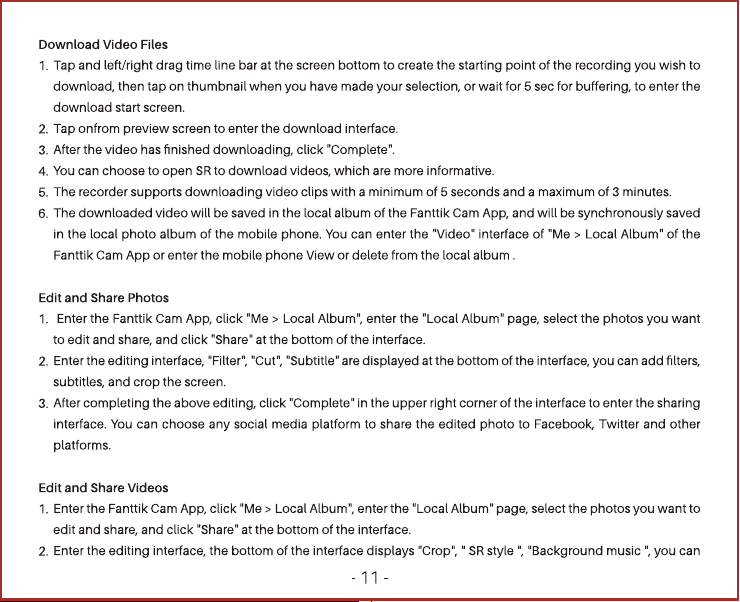
Move the recorder left and right according to the horizontal center
line and vertical center line in the screen to ensure The center line of the front of the car is at the vertical center
line, and then adjust the handle up and down to move the lens up and down to ensure that the disappearing line
of the ground plane is at the horizontal center line of the screen.