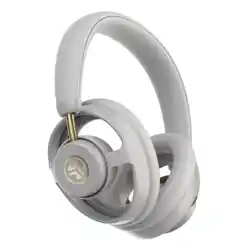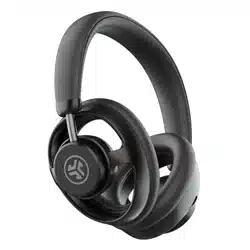
JBUDS OPEN
HEADPHONES
We love that you are rocking JLab!
We take pride in our products and fully stand behind them.
YOUR WARRANTY
All warranty claims are subject to JLab authorization
and at our sole discretion. Retain your proof of
purchase to ensure warranty coverage.
CONTACT US
Reach out to us at [email protected]
or visit jlab.com/contact
REGISTER TODAY
jlab.com/register
Product updates | How-to tips
FAQs & more
L
I
M
I
T
E
D
T
W
O
Y
E
A
R
W
A
R
R
A
N
T
Y
S
U
P
P
O
R
T
T
E
A
M
#
T
E
A
M
J
L
A
B
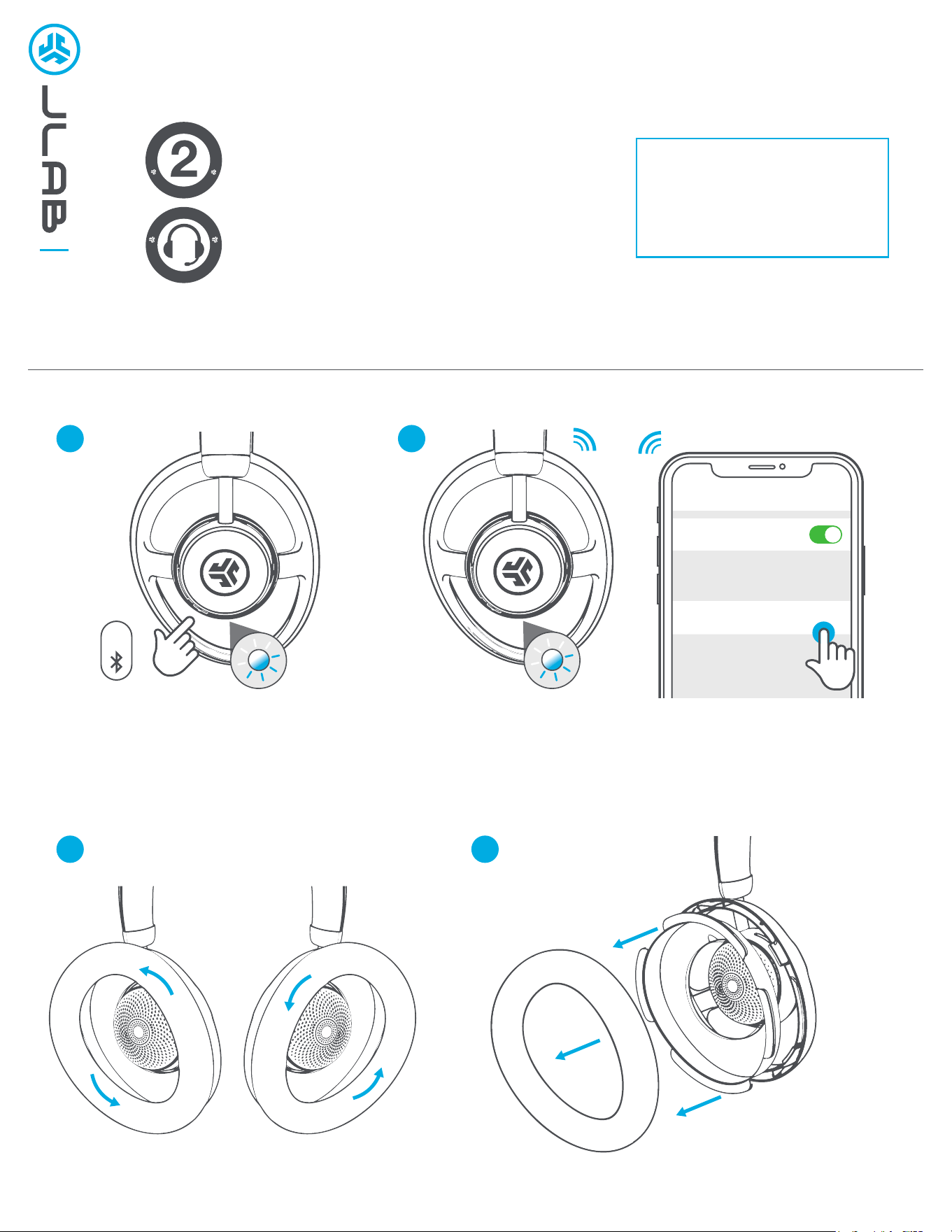
PAIR UP
REMOVE COVERS
1
2
1
2
Bluetooth
Settings
JLab JBuds Open Headphones
8s
REMOVE COVERS
Rotate counter-clockwise
L R
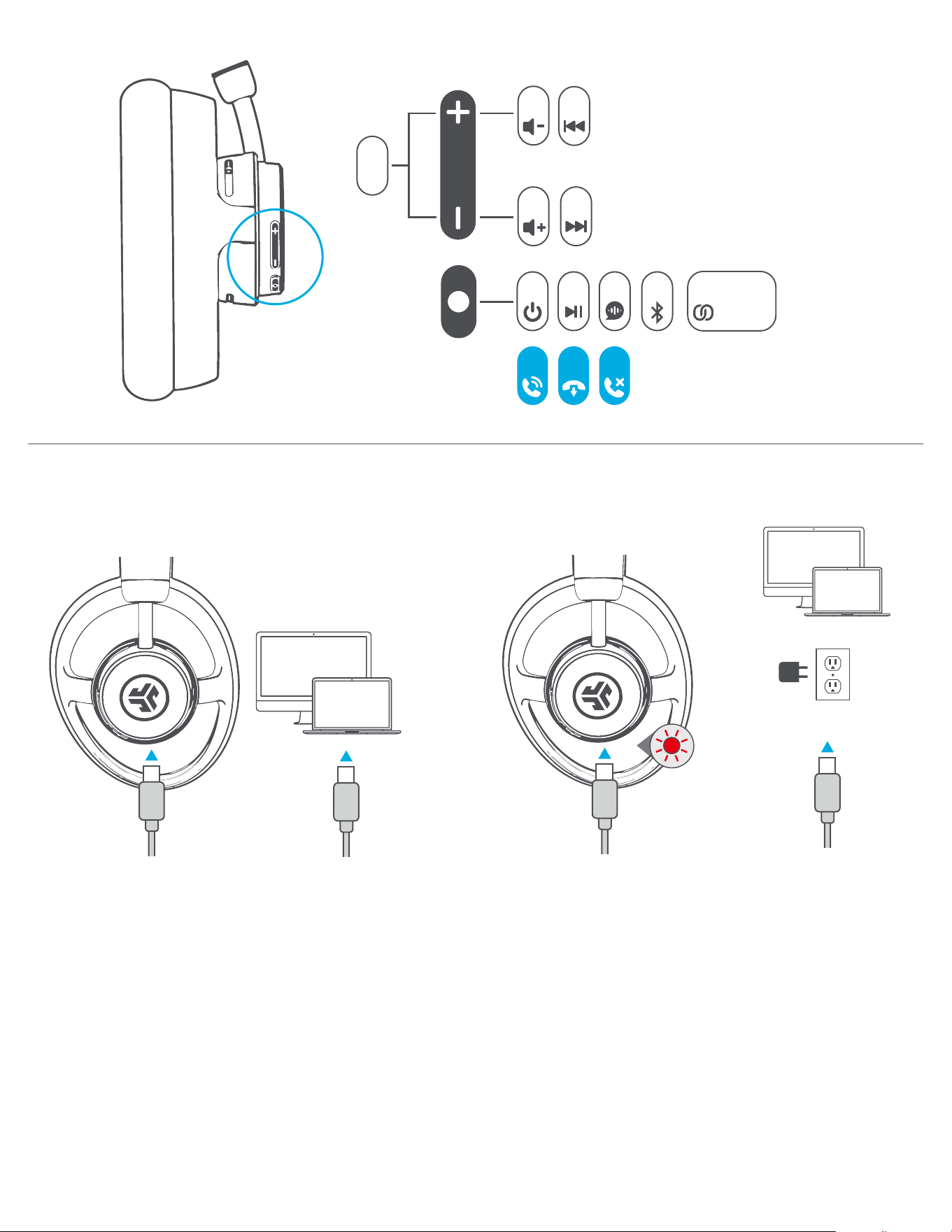
WIRED CONNECTION
GET CHARGED
GO AHEAD, PRESS THE BUTTON
Charging
Connect the JBuds Open cable to computer or mobile device.
Check your Input and Output audio settings.
OR
1x
2s
1s
EQ
2s
1x
1x 2x 8s3s
1x 1x
2s
CALLS
5x
LabSync
JLAB.COM
Shop products | Product alerts | Burn-in your headphones
JLab Store + Burn-in Tool
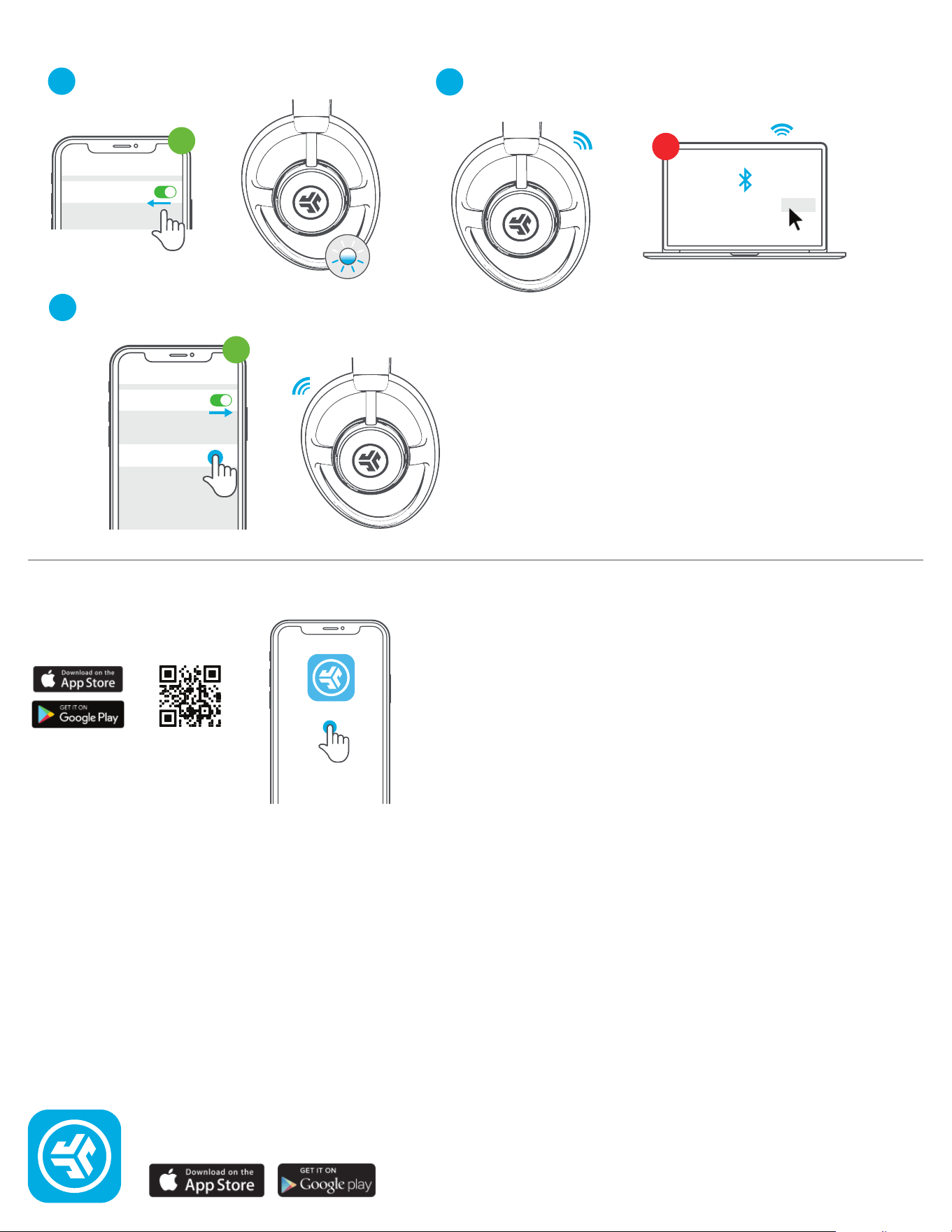
MULTIPOINT
Once 1ST DEVICE is connected, turn OFF
Bluetooth
1
Turn ON Bluetooth and reconnect 1ST DEVICE
3
Connect to 2ND DEVICE
2
DOWNLOAD THE APP
Customize JBuds Open
JLab
Bluetooth
Settings
JLab JBuds Air Pro Connected
JLab JBuds Open Headphone Connect
Bluetooth
Settings
JLab JBuds Open Headphones
1
st
2
nd
1
st