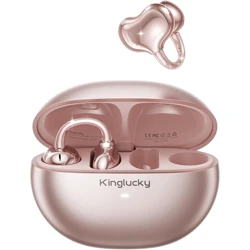
Kinglucky Earbuds User Guide
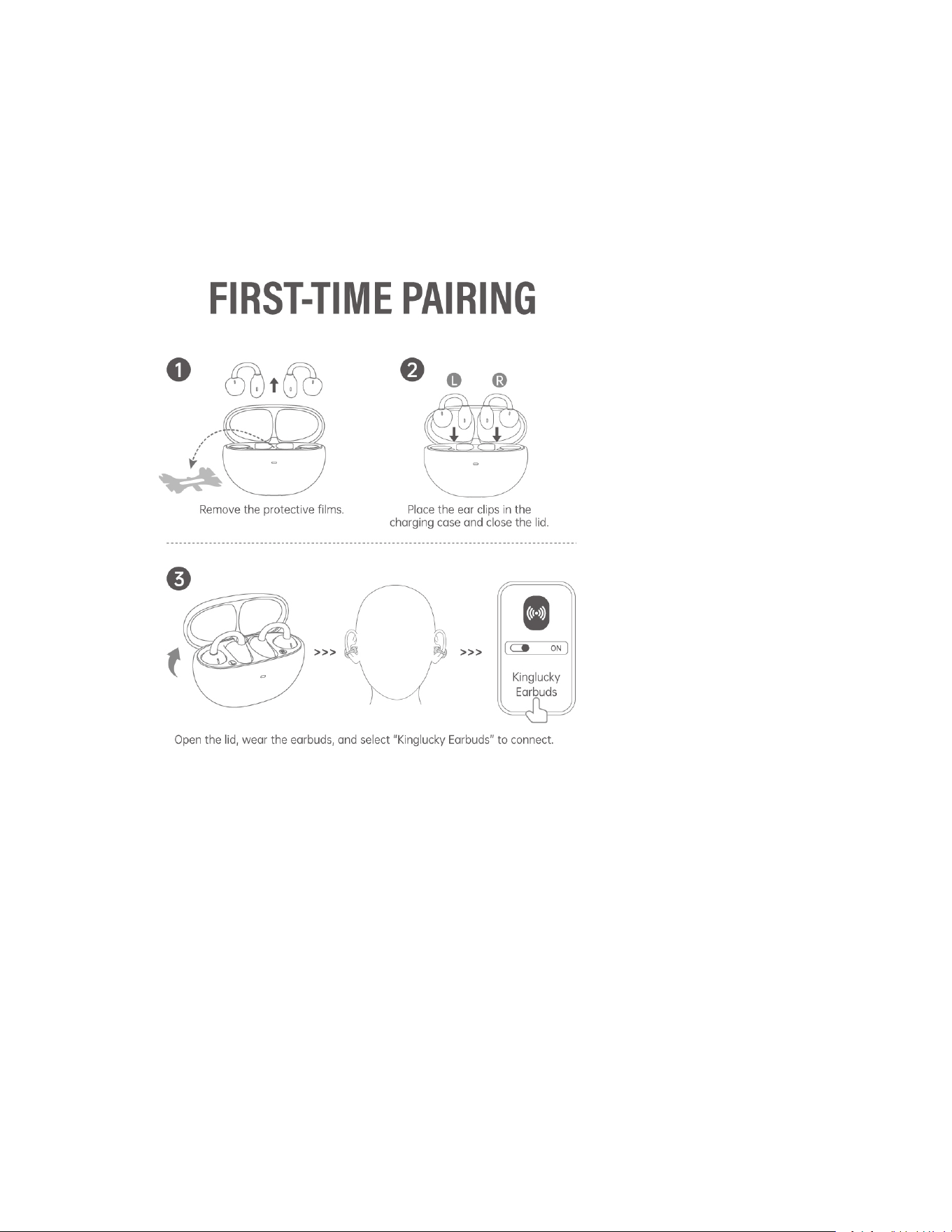
1. First-Time Paiiring
1. Remove Insulation Films
Peel off the clear insulation films located inside the charging case or on the bottom of the
earbuds. Without removing these, the earbuds will not charge or power on.
2. Open the Charging Case Keep the earbuds inside and open the lid. The earbuds will
automatically power on and enter pairing mode.
3. Enable Bluetooth on Your Device Go to your phone’s Bluetooth settings, find “Kinglucky
Earbuds” and tap to connect.
4. After Successful Pairing Once paired, the earbuds will reconnect automatically the next
time you open the charging case.
2. One Side Not Working / Bluetooth Not Connecting
1. Check Insulation Films: Confirm that the films on BOTH earbuds and inside the case are
removed. This is the most common cause of one-sided issues.
2. Forget Device: In your phone’s Bluetooth list, find “Kinglucky Earbuds” and select “Forget
This Device.”
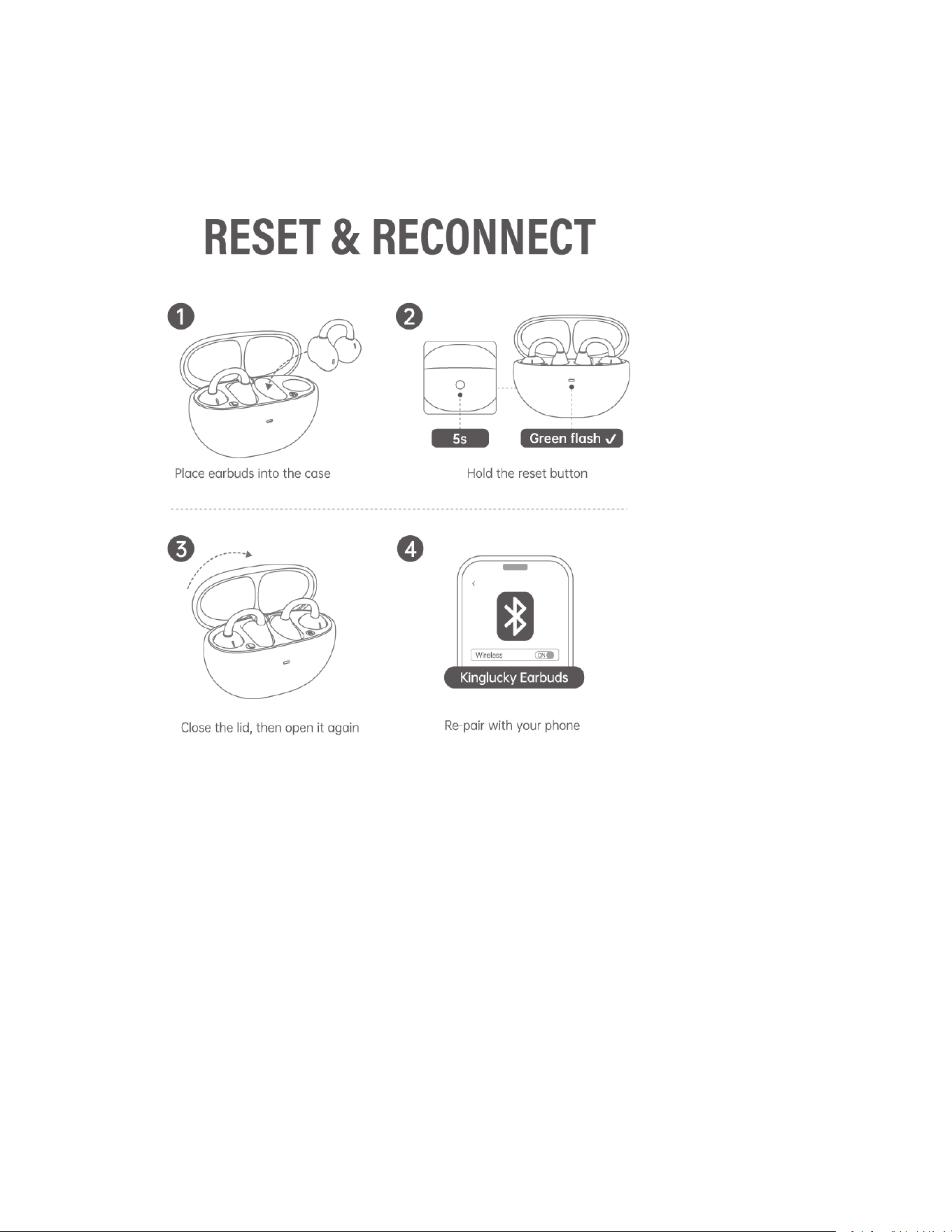
3. Reset the Earbuds:
- Place both earbuds into the charging case. Keep the lid open.
- Press and hold the reset button for 5–8 seconds until the indicator changes from orange to
flashing green.
4. Re-pair: Close the lid for a few seconds, reopen it, and select “Kinglucky Earbuds” on your
phone to reconnect.
3. Not Charging / Short Battery Life
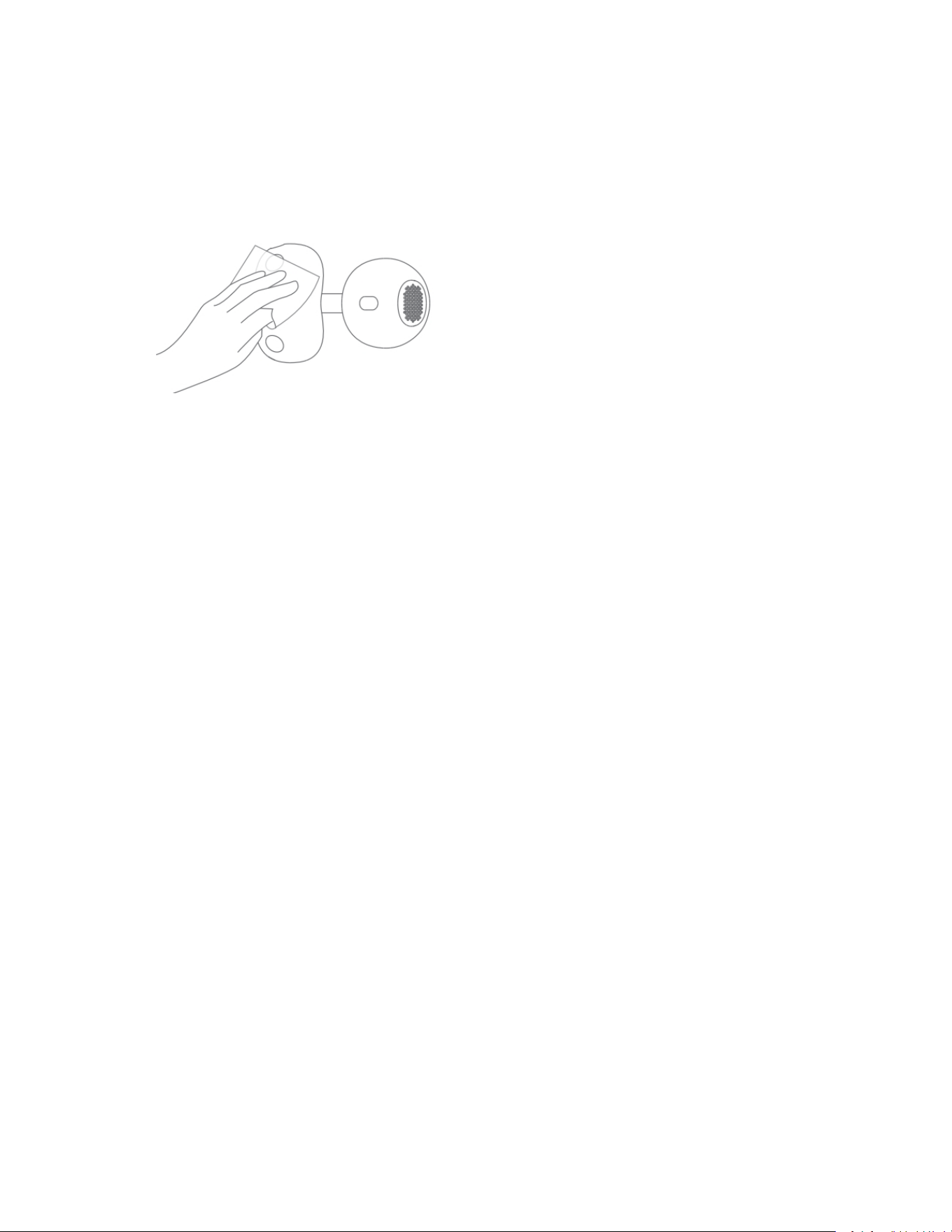
1. Clean the Charging Contacts
Use a dry cloth or cotton swab to gently clean the metal contacts on both the earbuds and
the charging case.
2. Reinsert the Earbuds
Make sure the earbuds are properly seated in the charging slots and that the indicator light
turns on.
3. Use the Original Cable and Adapter
Third-party cables may cause poor connection or slow charging.
4. Avoid Extreme Temperatures
Avoid charging in very hot or cold environments, as it can affect battery performance.
5. Fully Charge Before First Use
Before first use or after long storage, fully charge both the earbuds and the case
4. Need more help?
If you’re still experiencing issues, please contact Kinglucky Customer Support before
returning the product. We’ll help you resolve it quickly and can provide a free replacement
or exchange if needed.
1. Scroll down and find the Kinglucky store link, then tap to open it.
2. Under “Have a question for Kinglucky?”, click “Ask a question”.
3. Message the seller with your question. Our customer support team will reply and make
sure your issue is fully resolved.