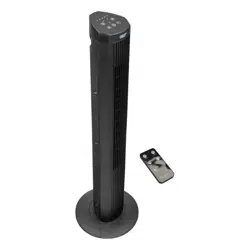
28 Inch Bladeless DigitalTower Fan
LED display with remote control
9-Hour timer
Ultra quietbladeless design
70-Degree Oscillation
120V A.C. /60Hz
3-Speed Settings
1-Low
2-Med
3-High
CZ12548-EC series
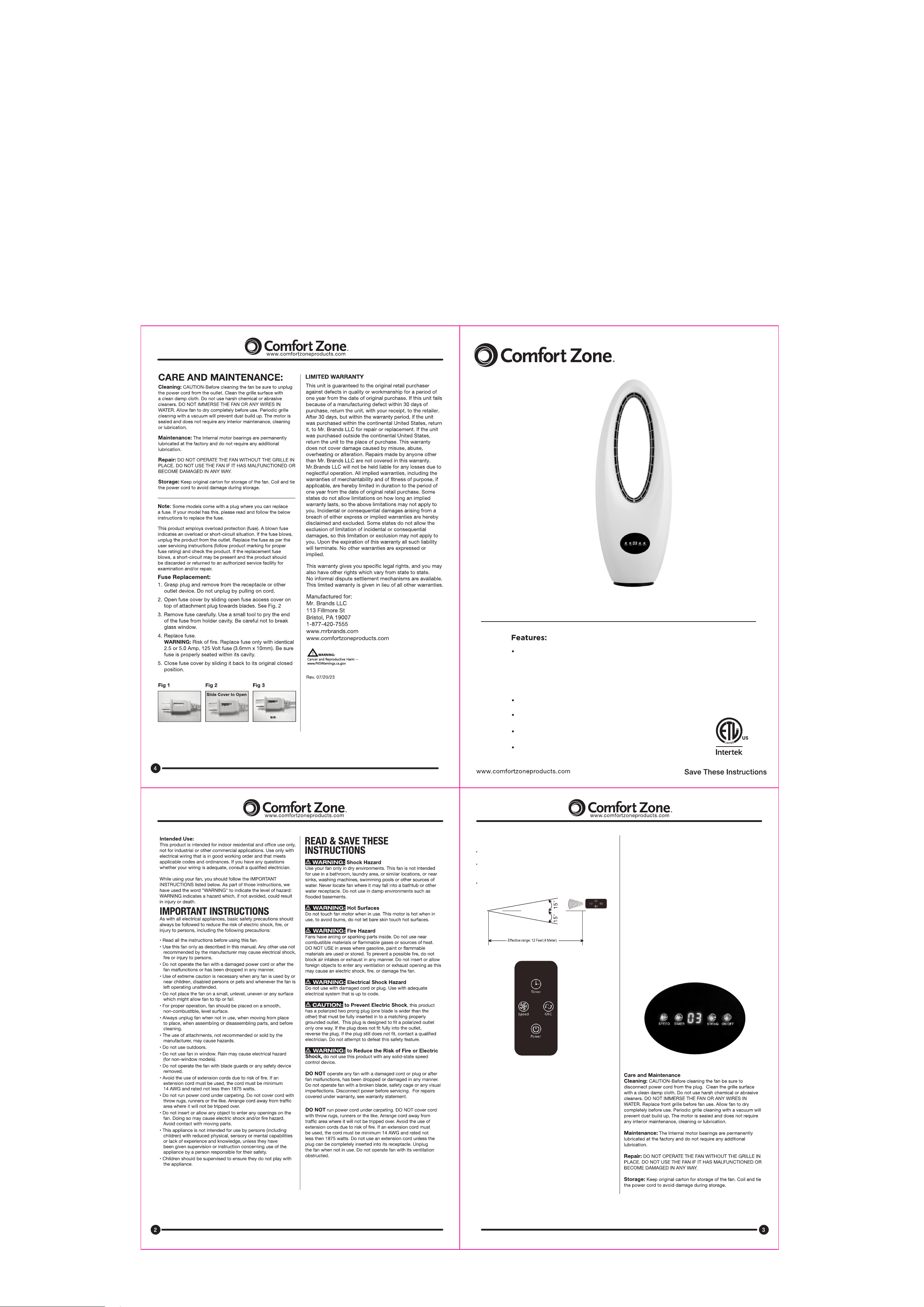
USING THE REMOTE CONTROL
The sensor of the remote control must be pointed at the fan
receiver to operate properly.
The distance between the remote control and the fan should
be within 20 feet and 30 degrees radius left to right of the fan.
(see Fig. 1)
See the button functions as they appear on the remote control
in Fig. 2
TIMER
ON/SPEED
Press the button repeatedly to change the timer setting.
The time increases in increments of 10 minutes and 1 hour s ,i t
ha s 11 time steps in tota l, which add up to s e t your d e si r e d
ti mer setting. The maximum timer is 9 hours.
For example, to set time for 5 hours, press the TIMER button
repeatedly till the indicator lights “5H” is lit .
Do not press the T I M ER button if you want to keep the fan
operating indefinitely.
TIMER
Pr ess the O N/OFF bu tton. The fan wi ll start to operate at a
medium speed and the indicator will lights “02”.
After starting the fan, the “SPEED” butto n i s f or setti ng the
speed. Press this button repeatedly and you can choose from
“01-02-03” and back to “01” speed in that sequence.
OSCILLATION
OFF
USING THE CONTROL PANEL
When you press this button, the fan oscillates at 0-70 degrees.
Press the Oscillation (SWING) button again if you want to keep
th e f an opera ting in one po sitio n. The fa n w ill only os cilla te
when the Oscillation (SWING) button has been pressed.
Do no t a djust th e h ead of the fan manually or oscillation
parts could be damaged.
Press the ON/OFF button to turn the fan off.
The button nam e s a n d f u n c t ions are shown on the cont r o l
panel in Fig. 3.
SP EED, TIME R, SWING, ON/OFF logo are shown on the
Control Panel. The function of the buttons on the control panel
are the same as on the Remote Control.
The panel is controlled by touch screen, you need to touch the
function logo to use it.
Fig. 3
Fig. 1
Fig. 2