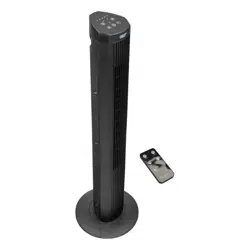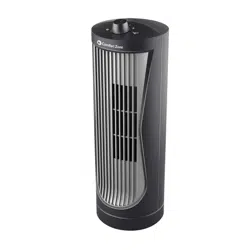
CZ12534-EC
CZ12535-EC
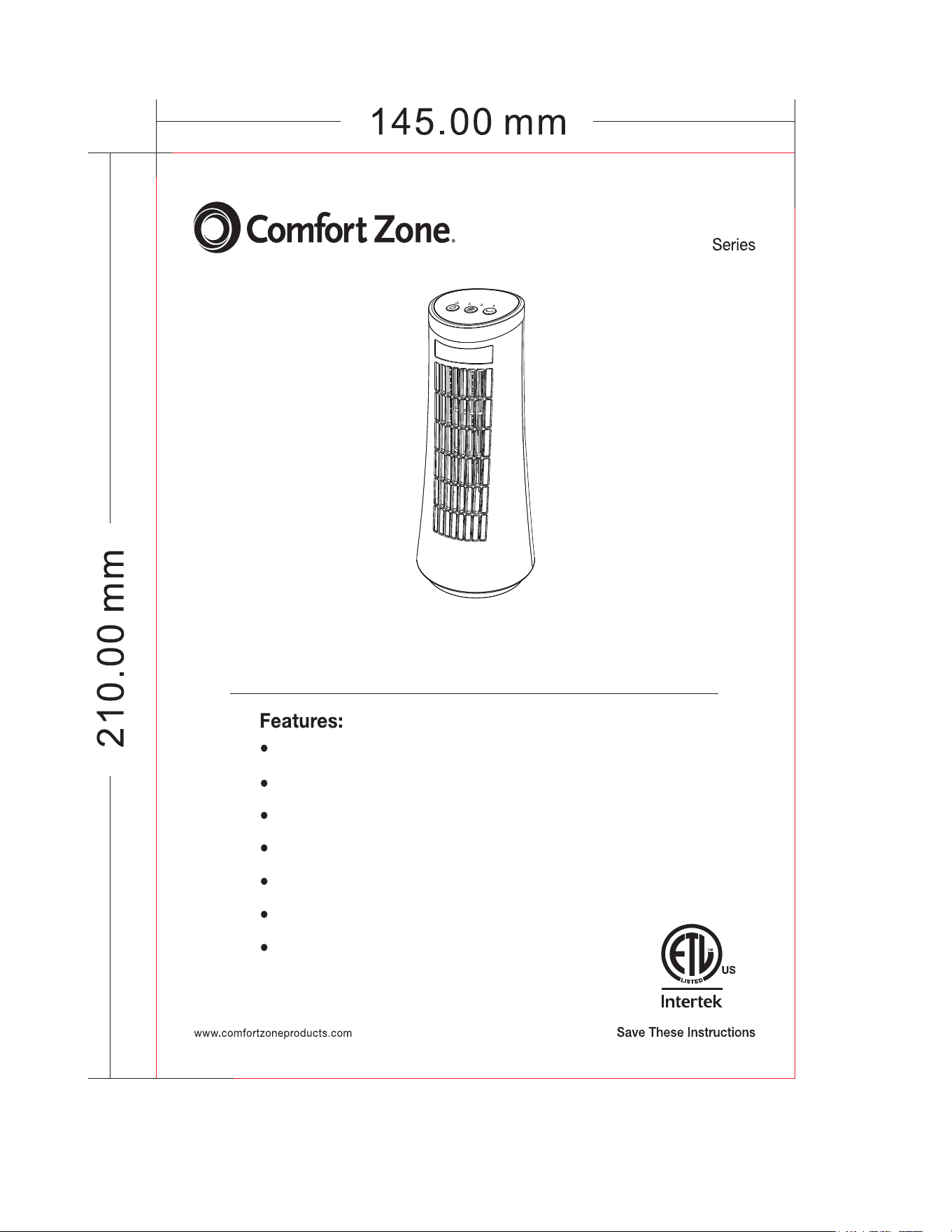
12in Desktop Tower Fan
2 fan speed settings: Low, High
Efficient AC motor with high fan speed and long life
75 degree wide oscillation control
Whisper-quiet operation
LED indicator light
Integrated handle for convenient carrying
120AC, 60Hz
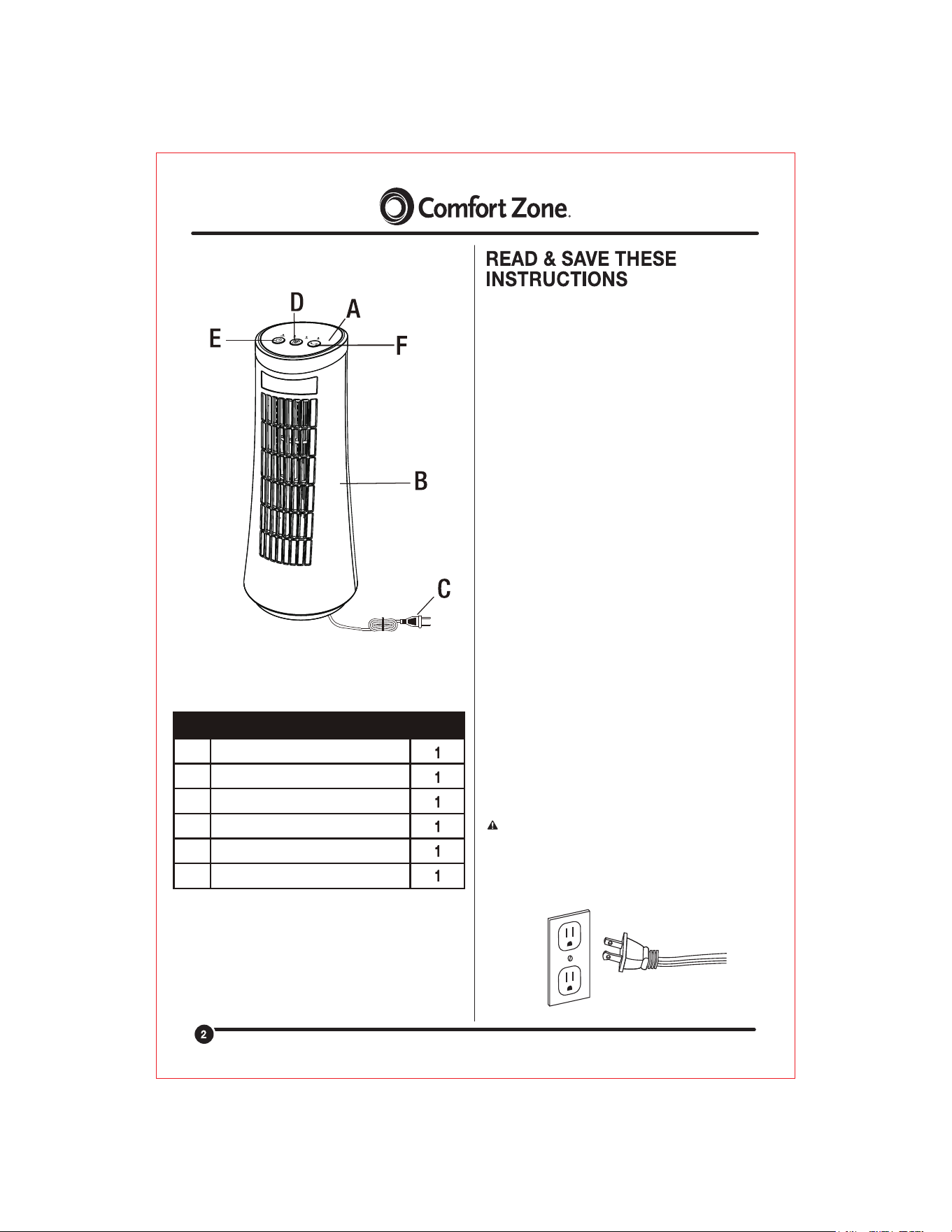
A
B
C
D
E
F
Control Panel
Fan Housing
Power Cord
Speed Button
Power (On/Off) Button
Oscillation Button
PART DESCRIPTION QUANTITY
WARNING: THIS APPLIANCE HAS A POLARIZED PLUG (ONE
BLADE IS WIDER THAN THE OTHER). TO REDUCE THE RISK OF
ELECTRIC SHOCK, THIS PLUG IS INTENDED TO FIT IN A
POLARIZED OUTLET ONLY ONE WAY. IF THE PLUG DOES NOT
FIT FULLY IN THE OUTLET, REVERSE THE PLUG. IF IT STILL
DOES NOT FIT, CONTACT A QUALIFIED ELECTRICIAN. DO NOT
ATTEMPT TO DEFEAT THIS SAFETY FEATURE.
WARNING: To reduce the risk of electric shock and injury to
persons, do not use in a window.
WARNING: To reduce the risk of fire or electrical hazard, DO NOT
USE THIS FAN WITH ANY SOLID-STATE SPEED CONTROL
DEVICE.
READ ALL INSTRUCTIONS BEFORE USING
1. Use this unit only as described in this manual. Other uses not
recommended may cause fire, hazards or electric shock.
2. This product is intended for HOUSEHOLD use, for indoor,
non-commercial, non-industrial, general domestic use in cooling
rooms and is not intended for use in windows. Do not use the
product outdoors or for any other purpose.
3. To protect against electrical shock, always use on a dry level
surface, do not place fan in window, immerse unit, plug or cord in
water, or spray with liquids.
4. Close supervision is necessary when any appliance is used by or
near children.
5. Unplug the unit from the outlet if left unattended or not in use,
when moving fan from one location to another and before cleaning.
6. Never submerge unit in water.
7. Do not operate the unit in the presence of explosive and/or
flammable fumes.
8. Do not place the unit or any parts near an open flame, cooking or
other heating appliance.
9. Never insert fingers or any other object through the Fan Guards.
Never drop or insert objects into any opening of the product.
10. Never plug this unit in with a wet hand or wet cord.
11. Do not operate the unit with a damaged cord or plug, Discard
fan or return to an authorized service facility for examination and / or
repair.
12. Avoid contacting with moving fan parts.
13. To disconnect, grip the plug and pull it from the outlet. Never
yank the cord.
14. Do not operate if the fan housing is removed or damaged.
15. To maintain operating efficiently, user should not operate the
product 24 hours a day, seven days a week.
16. Do not run cord under carpeting. Do not cover cord with throw
rugs, runners, or similar coverings. Do not route cord under furniture
or appliances. Arrange cord away from traffic area and where it will
not be tripped over.
17. This product employs overload protection (fuse). A blown fuse
indicates an overload or short-circuit situation. If the fuse blows,
unplug the product from the outlet. Replace the fuse as per the user
servicing instructions (follow product marking for proper fuse rating)
and check the product. If the replacement fuse blows, a short-circuit
may be present and the product should be discarded or returned to
an authorized service facility for examination and/or repair.
CLEANING INSTRUCTIONS
STEPS TO REPLACE THE FUSE
Pressing this button will
cycle the fan through 2
comfort speeds(Low/High)
Use this button to turn the fan ON/OFF.
SPEED
OSCILLATION
ON/OFF
BUTTON FUNCTION
To activate the oscillation function for widespread breeze
distribution,press oscillation button once. Press oscillation
button again to turnoff the oscillation function. Oscillation
can be controlled while thefan is operating.
WARNING: To avoid the risk of electrical shock, always make
sure the
product is unplugged from the electrical outlet before servicing
or cleaning.
CAUTION: This fan is not intended to be disassembled for
cleaning for internal parts (e.g. blade, motor). Disassembly may
result in product damage. Never use liquids or abrasive
cleaners to clean the product.
1. Wipe the exterior surfaces with a soft damp cloth. Dust can be
removed from the
Guard and Blades with a small vacuum.
2. Do not immerse the motor, switch or wires in water and never
allow water to drip
into blade or motor housing.
3. Do not use any chemical cleaners such as acid, alcohol, etc, to
clean the fan.
4. Make sure the fan is completely dry after cleaning.
a) Grasp plug and remove from the receptacle or other outlet device.
Do not unplug by pulling on cord.
b) Open fuse cover. Slide open fuse access cover on top of
attachment plug towards blades.
WARNING: Do not use this product in windows, as a risk of
electrical shock exists and serious personal injury and / or property
damage may occur.
e) Close fuse cover. Slide closed the fuse access cover on top of
attachment plug.
d) Risk of fire. Replace fuse only with 2.5 Amp, 125 Volt fuse.
c) Remove fuse carefully. Use a tool to pry out the fuse and
remove.
12/25/23
This unit is guaranteed to the original retail purchaser against
defects in quality or workmanship for a period of one year
from the date of original purchase. If this unit fails because
of a manufacturing defect within 30 days of purchase, return
the unit, with your receipt, to the retailer. After 30 days, but
within the warranty period, if the unit was purchased within the
continental United States, return it, to Mr. Brands LLC for repair
or replacement. If the unit was purchased outside the continental
United States, return the unit to the place of purchase. This
warranty does not cover damage caused by misuse, abuse,
overheating or alteration. Repairs made by anyone other than
Mr. Brands LLC are not covered in this warranty. Mr. Brands LLC
will not be held liable for any losses due to neglectful operation.
All implied warranties, including the warranties of merchantability
and of fitness of purpose, if applicable, are hereby limited in
duration to the period of one year from the date of original retail
purchase. Some states do not allow limitations on how long an
implied warranty lasts, so the above limitations may not apply to
you. Incidental or consequential damages arising from a breach
of either express or implied warranties are hereby disclaimed
and excluded. Some states do not allow the exclusion of limitation
of incidental or consequential damages, so this limitation or
exclusion may not apply to you. Upon the expiration of this warranty
all such liability will terminate. No other warranties are expressed or
implied.
This warranty gives you specific legal rights, and you may also
have other rights which vary from state to state. No informal
dispute settlement mechanisms are available. This limited
warranty is given in lieu of all other warranties.
Mr. Brands LLC
113 Fillmore St
Bristol, PA 19007
1-877-420-7555
www.mrbrands.com
www.comfortzoneproducts.com
WARNING: To avoid the risk of electrical shock, always make sure
the product is unplugged from the electrical outlet before cleaning or
servicing.
WARNING: Do not attempt to open any part of the Motor Housing,
as a risk of electrical shock may exist. This product has been
permanently lubricated at the factory and will not require further
lubrication for the life of the product. Additional lubrication of electric
motor parts could create a fire hazard.
1. The product must be packaged in its original box and stored in a
room with low humidity.
2. Make sure the product is completely dry before using at any time.
NOTE: If you experience a problem, please return the fan to the
place of the original purchase. Do not attempt to open the
motor housing yourself, doing so may cause damage to the
fan or personal injury.