Please follow the steps below to burn the firmware
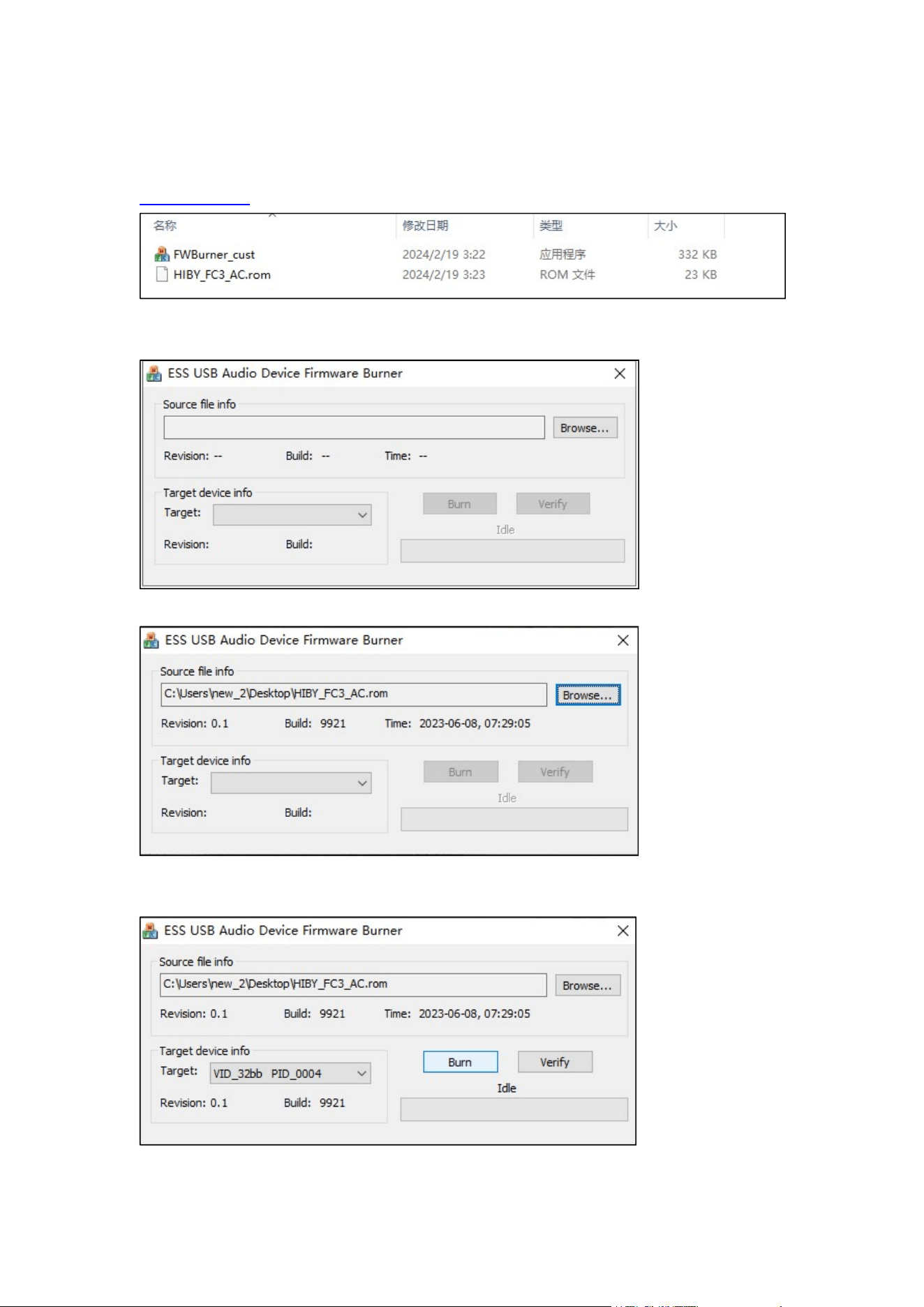
1. Click on the links below to download the relevant files for firmware burning.
bit.ly/48hW0AZ
2.Double-click FWBurner_custnew to open it.
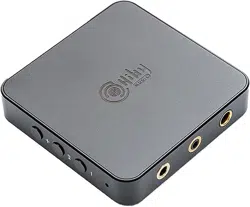
3.Click ‘Browse’ and select ‘HIBY_FC3_AC.rom’
4.Connect the headset to the FC3, connect the FC3 to your computer, and click "Burn".
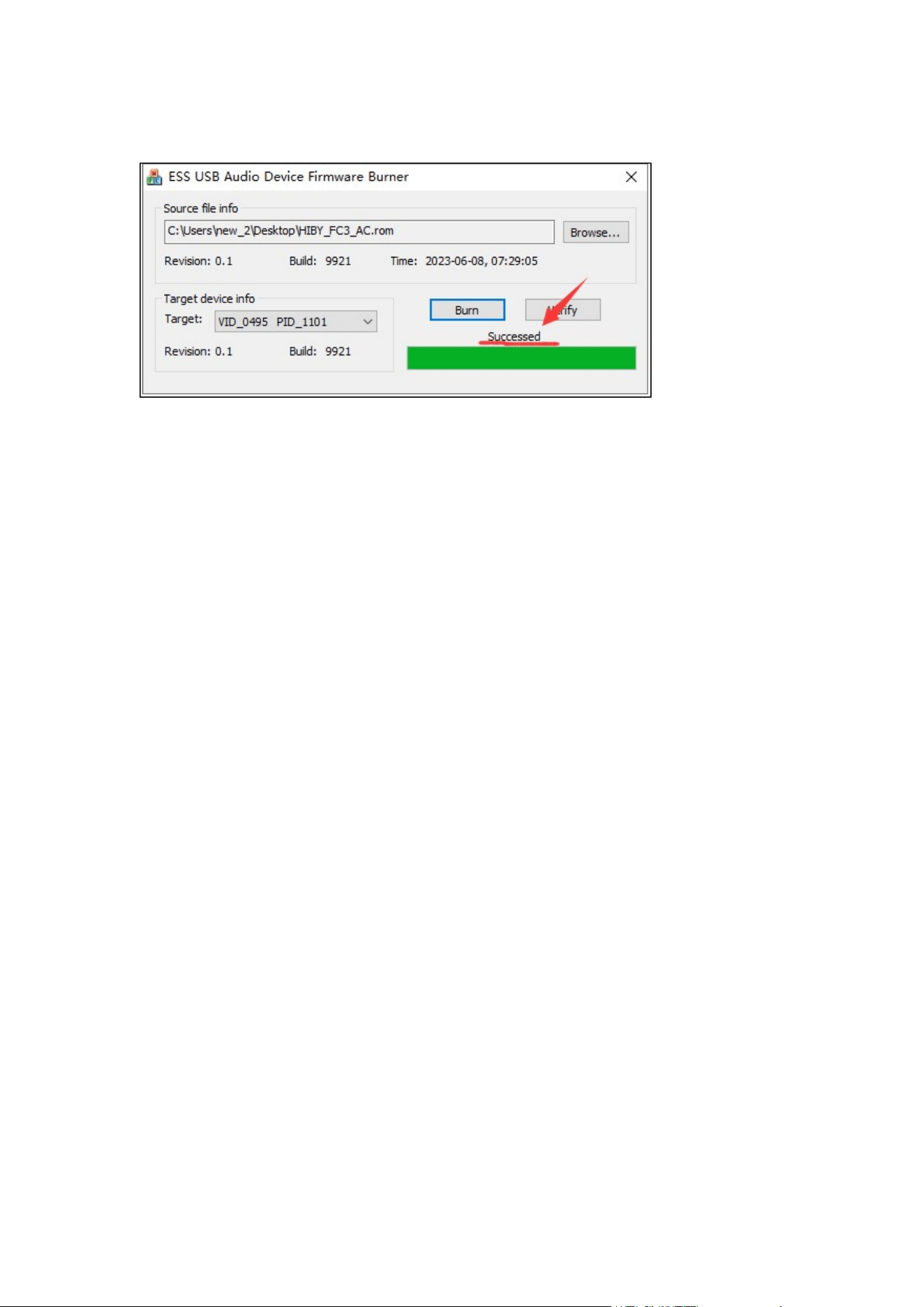
5.The progress bar is full and 'Success' is displayed then burning the firmware is
complete.
Please feel free to contact me if you have any questions during this process.