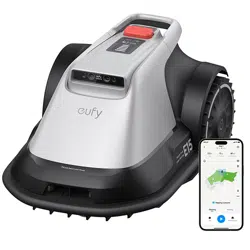
FAQ for eufy Robot Lawn Mower E15/E18
Contact Us
Phone:
USA
:
+1-800-994-3056
Mon-Fri 6:00AM - 5:00PM (PT)
Sat
7:00AM - 3:30PM (PT)
UK
:
+44 (0) 1604 936 200
Mon-Fri 9:00AM-5:00PM (GMT)
Email: support@eufy.com
(We will respond to you within 24 hours on workdays.)
Contents:
1. Before Purchasing (3)
2. Before Mowing (4)
2.1 Prepare Your Lawn (4)
2.2 Base Station Usage Guide (5)
3. Tips During Usage (6)
3.1 Improving Edge Cutting Results (6)
3.2 Optimizing Mowing Performance (6)

3.3 Battery Usage and Maintenance (9)
3.4 Safety Tips (9)
1. Before Purchasing
Please confirm the following to ensure optimal performance:
Lawn Size: Less than the max mapping size 0.2 ac (8,700 sq ft) for E15, 0.3 ac
(13,000 sq ft) for E18.
Slope Check: Less than 40% (18 degrees)
Grass Type: No Zoysia or St. Augustine grass, and the grass height is below
9 cm(3.5 in).
Terrain: Mostly flat with variations under 3 cm (1.2 in).
2. Before Mowing
2.1 Prepare Your Lawn
Quick Start: Initial configuration takes approximately 5 minutes. The first
use of auto mapping typically requires 2–3 hours for a standard 0.2 acre
(8,700 sq ft) area. Large, complex areas will take longer.
Mowing Hours: From half an hour after sunrise to half an hour before
sunset.
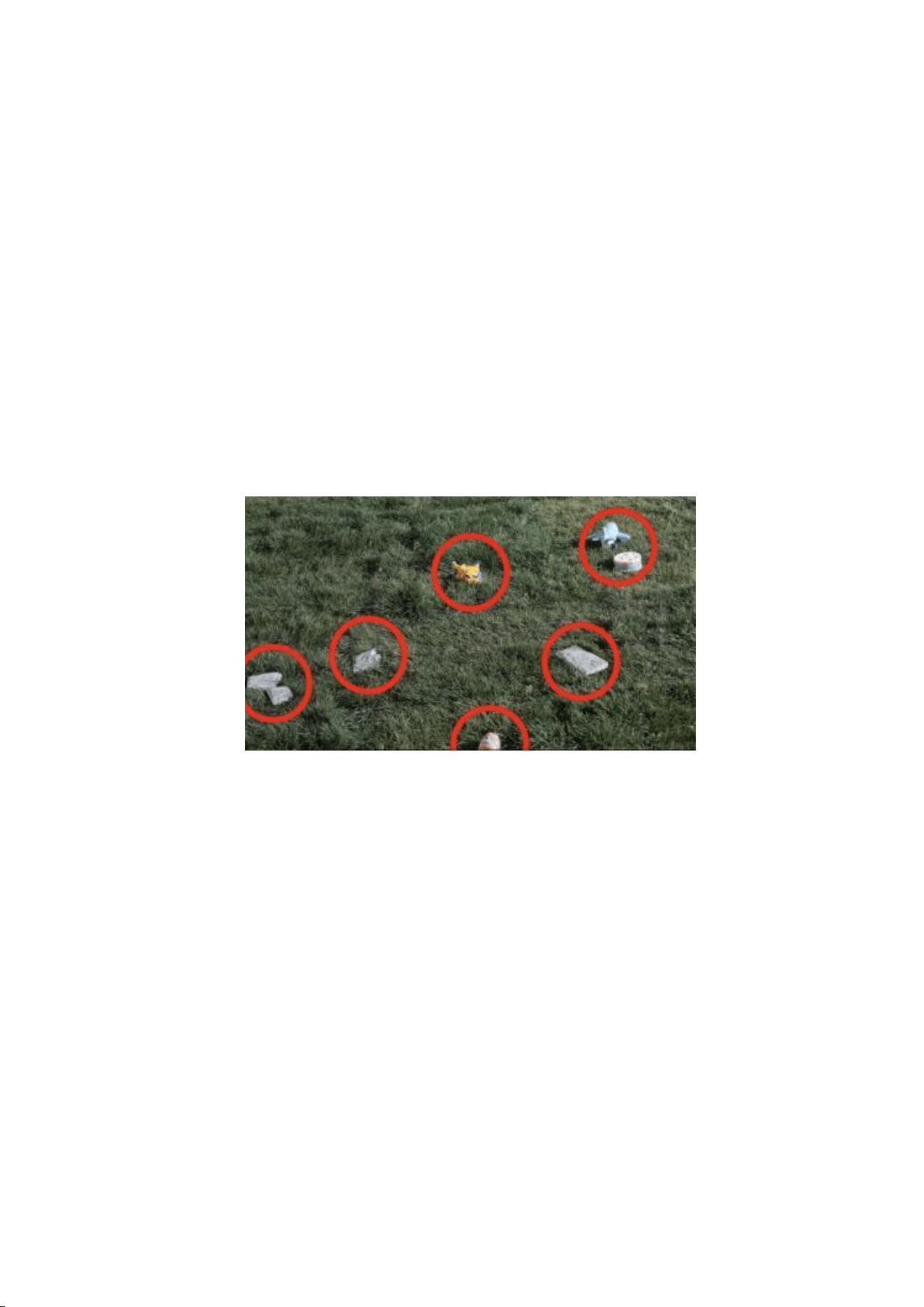
Clear Obstacles: Remove stones and debris, and fill in any holes or
uneven ground.
Wi-Fi Setup: Use a mobile hotspot for initial setup if Wi-Fi coverage is
limited. After setup, enable 4G to ensure stable connectivity.
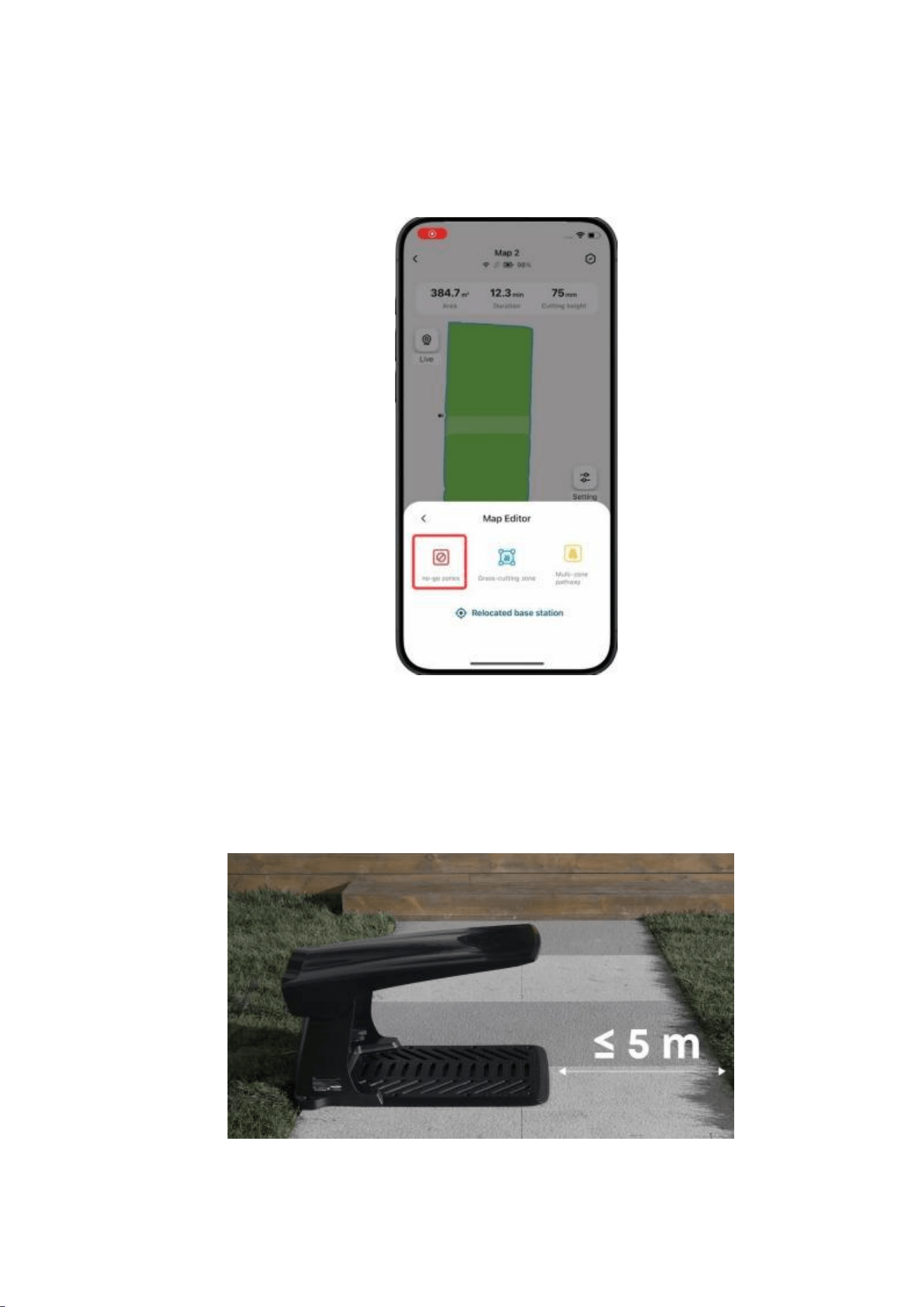
Set No-Go Zones: Mark areas where the mower could get stuck, like pipes
or sprinkler heads, and areas not fully covered with grass. Allow low
stepping stones.
2.2 Base Station Usage Guide
Placement: Ensure a straight path of at least 5 m (5.5 yd) in front of the
base station.

Map Limit: Each base station supports one map. For more maps, contact
eufy support to order additional base stations.
Installation: Secure the base station using nails for lawns or glue for hard
surfaces.
Return Mower to Base: Press "Return" and then "OK".
3. Tips During Usage
3.1 Improving Edge Cutting Results
Safe Distance: Avoid edges with obstacles, ditches, or cliffs.
Optimize Edge Cutting: Adjust Danger Zone Detection settings for closer
cutting. This may increase mower hazards.
Trimming Near Walls: Grass within 10 cm (4 in) of walls may require manual
trimming.
Boundary Grass: Trim grass taller than 9 cm (3.5 in) before mowing.
3.2 Optimizing Mowing Performance
Firmware and App Updates: Update to the latest version to use the new
map splitting and zone management features.
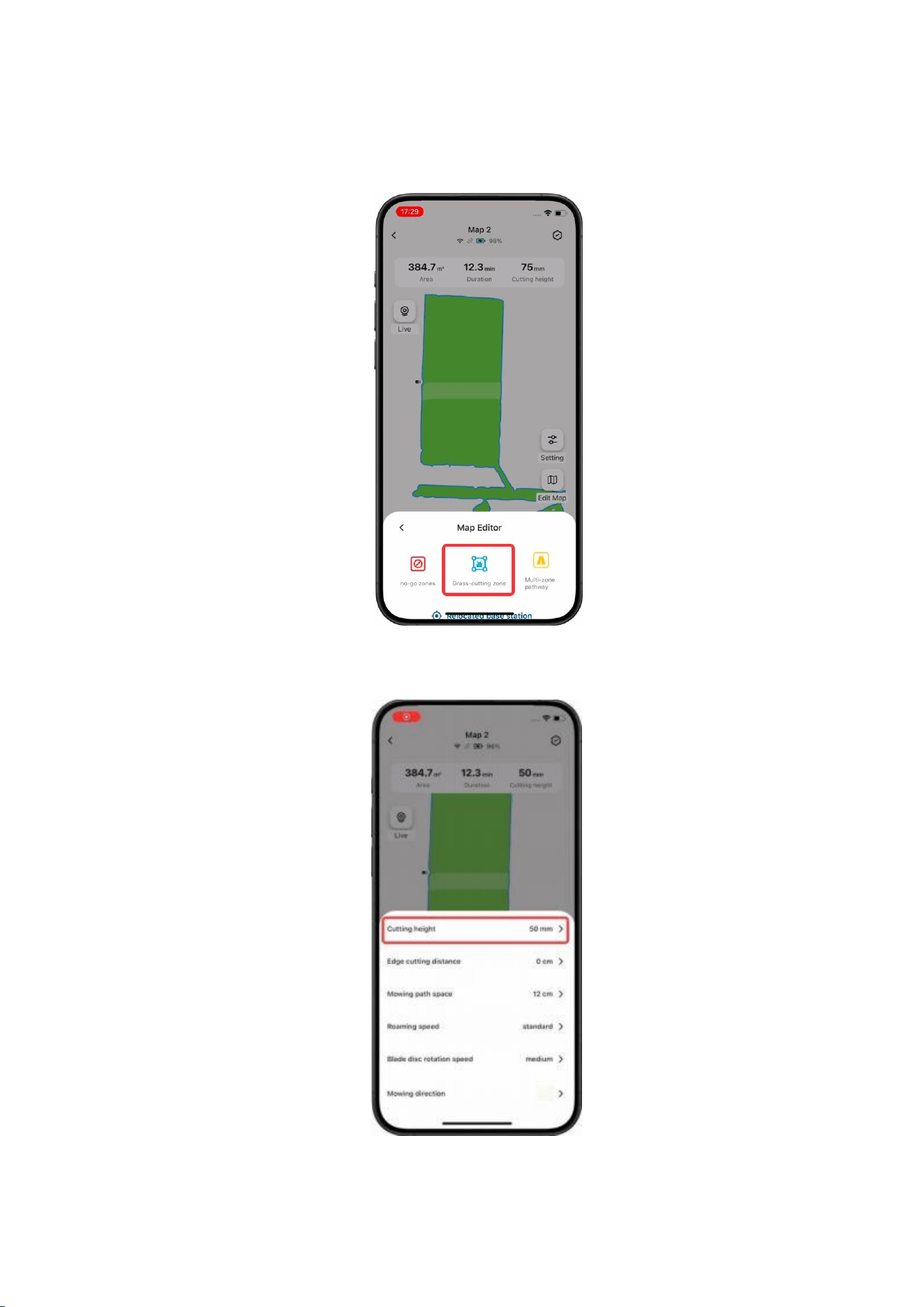
Grass-Cutting Zone: For full coverage, manually set the grass-cutting
zone, especially for yellowed or patchy lawns or manhole covers.
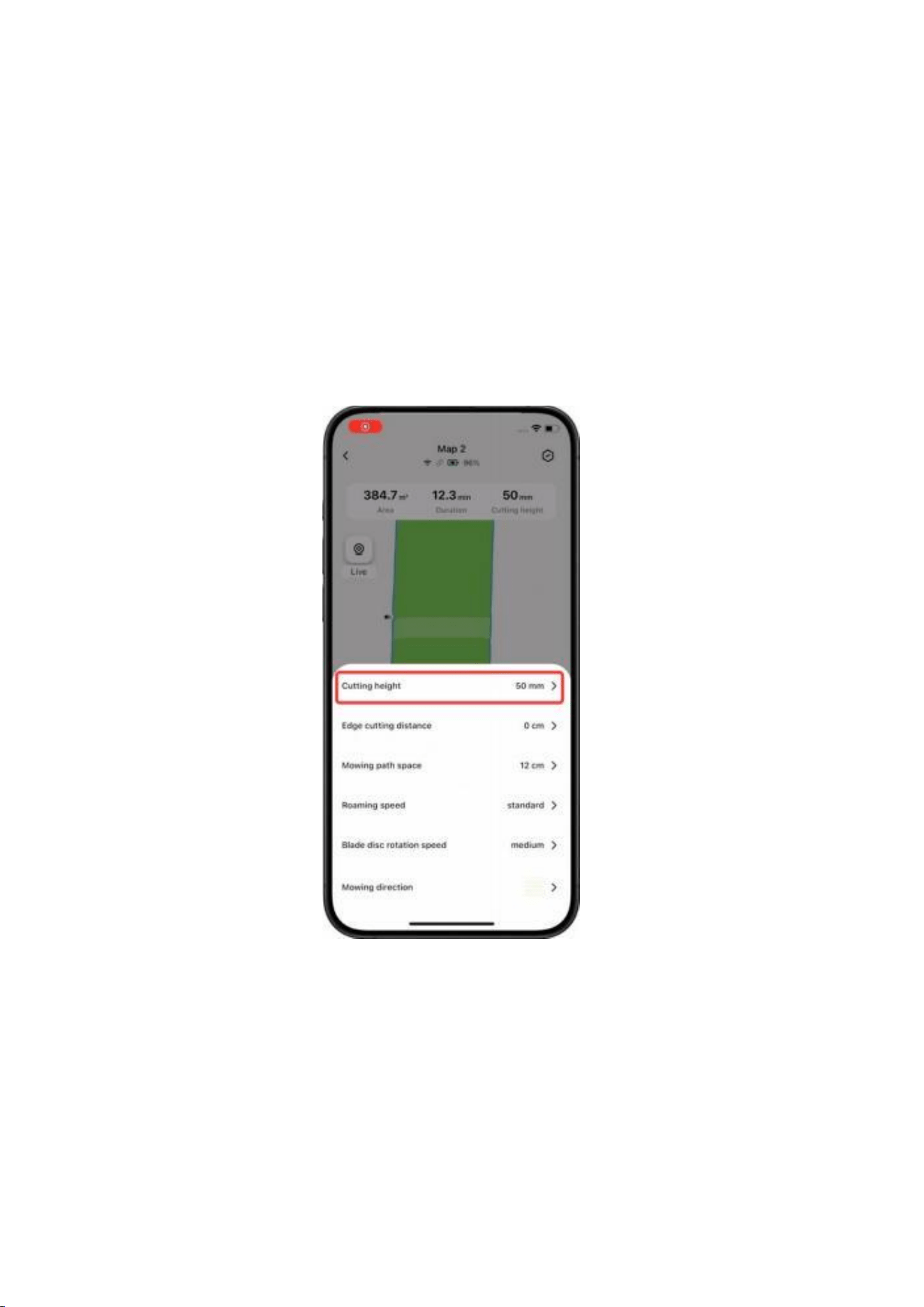
Cutting Height: Gradually lower blade height for tall grass.
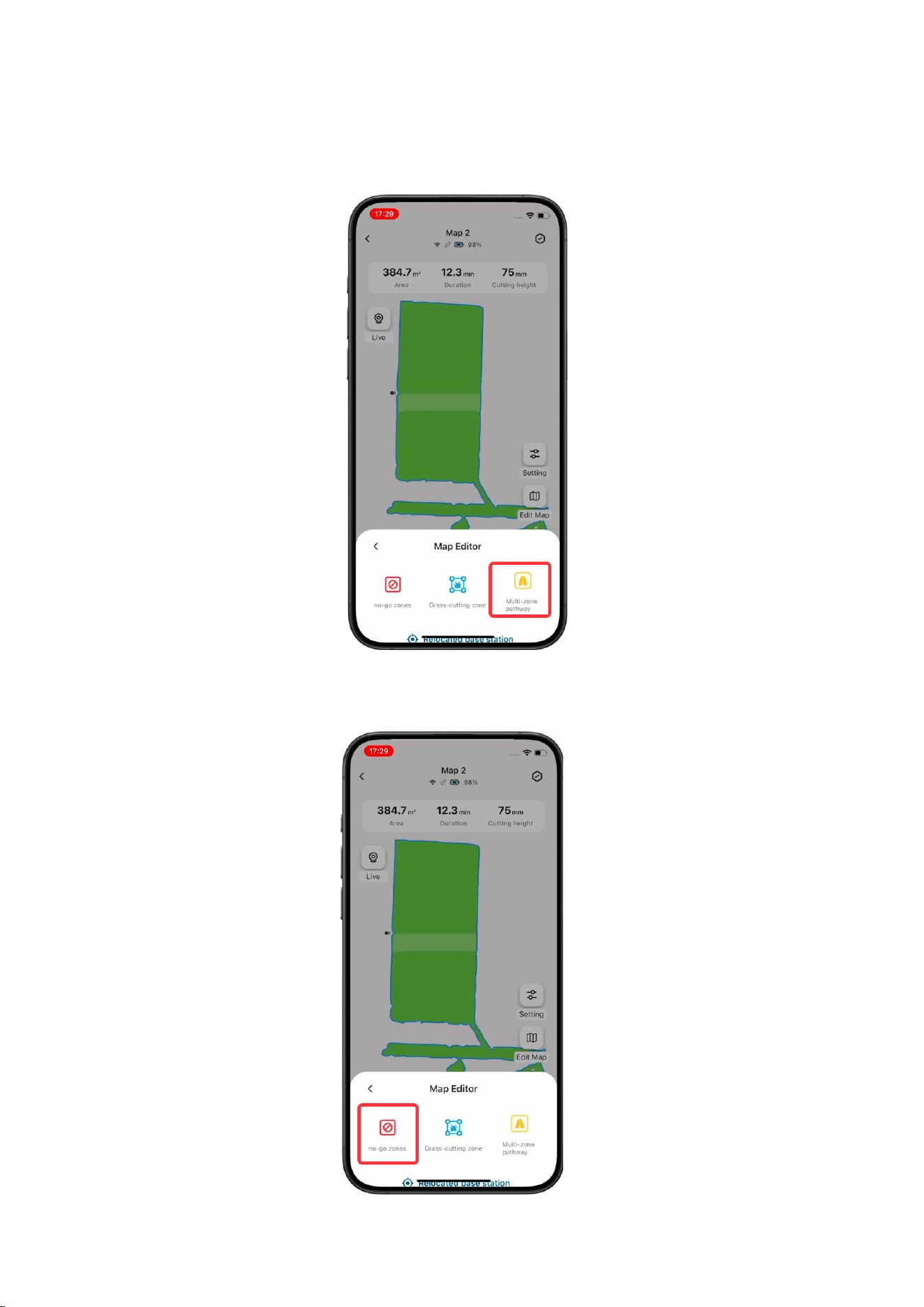
Multi-Zone Pathway: Set up a Multi-Zone Pathway if the distance
between lawns is ≤60 m (65.62 yd).
No-Go Zones: Mark areas where the mower could get stuck.

Boundary Setup: For unclear divisions with neighbors, use physical
barriers or set virtual walls after mapping.
3.3 Battery Usage and Maintenance
Coverage per Charge: 0.037 - 0.067 ac (1,615 -2,906 sq ft). Actual coverage
may vary depending on settings and environmental conditions.
Resume Mowing: Automatically resumes unfinished tasks after charging.
Base Station Placement: Keep the charging cable 30 cm (12 in) above
ground to prevent water damage.
Software Updates: Regularly update firmware.
3.4 Safety Tips
The robot lawn mower's camera has a 96° horizontal field of view (FOV)
and an 80° vertical FOV. To ensure safety, please avoid standing in the
blind spots on the sides or behind the mower while it is mowing.