370-5448
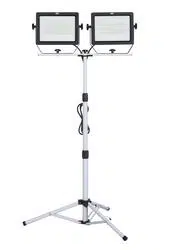
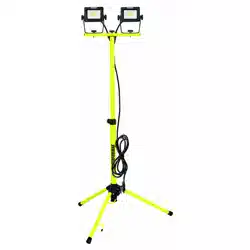
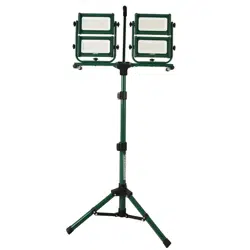
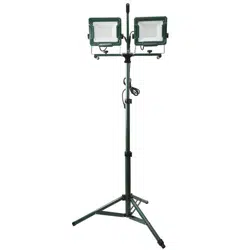
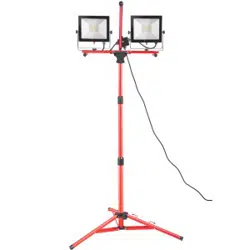
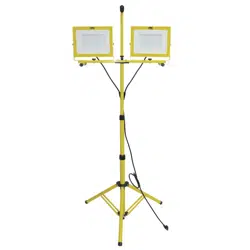
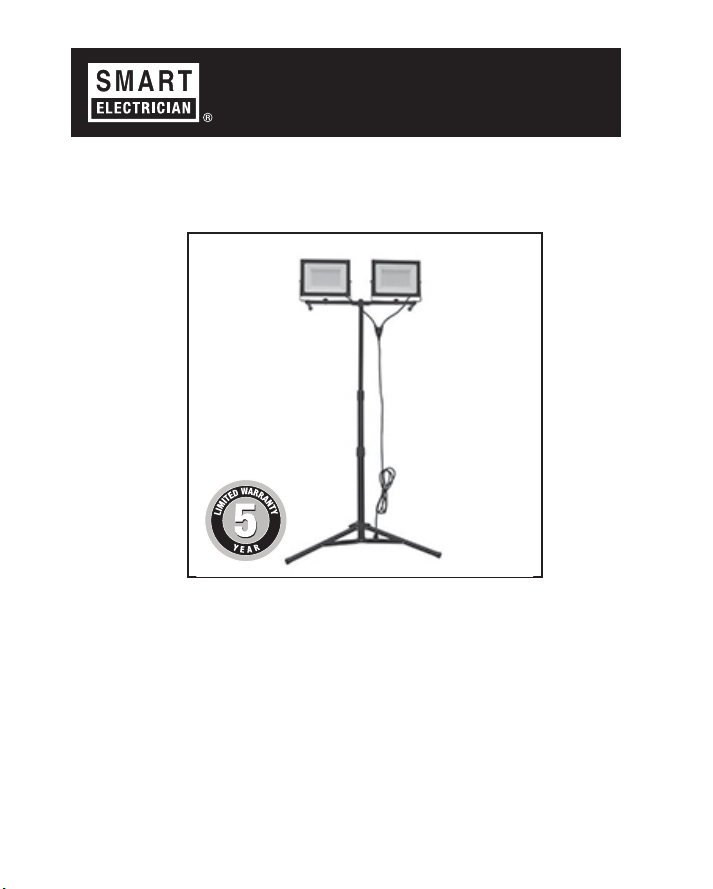
30,000 LM Tripod Work Light
User Guide
Customer Service
1-800-865-6799
SMART ELECTRICIAN LIMITED WARRANTY: This product is guaranteed
against failure due to factory defects in materials or workmanship for one (5)
year from the date of purchase. This warranty is non-transferable and applies
only to the original owner. Proof of purchase required for repair or replacement.
Keep product receipt with this User Guide and save in a dry location. The
warranty does not cover normal wear and tear of parts or damage resulting
from misuse of the product. Misuse of the product includes but is not limited to:
using in extreme weather conditions, opening the housing of the product, or
alterations to the product.
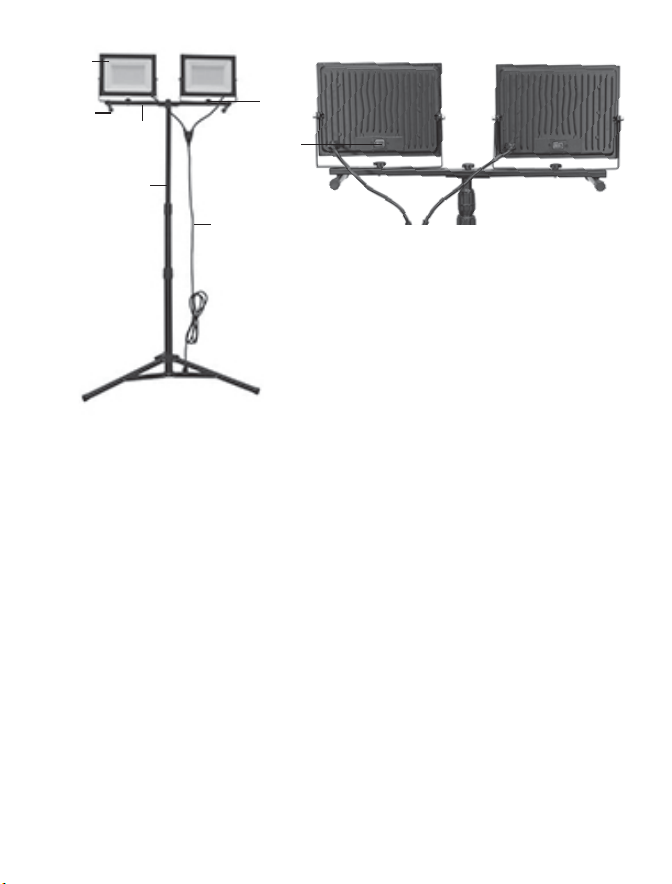
WORK LIGHT CONSTRUCTION:
A. Adjustable Tripod
LED Work Lights (2)
H-Base
B.
C.
D. Star Knobs (3)
E. On/Off button
F. Textured Rubber Feet
G. Tangle Free Grounded Power Cord
ASSEMBLY
1. Attach each LED Work Light (B) onto the H-Base (C) using the
provided star knobs (D).
2. Attach the H-Base (C) to the Adjustable Tripod (A) using the provided
star knobs (D).
1. Place the H-Stand (C) or the Adjustable Tripod (A) on a stable surface.
Ensure all feet secured on the ground.
2. Slightly loosen the star knobs (D) on bottom and sides of the lights
3. Tilt each LED Work Light (B) up, down, left, and right to the desired
angle.
B
F
C
D
E
G
A
TO USE:
4. Tighten Star Knobs (D)
5. Lower or raise the adjustable tripod (A) to the desired height.
6. Plug the Tangle Free Grounded Power Cord (G) into an outlet.
7. To turn light on, switch On/Off (E) to On position (-).
8. To turn light off, switch On/Off (E) to On position (o).
9. Store in a cool dry place when not in use.
LEDs are not
lighting up
No power or faulty
connection.
Check that all
connections are secure,
and power is on.
Customer Service:
1-800-865-6799
Questions,
Missing Parts
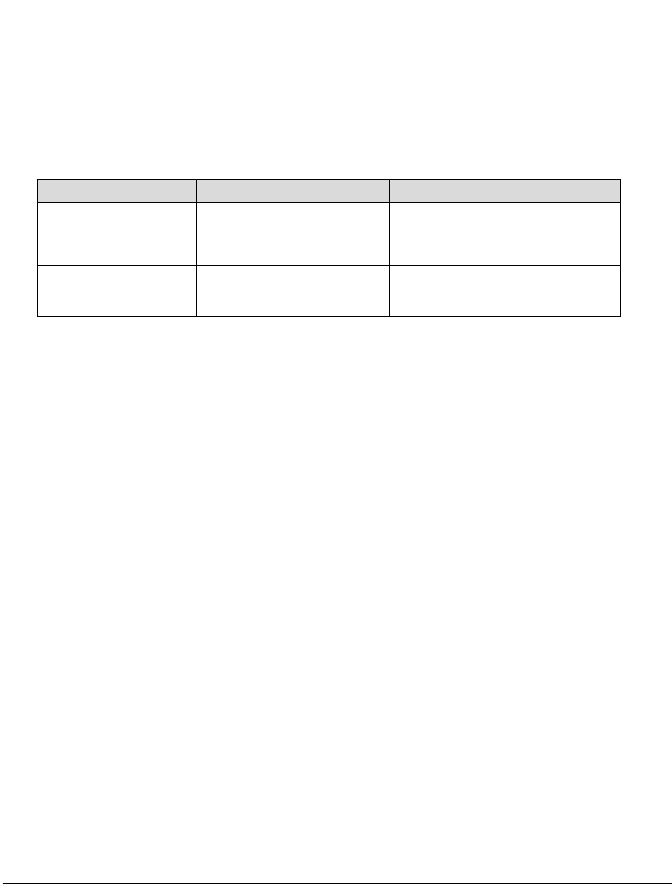
Problem Cause Solution
CARE AND CLEANING
Your fixture is made from quality materials that will last an
extended period of time with proper care - including periodically
cleaning the surface of the fixture.
1. Use a mild, non-abrasive cleaner. Do not use any
solvents or harsh cleaning agents.
2. Use a soft, non-abrasive cloth.
3. Lightly spray cleaner onto the cloth. Do not spray liquid
cleaners directly onto LEDs, power cord, or any part of
this product.
4. Lightly wipe down fixture with damp cloth. Allow product
to dry completely before restoring power and using LED
lights.
This device complies with Part 15 of the FCC rules. Operation is subject to the following two conditions:
(1) This device may not cause harmful interference, and (2) this device must accept any interference
received, including interference that may cause undesired operation. Warning: Changes or modifications
to this unit not expressly approved by the party responsible for compliance could void the user’s
warranty and the authority to operate the equipment. Note: This equipment has been tested and found to
comply with the limits for a Class B digital device, pursuant to Part 15 of the FCC rules. These limits are
designed to provide reasonable protection against harmful interference in a residential installation. This
equipment generates, uses, and can radiate radio frequency energy and, if not installed and used in
accordance with the instructions, may cause interference to radio communications. However, there is no
guarantee that interference will or will not occur in a particular installation. If this equipment does cause
harmful interference to radio or television reception, which can be determined by turning the equipment
off and on, the user is encouraged to try to correct the interference by one of the following measures: 1)
Reorient or relocate the receiving antenna. 2) Increase the separation between the equipment and
receiver. 3) Connect the equipment into an outlet on a different circuit from the receiver. 4) Consult the
dealer or an experienced radio/TV technician for help.
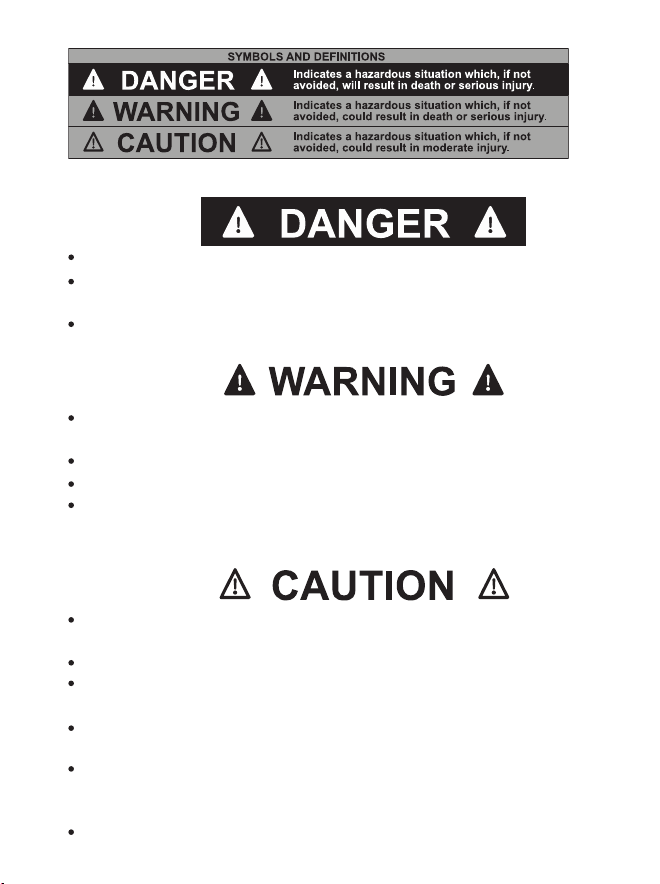
Do not a submerge this fixture in water or other liquids.
Avoid electrical shock by turning off or disconnecting from
power while moving or installing the unit.
Do not use in areas near a gas source. This light is not for use in
potentially explosive environments. This is not a vapor proof light.
This light is not a toy and is not suitable for use by children.
Disassembling or modifying this unit will void the warranty.
Do not remove the lens protecting the LED. It is not possible to
change the LED light source.
Changes or modifications to this unit not expressly approved by
the party responsible for compliance could void the user’s authority
to operate this equipment.
Protect your eyes. Do not look directly at the LED lights for
extended periods of time.
When using product, basic precautions should always be followed.
Read and follow these instructions and observe all warnings.
Carefully read and understand the information given in this guide
before using this light. Failure to do so could lead to electrical
shock, fire or other injuries which could be hazardous or even fatal.
Do not use with extension cord near water or where water
may accumulate.
Keep light at least 16 feet from pools and spas. Keep plugs
and receptacles dry.