USER MANUAL
WWW.WATCHMARK.COM
CONTENTS
Introduction
Watch information
4
Device configuration
Contents of the package
Hardware requirements
Charging your watch
Additional information
How to wear a smartwatch?
7
Belt replacement
8
Apps and features
Installing the application
9
Features available
in Smartwatch
10
Time, date
Pedometer
calorie counter
Distance
Screen brightness
adjustment
Blood pressure
Saturation
Pulse
Breathing training
Stopwatch
Calculator
sleep tracker
timer
Weather
Music
Sports modes
Changing the shield theme
Menu change
Notifications/Messages
Connections
Resetting the device
Settings
11
5
6
12
13
14
15
CONTENTS
Technical data
General Information
19
Product complaint
Product return
20
Product replacement
21
Features available
in the app
16
Measurement history
Notifications
Changing the shield theme
Contacts
Phone camera control
"Find device" function
Alarms
Motion Reminder
Hydration reminder
Weather
Automatic hourly
measurement
17
Apps and features
22
18
Introduction
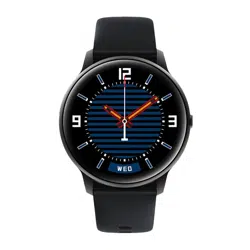
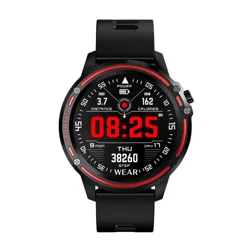
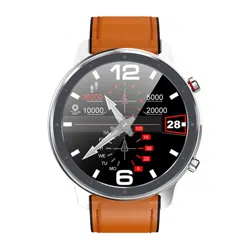
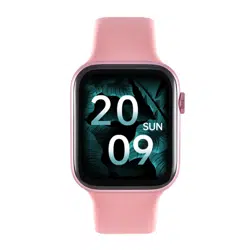
Watchmark Wi12 information
Among the most important functions we find the measurement of
blood pressure, blood oxygenation and pulse. All parameters are
saved in a dedicated application and you can return to them at any
time. We will also find several sports modes, measurement of
steps taken, distance traveled and calories burned. The watch's
menu is in English.
Device configuration
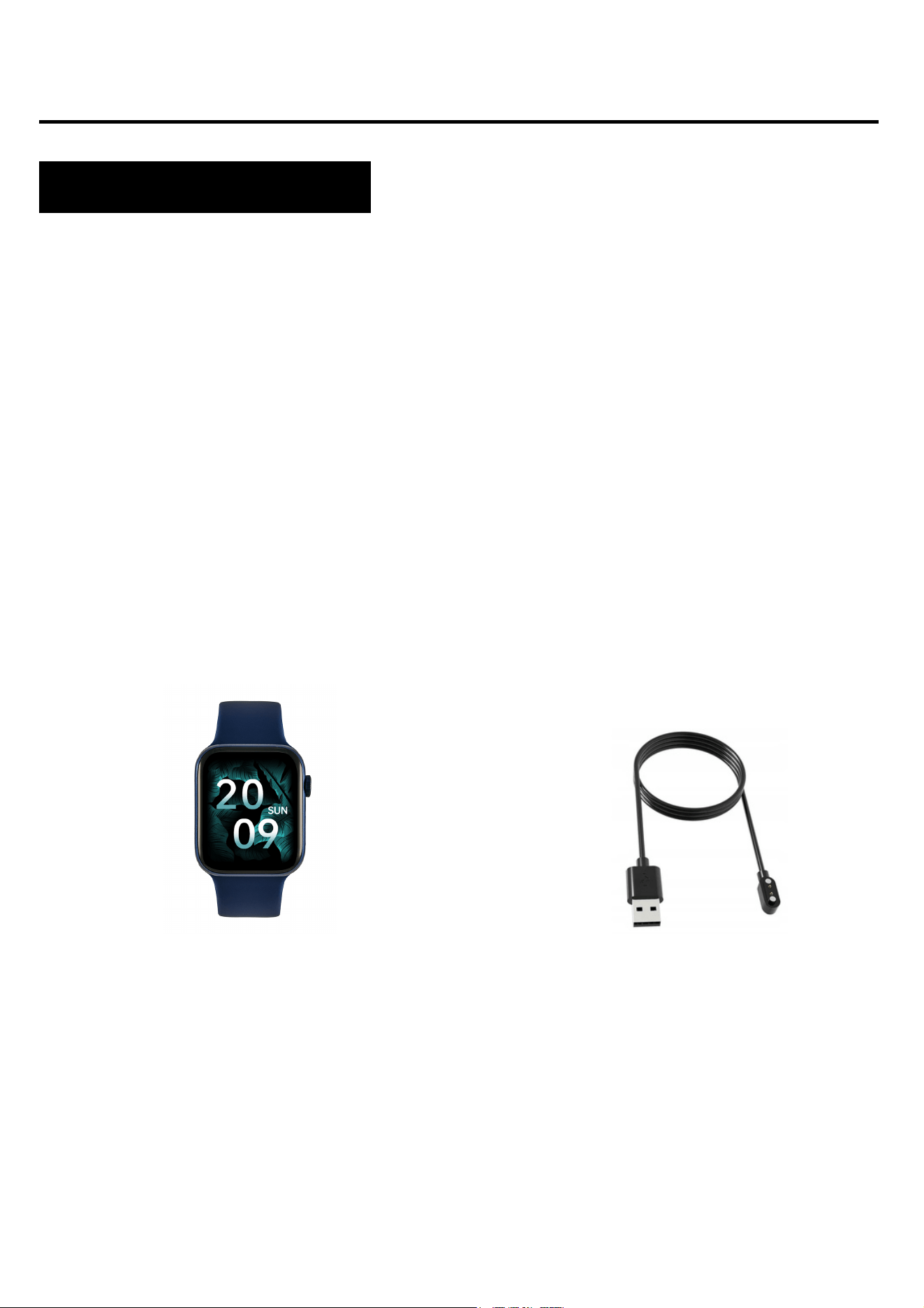
Contents of the package
Smartwatch (color and material
may vary depending on color
selected)
Strap (color and material may
vary depending on color
selected)
Charger (color and material may
vary depending on the model
selected)
4
iOS 10.0 and above
Android 5.0 and above
Supported Bluetooth: 4.0
Hardware requirements
Charging instructions
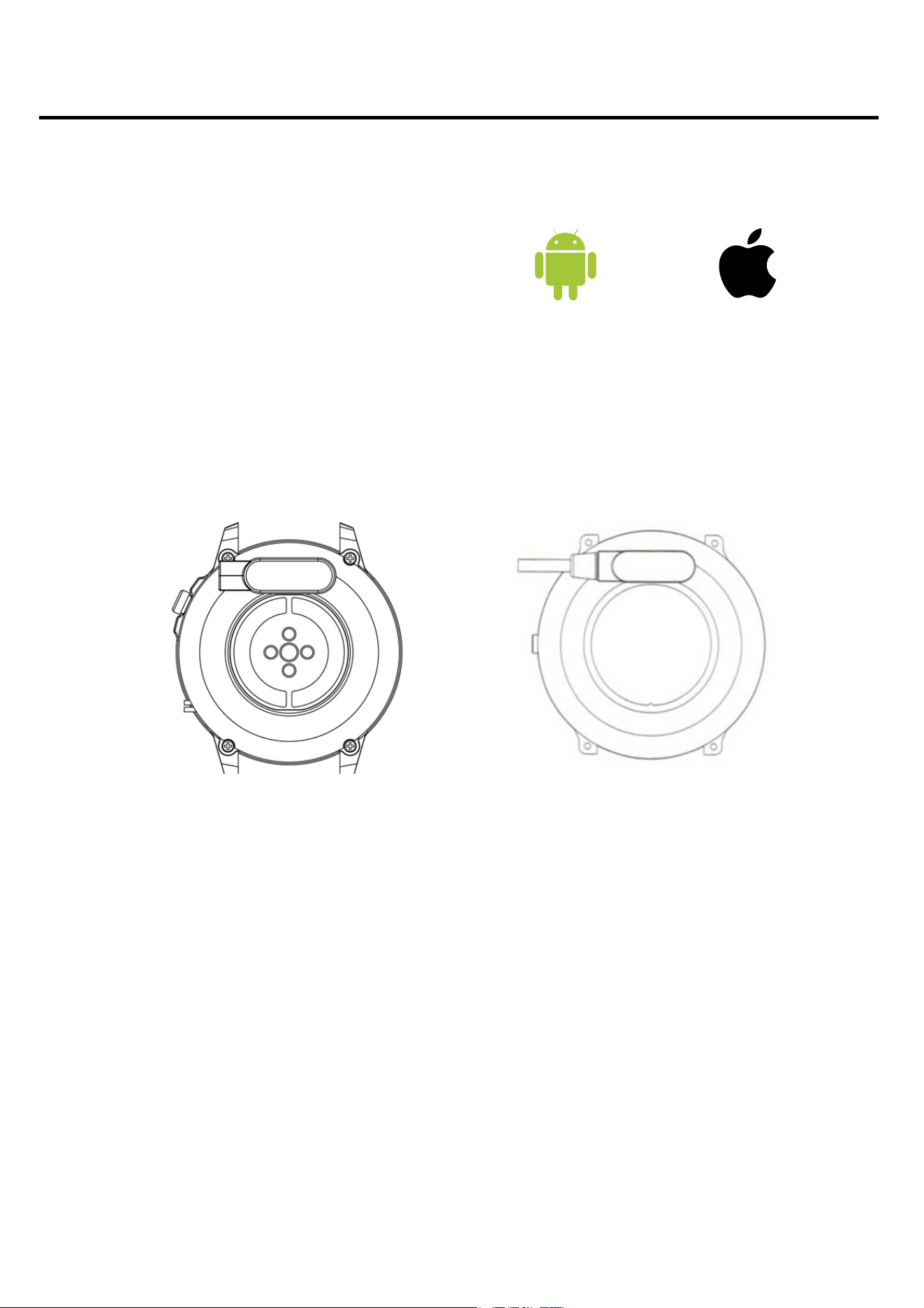
This smartwatch uses magnetic charging.
Connect the charging cable to the USB input and to the rear
charging contacts of the device. Once connected, charging will start
automatically and the charging icon will appear on the screen.
It takes approximately 2 hours to fully charge the battery. Do not
use the watch while charging.
Caution: Do not connect the magnetic charging cable to any 2
pins at the same time with conductive material as this may
cause a short circuit.
Android 5.0+ iOS 10.0+
5

Please read the entire instruction manual carefully before using
the equipment. It is recommended to use only the original
battery, charger and accessories that came with the device.
The manufacturer or distributor is not responsible for the use of
third-party accessories.
The functions that are presented in this manual may differ
between models, because the manual is a general description
of smartwatches. Some models may differ from the standard.
Charge the device for at least 2 hours before using it for the first
time. Before using the device, you must download and install
the application and accept all consents that the smartphone
asks for. If this is not fully performed, not all functions of the
device will be available. The smartphone will only ask for
access to functions that are necessary for the proper functioning
of the smartwatch.
The company reserves the right to change the content of this
manual.
6
Additional information
How to wear a smartwatch?
The strap for this watch model is 22mm wide. It is
replaceable, you can buy additional straps in a different color
or from a different material.
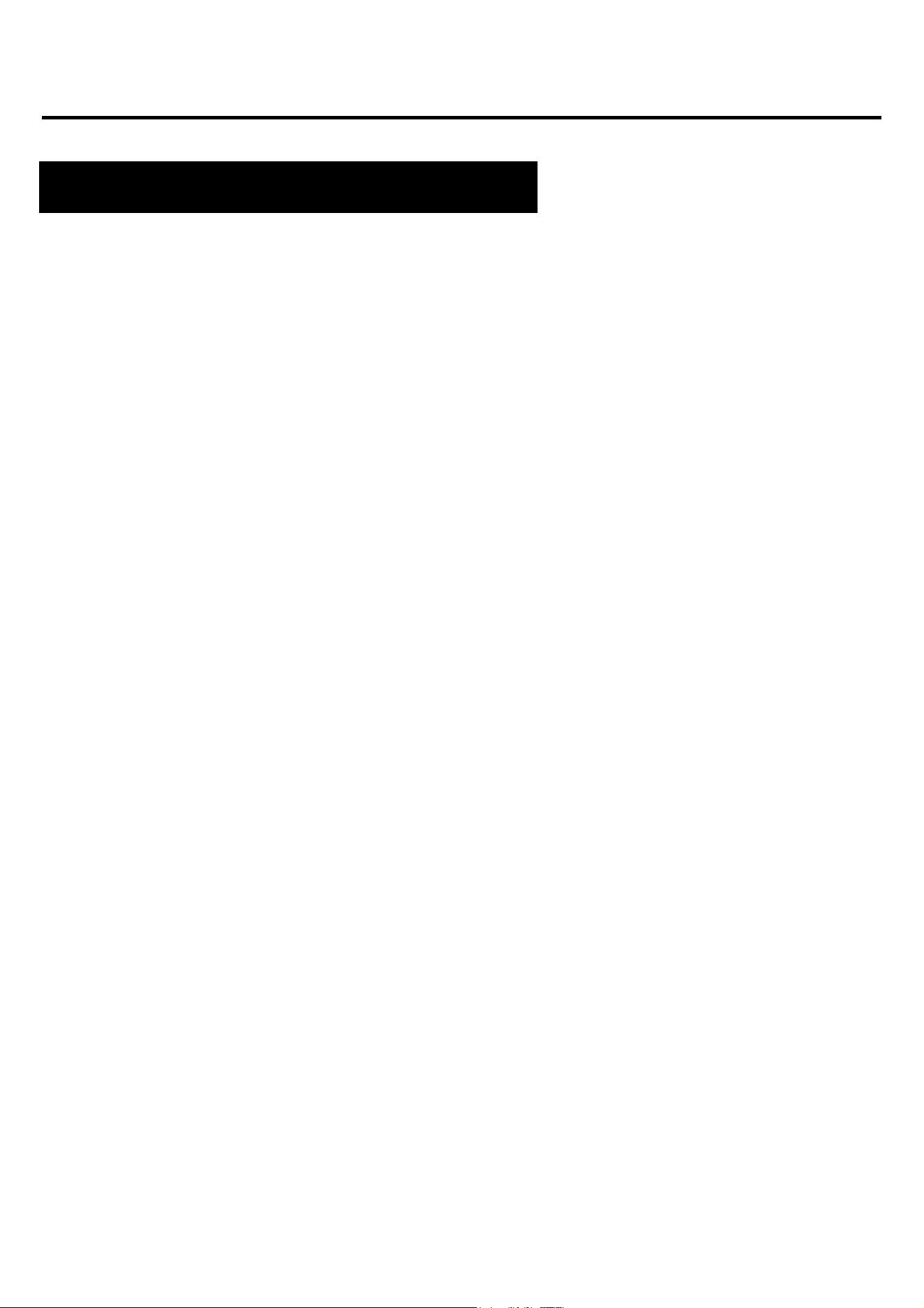
Wearing a watch
When you're not exercising, wear your smartwatch like a
regular watch, one finger above your wrist bone.
To take full advantage of the heart rate monitoring feature
during exercise, try wearing the device above the wrist (within
2 fingers above the wrist bone) for better comfort and
stability. Many exercises, such as cycling or lifting weights,
can cause the smartwatch to relocate by, for example,
bending the wrist. If the watch is lower on the wrist bone,
measurements may be interrupted, which is why correct
placement is so important.
7
Belt replacement
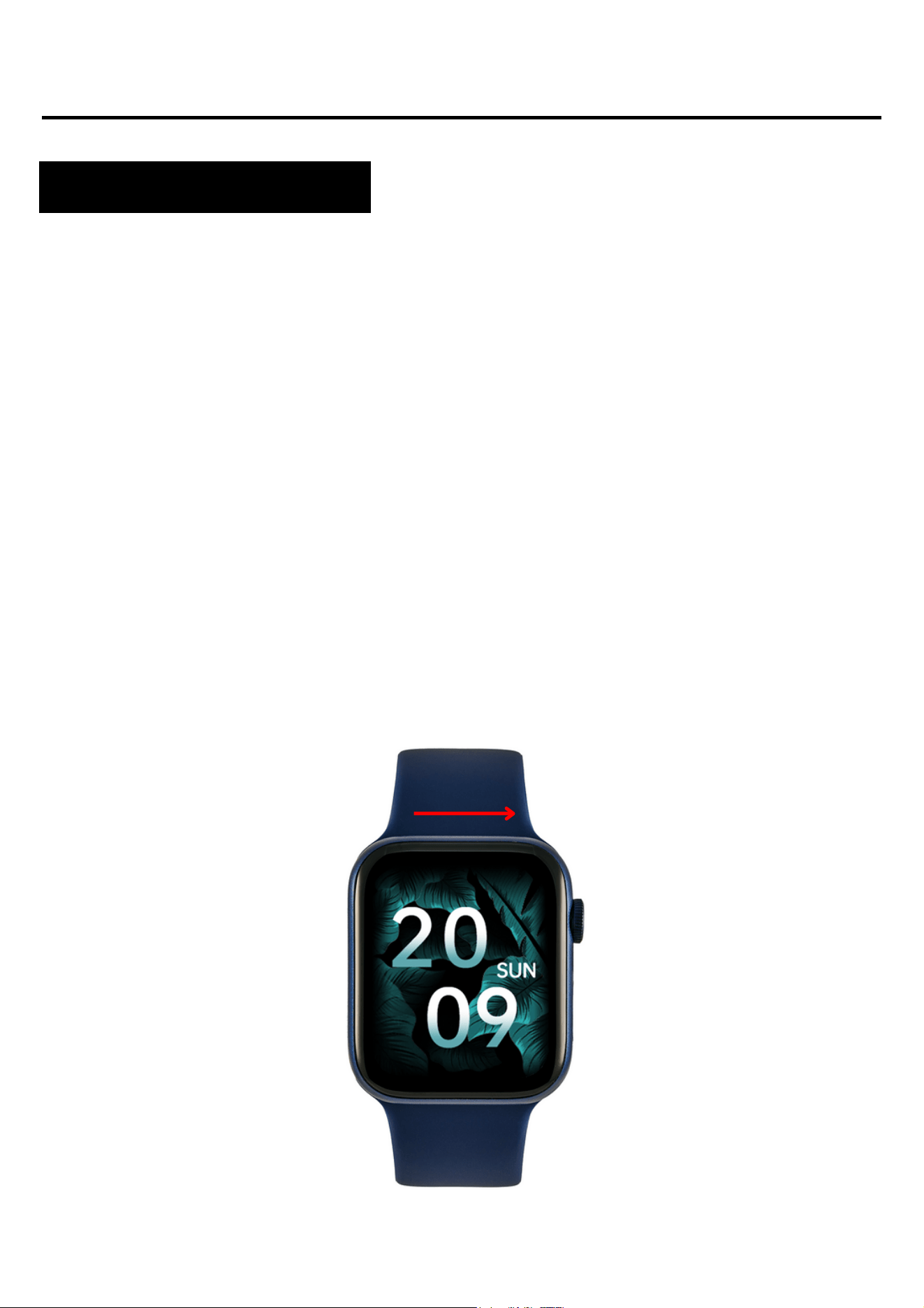
Grasp the strap as close to the watch screen as possible.
Then, with a firm movement, move the bar parallel to the
screen of the smartwatch.
The strap can be detached for cleaning if needed.
Removing the strap
1.
2.
8
Apps and features
Installing the application
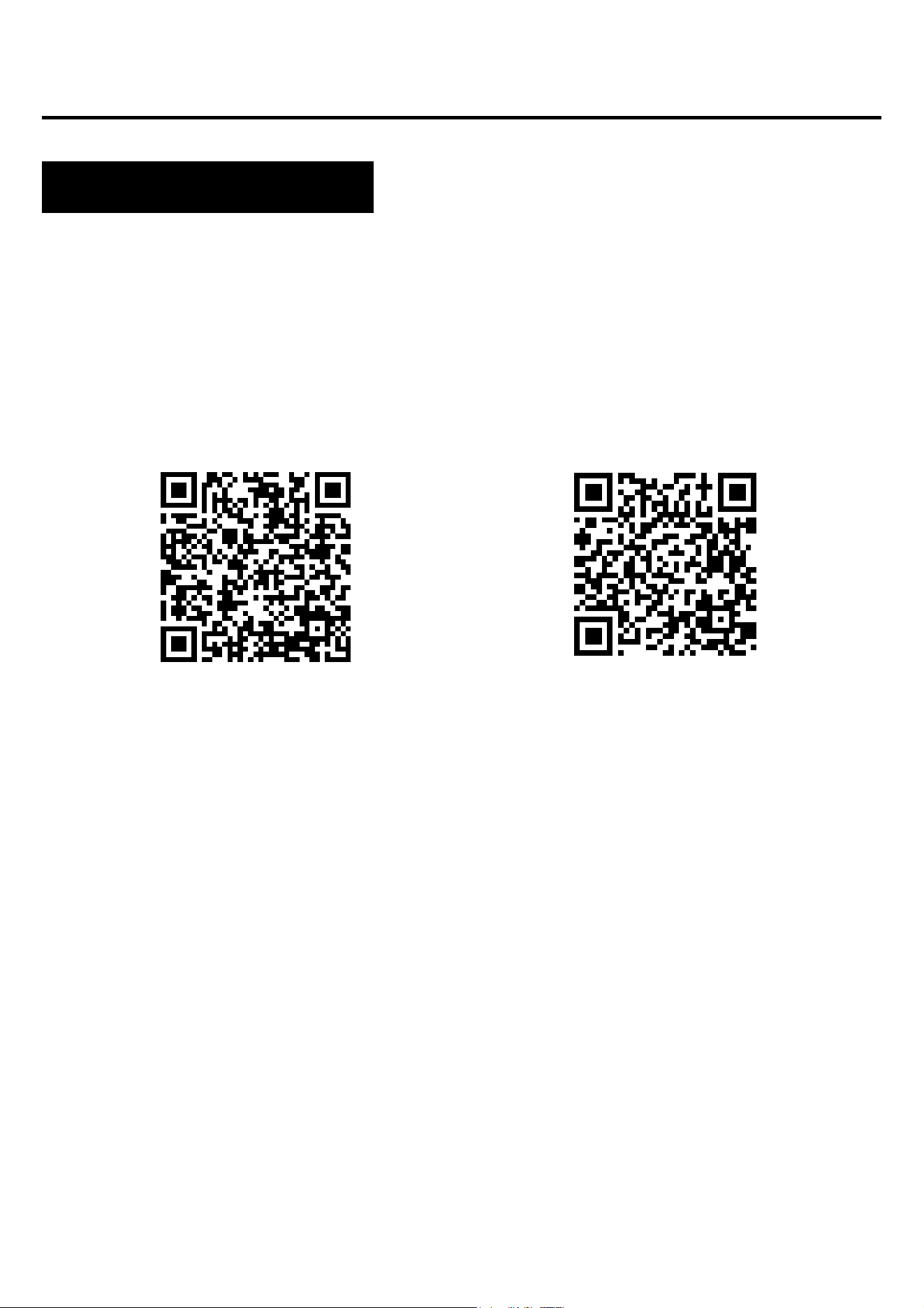
The app for the Wi12 smartwatch model is "WearFit Pro". The
application must be downloaded from the Google Play / App
Store or using the QR code below.
After installing the application, turn on Bluetooth on your phone
and go to the application. Consent to data collection and app
permissions. For the proper operation of the application, it is
necessary to express all the consents that the application asks
for. Create an account or log in. Complete the data and allow
access. To connect your watch, select "Device" and then "Add
Device". Select "I12". To use the smartwatch to make and receive
calls, also connect your watch via Bluetooth. On the smartwatch,
expand the menu from the main screen and select the first icon.
On your phone, go to Bluetooth settings and connect to the
device named "I12". Without such a connection, some functions
will not be active.
Google Play
App Store
9
Smartwatch features
Time, date, day of the week
Pedometer
Burnt calories counter
Distance traveled
Adjusting the brightness of the screen backlight
On the main screen you can find information about what time,
date and day of the week it is.
Counts steps taken on a given day (data resets every day from
00:00). The number of steps taken can be seen in the
application, on the main screen depending on the selected dial
or in the menu under the name "Data".
Calculates the number of calories burned on a given day. Data
on calories burned can be seen in the application, on the main
screen depending on the selected watch face, or in the menu
under the name "Data".
Information about the distance covered during the day. The
distance traveled can be seen in the application, on the main
screen depending on the selected watch face, or in the menu
under the name "Data".
Adjusting the brightness helps to protect your eyes from too
bright screen at night and saves watch batteries. You can find
this feature in the drop-down menu from the main screen.
10
Smartwatch features
Blood pressure*
Saturation*
Pulse*
Blood pressure is the force exerted by the blood against the walls
of the arteries during the contraction and relaxation of the heart
muscle. The accepted norm for systolic pressure is 120 mm Hg,
and for diastolic pressure 80 mm Hg. In the watch, the function for
measuring blood pressure is in the menu under the name "Blood
pressure".
The function informs about the level of blood oxygenation. As a
norm, the result should be between 95 and 100%. When oxygen
levels drop, it can be dangerous to our health. In the watch, the
function for measuring saturation is in the menu under the name
"Blood oxygen".
Heart rate, or pulse: this is the number of times the heart muscle
beats in 1 minute. The accepted norm is the limit of 60 to 100
beats per minute. When the pulse is elevated, we talk about
tachycardia, and when it is low, we talk about bradycardia. Both
conditions can be dangerous to our health. In the watch, the
function for measuring the pulse is in the menu under the name
"Heart rate".
*Do not make health decisions solely on the basis of test results from the smartwatch. For accurate measurements, users
should measure health functions at rest as with traditional medical devices and refrain from measuring while exercising,
smoking or consuming alcohol. The smartwatch is not a medical device and the measurement results are for reference only.
Smartwatch features
Breathing training
Stopwatch
Calculator
Sleep tracker
Timer
It helps to relax and calm down. In the watch, the breath
training function is in the menu.
A function that is used to control and measure short periods of
time. In the watch, you will find this function in the menu.
A useful function for performing quick, simple calculations. In
the watch, you will find this function in the menu.
A function that helps in the analysis of human sleep. The watch
shows the number of hours you have slept. On your watch, you
can find your sleep stats in the menu.
The countdown timer allows you to count down the time. On the
watch, the timer function is in the menu under the name
"Calculation".
12

Smartwatch features
Weather
Music
Sports modes
After connecting to the phone, the current weather information is
displayed on the watch. The weather function can be found in
the menu. More on page 18.
To play music on the watch, connect the smartwatch also via the
Bluetooth settings on the phone. Turn on music playback on
your phone, then select the "Music" function in the watch menu.
You can pause, play, rewind and rewind music and adjust the
volume.
Sport modes on your watch allow you to control your training
goals by monitoring your steps, heart rate, calories and
distance.
Workout data can be found in the app after syncing or on the
watch after training.
Sport modes available: running, cycling, crunches, walking,
mountaineering, indoor running, indoor cycling, push-ups, other
sport. In the sport mode, depending on the selected mode,
parameters such as time, calories burned, distance and heart
rate are measured. On the watch, the sports functions are in the
menu under the name "Outdoor Sports" and "Indoor Activities".
13
Smartwatch features
Shield theme change
Changing the appearance of the menu
Notifications/Messages
Connections
The watch has several dials to choose from. To change the
faces, swipe the screen left or right. Other discs to choose from
are in the app. More on page 16.
You can customize the menu to your preferences. There are
three different menu designs. To change the appearance, go to
the menu, then double-tap the button on the side of the screen.
After connecting the watch to the phone via the application and
allowing the appropriate consents, the watch will display
incoming notifications about messages and social networks. In
order for notifications to be displayed, this function must be
enabled in the application settings. More on page 16.
Connecting the watch to the phone via Bluetooth allows you to
talk from the smartwatch level while maintaining high sound
quality. After connecting the watch with the phone and adding
contacts in the application, the contact list will be available on
the watch. To make a call, you can manually enter the number
or select from the contact list.
14
Smartwatch features
Contacts
Do Not Disturb Mode
Factory reset
Settings
You can access your most frequently dialed contacts on your
watch to make a call quickly. To add contacts, go to the
application. More on page 17.
A mode that causes all notifications to not appear. To enable
this mode, go to settings and select "Do Not Disturb Mode".
A factory reset allows you to reset your watch and erase all
data and settings. On the watch, the reset function is in the
settings.
In the settings you can:
-set the backlight time and screen brightness
-turn on the G-Sensor function
-set the sound volume level
-select device language
-set a password
- turn off the device
15
Features available in a dedicated application
Measurement history
Notifications
Shield theme change
Contacts
In the application you will find the history of measurements
made by the watch. To check your history, select "Home" in the
app.
The notification function allows you to read the beginning of the
message on the smartwatch screen. Notifications can come
from applications such as Facebook, Instagram, Gmail. To
enable this feature, go to "Device" and then select
"Notifications".
Other shield themes are available in the dedicated app. To
select watch faces, go to "Device" in the app, then "All Watch
Faces". Data/Wifi needs to be enabled on your phone to
download watch faces.
To add contacts, select "Device" and then "Contacts" in the
app.
16
Features available in a dedicated application
Phone camera control
Find the device
Alarms
Motion Reminder
The function allows you to remotely take pictures with the
phone's camera by activating the camera's shutter by shaking
the watch. To take a photo, select "Device" and then "Camera".
Useful for taking group photos from a distance.
In the application, by selecting the "Find device" function, a
vibrating alarm will be activated in the watch, which will help
locate the device.
To set an alarm on your watch, select the time and alarm time
in the app. To do this, in the app, select "Device" and then
"Alarm".
In the application, you can set reminders, thanks to which the
watch, after detecting that a person remains motionless for a
long time, informs you about the need to perform an activity. To
enable the feature, select "Device" and then "Health
Reminders".
17
Features available in a dedicated application
Hydration reminder
Weather
Automatic hourly measurement
In the application you can set reminders, thanks to which the
watch reminds you to reach for water. To enable this feature, in
the app, select "Device" and then "Health Reminders".
For the watch to display the current weather, you must allow
the app to access your phone's location and enable the
weather feature in the app. Go to "Device" and then "Weather".
In the application, you can set measurements to be taken every
hour. Automatic measurement is performed without our
intervention. To enable the feature, in the app, select "Device"
and then "Other Settings".
Setting automatic measurements reduces battery life.
18
General Information
Technical data
IP67 waterproof**
Allows you to use the watch
while washing your hands or
on a rainy day.
200mAh battery
Modern lithium-polymer
battery.
Fashion design
Slim body and excellent
screen quality that is
resistant to scratches.
HS6621 processor
Innovative processor
characterized by high
efficiency.
**IP67 standard allows water temperature from +10 to +35 degrees Celsius and immersion to a depth of 1m for 30 minutes. The watch cannot
be used in hot baths or saunas as it is not steam resistant. It is not intended for swimming, it is designed to help you take care of your health.
Product complaint
Each product purchased in the Store can be advertised. The
complaint provided by the manufacturer is 2 years from the
purchase of the equipment.
The product under complaint should be sent to the following
address: Watchmark CH Marino, ul. Paprotna 7, 51-117
Wroclaw.
To file a complaint, please complete the form at
https://ecom.freshdesk.com/support/tickets/new.
After registering the complaint, you will receive a confirmation of
its submission to the indicated e-mail address together with a
pdf attachment with a summary of the complaint. The complaint
should be accompanied by the advertised product with proof of
purchase and the application number received in the e-mail.
After verifying the goods, the Complaints Department will
contact the Customer and inform about the consideration of the
complaint.
The complaint will be considered within 30 days from the date
of receipt of the claimed goods by the Complaints Department.
20
General Information
The customer has the right to withdraw from the contract
within 14 days from the date of receipt of the product,
without giving any reason. The returned goods must be of
full value and cannot bear traces of use. If the returned
goods are not of full value, the Customer bears the financial
consequences related to the reduction in the value of the
goods when it was used inappropriately and will bear traces
of use beyond the basic functional check.
The customer informs the store about withdrawal from the
contract by completing the return form at:
https://ecom.freshdesk.com/support/tickets/new.
After registering the withdrawal form, the Customer will
receive a confirmation of its submission to the indicated e-
mail address together with a pdf attachment with a
summary. In order to meet the deadline for withdrawal from
the contract, it is enough for the Customer to send
information regarding the exercise of his right to withdraw
from the contract before the deadline to withdraw from the
contract.
Product return
21
General Information
The seller refunds the payment using the same method of
payment as used by the consumer, unless the consumer has
expressly agreed to a different method of return, which does
not involve any costs for him.
Goods purchased stationary in the store are not returnable.
The customer has the right to exchange the goods within 14
days of receiving the shipment without giving any reason.
The customer informs the store about the desire to exchange
the goods by completing the form:
https://ecom.freshdesk.com/support/tickets/new.
After registering the exchange form, the Customer will receive
a confirmation of his application to the indicated e-mail
address along with the application number. In order to meet
the deadline for exchange, it is enough for the Customer to
send information regarding the willingness to exercise his right
to exchange before the expiry of the deadline for exchange.
Product return
Product replacement
22
General Information
General Information
The customer sends the purchased goods on his own to the
following address: Watchmark CH Manhattan, Al. Jana
Pawła II 16, 64-100 Leszno. The package must be
accompanied by the purchased goods free from defects and
the application number received after completing the form.
The exchange will be made immediately, but not later than
within 5 days from the date of delivery of the goods to us, if
the product for which the Customer wants to exchange the
goods is available in the store. If the product indicated by
the customer for replacement is not available, it will be sent
immediately after we accept delivery of the product.
If the returned goods are not of full value, the Customer
bears the financial consequences related to the reduction in
the value of the goods when it was used inappropriately and
will bear traces of use beyond the basic functional check.
It is not possible to exchange the watch for the same model.
23