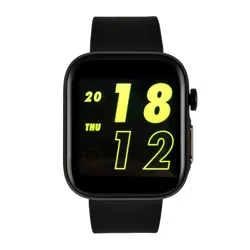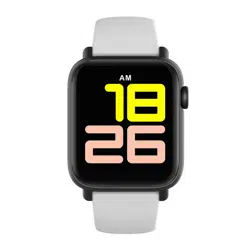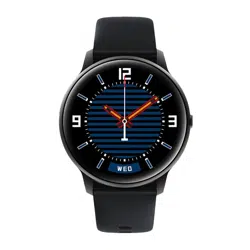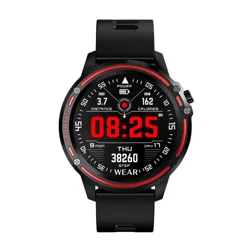
SMARTWATCH
M5
User manual

You should read the entire instruction manual
carefully before starting to use it. It is
recommended to use only the original battery,
charger and accessories that are included in
the kit supplied with the device.
The manufacturer and distributor are not
responsible for the use of third party
accessories.
(The functions listed in this manual may vary
slightly between models as the manual is a
general description of the smartwatch, some
models may deviate from the standard).
The device should be charged for at least 2
hours before first use.
Before using the device, you must download
the app, install it and accept all permissions,
otherwise all functions will not be available.
The company reserves the right to change the
contents of this manual.
DEAR CUSTOMER, THANK YOU
FOR PURCHASING OUR
PRODUCT!
EN

CHARGING INSTRUCTIONS
Charge the watch using the appropriate charger
included in the kit. The watch will start
automatically while charging.
Download and install the SMART TIME PRO app
so your watch can sync data from the app. The
app allows you to set goals, analyze data and
much more.
The SMART TIME app works with iOS 8.0 and
Android 4.4.
ACTIVATION
FUNCTIONS
1. Switch the knob
On the watch's homepage, long-press to open
the different dials, then swipe to select the
desired dial.
2. High speed key switch
Slide the dial to enter the high-speed key
interface, you can set BT3.0, volume, language,
background, settings, vibration, lumianans,
gestures, theme, alarm, clock and airplane
mode.

3. Heart rate
Pressing the down button on the home page will
quickly take you to the heart rate interface. Or you
can check your heart rate in menu -> Heart
Rate.Wear your watch the right way. Open the
heart rate function on the watch and measure
manually.
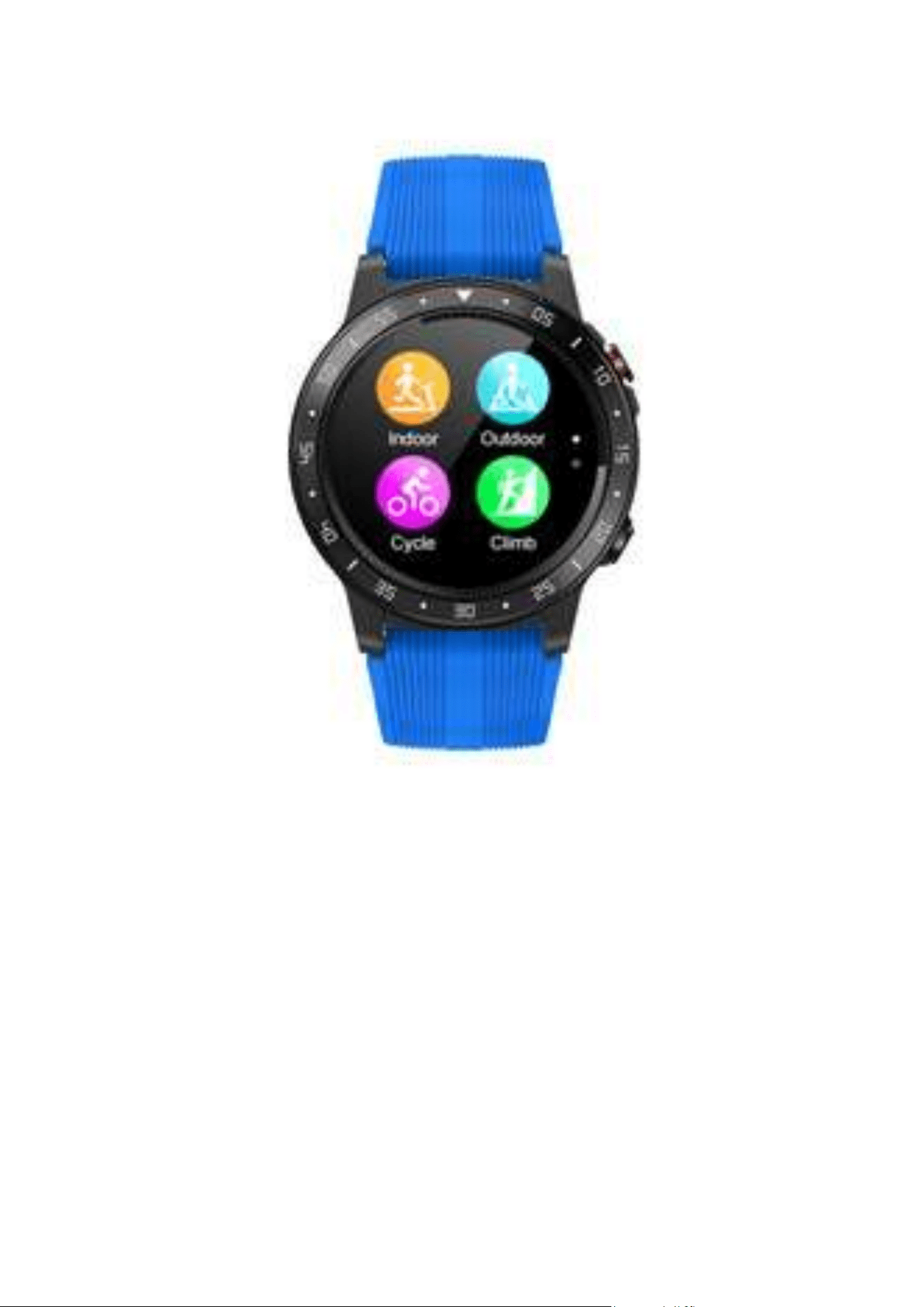
4.Sport modes
If you want to enter sports mode, just slide the
watch face to the right, you can also enter it from
the main menu -> Sports Mode. The smart watch
supports various sports, for example: indoor
running, outdoor running, cycling, climbing,
marathon and many more.
5.Pedometer
By swiping your finger up, you can check the
number of steps, heart rate, calories and distance
for the current day. Or you can check heart rate in
main menu -> pedometer.

6. Ringing
The Sport version only supports Bluetooth
connectivity, instead of connecting via SIM card
there are two versions of phone call support: :
after a successful Bluetooth 3.0 connection is
established, the watch will automatically sound
a voice or you can switch the phone to answer a
call or dial a number by using the following
method
7. Sleep monitor
The watch monitors your sleep when you wear
it. After syncing your sleep data with the app,
you can check your sleep details in the app.
8. Remote sensing
This feature allows you to remotely control the
mobile camera and take photos
9. Sedentary lifestyle
Sitting for too long is not good for your health.
You can set a time on your watch or app to
remind you to get moving.

PARAMETERS
Wrist length: 271 mm (including dial)
Wrist width: 22 mm
Weight: 66 g
Battery: 320 mAh lithium polymer
1.3-inch display
Controls: touch screen
Bluetooth: 3.0 and 4.0
Waterproof: IP67 (waterproof, only during daily
activities. It is waterproof when it rains or you wash
your hands. Don't wear it when washing the car,
swimming, diving or showering.
MEASUREMENTS
1.Low battery
In case of low battery, you should charge the device
immediately to protect the battery life.
2.Charging:
Do not use the watch while it is charging.
3.Ambient temperature during charging above
50 degrees C may lead to overheating, deformation
and burning of the device.

4.Do not swim, dive or use the device
underwater.
5. The device uses a built-in battery and is not
allowed to be disassembled separately.
6. If the battery breaks and leaks, avoid contact
with eyes and skin.
1.Protection:
-Rinse the watch with a soft cloth to keep it
and the strap clean. (use clean water or sea
water)
-Make sure the heart rate lens on the watch
is close to the skin
-The temperature of the skin on the wrist is
too low due to the weather, which affects
the heart rate control.
2.Waterproof notes (even if it is a waterproof
watch):
The following methods should be noted as
they weaken the waterproofness.
IMPORTANT INFORMATION

Warranty service:
1. Under normal use of products, as long as the
product has no mechanical damage and has
not been caused by misuse,24 months from the
date of purchase, consumers can avail of free
warranty service.
2. Consumers cannot take advantage of the
warranty if:
A. the damage is self-inflicted,
B. the warranty period has expired,
C. they have not used the product in
accordance with the instructions for use and
maintenance,
D. the products have been disassembled, self-
repaired or immersed in water.
-Don't wear your watch in the shower.
-Do not wear the watch in an insulated pool,
sauna or other high temperature/humidity
environment.
-Don't wear the watch when you wash your
hands or face with soap or detergent at work.
-Wash off any salt or dirt from the watch when
immersed in the sea.
WARRANTY