Please read the entire user manual carefully
before use. We recommend that you use only the
original battery, charger and accessories supplied
with your device.
Neither the manufacturer nor the distributor is
responsible for the use of third party accessories.
(Features mentioned in this manual may vary
slightly from model to model, as the manual is a
general description of the smartwatch, some
models may differ from the standard).
The device should be charged for at least 2 hours
before first use.
Before using the device, you must download the
application, install it and accept all permissions,
otherwise all functions will not be available.
The company reserves the right to change the
content of this manual.
1. Open Control Panel: swipe from top to bottom on the
screen in the main interface.
2. Open Messages/News: swipe across the screen in the
main interface from bottom to top.
3. To open the main menu: swipe across the screen in
the main interface from left to right (Note: in other
interfaces, swiping from left to right will return to the
previous interface). You can select a sport and view
watch functions such as heart rate monitor, status, sleep,
stopwatch, messages, settings.
1. Sport:
* 13 sport modes are available (running, walking,
cycling, climbing, yoga, jumping, tennis, baseball,
basketball, badminton, football, rugby, table
tennis).
*For running, walking, climbing and other sports
modes, you can click on the screen to view sports
data (steps, pace, calories, distance and duration).
Note: the sleep data on the watch will be deleted
every day at 6pm but you can still check historical
sleep data in the app.
4 Music: The watch can be used to control the
music player on your mobile phone, you can use it
to play / pause or skip songs (it is only compatible
with the built-in music player on your mobile phone,
it may not be compatible with a third-party player
and you cannot adjust the volume on the watch).
5) Stopwatch: The watch can be used to count time
6. Message: The watch will receive and display
SMS / messages / social media notifications from
your phone.
7. Settings: You can turn off or reset the watch, as
well as check the watch information and QR code
to download the app.
APPLICATIONS
1.Scan the QR code on the watch display with your
mobile phone (app download: Settings->Apps) and
then install the Only Fit app. You can also install the
Only Fit app from the mobile app shop.
2. Once Bluetooth is enabled and the app is
installed, open and sign in to the Only Fit app, then
select (G1 device to add) on the device page and
connect to it.
3. If the watch does not connect to the app, find the
settings on the watch and then press the "reset"
button. Then try connecting to the app again.
Important: For the watch to be paired correctly with
your phone, it must be connected directly from
within the Bluetooth-enabled app, not in your
phone's settings.
5. Status interface: slide your finger across the screen
from right to left to read the current data (e.g. number of
steps, heart rate, kcal).
6. Changing the watch face: press and hold the home
interface screen for 3 seconds and the watch will vibrate;
you can then swipe left or right to select the watch face.
7.Turn on: turn on your device by pressing and holding
the power button for 5 seconds.
8. Fast pause/resume sport: press the power button.
Press the power button to return to the home page. If
you are on the second level of the interface, return to the
first level).
DEAR CUSTOMER, THANK YOU
FOR PURCHASING OUR PRODUCT!
TOUCH FUNCTIONS
FUNCTIONS
*Status: steps, distance and calories are recorded
in detail and displayed on the watch each day.
2. Heart rate monitor: the watch will continuously
monitor your heart rate for 24 hours (you must first
enable the "Heart Rate Monitor" function in the
app), you can also view historical heart rate data in
the app.
Note: If this function is enabled, the power
consumption will increase and the battery life will
be reduced.
3. Sleep: the watch will monitor your sleep status
from 18:00 to 11:59 the next day.
1.Place the watch on the magnetic charger and
ensure that the charging contacts on the back of
the watch are fully engaged with the metal
contacts on the charger. A full charge takes
approximately 3.5 hours.
2.Connect the charging cable to a standard USB
charger. The output voltage is 5 V and the output
current is 1 A. If the watch cannot be turned on after
extended periods of non-use, next time you use it,
wipe the contacts of the charging cable to remove
any sweat or moisture residue.
Note: (If you do not use your watch often, charge it
once a month).
CHARGING
www.watchmark.com
ul. Paprotna 7
Wrocław
POLAND
Warranty service:
1. In case of normal use of the products, as long
as the product does not show mechanical
damage due to misuse, consumers can enjoy free
warranty service for 24 months from the date of
purchase.
2.Consumers cannot benefit from the warranty if:
A. the damage is self-inflicted,
B. the warranty period has expired,
C. they have not used the product in accordance
with the instructions for use and maintenance,
D. the products have been disassembled,
repaired by themselves or immersed in water.
-Do not wear the watch in the shower.
-Do not wear the watch in a heated swimming
pool, sauna or other high temperature/humidity
area.
-Do not wear your watch while washing your
hands or face or working with soap or detergent.
-Make sure to wash salt or dirt off the watch after
immersion in the sea.
1.Safety:
-Clean the watch and strap with a soft cloth (use
clean water or sea water).
- Make sure the heart rate lens on the watch is
close to your skin.
- The skin temperature on the wrist is too low due
to the weather, which affects the heart rate
regulation.
2.Notes on water resistance (even if it is a
waterproof watch):
Pay attention to the following methods, because
they deteriorate the quality of waterproofing.
1.Low battery:
If the battery is low, please charge the device
immediately to protect the battery life.
2.Charging: do not use the watch while charging.
3.Ambient temperature during charging above
50 degrees C may lead to overheating,
deformation and burning of the device.
4.Do not swim, dive or use the device under
water.
5.The device uses a built-in battery and it is
forbidden to remove it separately.
6.Avoid contact with eyes and skin in case of
battery rupture and leakage.
PARAMETERS
Display: Touch screen
Bluetooth: BT5.0
Material finish: Zinc alloy with vacuum coating
Strap material: silicone rubber
Battery : 340 mAh lithium polymer
Battery and battery life: standby time > 30 days
Battery life: up to 7 days (all functions on)
Button : Side power button
Charging mode: Magnetic charging
Waterproof : Waterproof class IP68
WARRANTY
IMPORTANT INFORMATION
PRECAUTIONS
QR CODE FOR APPLICATIONS
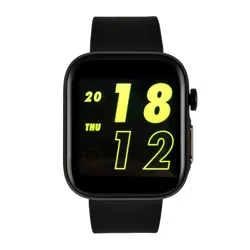
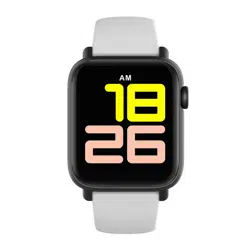
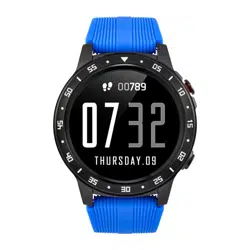
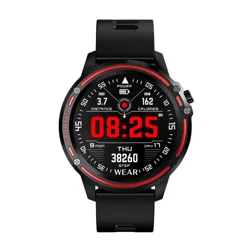
SMARTWATCH
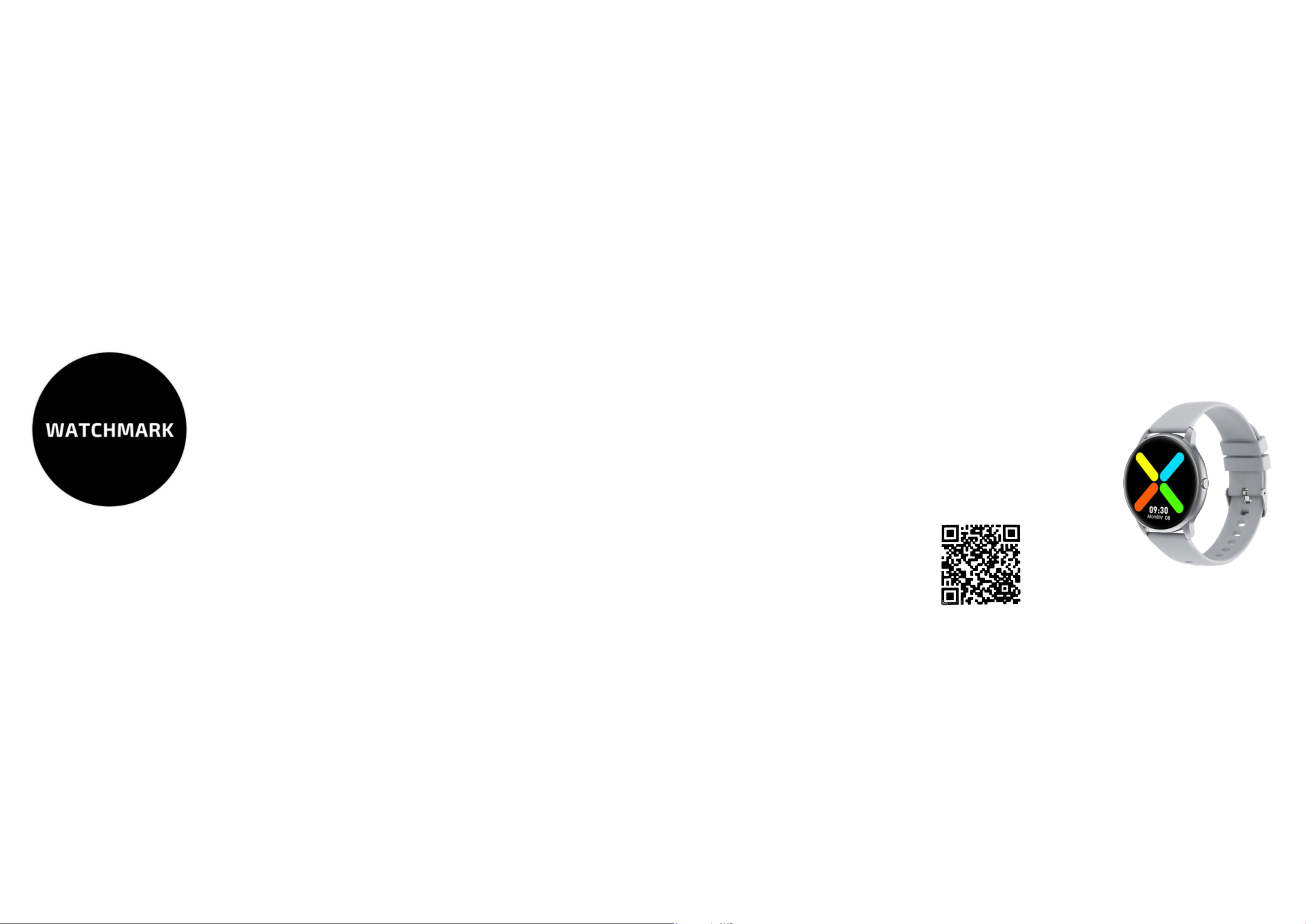
WATCHMARK WKW66
User instruction