Please read the full instructions carefully before use. We
recommend that you use only the original battery,
charger and accessories that came with your device.
The manufacturer and distributor are not responsible for
the use of accessories from other manufacturers.
(The functions listed in this manual may vary slightly from
model to model, as the manual is a general description of
the smartwatch, so some models may differ from the
standard).
Charge the device for at least 2 hours before using it for
the first time.
Before using the device, you must download the app,
install it and accept all permissions, otherwise not all
functions will be available.
The company reserves the right to change the content of
this manual.
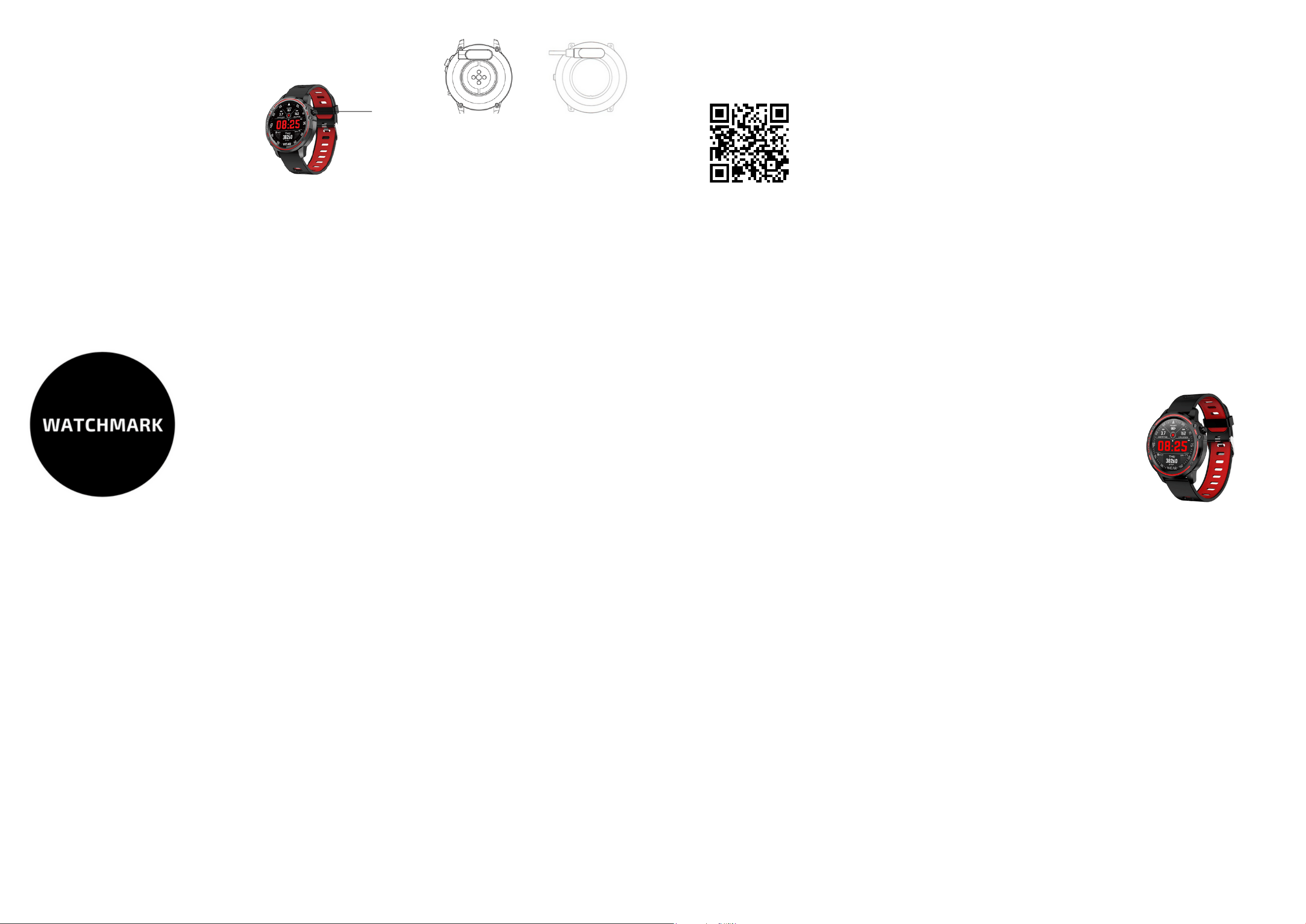
Physical button:
- Long press to switch the device on/off.
- Short press to switch the main display on/off.
- Short press the selected function to return to the main
screen.
Touch button:
- Swipe up from the main screen to access the main menu
of the watch.
- Once you have selected a function, start the touch
operation.
- You can end this function by swiping to the right.
- From the main menu, swipe right to enter the notification
centre.
- From the main menu, swipe left to measure your heart
rate.
- Swipe down from the main menu to enter Settings.
This product uses magnetic charging.
Connect the charger to the USB input and to the rear
charging contacts of the device. Once the connection is
established, charging starts automatically and the
charging icon appears on the display.
A full charge will normally take 2 hours, the device will
last up to 30 days in standby mode and 5-7 days in
working mode. Do not use the watch while it is
charging.
Note: Do not connect the magnetic charging cable to
two contacts at the same time with conductive material,
as a short circuit may occur.
Once you've launched the app, press the "Devices"
button (bottom corner).
Then go to "Push notifications" and select the
notifications you want to receive. You can select all of
them.
There is an "Incoming call" function which you activate by
selecting this option in the app. When this feature is
ticked, the clock will display incoming calls to your
phone.
There is also a "SMS alert" function, which is activated by
selecting this option in the app. After checking the clock,
SMS messages sent to the phone will be displayed.
To view the messages, swipe right on the home screen.
DEAR CUSTOMER, THANK YOU FOR YOUR
PURCHASE OUR PRODUCT!
EXPLANATION OF BUTTONS
To connect your watch to your phone, you need to
download the "TFit" app. There are two ways to do this:
1. Android/iOS phone:
To download "TFit", you need to scan the QR code.
2. Android phone. "Android Android device (Android or
Android Android Android device with Android or Android
Android device with Android. IOS phone.
CHARGING INSTRUCTIONS
APPLICATIONS
NOTICE
Once the app is installed, turn on Bluetooth and the app
on your phone.
Confirm the required notifications and other permissions.
Fill in your personal details - go to 'My' in the bottom right
corner.
To connect your watch, click the bottom corner:
"Devices" and then "Add device". Your phone will search
for a Bluetooth device and select the appropriate model
(L8,).
APPLICATION UPDATES
If you want to use up-to-date apps, you need to update
them regularly. You can find information about the app in
the "My" icon in the bottom right corner.
Physical button
The Bluetooth protocol is different for each brand of mobile
phone. Sometimes the Bluetooth connection between the
mobile phone and the smartwatch is unstable. In this case,
restart Bluetooth and try to connect again. You will need to
make some settings on your phone to ensure smooth data
transfer.
- Language/time/date,
When the Bluetooth connection is established. The data is
updated when the smartwatch is successfully connected
to the app.
- Main interface. Once selected, select it with a short click.
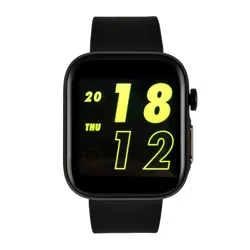
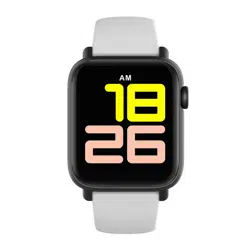
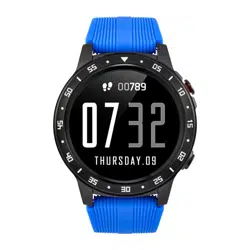
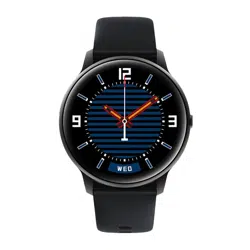
Choose from 4 dials.
- Sleep tracking: the smartwatch turns on automatically
from 22.00 to 8.00 All sleep quality data
You can check your sleep quality in the app. If the watch is
connected to your phone, sleep quality data is
automatically saved in the app.
- Notifications: all notifications such as Facebook,
WhatsApp, SMS, email, etc. To view notifications with
content, you need to configure the apps on your phone to
show the details of Facebook and WhatsApp notifications.
The watch will show the last 5 notifications.
MAIN FUNCTIONS
1.Security:
-clean the watch with a soft cloth to keep the watch and strap
clean (use clean water or seawater)
- make sure the heart rate lens on the watch is close to your skin.
- The skin temperature on the wrist is too low due to weather
conditions, which affects the heart rate control.
2.Notes on water resistance (even if it is a waterproof watch):
Pay attention to the following methods as they impair
waterproofing.
-Do not wear the watch in the shower.
-Do not wear the watch in a heated swimming pool, sauna or other
high temperature/humidity environment.
-Do not wear the watch when washing hands or face or when
working with soap or detergent -Rinse off any salt or dirt after
immersion in the sea.
However, it is important to bear in mind that pressure is
constantly changing throughout the day and that it
also changes with age. The older the person, the
higher the pressure. Other norms are also established
for children and people with chronic diseases,
- Blood oxygenation: SP02H is the percentage of
oxygen in the blood.
To take the measurement, enter the O2 icon in the O2
menu. When the measurement is correct, the result
will be displayed on the screen.
- Heart rate: wait 2 seconds before starting the
measurement. The measurement is made by scanning
the skin with a green optical light. To stop the
measurement, slide your finger to the right or left. The
standards for heart rate measurement results are 60-
90 beats per minute. For professional athletes, the
number of beats per minute may be less than 60.
However, during intense exercise, readings of up to
200 beats per minute can be taken.
- Sport Modes.
Once you have selected an activity, click on it to start
exercising. You can take a break between activities
and then resume. Depending on the activity, your
heart rate, calories burned, distance walked, number
of steps and speed of movement are recorded.
WARRANTY
Warranty service
1. Under normal use of the products, provided that the product is
free from mechanical damage and is not the result of improper use,
consumers can benefit from free warranty services for a period of
24 months from the date of purchase.
2. Consumers cannot benefit from the warranty if:
A. the damage is self-inflicted,
B. the warranty period has expired,
C. they have not used the product in accordance with the
instructions for use and maintenance,
D. the products have been disassembled, repaired or immersed
in water.
www.watchmark.com
ul. Paprotna 7
Wrocław
POLAND
You can read them and swipe to read the next message.
The clock will vibrate when you make a call or send a
message. You can also turn off the vibration during a call
by pressing the physical button.
- Status bar: expanded from the home screen (swipe
down).
Bluetooth status, power consumption information,
brightness settings and preferences are displayed.
- Activity information: data displayed on the home screen -
number of steps walked, distance covered and calories
burned during the day. The data will be stored in the app.
The counter is reset to 24:00.
- Music remote control. When you turn on music on your
phone, select the music icon in the smartwatch menu.
- Weather forecast. Your phone must have GPS enabled,
and you can get local weather conditions under normal
network conditions.
- ECG: measurements must be taken in the app. After
entering the "HOME" icon on the left, select "ECG -
Measurements" and wait 60 seconds after the start of the
measurement. When the measurement is finished, the
status index will be displayed.
- Blood pressure: keep your arms straight during the
measurement. The measurement time is approximately 48
seconds. When the measurement is correct, the result will
be shown on the display. The accepted norm for systolic
blood pressure is 120 mm Hg and for diastolic blood
pressure 80 mm Hg.
IMPORTANT INFORMATION
- Alarm: You can set multiple alarms in the app.
- Stopwatch. The watch has a history of the last 20
measurements.
- Timer. When the countdown ends, the watch vibrates.
- Configure the unit: locate the phone: touch this function and
the phone will ring. Bluetooth camera: to use this option, you
need to unlock your phone and enter the app, then find the
camera function on the watch and touch it. Then press the
camera image on the watch and a photo will be taken. The
photo will be saved in an album on your phone. Sedentary
lifestyle, water reminder: with the app you can set how often
you need to move or drink water. To make the settings, enter
the "Device" icon in the app and select "Wristband function
settings".
- Screen backlight when you raise your wrist: set the "Raise
your hand to light up the screen" option in the app - available
in "Wristband feature settings".
When you raise your wrist, the home screen appears.
When this feature is enabled, power consumption is higher.
-Data transfer: the app will store all data, whether it is steps,
heart rate, sleep quality or sports mode.
SMARTWATCH
WATCHMARK WL8
Navodila za uporabo
watchmark.com