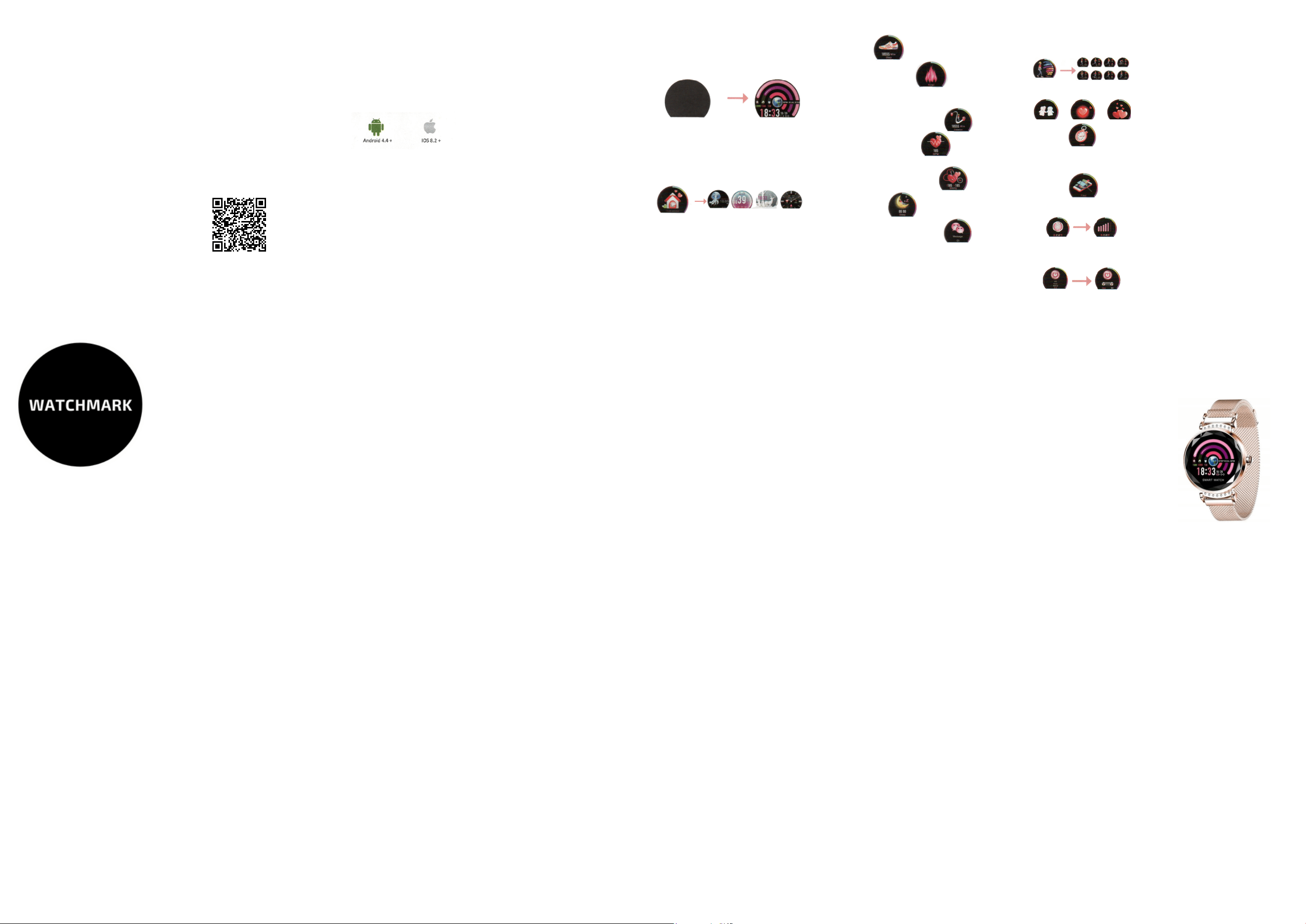
1.Pedometer
2. Calorie counter
3. Distance recording and measuring
4. Heart rate measurement
5. Blood pressure measurement
6 Sleep monitor
7. Notification of incoming SMS
8.Sport functions - by longer pressing the
icon you can select the appropriate type of
sport
9. Cycle function
10.Stopwatch
11. Find phone function
12. Screen brightness adjustment
13.Switching on/off by a long press on the
touch screen
The smartwatch must be fully charged
before first use. Once charged, touch the
screen for 5 seconds and the device will
turn on, i.e. the home screen will appear.
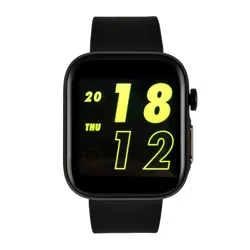
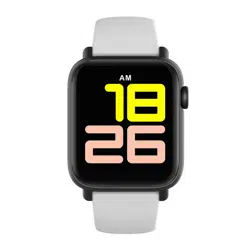
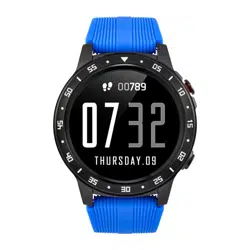
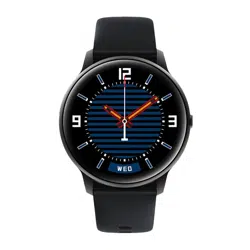
There are 5 dials included which you can
choose from.
Off status
Start screen
Long press
Long press
Glavni
vmesnik 4
Glavni
vmesnik 2
Glavni
vmesnik 3
Glavni
vmesnik 5
Download the WearHealt app.
To sync your smartwatch with your
smartphone, you must first install the
app.
The app can be installed in two ways:
1.Select the "Quick response" icon from
the smartwatch menu and scan the
code from the watch using a QR code
scanning app. Once the code is
recognised, your phone will ask for
permission to install special software.
Please read the entire user manual
carefully before use. It is recommended
to use only the original battery, charger
and accessories that come with the
device.
Neither the manufacturer nor distributor
is responsible for the use of third party
accessories.
(The functions shown in this manual may
vary slightly from model to model, as the
manual is a general description of the
smartwatch, some models may deviate
from the standard).
Please charge the device for no less than
2 hours before using it for the first time.
Before using the device you must
download the application, install the
application and accept all authorisations,
otherwise not all functions will be
available.
The company reserves the right to
change the content of this manual.
DEAR CUSTOMER, THANK YOU
FOR PURCHASING OUR
PRODUCT!
APPLICATION
ACTIVATION
USE OF FUNCTIONS
Before using the smartwatch for the
first time, it must be charged.
START USING
Download it from the official Google Play
shop. To do this, sign in to the Google
Store and search for the "WearHealt" app.
Then install it.
Before downloading the app, check what
operating system your smartphone has.
Compatible with iOS version 8.0 and
Android version 4.4 or later
Button functions:
- short one-click: activation of functions
- long press: activation, switching on
the device
FUNCTIONS
REMINDER FUNCTIONS
1.To open different notifications, type
"more notifications" in the app. Specify the
start and end time of the event.
Types of notifications: exercise reminder,
hydration reminder, appointment
reminder, medication reminder
2. Notifications of incoming calls. The
incoming number is displayed on the
home screen.
3.SMS alerts.
4.Notifications from social networking
applications such as WeChat, QQ,
Facebook, Twitter etc.
1.Alarm clock:
To set an alarm clock, enter "Device
Settings" in the app. Then open
" Alarm clock settings" and click "+" to set
the alarm time, then click "confirm".
2.Shake to take a picture:
In the app, open the "portable camera"
function, then shake the watch, and the
phone will automatically take a photo.
3.Screen brightness settings:
In the app, open :Device Settings", then
check "Bright screen when raising wrist"
4.Heart rate monitoring:
In the app, open :Device settings" and
then "Continuous heart rate monitoring".
The watch automatically monitors your
heart rate and sends the data to the app.
Warranty service:
1. Under normal use of the products, if the
product has no mechanical damage and
caused by misuse, 24 months from the date
of purchase, consumers can benefit from the
free warranty service.
2. Consumers cannot make use of the
warranty if:
A. they have done the damage themselves,
B. the warranty period has expired,
C. they have not used the product in
accordance with the instructions for use and
maintenance,
D. they have disassembled, repaired or
immersed themselves in water.
-Please do not wear your watch in a
shower.
-Please do not wear your watch in an
insulated swimming pool, sauna or other
high temperature/humidity environment.
-Please do not wear your watch when
washing your hands or face, doing work
where you use soap or detergent.
-After immersion in the sea, wash all salt
or dirt from the watch.
WARRANTY
www.watchmark.com
ul. Paprotna 7
Wrocław
POLAND
1.Protection:
-clean the watch with a soft cloth to keep
the watch and band
(use clean water or sea water)
-make sure the heart rate lens on your
watch is close to your skin
-the skin temperature on your wrist is too
low due to the weather, which will affect
the heartbeat control.
2.Notes on water resistance (even if it is a
waterproof watch):
pay attention to the following methods
as they weaken the waterproofness.
CHARGING
Charging is done using the included
charger. When charging is complete, the
watch will start automatically.
If the watch is not used for more than a
month it should be fully charged and
switched off, in order to maintain the
correct battery capacity.
IMPORTANT INFORMATION
OTHER FUNCTIONS
1.Low battery:
If the battery is low, charge the device
immediately to protect the battery life.
2.Charging:
Do not use the watch while charging.
3.Ambient temperature above 50°G.C
during charging may cause overheating,
deformation and burning of the device.
4.Do not swim, dive or use the device
under water.
5.The device uses a built-in battery and it
is forbidden to remove it separately.
6.In case of battery rupture or leakage,
avoid contact with eyes and skin.
PRECAUTIONS
SMARTWATCH DAMSKI
WATCHMARK WH2/WH1
User instruction
watchmark.com