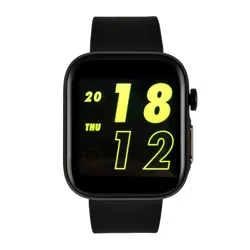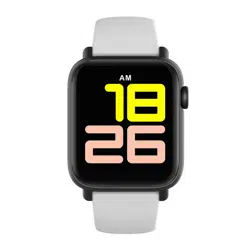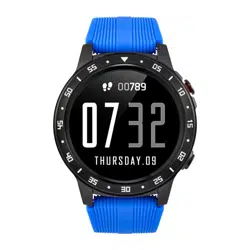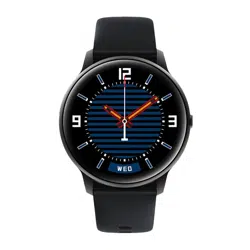
Button for monitoring / switching on / off the screen
(top button):
- Long press to turn the unit on/off.
-Short press to switch on/off the main screen.
- Measurement - camera
- Bottom button - return to main menu
- Left side - SIM card input
This product uses magnetic charging.
Connect the charging cradle to the USB input and
the other end to the rear charging pins of your
device. Once connected, charging will start
automatically and the charging icon will appear on
the screen. The required input voltage is 5V1A or
5V2A.
A full charge usually takes 2 hours. Do not use the
device while it is charging.
Note: Do not connect the magnetic charging cable
to 2 contacts at the same time with conductive
material, as this may cause a short circuit.
Please read the entire user manual carefully before use.
It is recommended to use only the original battery,
charger and accessories supplied with your device.
Neither the manufacturer nor the distributor is
responsible for the use of third party accessories.
(The functions mentioned in this manual may vary
slightly from model to model, as the manual is a general
description of the smartwatch, some models may
deviate from the standard).
The device should be charged for at least 2 hours
before first use.
Before using the device, you must download the
application, install it and accept all permissions,
otherwise all functions will not be available.
The company reserves the right to change the content
of this manual.
DEAR CUSTOMER, THANK YOU
FOR PURCHASING OUR PRODUCT!
MAIN BUTTONS
CHARGING INSTRUCTIONS
MAIN MENU
-Telephone
Enter a number from the list and press the dial icon to
dial the number.
-Contact:
Make sure your watch is paired properly with your
phone so you can add and delete contacts.
-Messages
-Setting
-Pulse
Put the watch on your wrist before starting the heart
rate monitoring function. To measure your heart rate,
your wrist must be very close to the watch. The value
will be displayed after ten seconds.
-Blood oxygen
You must first put the watch on your wrist before
measuring your blood oxygen concentration. Then
click to enter the blood oxygen detection process.
The value will be displayed after 10 seconds. Blood
oxygen will be actively measured every hour.
-Sleep
Before going to bed, put on your watch and measure
the quality of your sleep. The default time is 21:00-
9:00.
-Slide down the watch's main interface to access GPS
brightness, Wi-Fi, aeroplane mode and Do Not Disturb
mode.
-Slide up to access pedometer, music and cloud
controls
-Slide right on the watch interface to access push
notifications
-Slide left on the watch interface to open the main
menu, then sports modes.
MAIN SCREEN
To change the appearance of the Home screen,
hold it down for 2 seconds, then select a control.
Once you've made your selection, tap it briefly to
select it.
The watch has 18 dials to choose from and you can
customise it to your liking.
WATCH OPERATION
- Breath measurement
Click Start and follow the instructions for inhaling
and exhaling.
-Internet
- Camera
- Gallery
- Calendar
- Alarm
- Music
You can play, pause, and rewind songs;
Tap the volume icon to adjust the volume;
Songs can be played randomly or in repeat mode,
To add music, connect the watch to your computer
using a USB cable.
- To record sound
Tap the icon to start recording, tap again to stop
recording, save and delete options will be displayed,
access the list of recorded files and choose whether
to play or delete the current recording.
- File manager
Click Manage Files to view the currently available
memory, click again to manage, view, create and
edit.
- Weather
Insert your SIM card and switch on your
mobile network to update your local weather
information.
- Traffic
- Desktop settings
Dashboard settings include knob selection,
menu style and toggle style
- System optimisation
- Watch Store
- App Store
- Assistant
When connected to a mobile phone, users
can enjoy remote photography, music control,
mobile search and more.
- Google Play
-Google Maps
running outdoors
walking
running
cycling
basketball
football
table tennis
badminton
skipping
www.watchmark.com
ul. Paprotna 7
Wrocław
POLAND
Display: 1.39" IPS
Screen resolution: 454 x 454 dpi
Water resistance: IP67
Sensor: 3-axis G-sensor
Battery capacity: 500 mAh
Synchronisation: Bluetooth 5.0
Package Content: Charging cable, User manual,
WLT10 smartwatch
Device compatibility: iOS 11 + Android 5.1 or later
IMPORTANT INFORMATION
1.Safety:
-Clean watches with a soft cloth to keep them clean
(use clean water or sea water)
2.Water resistance notes (even if it is a waterproof
watch):
Beware of the following methods as they will
deteriorate the waterproofing.
-Do not wear the watch in the shower.
-Do not wear the watch in a heated swimming pool,
sauna or other place with high temperature and
humidity.
-Do not wear the watch while washing your hands
or face, or while working in areas where soap or
detergents are used. Wash salt or dirt off the watch
after immersion in the sea.
WARRANTY
1. Under normal use, provided that the product is not
mechanically defective and has not been caused by
misuse, consumers can benefit from free warranty
service for 24 months from the date of purchase.
2. Consumers cannot benefit from the warranty if:
A. the damage is self-inflicted,
B. the warranty period has expired,
C. they have not used the product in accordance
with the instructions for use and maintenance,
D. the products have been disassembled, repaired
by themselves or immersed in water.
SPORTS FUNCTION DEVICE PARAMETERSPRECAUTIONS
1. Weak battery:
If the battery is discharged, charge the device
immediately to protect its life.
2. Charging:
Do not use the watch while charging.
3. Ambient temperature above 50 degrees Celsius
during charging may cause overheating, deformation
and burning of the device.
4. Do not swim, dive or use the device under water.
5. The device uses a built-in battery and must not be
disassembled separately.
6. Avoid contact with eyes and skin in case of battery
rupture and leakage.
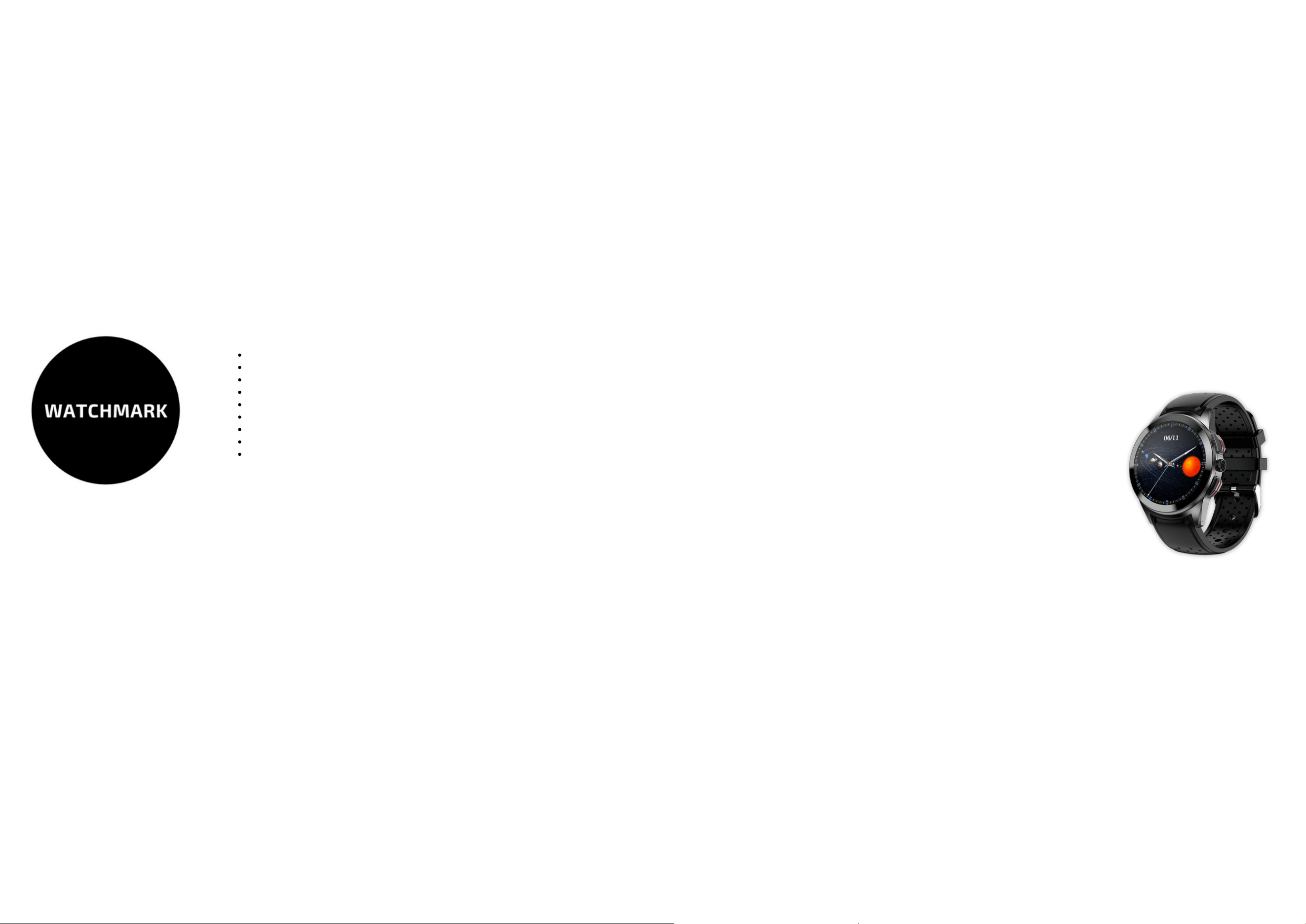
SMARTWATCH
WATCHMARK WLT10
User manual
watchmark.com