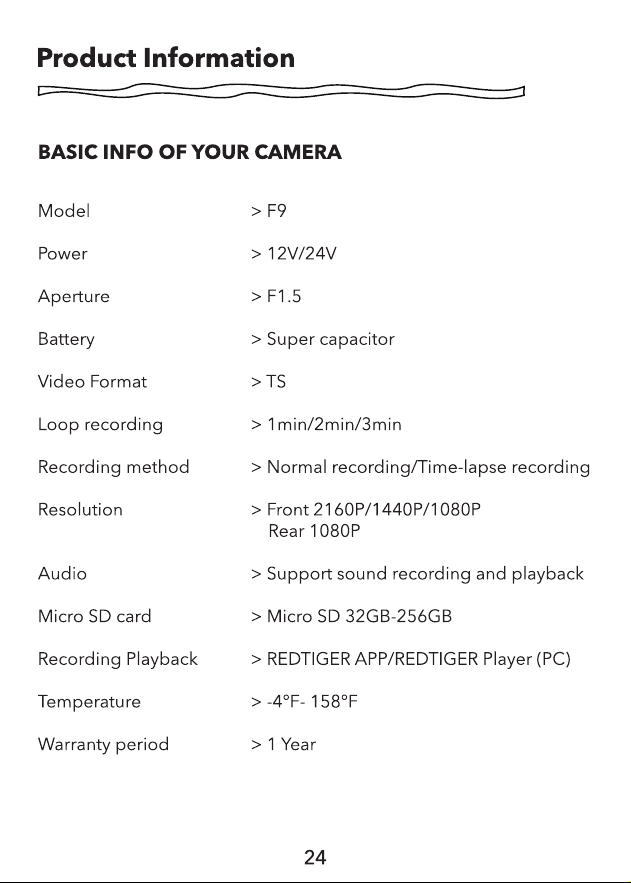
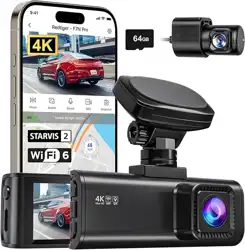
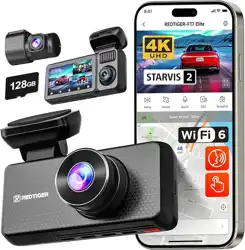
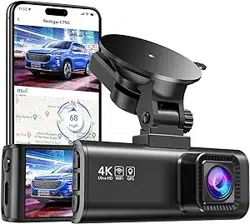
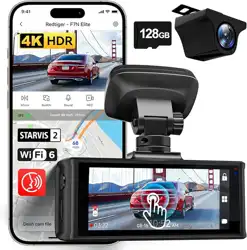
Redtiger F9 4K Dual Front and Rear Mini Dash Cam

Product's Documents

Below are documents related to this product, you can read online or download:
F9 photo

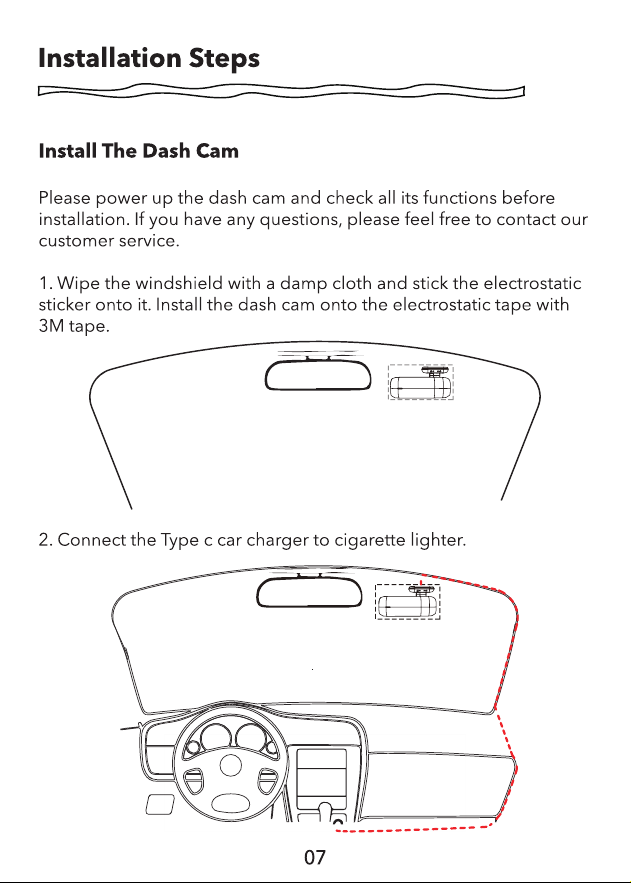
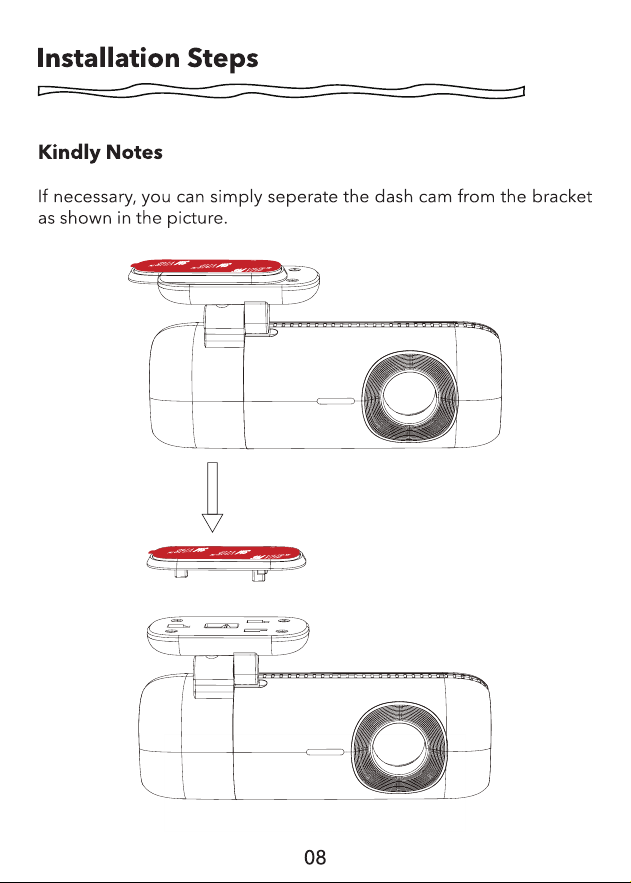
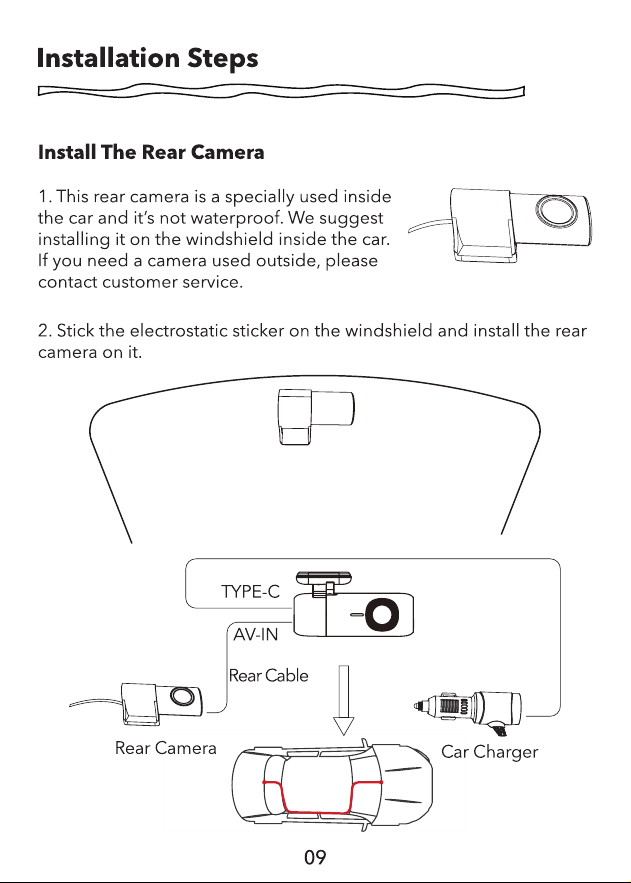
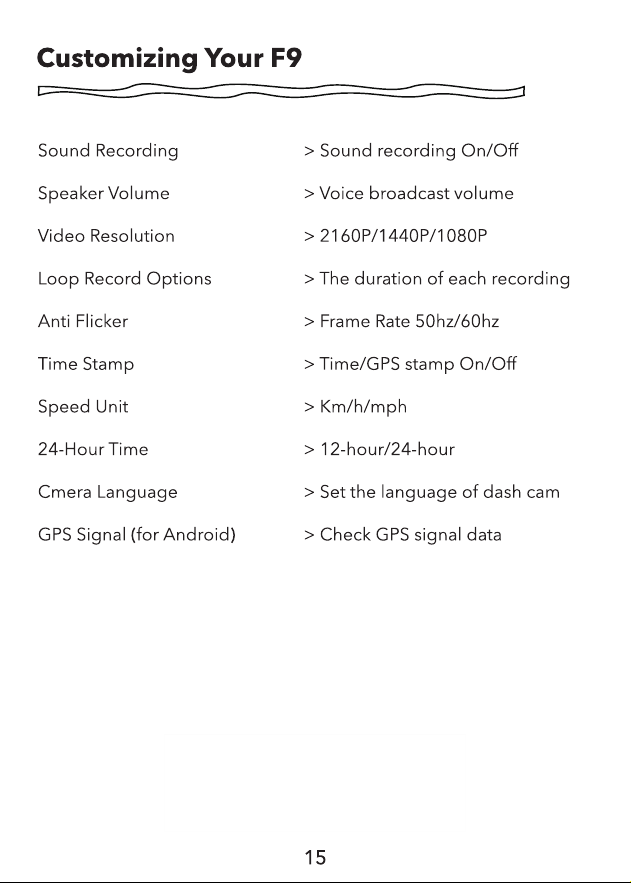
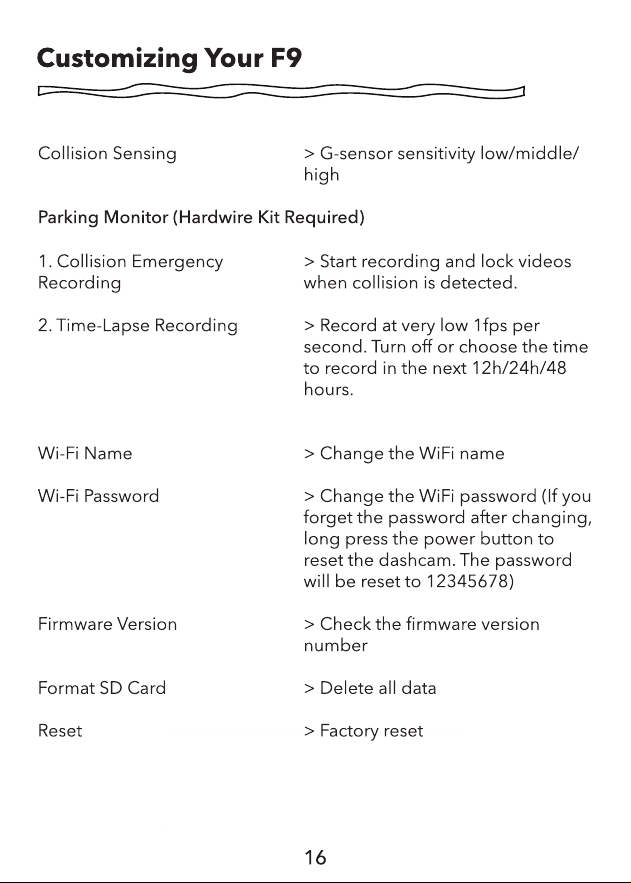
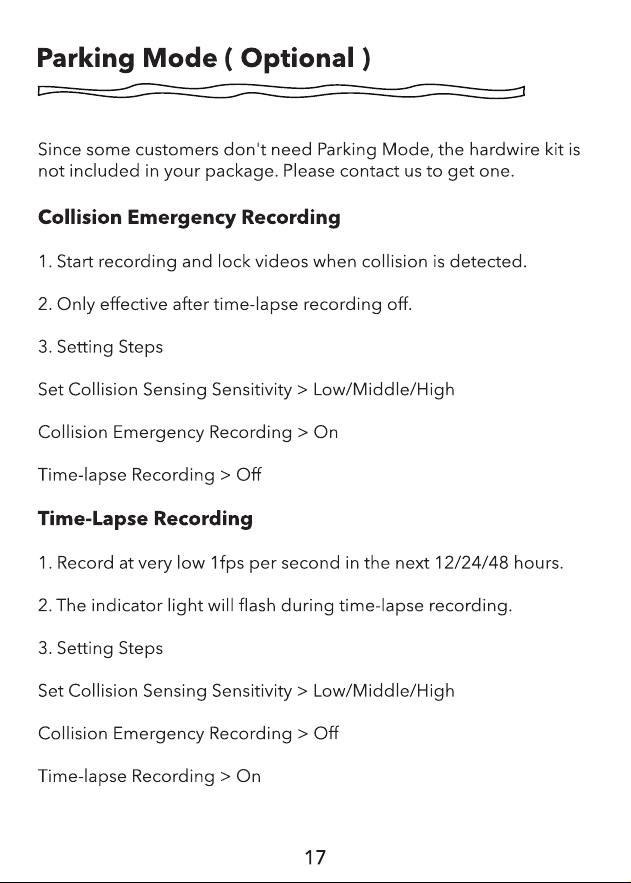
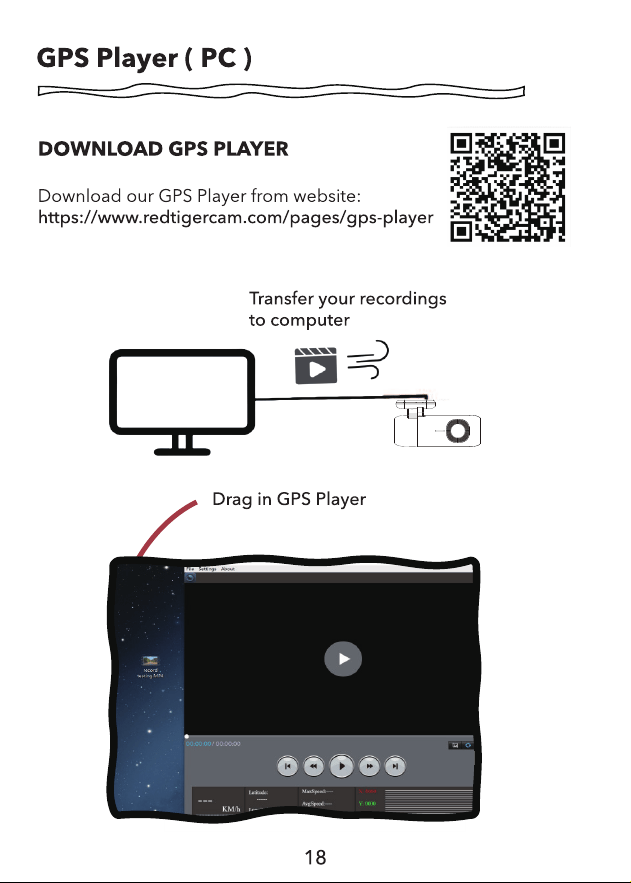
User Manual

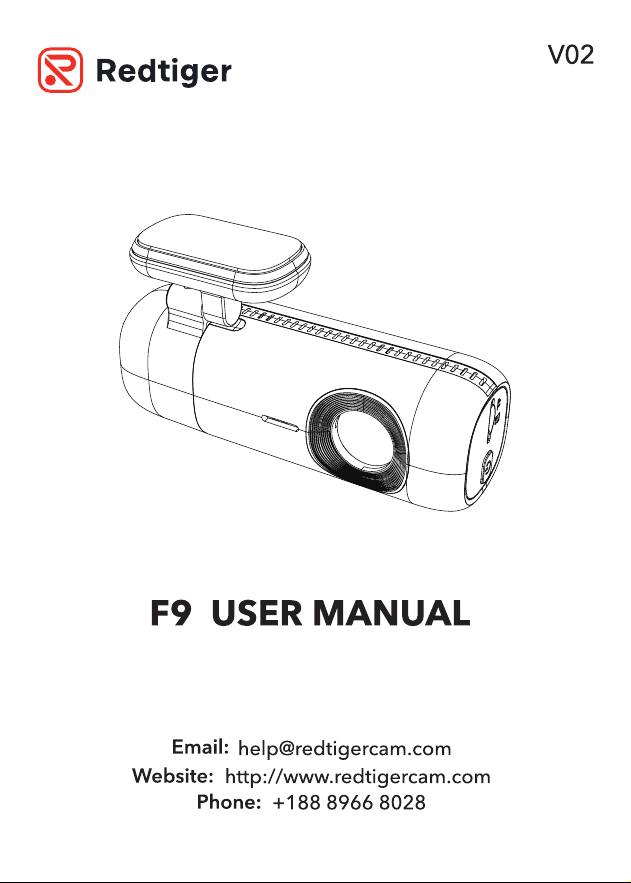
This is the main product document for model F9.

The file format is pdf, 30 pages, you can download this manual here .

background
background
background
background
background
background
background
background
background
background
background
background
background
background
background
background
background
background
background
background
background
background
background
background
background
background
background
background
background
background

Specifications

Indexed Terms: Dash Cam

REDTIGER F9 Questions and Answers


#1 How can I view videos without a screen?

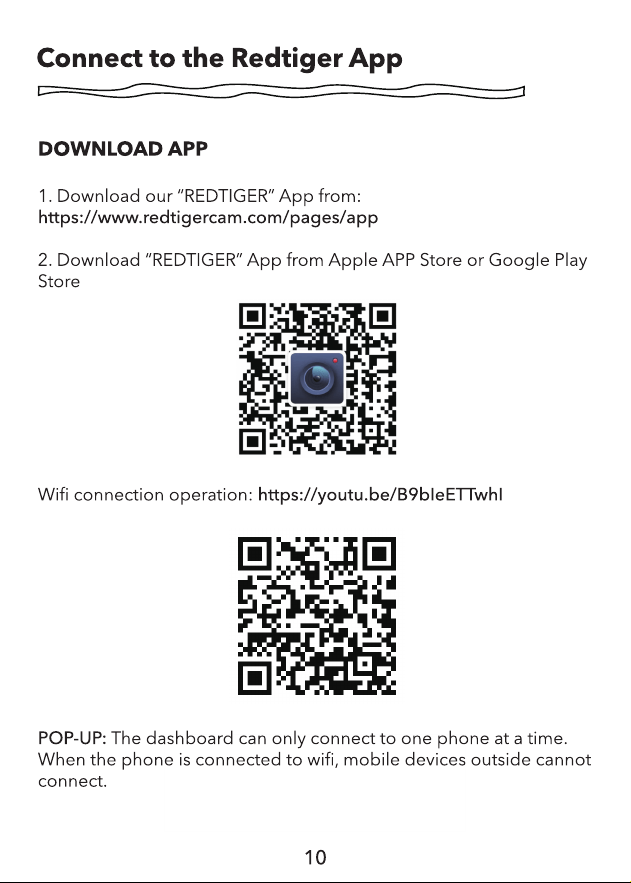
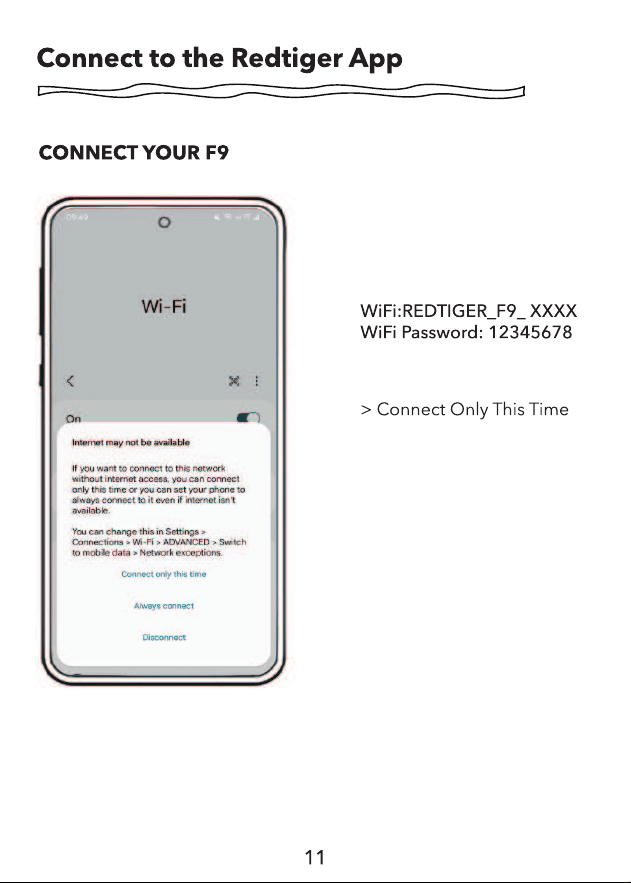
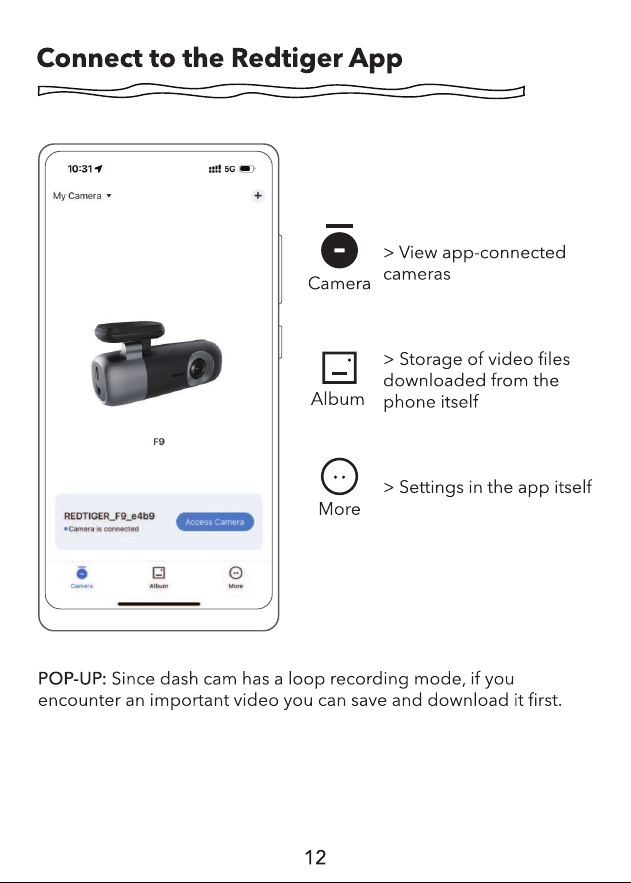
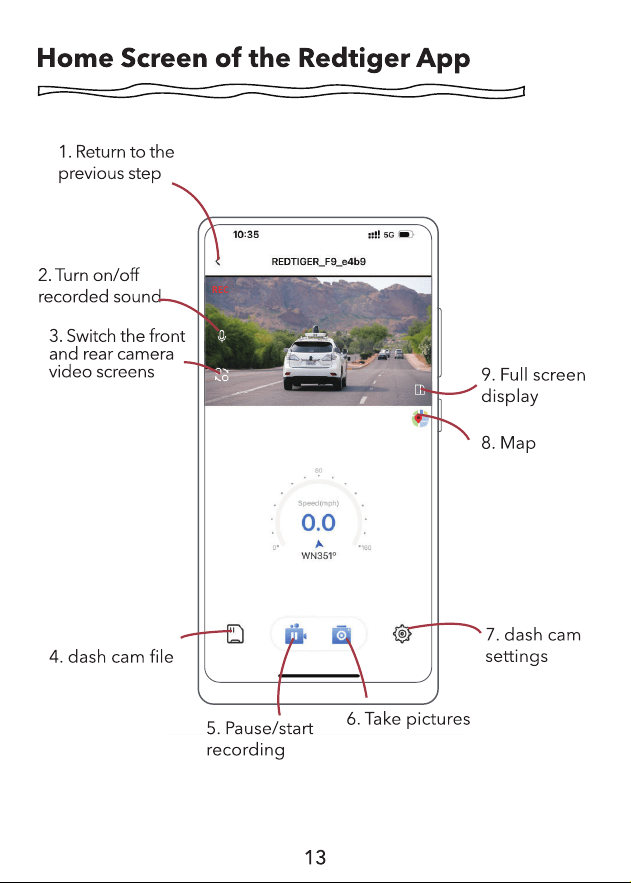
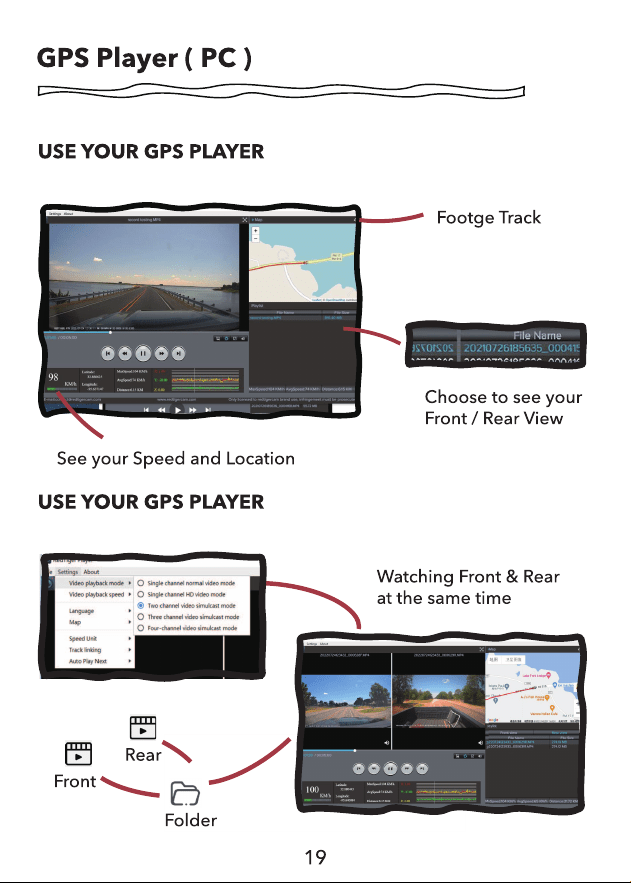
This dash camera has a built in WiFi that allows you to connect to REDTIGER app. Please the app and connect to WiFi so that you can view real time videos or replay them on the app. You can also palayback the videos on REDTIGER GPS Player

#2 How does built in wifi work? How do I connect dash cam to my phone?

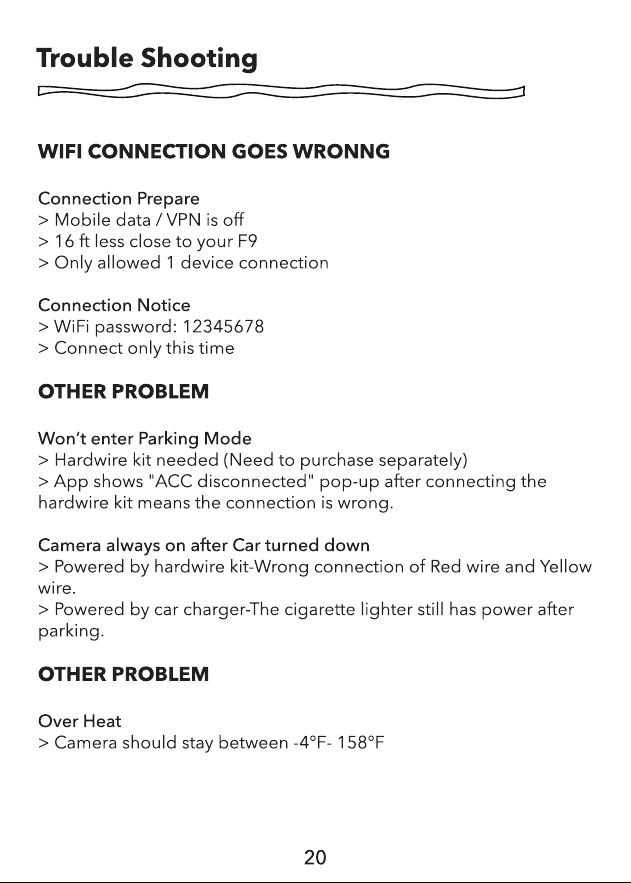
Please REDTIGER APP and connect to REDTIGER F9 WiFi to add camera, if you still have questions, please just contact the 24/7 Redtiger support team.

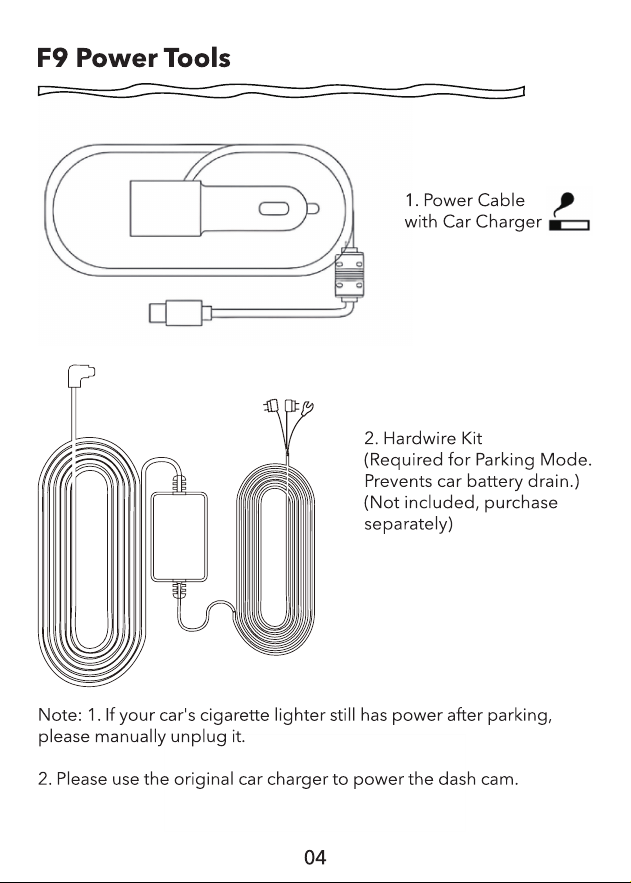
#3 I want to use the parking monitoring function, how to buy a separate hardwire kit?

You can search for B0CNPHCJZB to purchase this hardware kit or consult our support team.

#4 How can I adjust the settings for this car camera?

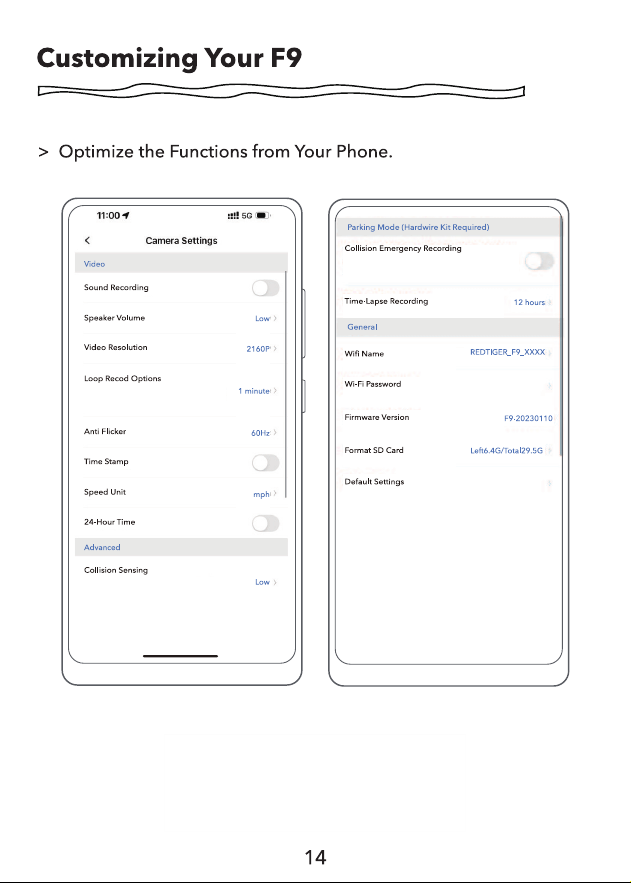
Please connect to F9 dashcam's WiFi and use the app to adjust the settings. You can also modify your WiFi password in the settings.

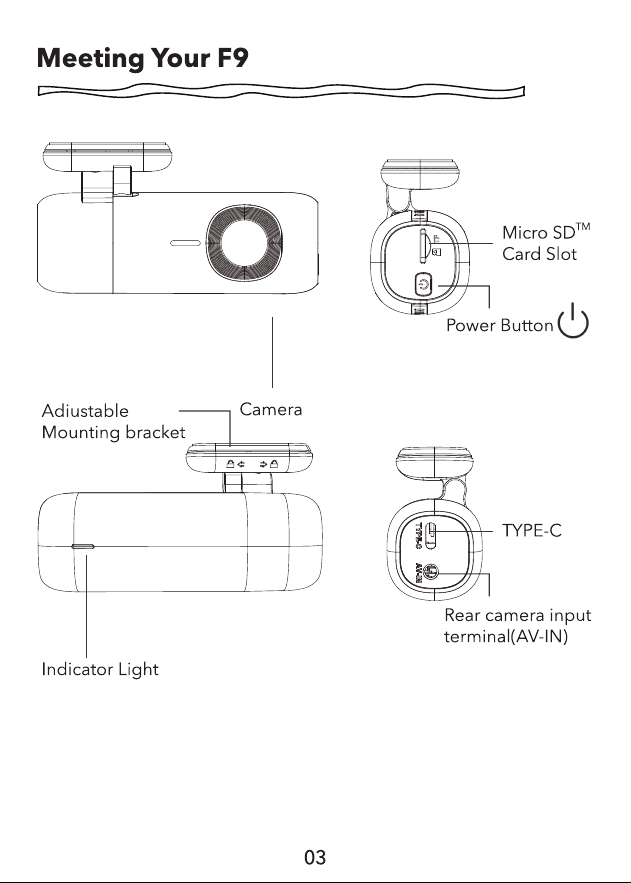
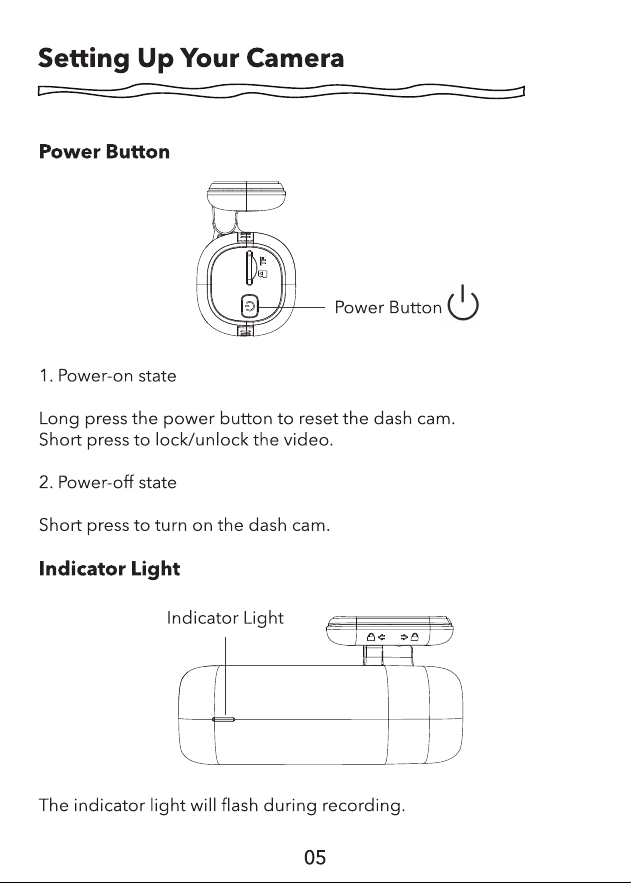
#5 How do i know if the dash camera is recording?

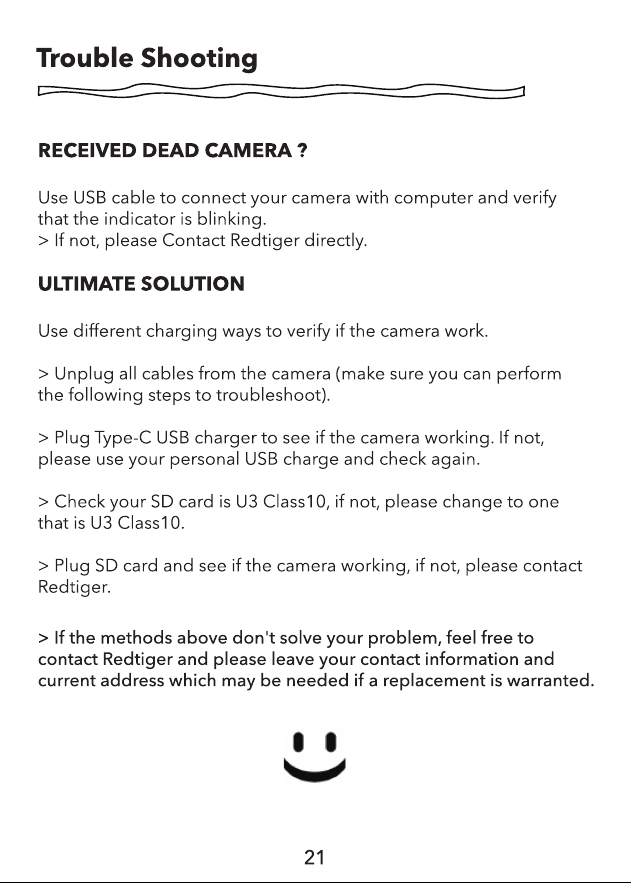
The dash cam has a status light. This status light will flash during normal recording. If it remains on, it indicates that recording has stopped.