DEAR CUSTOMER, THANK YOU
FOR PURCHASING OUR PRODUCT!
IMPORTANT
Please read the entire user manual carefully
before use. It is recommended to use only
the original battery, charger and accessories
that come with the device.
Neither the manufacturer nor distributor is
responsible for the use of third party
accessories.
(The functions shown in this manual may
vary slightly from model to model, as the
manual is a general description of the
smartwatch, some models may deviate from
the standard).
Please charge the device for no less than 2
hours before using it for the first time.
Before using the device you must download
the application, install the application and
accept all authorisations, otherwise not all
functions will be available.
The company reserves the right to change
the content of this manual.
1.Charge your watch.
2.Install the dedicated app for your chosen
smartwatch model on your smartphone
3) Switch on your phone's Bluetooth (do
not search for your watch at this stage)
4) Open the app and search for your
smartwatch from within the app
After a successful search, connect the
smartwatch to your phone (connection
instructions are in the APPLICATION
section)
The connection is active when the Bluetooth
icon on the watch is yellow, while grey means
no connection.
The device is compatible with:
iOS 9.0 and later and Android 4.4 and later.
To use the GPS function you will need an
Android 6.0 device.
Android users at Google Play
iOS users in AppStore
Before first use, connect your watch to the
app.
After a successful connection, the watch will
automatically synchronise the time.
After starting the app, configure your personal
data.
Download the FunDo application:
Open FunDo application -> settings ->
Bluetooth -> search for SP0RT_LE and
connect.
APLICATION
BASIC INFORMATION
Charge your watch using the charger
supplied.
To connect the charger, connect the
cable to the charging contacts on the
underside of the watch.
To start the watch hold down the bottom
BACK button for 3 seconds
To turn the watch off hold down the same
button for 3 seconds.
Charging
Do not use the watch while it is charging.
It will take approximately 70 minutes to fully
charge the watch. Once charged, the watch
will start automatically.
NOTE: Do not connect the magnetic charging
cable to two contacts at the same time with
conductive material. It may cause a short
circuit.
Switching the watch on/off
MAIN SCREEN
Main dials
Shortcuts
Functions
Notifications
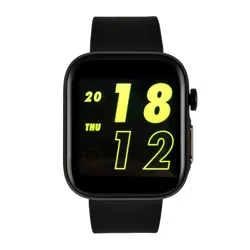
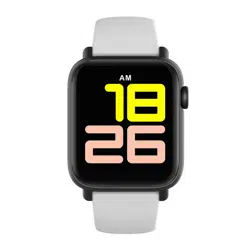
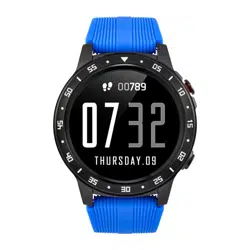
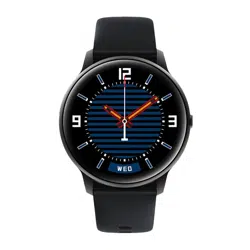
Choose from three main dials showing date,
time, battery level, steps taken, and calories
burned. To change the home dial, touch the
screen.
There are four icons in the shortcut menu:
sound/vibration, app QR code, screen
exposure, Bluetooth. To access the shortcuts
slide the screen down.
To view the following functions: Steps, Sleep,
Pulse, Stopwatch, Compass slide the screen up.
After connecting your device to the FunDo
mobile application, notifications coming from
your phone will be displayed on the watch.
To access the notification screen slide the
screen to the right.
Pedometer.
At midnight the data is saved and reset to
zero for re-counting. The pedometer dial also
displays the distance covered in kilometres
and the percentage of the set goal. To view
the weekly summary slide the screen to the
left.
Sport
Main menu
To switch to sport mode slide the screen to
the left. The watch has ten sport modes:
outdoor walking, treadmill walking, cycling,
outdoor running, treadmill running, trekking,
swimming, basketball, table tennis,
badminton, football. At the very end, history
and settings are displayed. To view modes,
scroll up the screen.
To display the main menu, go to the sports
section and scroll left. In the menu you will
find language settings, screen brightness,
Bluetooth name, locator and device
information.
BASIC FUNCTIONS
Sleep
Heart rate measurement:
Stopwatch
Compass
The sleep function displays the total time we
slept and the time when our sleep was Deep
and Light. To view a weekly summary slide the
screen to the left.
To start the measurement bring the watch
close to your hand and touch the screen. To
save the measurement history, touch the
screen again. The heart rate function is for
home use only and is NOT a medical
diagnosis.
To start the stopwatch touch the screen. To
stop touch the screen again.
Before first use, move the watch following the
pattern shown on the screen to calibrate the
device.
SPORTS FUNCTIONS
Modes using GPS connection:
Outdoor Walking (OutWalk), Outdoor Running
(OutWalk), Jogging, Trekking
Modes that do not require a GPS
connection:
The training time will be calculated
automatically when a GPS connection is
obtained.
GPS connection:
- static icon - connected
- flashing icon - in connection
- no icon - not connected
To view your route, average heart rate and
more data, swipe the screen to the right.
To pause and temporarily stop the sport
mode, swipe left.
To exit the workout and save data press
BACK and touch the END screen.
Walking on treadmill, Running on treadmill,
Cycling Basketball, Table tennis, Badminton,
Football
Workout time will be calculated
automatically.
Move the screen to the right to see your
average heart rate and more data.
To pause and temporarily stop the sport
mode swipe left.
To exit the workout and save data, press
BACK and touch the END screen.
Notes on water resistance
The WS929 smartwatch has a water
resistance rating of Ip68. Before use,
please note the following points that may
affect the waterproofness:
- the device is not suitable for use in hot or
warm water or other environments with
increased temperature and humidity
- Remove your watch before entering a
shower, swimming pool or sauna
- Avoid contact with detergents and
cosmetics
- Clean your watch and bracelet of salt
water after contact with seawater
Warranty service:
1. Under normal use of the products, if the
product has no mechanical damage and
caused by misuse, 24 months from the date
of purchase, consumers can take
advantage of the free warranty service.
2. Consumers cannot benefit from the
warranty if:
A. they have done the damage themselves,
B. the warranty period has expired,
C. they have not used the product in
accordance with the instructions for use
and maintenance,
D. they have dismantled, repaired or
immersed themselves in water.
Swimming
History
Sport settings
Your swimming time will be calculated
automatically. The watch counts the
number of laps in the pool. In swim mode,
the touch screen is locked. To stop and
view your training data, press the BACK
button. To return press the OK button.
This is where you will find all the activity for
that month. To view older data, slide the
screen up. Tap the screen for detailed
information.
This is where you set data such as target
value, reminders, units of measurement,
personal data, etc. Slide up the screen to
view more
WARRANTY
www.watchmark.com
ul. Paprotna 7
Wrocław
POLAND
IMPORTANT INFORMATION
PRECAUTIONS
FAQ
- Make sure you are in an open area
- make sure your watch is charged
NOTE: Please use only in open spaces.
Surrounding buildings, dense forests and
bad weather may interfere with the GPS
signal reading.
3. Bluetooth connection problem
If there are problems with the Bluetooth
connection, follow the steps below:
- close the application
- delete Bluetooth connection record in
phone
- delete Bluetooth connection record in
watch
- turn off Bluetooth in your phone
- turn Bluetooth on in your phone and
reconnect to the watch
Can I use the watch without connecting to
my mobile phone?
Yes, thanks to the built-in GPS module, the
watch can be used independently of the
connection . However please note that some
functions, such as history, will not be
available. When connected to the
application the clock is set automatically, if
the application is not connected this function
must be set manually. To do this, go to Sport
-> Menu -> Settings -> Clock.
1.How long does it take to connect to the
satellite? Two hours or more the first time.
When the satellite is connected the search
time is two minutes.
2. Satellite connectivity problem
If you have problems with GPS connectivity,
follow the steps below:
- do not move while searching for
connectivity
Protection:
Battery and charging
Clean the watch regularly with a soft cloth
to keep the device and bracelet clean. For
heavier dirt, use clean water.
Failure to follow the guidelines below may
shorten battery life or cause equipment
damage, fire, chemical burns, electrolyte
leakage or skin injury.
- do not use your watch while charging.
- high ambient temperature or proximity to a
heat source can lead to overheating,
deformation and ignition of the battery
Notes on measurement
NOTE: The heart rate measurement
function is not precise, so it cannot be
used for medical diagnosis. Measurement
error:
- make sure that the watch is properly worn
and fits tightly against the skin before
taking a measurement
- When measuring outdoors, weather
conditions and low temperatures may
affect the accuracy of the measurement.
PARAMETERS
Display: 1.3" 240*240
Satellite: GPS + Baidou
Water resistance: IP68
Heart rate measurement: Optical
Bluetooth: 4.0
Sensor: Compass
Accelerometer/Gyroscope: 3axis, 3D
Acceleration
Battery: 430mAh
System Compatibility: Android 4.3+, IOS
8+
Weight: 71g
Size: 52/40/14.5mm
Input: 3.7V 1.0A MAX
Implementation standard: LX10328-
2018
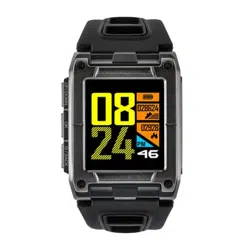
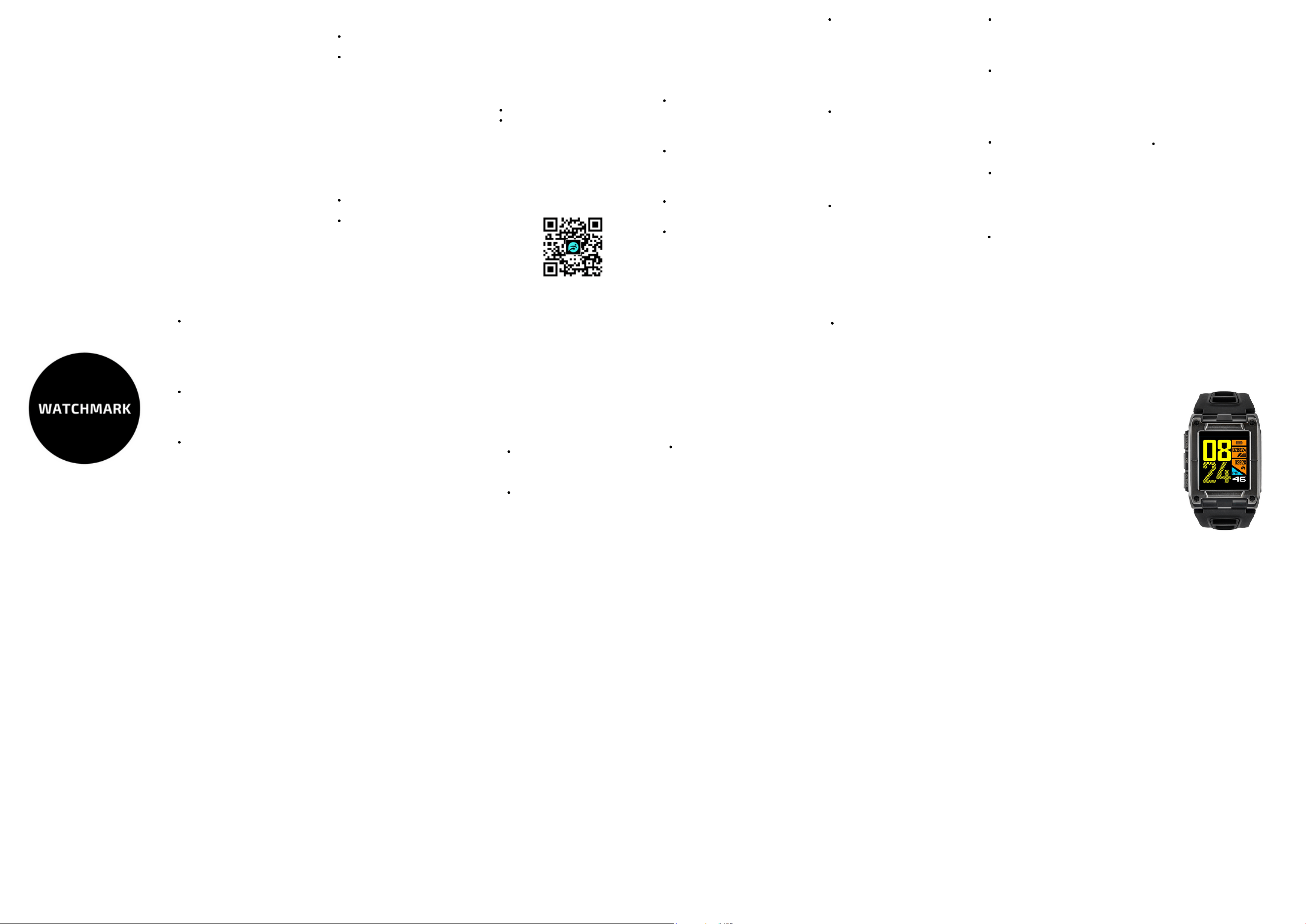
SMARTWATCH
WATCHMARK WS929
Manual instruction
watchmark.com
5 Why does the battery last so long?
Battery life depends on how often and for
how long you use your watch. Additional
factors which reduce battery life are active
GPS and/or Bluetooth functions.
To preserve a long battery life, please
observe the precautions described in the
section PRECAUTIONS - Battery and
charging and BASIC INFORMATION -
Charging.
- in case of battery swelling DO NOT
puncture
- in case of battery rupture and leakage
avoid contact with eyes and skin
- do not disassemble by yourself (the device
uses a built-in battery)
- in case of battery damage, contact your
local waste disposal department