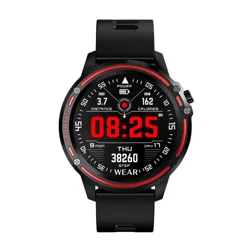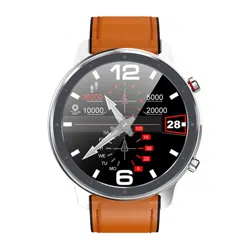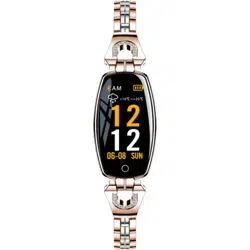
-Do not wear the watch in a heated pool, sauna or other
high temperature/humidity environment.
-Do not wear the watch when washing hands or face or
when working where soap or detergent is used.
-Be sure to wash off any salt or dirt from the watch when
immersed in the sea.
Warranty service:
1. Under normal use of the products, as long as the product
has no mechanical damage and is not caused by improper
use, consumers can enjoy free warranty service for 24 months
from the date of purchase.
2. Consumers cannot take advantage of the warranty if:
A. the damage is self-inflicted,
B. the warranty period has expired,
C. they have not used the product in accordance with the
instructions for use and maintenance,
D. the products have been disassembled, self-repaired or
immersed in water.
WARRANTY
DEAR CUSTOMER, THANK YOU FOR
PURCHASING OUR
PRODUCT!
An app is required to connect to your mobile phone.
Before downloading the app, please read the
hardware platform conditions for your mobile system.
Scan the QR code to download the app.
DOWNLOAD THE "WEARHEALTH" APP
The first time you use the watch, you should charge it
to activate it.
WATCH ACTIVATION
PAIRING DEVICES
Click the "bluetooth" button to connect the watch to
your mobile phone.
Function button - one click - tool function / long press -
activation, model change. After successfully pairing
your mobile phone, your traffic and sleep will be
synchronously recorded and analyzed.
START USING
You should charge the watch before using it for the first
time. Once charged, the watch will start automatically.
ON button - long press to start
OFF button - a long press will turn the watch off.
FIRST USE
Once you've connected your witch watch, find "Manage
Wristband" in the app on your phone in the Me interface.
When your Android phone first enters the "Manage
Wristband" entry, you should see a notification when you
open it. When you click OK, a pop-up page should
appear with a permission notification When the IOS first
connects to the band, it should automatically ask you to
allow the pairing, otherwise the band will not be able to
receive notifications.
NOTIFICATION SETTINGS
When you raise your hand, the screen lights up, and
when you lower it, the screen goes off.
G-SENSOR
Notifications from Facebook, Skype, Whatsapp, WeChat,
QQ and text messages are displayed on the watch
screen. After reading a message, you can press and hold
for 3 seconds to go to the main menu.
NOTIFICATIONS
The first time you use the measurement functions, you
should calibrate them. In the app, you should click the
"Calibrate" button and then measure the pressure on the
pressure gauge. You should then enter the measured
value into the app.
MEASUREMENT CALIBRATION
FUNCTION
heart rate
blood pressure
stopwatch
PRECAUTIONS
2.Notes on water resistance (even if it is a waterproof
watch):
Pay attention to the following methods as they deteriorate
the waterproofing.
-Don't wear the watch in the shower.
1. Low battery: In the event of a low battery, you should charge
the device immediately to protect battery life.
2. Charging: do not use the watch while it is charging.
3. Ambient temperatures above 50 °C during charging can
lead to overheating, deformation and burning of the device.
4. Do not swim, dive or use equipment underwater.
5.The device uses a built-in battery and is prohibited to
disassemble separately.
6. Avoid contact with eyes and skin in case of battery rupture
and leakage.
1.Safety:
- Clean the watch and strap with a soft cloth (use clean
water or sea water).
- Make sure the heart rate lens on the watch is close to
your skin
- the skin temperature on the wrist is too low due to the
weather, which affects the heart rate control.
IMPORTANT INFORMATION
Read the entire manual carefully before use. We
recommend that you use only the original battery,
charger and accessories supplied with the device.
The manufacturer or distributor is not responsible for
the use of third party accessories.
(The functions shown in this manual may vary slightly
from model to model, as the manual is a general
description of the smartwatch, some models may differ
from the standard).
You must charge the device for at least 2 hours before
using it for the first time.
You must download and install the app and accept all
permissions before using the device, otherwise all
features will not be available.
The company reserves the right to change the contents
of this manual.
1. Download the "WEARHEALTH" app.
An app is required to connect the tape to your mobile
phone. Please read the terms and conditions before
downloading the app. Scan the QR code to download
the app;
sports mode
Alarm clock
news
EN
Instructions for use
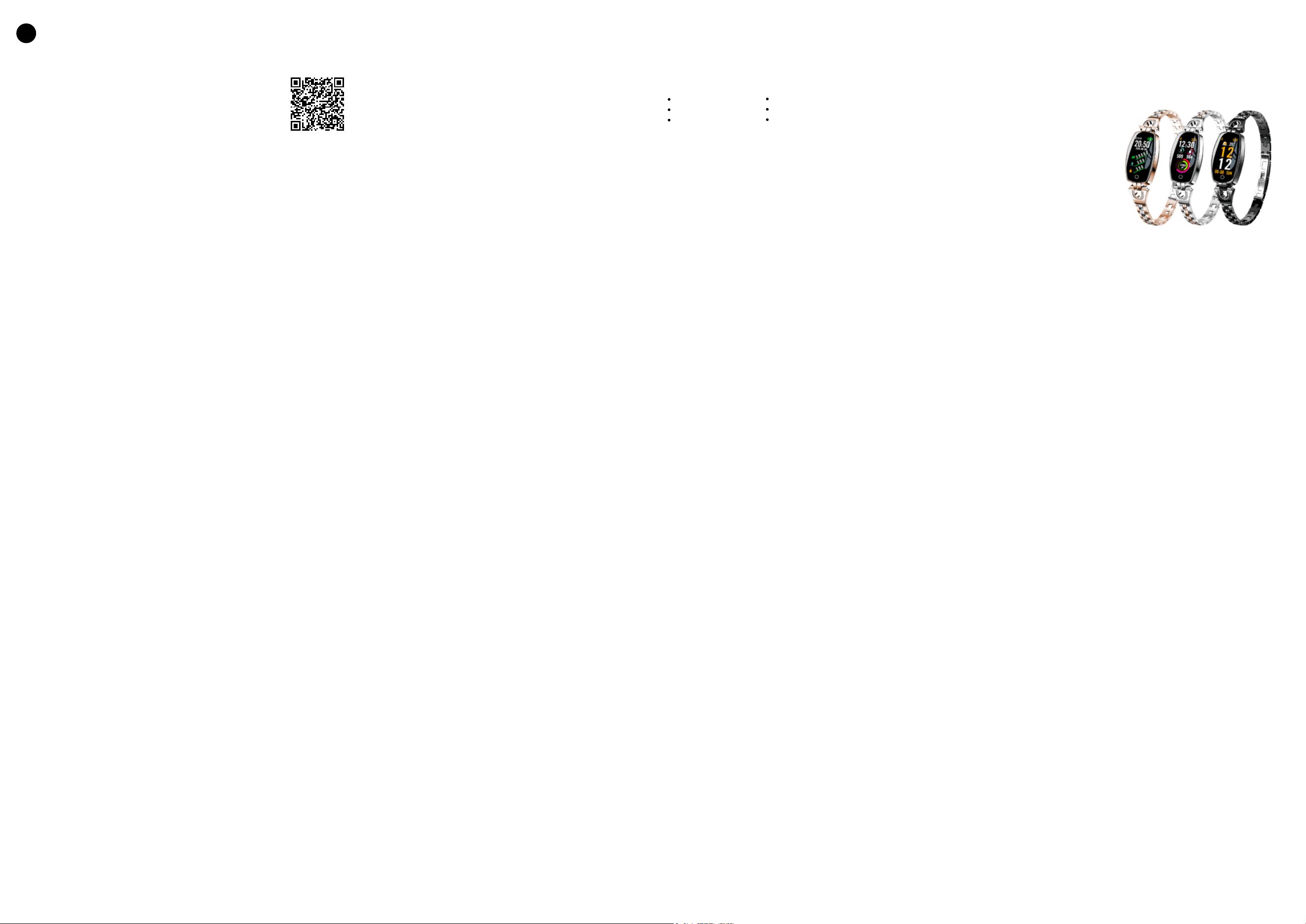
SMARTWATCH
WH8