USER MANUAL
WWW.WATCHMARK.COM

TABLE OF CONTENTS
Introduction
About the watch
4
Device configuration
Packaging content
Hardware requirements
Charging the watch
Additional information
How to wear
a smartwatch?
7
Belt change
8
Applications and functions
Installing the app
9
Smartwatch functions
10
Heart rate
Respiratory training
Vibration massage
Sleep monitor
Notifications/messages
Stopwatch
Weather
Sports modes
Reset to factory settings
Changing the dial theme
Battery saving mode
Time, date
Pedometer
Brightness control
Calorie counter
Distance
Blood pressure
Saturation
11
5
6
12
13
14
15

TABLE OF CONTENTS
Specifications
General Information
20
Product complaint
Product return
21
Product exchange
22
App functions
16
Automatic heart rate
monitoring
Reminder to move
Hydration reminder
Reminder of incoming call
Reminder from social media
apps
Do not disturb mode
Alarm clock
Reminder mode
Control of the phone's
camera
Frequent contacts
G-Sensor function
Find phone
17
18
19
Applications and functions
23
Introduction
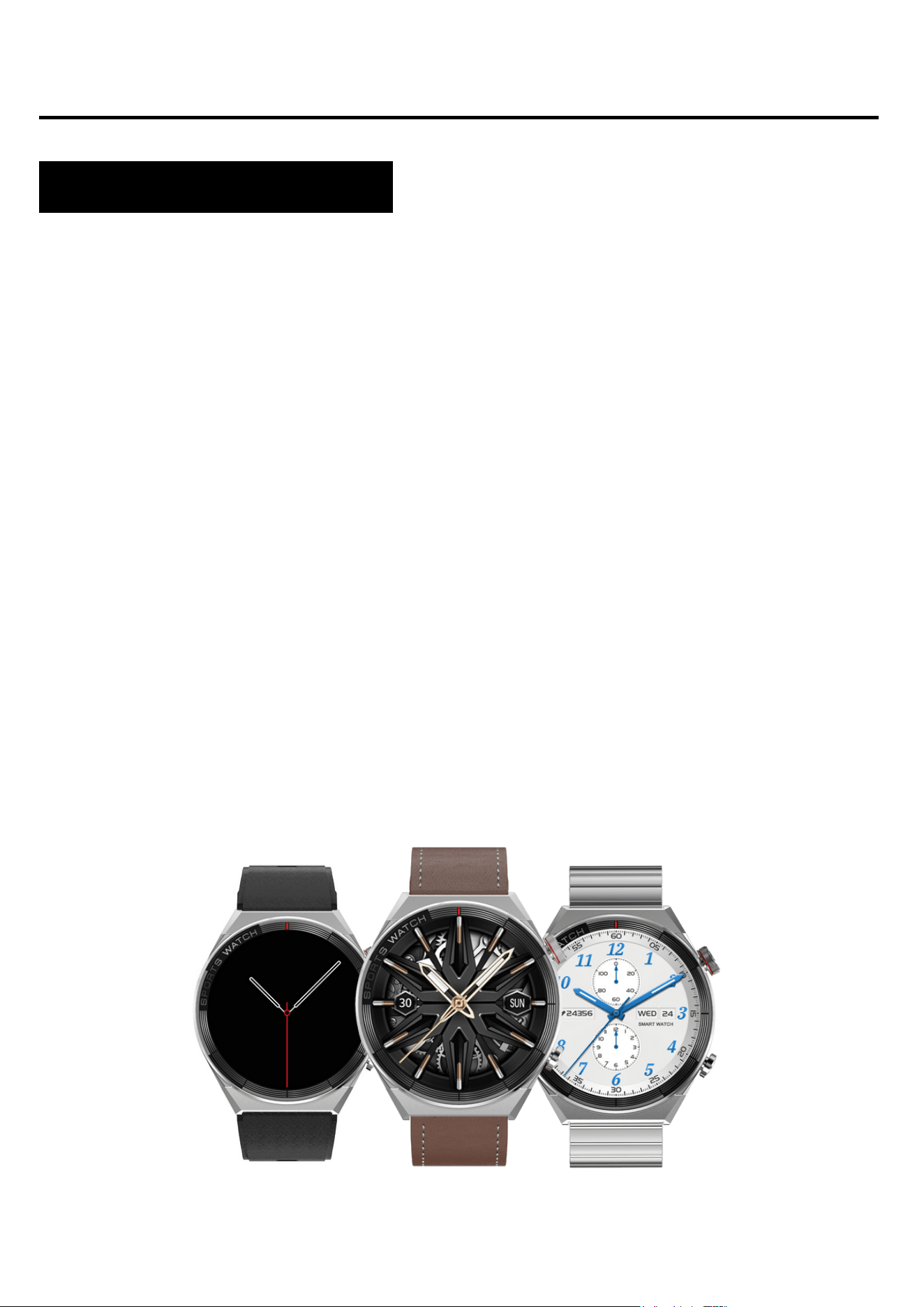
About Watchmark Maverick
The Maverick smartwatch is a combination of elegant classics and
superior technology. It will add a chic touch to your every day and
adapt to all your requirements with its advanced functions. You will
always have direct access to app notifications, incoming calls, text
messages, weather, multiple health and sleep quality
measurements and much more.
Configuring the device
Packaging content
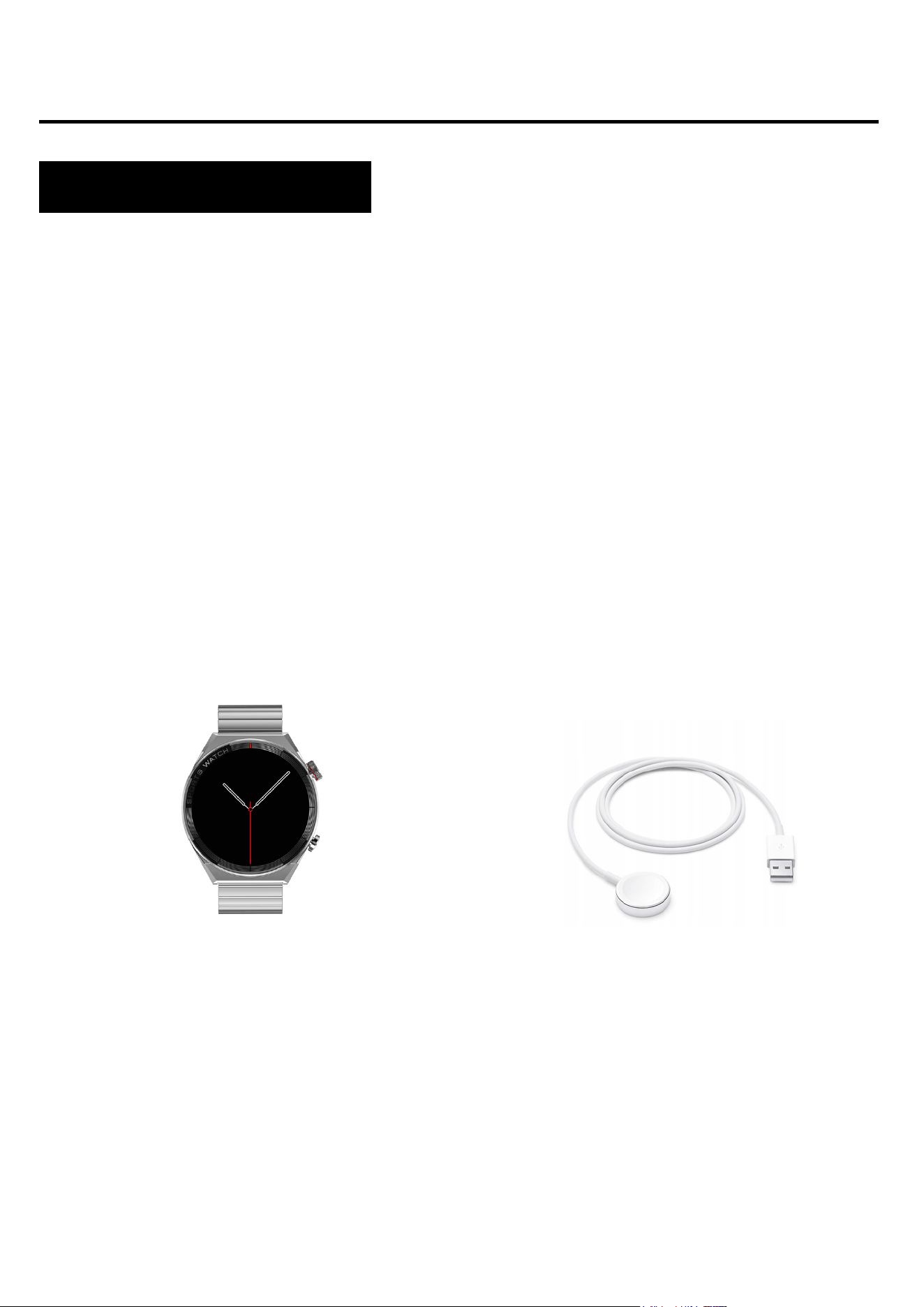
Smartwatch (colour and
material may vary depending on
the colour chosen)
Strap (colour and material
may vary depending on the
colour chosen)
Charger (colour and material
may vary depending on the
model selected)
4
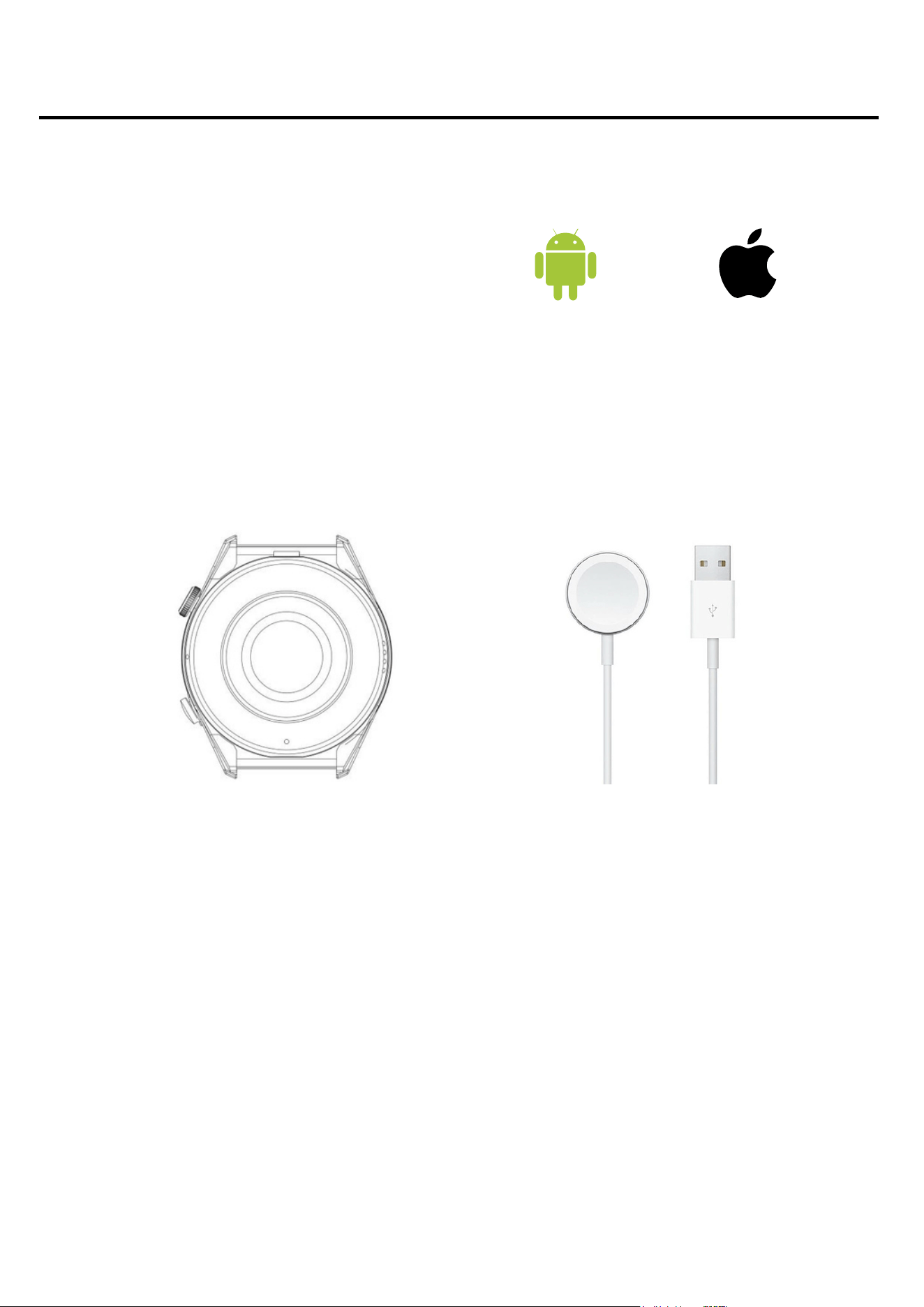
iOS 10.0 and above
Android 4.4 and above
Bluetooth supported: 4.0
Hardware requirements
Charging instructions
This smartwatch uses inductive (wireless) charging. Connect the
charging cable to the USB input and attach the charging cradle to
the contacts on the back of the device. Once connected,
charging will start automatically and the charging icon will appear
on the screen.
It takes approximately 2 hours to fully charge the battery. Do not
use the watch while it is charging.
Caution: do not connect the magnetic charging cable to any
2 contacts at the same time as the conductive material, as
this may cause a short circuit.
Android 4.4+ IOS 10.0+
5

Please read the entire user manual carefully before using the
equipment. It is recommended to use only the original battery,
charger and accessories that are included in the kit received
with the device.
Neither the manufacturer nor the distributor is responsible for
the use of third-party accessories.
The functions that are presented in this manual may vary
between models, as the manual is a general description of
smartwatches. Some models may deviate from the standard.
Before using the device for the first time, charge it for a
minimum of 2 hours. Before using the device, you must
download and install the app and accept all consents that the
smartwatch asks for. If this is not done fully, not all features of
the device will be available. The smartwatch will only ask for
access to functions that are necessary for the smartwatch to
function properly.
The company reserves the right to change the content of this
manual.
6
Additional information

How to wear a smartwatch?
The strap for this watch model is 20mm wide. It is
interchangeable and additional straps can be purchased in
a different colour or material.
Wearing the watch
When you're not exercising, wear the smartwatch as you
would a regular watch, i.e. one finger above your wrist bone.
To take full advantage of the heart rate monitoring function
during exercise, try wearing the device above your wrist
(2 fingers above your wrist bone) to improve comfort and
stability. Many exercises, such as cycling or weightlifting, can
cause the smartwatch's placement to change by bending the
wrist, for example. If the watch sits lower on the wrist bone
measurements can be intermittent, so correct placement
is important.
7

Belt change
Attach the original strap to the watch before using it. When
carrying out this operation, take careful care and watch out
for your fingernails when attaching the telescopes to the
watch.
Insert one end of the strap together with the telescope
into the recess of the watch envelope.
1.
With the other end, insert the telescope into the centre of
the cavity and attach it to the watch.
2.
Wearing the belt
Removing the belt
With one hand, press the wheel on the telescope and
gently push inwards.
1.
Then, pull upwards until the telescope detaches from the
watch.
2.
8
Applications and functions
Installing applications
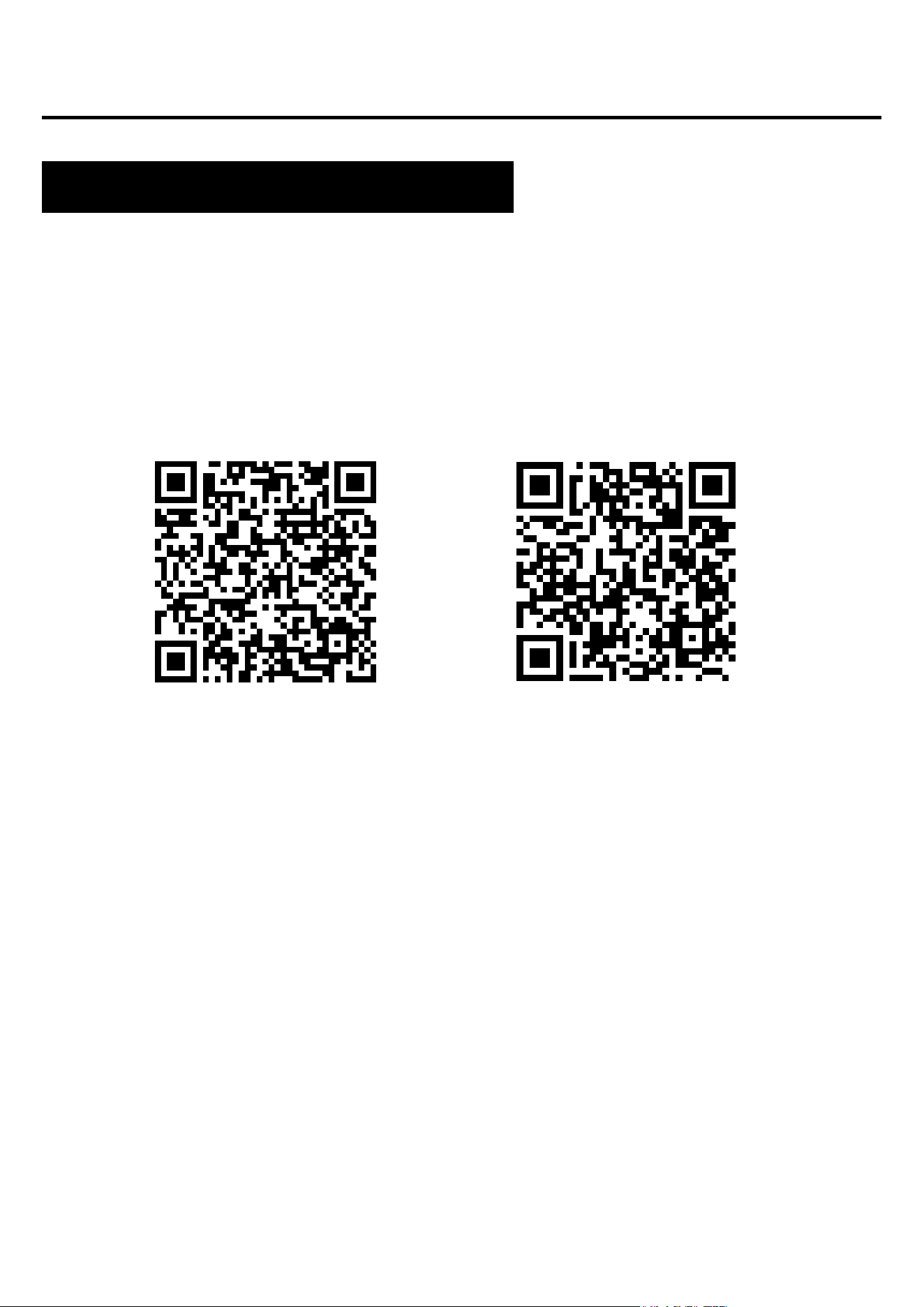
The app for the Maverick smartwatch model is "WearPro".
The app must be downloaded from the Google Play / App
Store or via the QR code below.
Once the app is installed, turn on Bluetooth on your phone and go
to the app. Create an account or log in anonymously. Fill in your
details and allow access. For the app to work properly, you need
to give all the consents it asks for. To connect the watch, click in
the bottom corner: "Devices" and then "Pair devices". Your phone
will search for devices and you should select the appropriate
model (Smart watch). The smartwatch can also be connected by
means of a QR code.
9
Google Play App Store

Features available on the Smartwatch
Time, date, day of the week
The display shows the time, date and day of the week. The
data is displayed on the main screen of the watch.
Pedometer
Counts the steps taken on a given day (data resets each day
from 00:00). The number of steps taken can be seen in the app
or in the first tab to the right of the main screen.
4-step backlight brightness adjustment
The 4-step brightness adjustment helps protect your eyes from
an overly bright screen at night and saves the watch's battery.
You can find this function in the drop-down menu from the main
screen and select the appropriate display brightness.
Calorie counter*
Calculates the number of calories burnt in a given day. The
data on calories burned can be found in the first tab to the right
of the main screen in the app.
Distance travelled
Information on how much distance was covered during the day.
The distance travelled can be found in the first tab to the right
of the home screen.
10

Features available on the Smartwatch
Blood pressure (BP)*
Blood pressure is the force with which the blood pushes against
the arterial walls during the contraction and diastole of the heart
muscle. The accepted norm for systolic blood pressure is 120 mm
Hg, while for diastolic blood pressure it is 80 mm Hg.
On the watch, the function for measuring blood pressure can be
found in the pull-down menu from the main screen under the name
BP.
Oxygen saturation (BO)*
This function indicates the oxygenation level of the blood. As a
norm, the result should be between 95 and 100%. When the
oxygenation level drops, it can be dangerous for our health.
On the watch, the function for measuring blood oxygenation can
be found in the bottom menu of the main screen under the name
BO.
11

Features available on the Smartwatch
Heart rate (HR)*
Heart rate, or pulse: is the number of beats of the heart muscle
per 1 minute. The accepted norm is between 60 and 100 beats
per minute. When the pulse is elevated we speak of
tachycardia, while when it is lowered we speak of bradycardia.
Both conditions can be dangerous to our health.
On the watch, the function for measuring heart rate can be
found in the bottom menu of the main screen under the name
HR.
Respiratory training
Helps you to relax and calm down. There are three breathing
rates to choose from: slow, medium and fast, and the length of
the workout: 1, 2 or 3 minutes. On the watch, the breathing
workout function is located in the pull-out menu from the bottom
of the main screen.
Vibration massage
Soothes tense muscles and relaxes. The watch's massage
function can be found in the menu that slides out from the
bottom of the main screen.
*Do not make health decisions based solely on smartwatch results. For measurements to be accurate, users should measure
health functions at rest as they would with traditional medical devices and refrain from measuring during exercise, smoking or
alcohol consumption. The smartwatch is not a medical device and the measurement results are for illustrative purposes only.

Features available on the Smartwatch
Sleep monitor*
A function that helps to analyse a person's sleep. The watch
shows the number of hours slept and the phases of sleep, in
which we distinguish between shallow and deep sleep.
On the watch, the sleep monitoring function is located in the
pull-out menu from the bottom of the main screen.
Notifications / messages
When you connect the watch to your phone via the app and
allow the relevant consents, the watch will display incoming
notifications for messages and from social networks. In order
for notifications to display, this function must be enabled in the
app settings.
13

Features available on the Smartwatch
Stopwatch
A function that is used to check and measure short intervals of
time. On the watch, the stopwatch function is located in the fly-
out menu from the bottom of the main screen.
Weather
The watch, when connected to the app, will indicate the
temperature for the day. On the watch, the weather function
can be found in the bottom slide-out menu from the main
screen.
Sports modes
The watch's 11 sports modes allow you to control your training
goals by monitoring steps, heart rate, calories and distance.
Workout data can be found in the app after synchronisation.
Available sports modes: walking, running, bike, skipping,
badmington, basketball, football, indoor running , free training,
orbiter. On the watch, the sports modes function can be found
in the pull-out menu from the bottom of the main screen.
14

Features available on the Smartwatch
Reset to factory settings
Resetting to factory settings allows you to reset the watch and
erase all data and settings. On the watch, the reset function is
located in the settings in the menu that slides out from the
bottom of the main screen.
Changing the dial theme
There are several dials to choose from on the watch. Many
more themes can be downloaded in the dedicated app. On the
watch, the function to change the dial theme can be found in
the settings in the fly-out menu from the main screen.
Battery saving mode
This mode allows the watch to run for longer. On the watch, the
battery saving mode can be found in the settings in the flyout
from the bottom of the main screen.
15

Functions available in the application
Automatic heart rate monitoring
On-demand heart rate measurements can be taken in the app
and measurements can also be set to be taken on a cyclical
basis.
Cyclic measurement can be switched on or off in the app and
set to take automatic measurements every 10-60 minutes. The
automatic measurement is performed without our intervention.
The heart rate measurement helps us to determine the intensity
of our workout, detect differences in our heart rate in stressful
situations and at rest. To monitor your heart rate automatically,
select 'Devices' and then 'Heart rate monitoring' in the app.
Setting up automatic measurements reduces battery life.
Movement reminder
In the app, cyclical reminders can be set every 10-360 minutes,
whereby the watch, when it detects that a person has been
motionless for a prolonged period of time, reminds them to
perform an activity. You can also set how many steps are
required after receiving the reminder and on which days the
function should be active. To enable this function, in the app,
select "Devices", then "More" and select "No activity reminder".
16

Functions available in the application
Hydration reminder
In the app, cyclical reminders can be set every 30-180 minutes
to remind the watch to reach for water. To enable this feature,
in the app select "Devices", then "More" and select "Drinking
regime".
Incoming call notifications
Notifications of an incoming call with the name of a contact
from your smartphone's phonebook.
Notifications from social media apps
The app notification function allows you to read the beginning
of a message on the smartwatch screen. Notifications can
come from apps such as QQ, WeChat, LinkedIn, Skype,
Facebook, WhatsApp, Instagram and Gmail. To enable this
feature, go to 'Device' and then select 'App notifications'.
"Do not disturb" mode
A mode that causes any notifications to not appear. To enable
this mode, go to "Devices", then "More" and select "Do not
disturb mode".
17

Functions available in the application
Alarm clock
In the app, you can set an alarm clock to help you wake up on
time. To enable this feature, select "Settings", then "More" and
select "Set alarm clock".
Reminder mode
In the app, you can set how notifications will appear on the
watch. You can choose between screen backlight, vibration or
screen backlight+vibration. To set the reminder mode, select
"Settings", then "More" and "Reminder mode".
Phone camera control
This function allows you to remotely take photos with your
phone's camera by activating the camera shutter button on the
watch. To take a photo, select "Devices" and then "Camera". A
useful feature for taking group photos from a distance, for
example.
Favorite contacts
From within the app, it is possible to add frequent contacts. A
maximum of 20 contacts can be added. Once you have added
contacts, you will be able to make calls directly from the
smartwatch without dialing a phone number. To add contacts,
select "Settings" and then "Frequent contacts".
18

Functions available in the application
19
G-Sensor function
To enable the watch screen to be activated with a flick of the
wrist, select 'Devices' in the app and then 'Enable screen by
twisting wrist'.
Find phone
In the app, selecting the "Find Device" function will trigger a
beep on the phone to help locate the phone.
General Information
Specifications
IP68** water resistance
Allows you to use the watch
while washing your hands or
on a rainy day.
320mAh battery
The large battery capacity
enables long use of the
smartwatch.
Design Classic
Thanks to its classic design,
the watch goes with any
style.
RTL8762DK processor
High performance and
precision measurements.
**The IP67 standard allows water temperature from +10 to +35 degrees Celsius and immersion to a depth of 1m for up to 30min. The watch
cannot be used in hot baths or saunas as it is not steam resistant. It is not designed for swimming, it is designed to help you take care of your
health.
***The smartwatch has Ti AFE4404 + 2*OSRAM 2703 + OSRAM LED sensors to measure blood oxygenation, Ti 129X chip is responsible for
measuring ECG, and Ti AFE4404 + 2*OSRAM 2703 is responsible for measuring PPG.