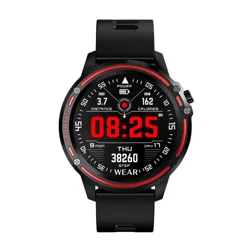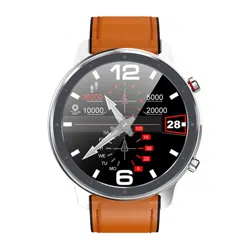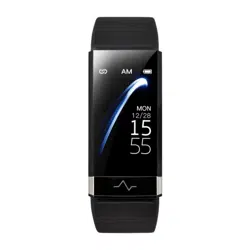
Please read the entire user manual carefully before
use. It is recommended to use only the original battery,
charger and accessories that come with the device.
Neither the manufacturer nor distributor is responsible
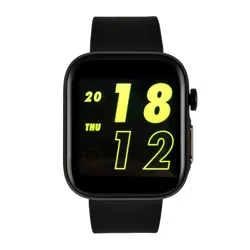
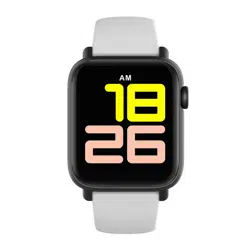
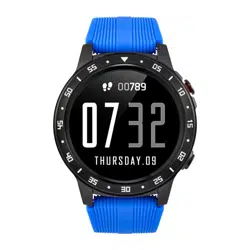
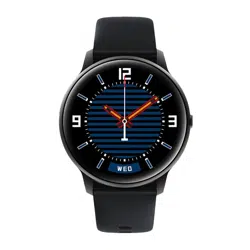
for the use of third party accessories. (The functions
shown in this manual may vary slightly from model to
model, as this manual is a general description of the
smartwatch, some models may deviate from the
standard).
Please charge the device for no less than 2 hours
before using it for the first time.
Before using the device you must download and
install the application and accept all authorisations,
otherwise not all functions will be available.
The company reserves the right to change the content
of this manual.
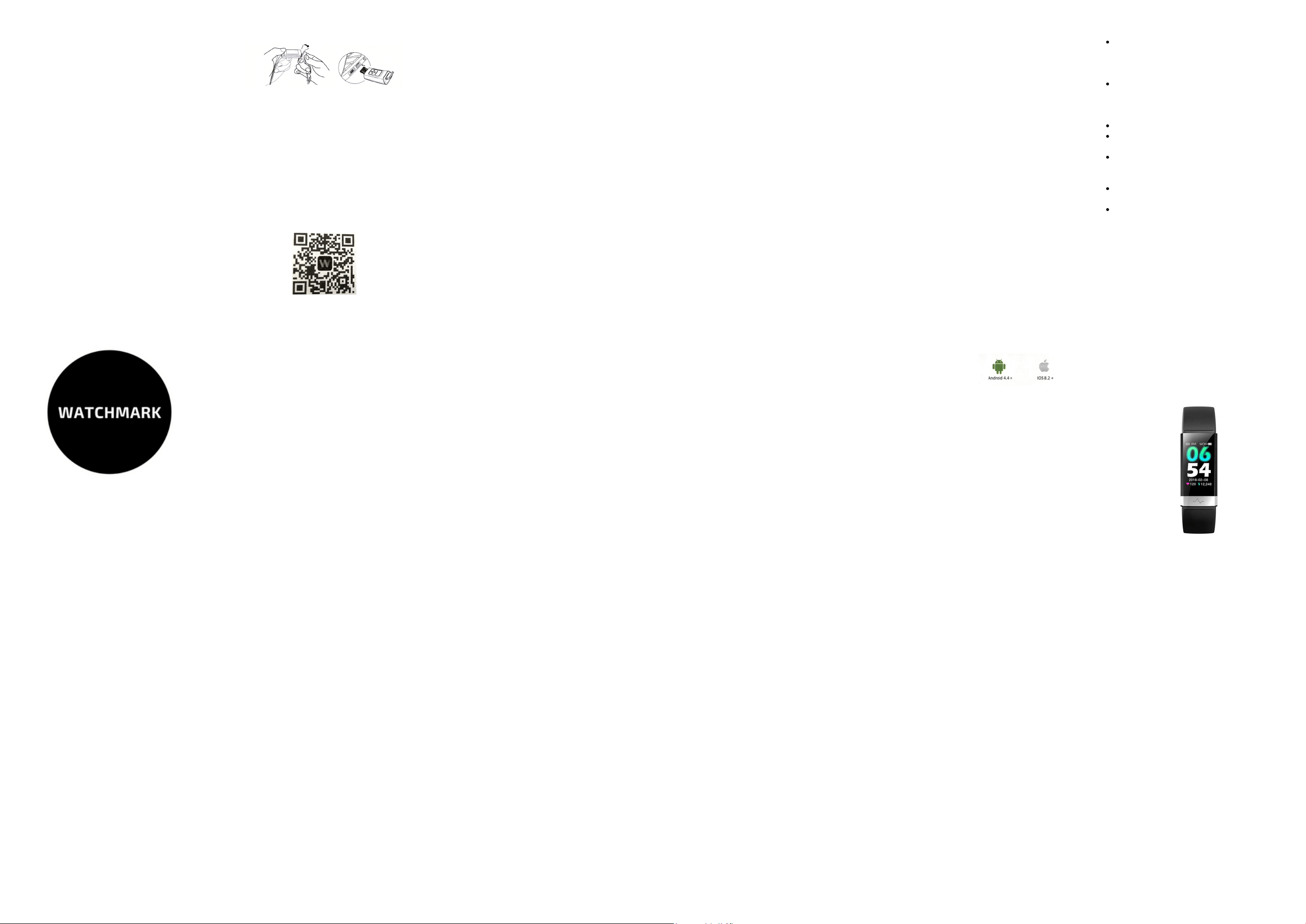
To charge the health band, pull out the strap next to
the screen that exposes the USB port, then place the
tip in any USB port. Switch on: hold down the touch
button longer Switch off: switch the screen to the page
for switching off the watch, then hold down the touch
button longer.
2.4 BP measurement: To take a measurement, find the
BP measurement option in the watch menu and the
measurement will start automatically. You should have
your hands flat on your body and the watch must be
firmly pressed against your skin. The accepted norm
for systolic BP is 120 mm Hg and for diastolic BP 80
mm Hg . It should be remembered, however, that blood
pressure fluctuates constantly throughout the day and
also changes with age. The older a person is, the
higher the pressure becomes. There are also different
standards for children and people with chronic
diseases.
2.5 Run, sports mode: find the page in the watch menu
which says "RUN" and hold down the screen to start the
function. If you want to stop measuring or exit this
function, touch the screen to cycle through the
options. Hold the screen to confirm your choice.
DEAR CUSTOMER, THANK YOU
FOR PURCHASING OUR PRODUCT!
Before using the watch for the first time, it must be
charged and activated.
FIRST USE
FUNCTIONS
1.1 You need to download the "WoFit" app for iOS
phones and the "morePro" app for Android, using the
dedicated shop or QR code.
CHARGING INSTRUCTIONS
APLICATION
1.2 Once the app is installed, enable Bluetooth and the
app on your phone.
Confirm the notifications and other permissions it asks
for.
Create an account, fill in details such as name, age,
weight etc in your profile and follow the steps the app
shows you.
1.3 Use the touch button at the bottom of the screen to
switch between functions.
2.3 The smartwatch can automatically monitor your
evening sleep, tap the screen and switch to the sleep
screen to check your sleep quality. After manually
activating this function, the watch can detect data from
afternoon nap and non-standard sleeping hours(such
as working at night). The data is sent to the app. Sleep
measurement is possible between 10pm and 8am.
2.6 Time and date : the device synchronises the date
and time from your phone, once the smartwatch has
been successfully connected to the app.
2.7 Pedometer : counts the number of steps taken in
one day. The clock is reset to zero at midnight.
2.8 Activity information: The data shown on the second
screen - the number of steps taken, the distance
travelled, and the number of calories burned during the
day. The data will be saved in the application. The
counter will be reset at 24:00.
2.9 Monitoring blood oxygenation: Select the SpO2
blood oxygenation option from the watch menu. After
the measurement, the result will be shown on the watch
screen. The norm is 94-99%.
3.0 Stopwatch: In order to activate the stopwatch
function on your watch it is first necessary to enable it in
the app. Go to 'settings', then 'device' and enable the
'stopwatch' option.
2.1 ECG measurement: To measure, enter the ECG
option available on the smartwatch and hold the
screen to start the measurement. Hold the metal plate
on the front of the watch during the measurement. The
electrodes of the watch must be against the skin. The
result is available in the app.
2.2 The device can automatically detect some daily
activities (number of steps, distance, calories burned).
During the ECG measurement, make sure the
watch is on your left hand, while holding your
finger against the metal part of the watch in
front
During the ECG measurement, make sure the
electrode on the underside of the watch fits
snugly against your skin; if it does not fit snugly
enough, moisten your skin with water.
Do not move or speak during the test
When measuring your sleep, make sure the
watch is snug against your skin.
If the oxygenation signal is too weak, remove
the watch and put your finger on the sensor on
the bottom of the watch.
This device is not a medical device, the
measurements are for reference only
The sensor used to measure sleep is
accelerator based, so lying still may be
considered sleep.
IMPORTANT INFORMATION
Warranty service:
1. Under normal use of the products, if the product has
no mechanical damage and caused by misuse, 24
months from the date of purchase, consumers can
benefit from the free warranty service.
2. consumers cannot make use of the guarantee if:
A. they have done the damage themselves,
B. the warranty period has expired,
C. they have not used the product in accordance with
the instructions for use and maintenance,
D. they have dismantled, repaired or immersed
themselves in water.
WARRANTY
-Please do not wear your watch in a shower.
-Please do not wear your watch in an insulated swimming
pool, sauna or other high temperature/humidity
environment.
-Please do not wear your watch when washing your
hands or face, doing work where you use soap or
detergent.
-After immersion in the sea, wash all salt or dirt from the
watch.
1.Low battery:
If the battery level is low, please charge the device
immediately to protect the battery life.
2.Charging:
Do not use the watch while charging.
3.Ambient temperature during charging above
50 degrees C may lead to overheating, deformation
and burning of the device.
4.Please do not swim, dive or operate the device
under water.
5.The device uses a built-in battery and it is forbidden
to disassemble it by yourself.
6.In case of battery rupture and leakage, please avoid
contact with eyes and skin.
3.1 Call notification: when a call comes in on your
mobile phone, the device will vibrate to let you know,
from the watch you can mute the call
From your watch you can mute the call or reject it.
3.2 Message notification: when a new message
arrives on your phone , the device will vibrate.
NOTE:
For message and call notifications to come to your
watch the connection to your phone must be good.
For message and call notifications to come to your
watch, you need to enable this option in the
application settings .
Go to the "settings" application, then click "device" ->
"notifications -> "notifications" and select the
applications from which you want to receive
notifications.
1.Protection:
-clean the watch with a soft cloth to keep the watch and
band
(use clean water or sea water)
-make sure the heart rate lens on your watch is close to
your skin
-the skin temperature on your wrist is too low due to the
weather, which will affect the heartbeat control.
2.Notes on water resistance (even if it is a waterproof
watch):
pay attention to the following methods as they weaken
the waterproofness.
4.1 Change the appearance of the dial: open the app,
go to "settings" -> "device" -> "face styles" and set the
face.
4.2 Set your daily step goal: go to settings -> "goals"
and set your goals.
IMPORTANT INFORMATION
PRECAUTIONS
NOTIFICATION
FUNCTIONS AVAILABLE IN THE
APPLICATION
HARDWARE REQUIREMENTS
iOS 9.0 and later
Android 4.4 and later
Bluetooth 4.0 supported
4.3 Reset the device to factory settings: go to "settings",
then click on "clear device data".
4.4 Continuous pulse measuring time: go into the
"settings", then "switch settings" and select "Automatic
HR Detection"
SMARTWATCH
KARDIOWATCH WV19
User Manual
watchmark.com
www.watchmark.com
ul. Paprotna 7
Wrocław
POLAND