RUNCAM
EAGLE 2 PRO
USER MANUAL
Model: Eagle 2 Pro
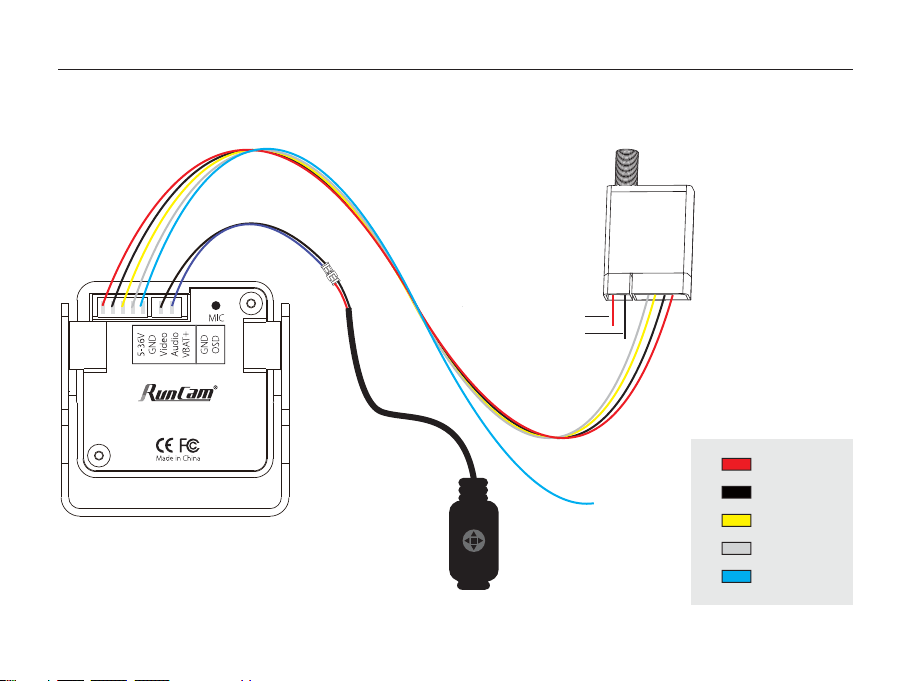
Connection
5-36v in
GND
Video out
Audio out
VBAT+
UP
UP
DOWN
DOWN
L
R
Transmitter
5D-OSD menu cable
2 pin extension cord
Power in
GND
To VBAT+
* Unplug the 5D-OSD menu cable after OSD setting.
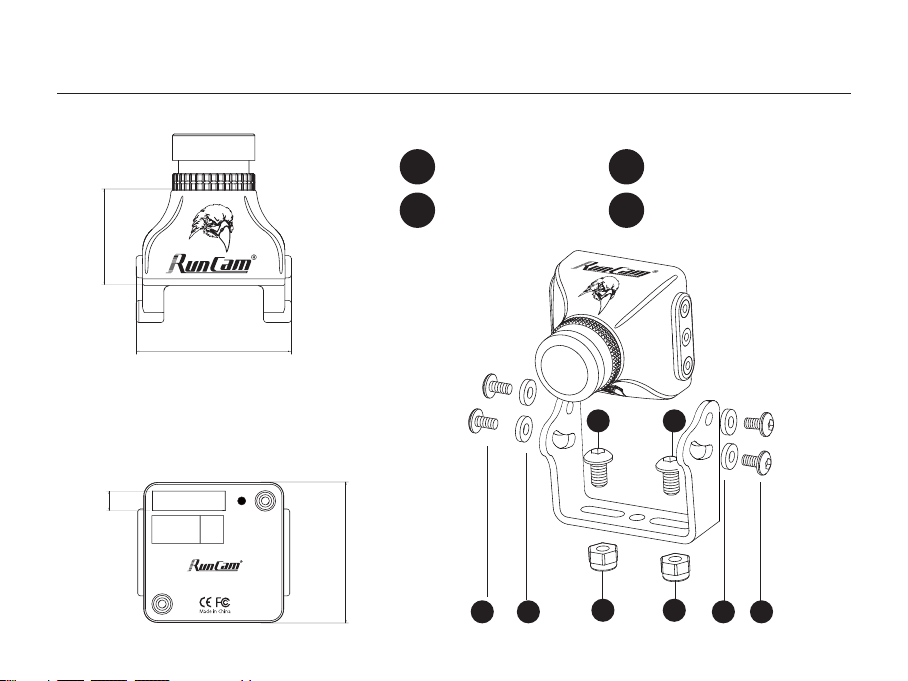
1
Nylon Gaskets
2
M2*4 Screws
3
M3*5 Screws
4
M3 Non-slip Nuts
Dimensions & Installation
3.6mm
28mm
17.25mm
26mm
11
44
2
2
3 3
Model: Eagle 2 Pro
5-36V
GND
Video
Audio
VBAT+
GND
OSD
MIC
OSD Menu
·
·
Quick settings:
Long press the LEFT/DOWN/RIGHT button
for 2 seconds to activate the VOLTAGE/PILOT
/TIMER, then you can use the UP, DOWN,
LEFT and RIGHT buttons to move it to the
appropriate location on the screen, and press
the CENTER button to exit.
·
The OSD displays by default the input voltage of
the camera. If the VBAT + cable is connected to
the battery's positive side, it displays the battery
voltage instead.
·
·
Press and hold the RIGHT button for 2 seconds
to select the voltage
·
·
Press and hold the CENTER button for 2 seconds,
the voltage starts to flash, now you can adjust the
Voltage:
·
·
Reduce (LEFT button) or increase (RIGHT button)
0.1V each press. Maximumadjustment range: ± 1v
·
·
After adjustment, press the CENTER button to
select the voltage, then press it again to save and
exit.
16.8v RunCam
01:08
·
·
Voltage Calibration
OSD Menu
OSD Setting: Press and hold the UP button for 2 seconds to enter OSD setup menu.
·
·
PILOT: ON/OFF
·
·
TIMER: ON/OFF
·
·
VOLTAGE: ON/OFF
·
·
BASELINE: OFF/1-9
·
·
EXIT: Save the current settings and exit
·
·
Customize the PILOT name: Use the UP, DOWN,
LEFT and RIGHT buttons to navigate through the
letters and confirm with the CENTER button.
RunCam
ON
ON
ON
OFF
VOLTAGE
PILOT
TIMER
EXIT
BASELINE
DEFAULT
1234567890ABCDEFG
HIJKLMNOPQRSTUVWX
YZabcdefghijklmno
pqrstuvwxyz.-:/@

MAINMENU
IMAGE
DAY
&NIGHT
VIDEO STANDARD
SCREEN FORMAT
LANGUAGE
LOAD DEFAULT
SOFT VERSION
SAVE
&EXIT
EXIT
IMAGE
MAX GAIN
WDR
IMAGE ENHANCE
MIRROR
BRIGHTNESS
ZOOM IN
RETURN
Color
PAL-50HZ
4-3
ENGLISH
ON
OFF
36
0
·
·
DAY
&NIGHT (Color/B&W/Auto/External)
·
·
VIDEO STANDARD (PAL-50Hz/NTSC-60Hz)
·
SCREEN FORMAT (4-3/16-9)
·
LANGUAGE (English/中文)
·
WDR
(ON/OFF)
·
MAX GAIN
(9 / 1-9)
·
MIRROR
(OFF/ON)
·
BRIGHTNESS
(36 / 8-250)
·
ZOOM IN
(0 / 0-5)
9
Camera Menu
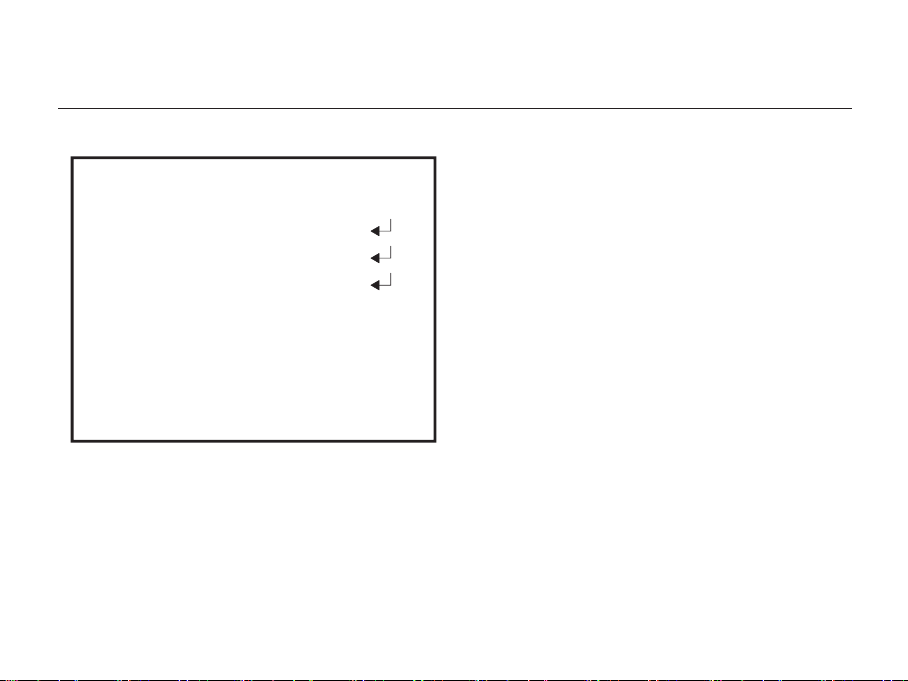
IMAGE ENHANCE
SHARPNESS
SATURATION
RETURN
·
·
SHARPNESS
(AUTO/MANUAL: 0-15)
·
SATURATION
(AUTO/MANUAL: 0-15)
Camera Menu
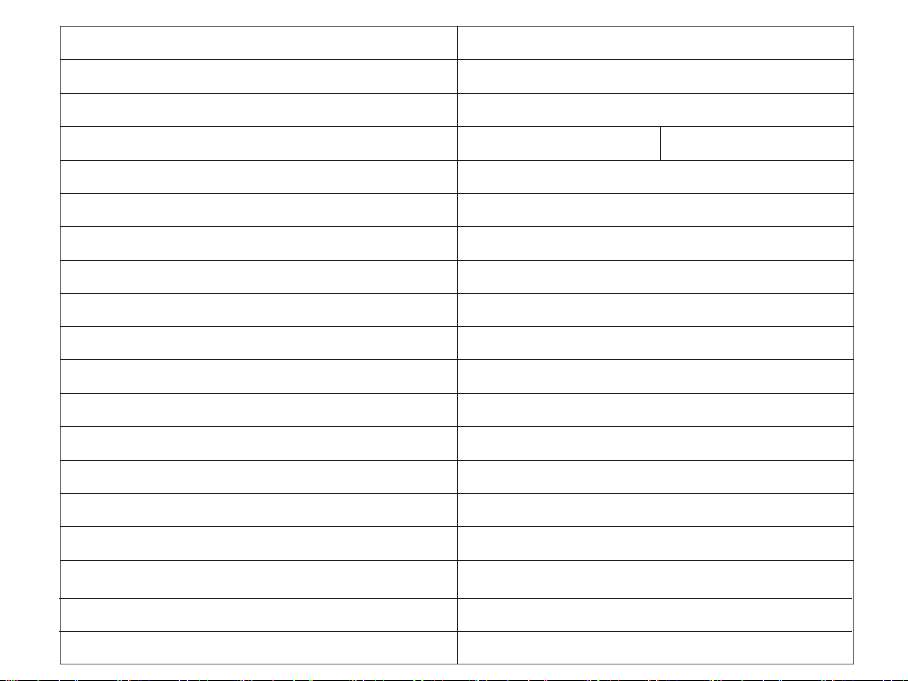
Model
Image Sensor
Horizontal Resolution
Lens
Screen Format
Signal System
Integrated OSD
Integrated MIC
S/N Ratio
Electronic Shutter Speed
Max Gain
Min. Illumination
WDR
Day/Night
Power
Work Current
Housing Material
Net Weight
Dimensions
RunCam Eagle 2 PRO
1/1.8" CMOS Sensor
800TVL
FOV 170 2.1mm @ 16:9 FOV 140 2.5mm @ 4:3
16:9 / 4:3 Switchable on OSD menu
NTSC/PAL Switchable on OSD menu
Yes
Yes
>50dB
Auto
1-9
0.01Lux/F1.2
Global WDR
Auto/External/Color/B&W
DC 5-36 V
12V@90mA / 5V@200mA
ABS
15g
L28mm * W26mm * H28.8mm

www.runcam.com