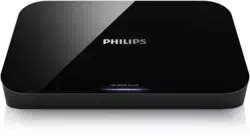
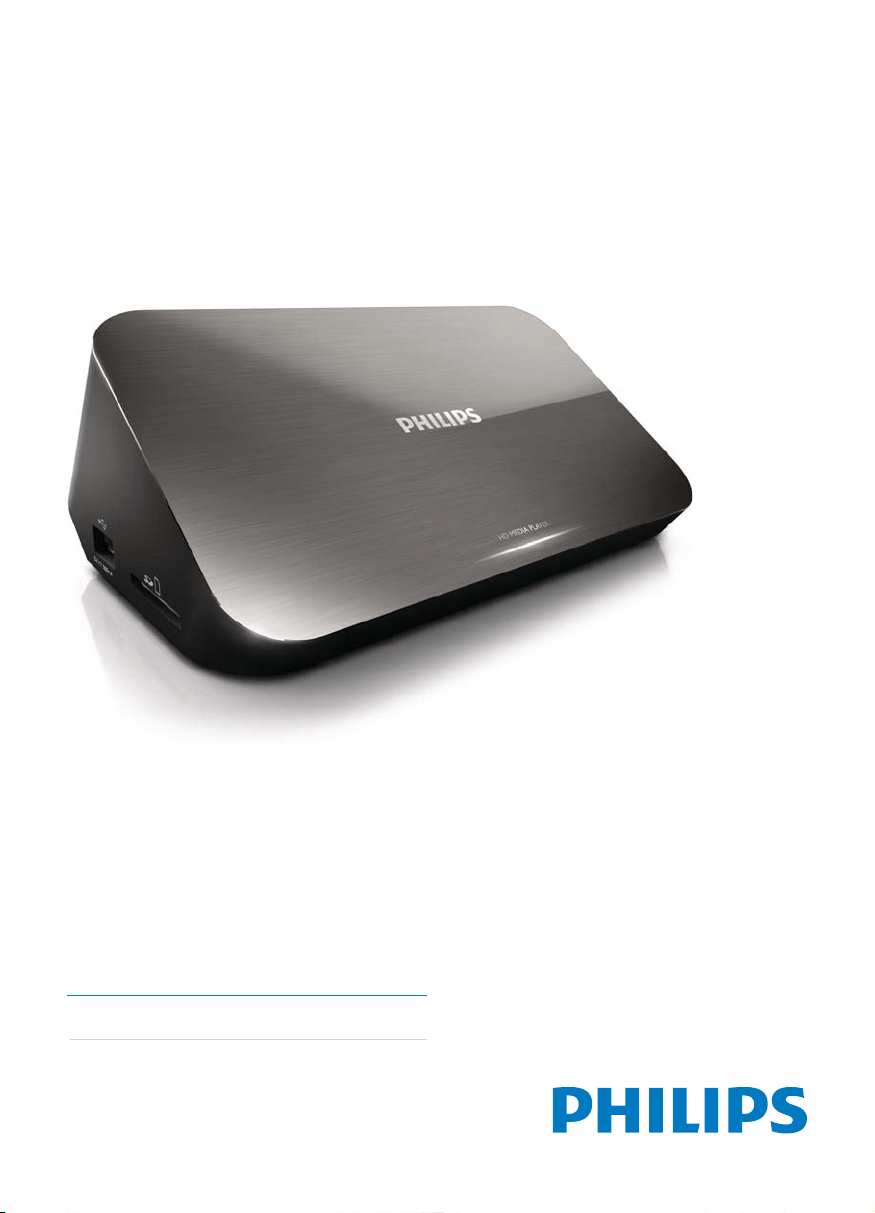
HMP7000
Register your product and get support at
www.philips.com/welcome
User manual 3

Trademark notice
®
is
®
®
®
®
®
®
®
,
®
®
®
EN
English
EN
Register your product and get support at
www.philips.com/welcome
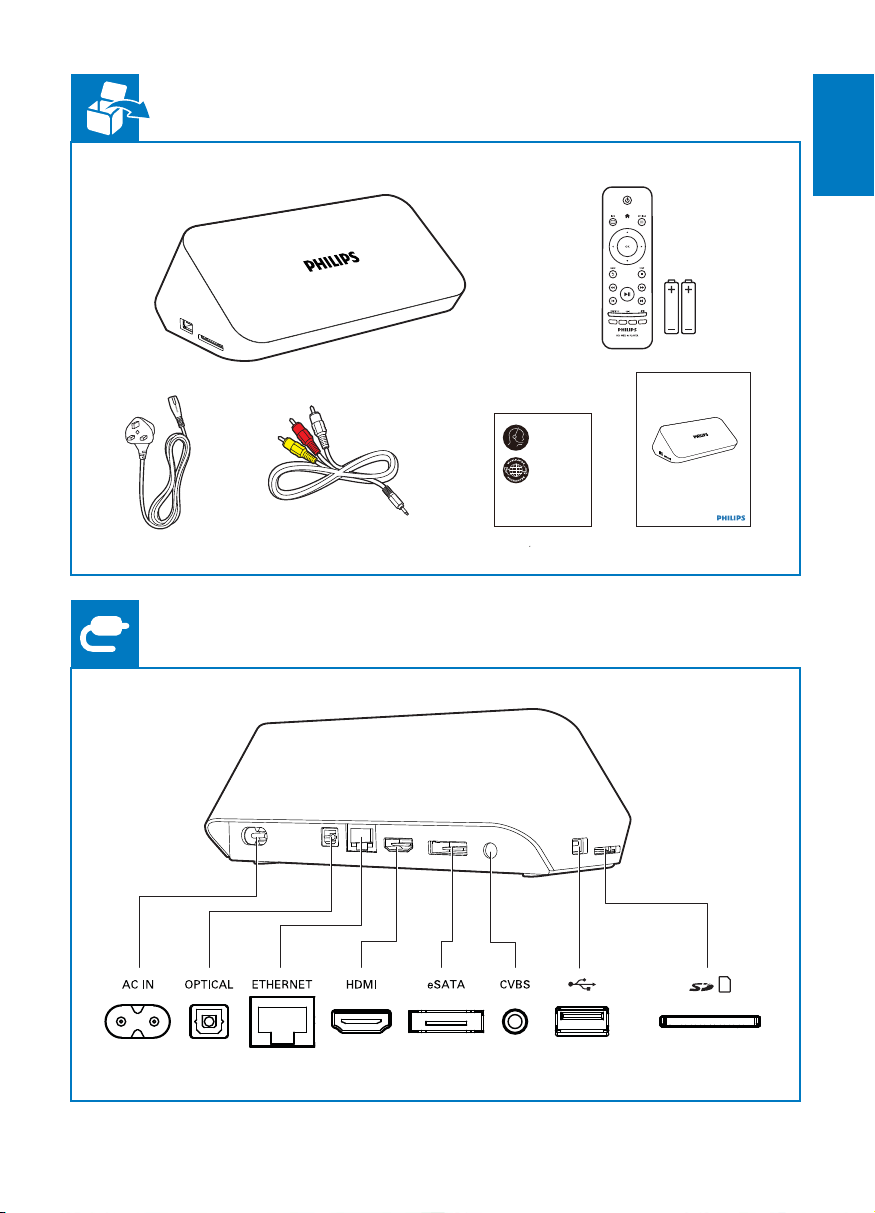
HMP7000
EN
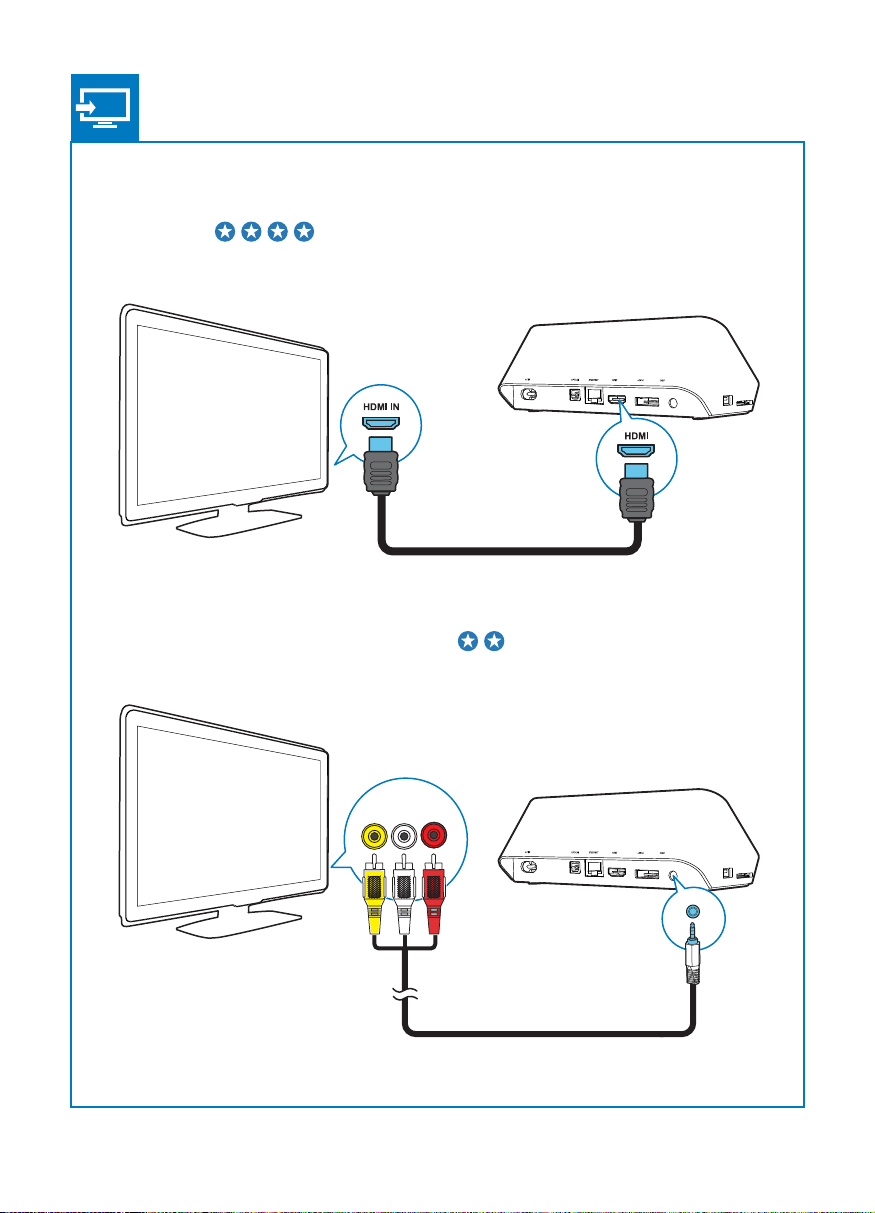
LRVIDEO
HDMI
TV OUT + AUDIO OUT
CVBS
English
EN
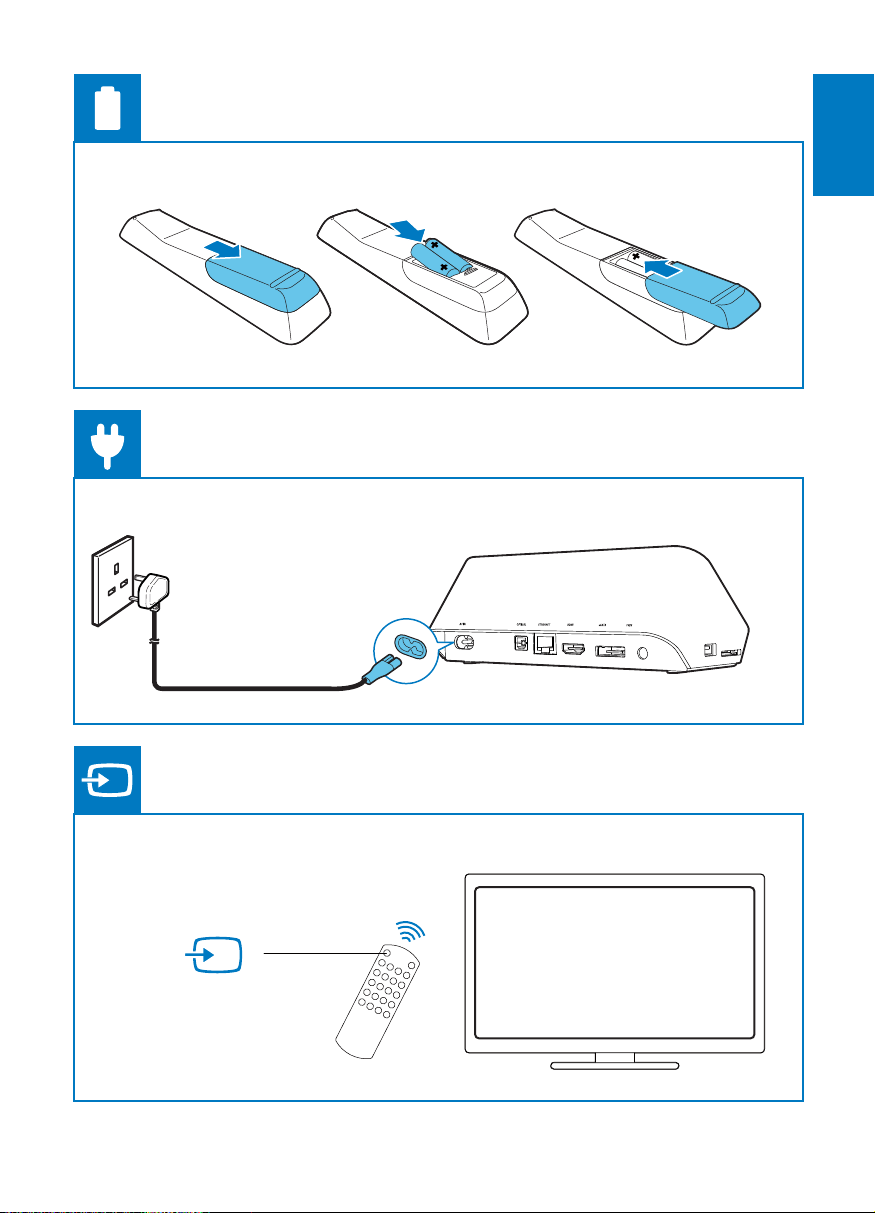
SOURCE
TV
AV / HDMI
EN
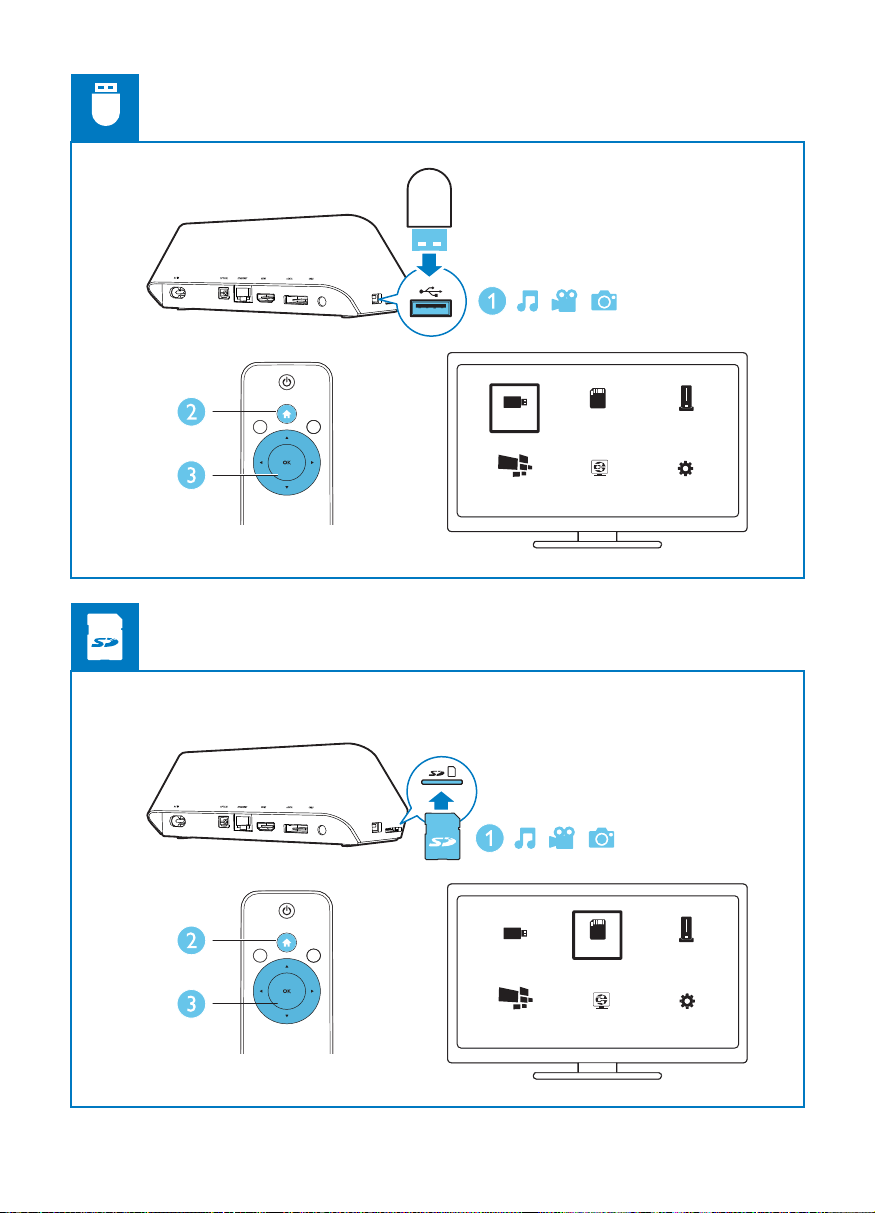
USB Card
Esata
USB Esata
USB
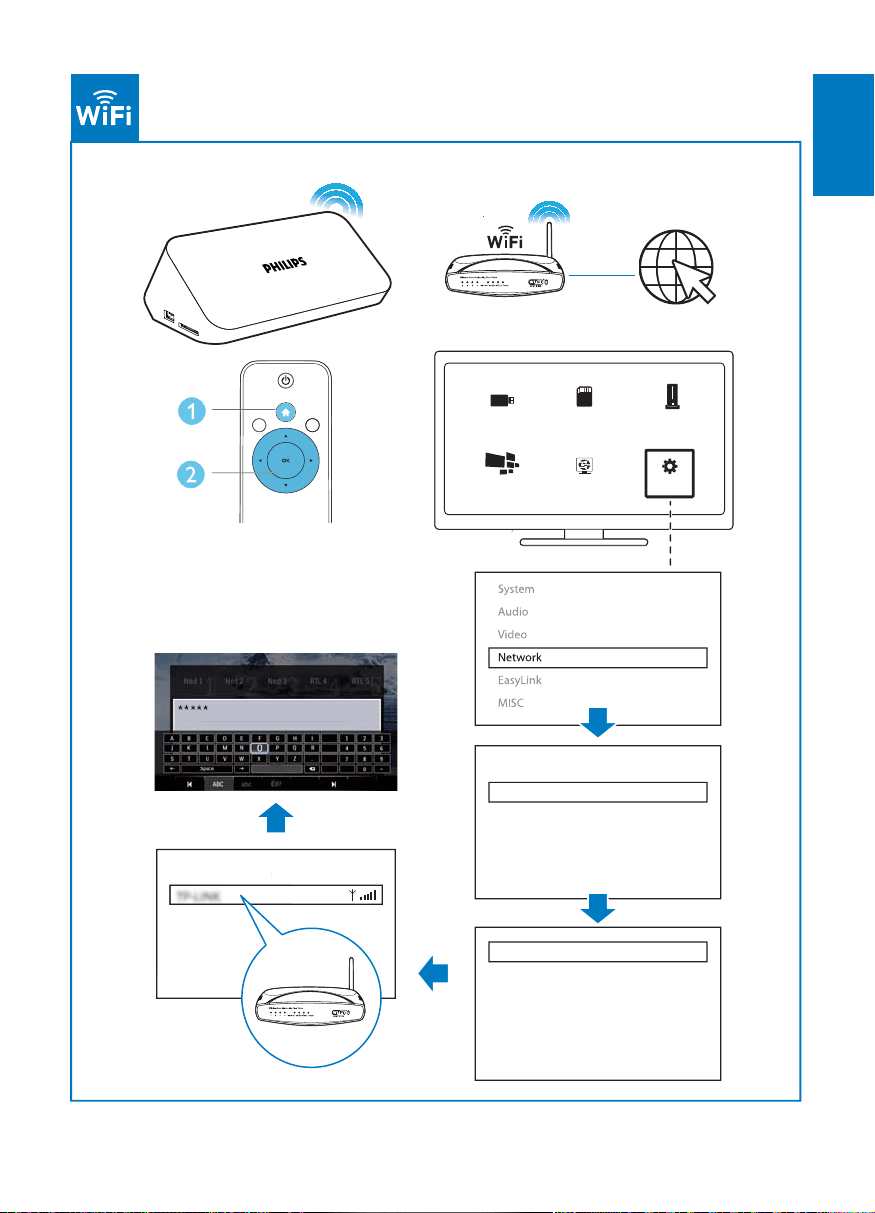
Netw ork Setup
Netw ork Setup
Card
NetTV
NetTV
7
English
EN
USB Card Esata
Private AP SettingPrivate AP Setting
OK
Ethernet
Wireless
Network Info
Infrastructure (AP)
Netw ork Setup
NetTV

EN
Contents
1 Control and play
2 Play options
3 File browsing
5 Set up a network
8 Net TV
9 Other setup

English
EN
12 Troubleshooting
EN
1 Control and play
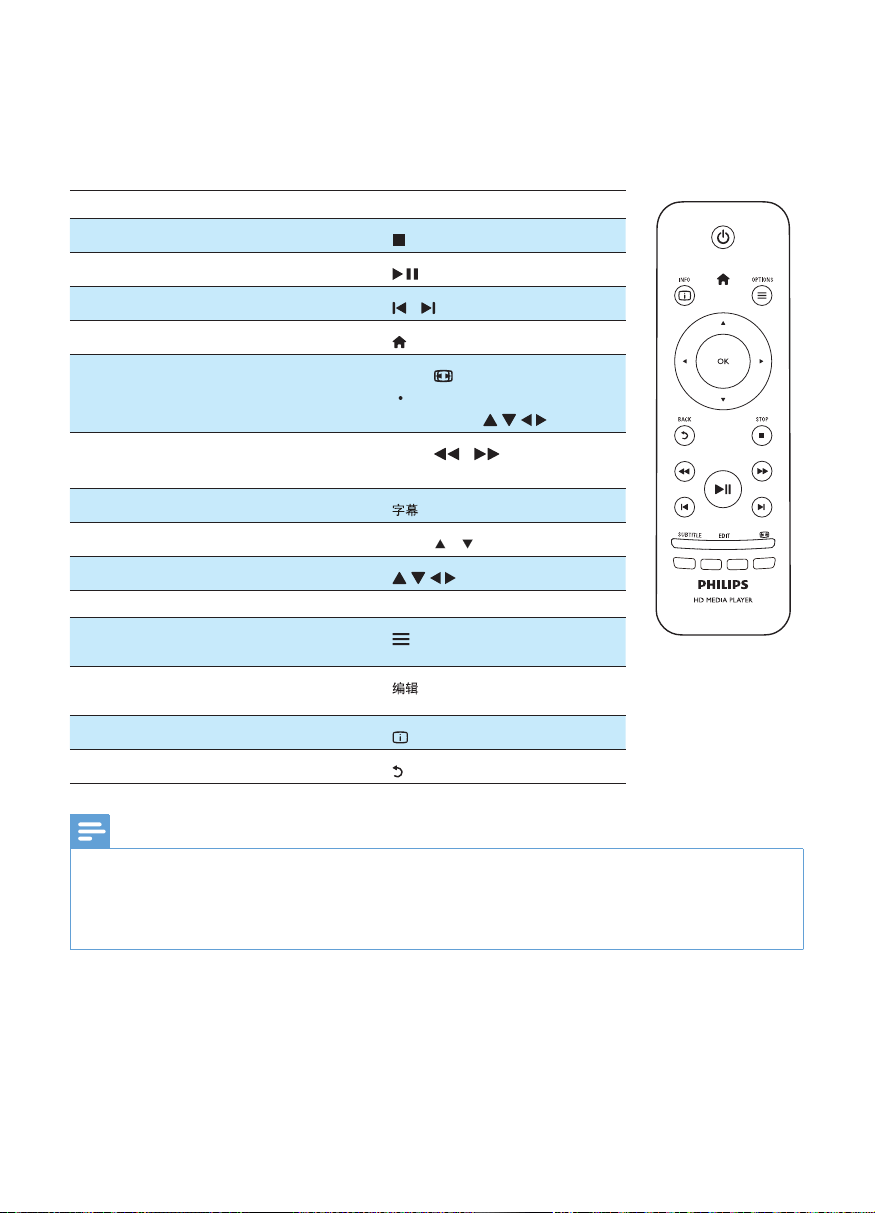
Function
/
.
/
select a speed.
/ .
OK
Note
®
Setup' >
MISC
®
English
EN
2 Play options
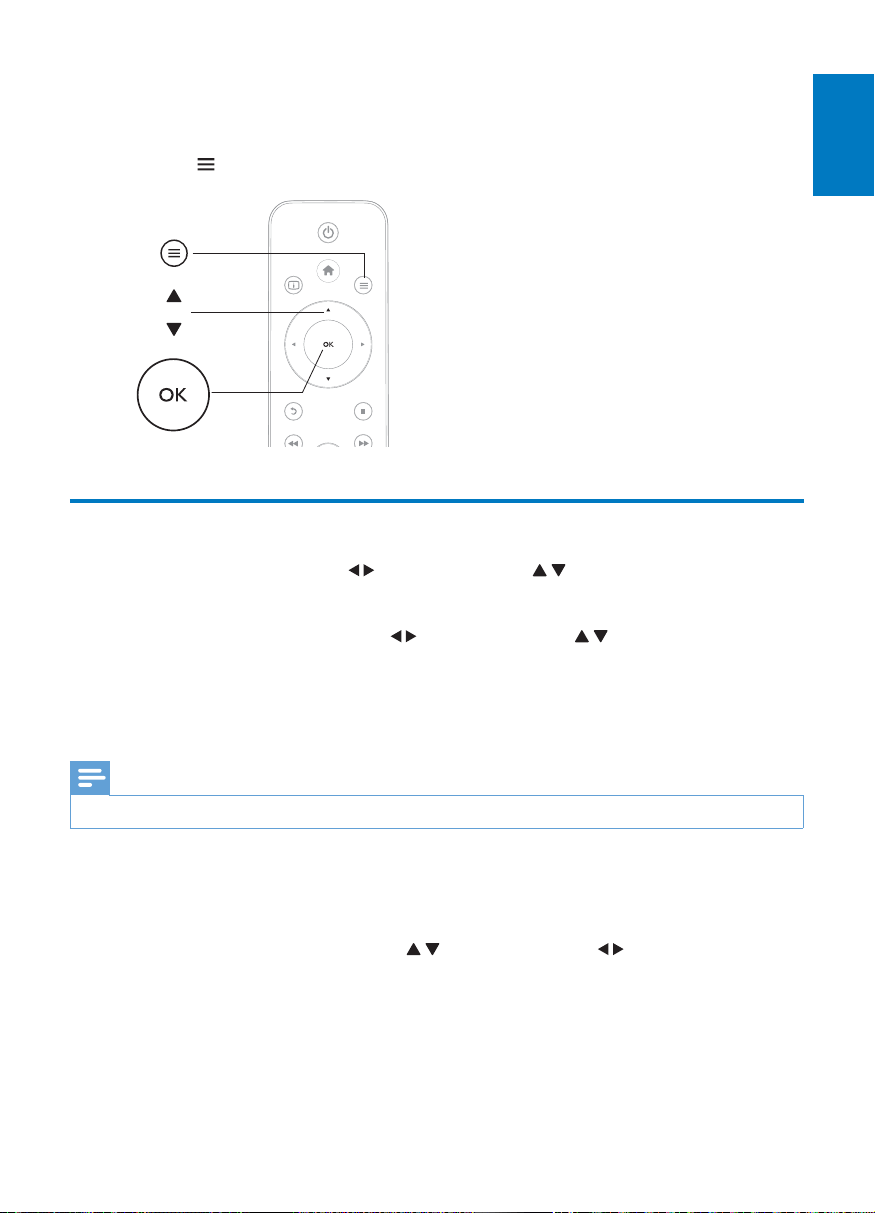
to access the option items.
Video options
to select an item and OK
to select an item and
OK
Note
to select an item and
OK
a
b
c
EN
Photo options
Note
English
EN
3 File browsing
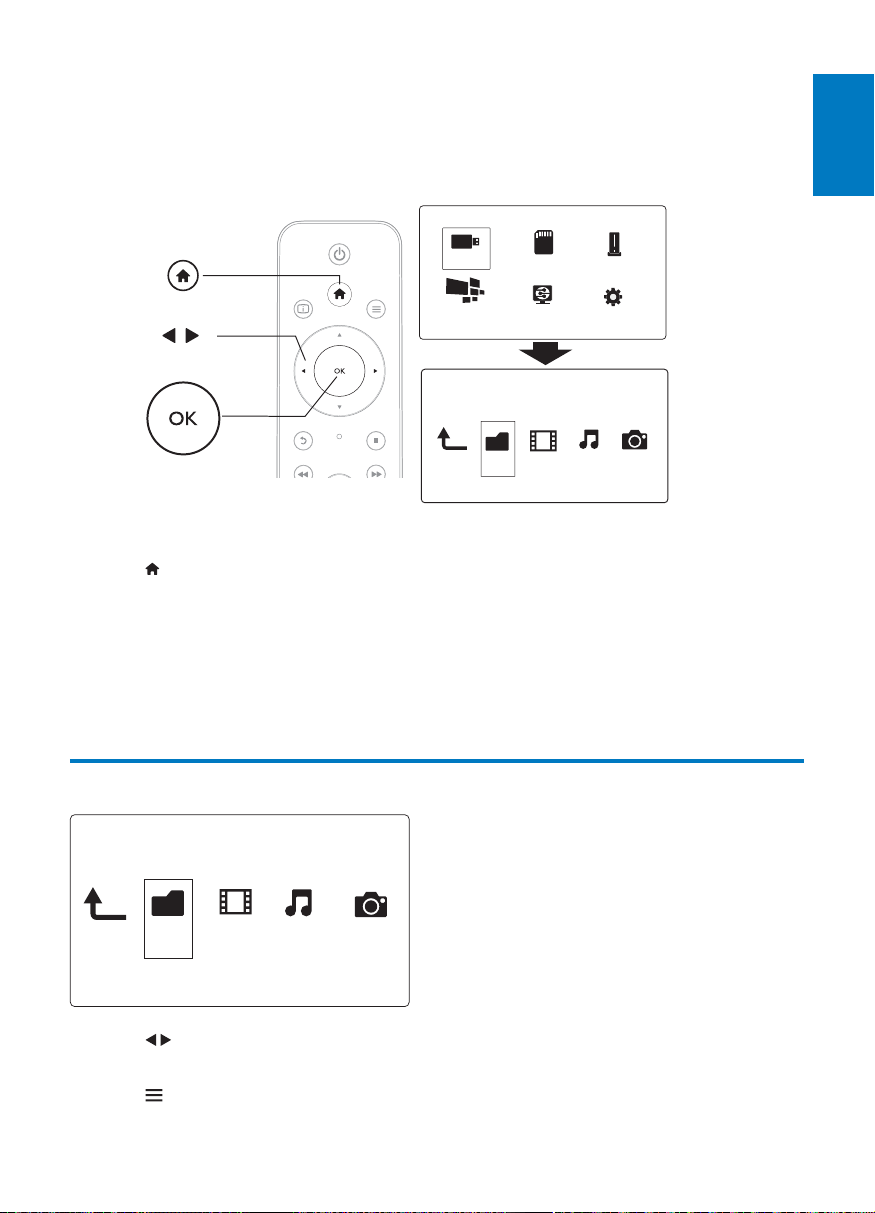
1 .
2 Select / / .
3
1 to select OK
2 OK.
3
a
b
c
Folder Movies Music Photo
USB
Card
Network
Setup
Esata
NetTV
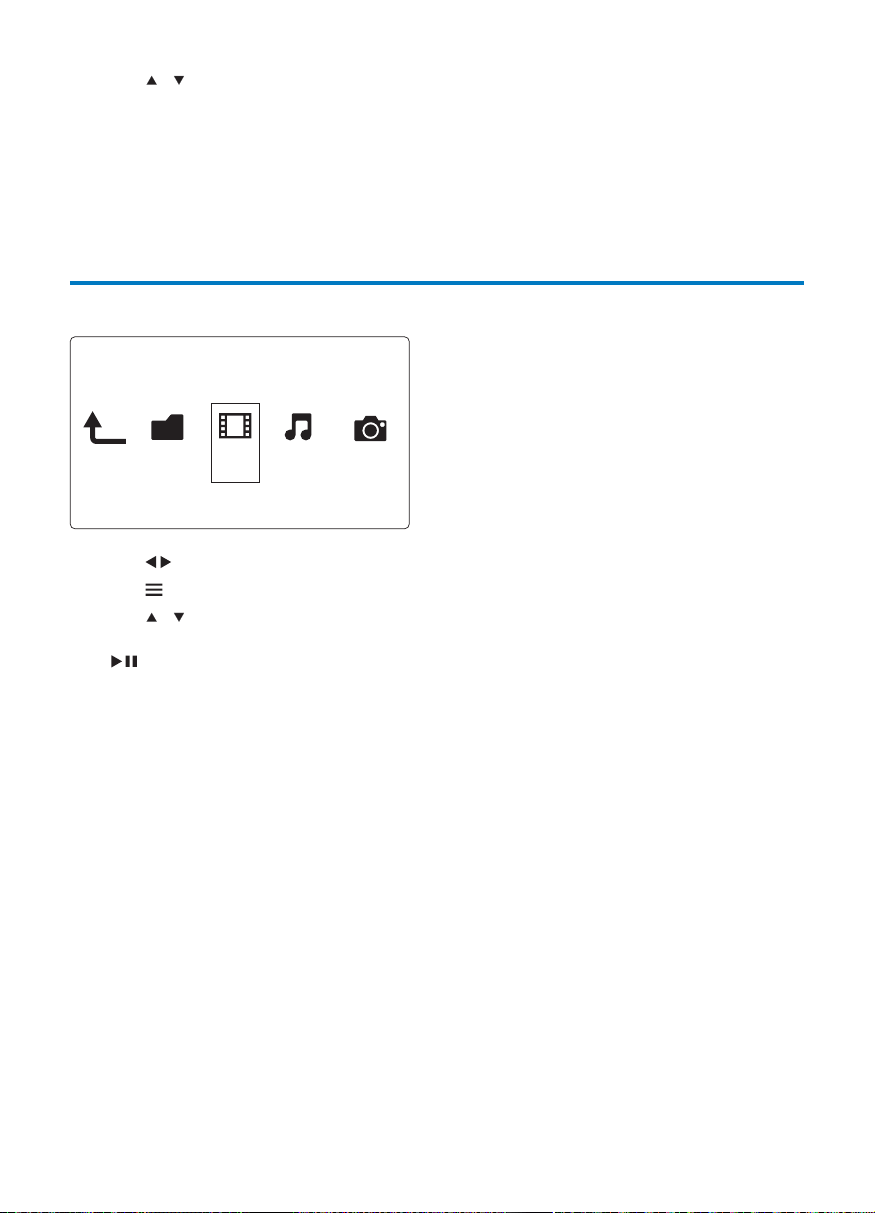
Folder Movies Music Photo
EN
4 /
1 to select OK
2
3 /
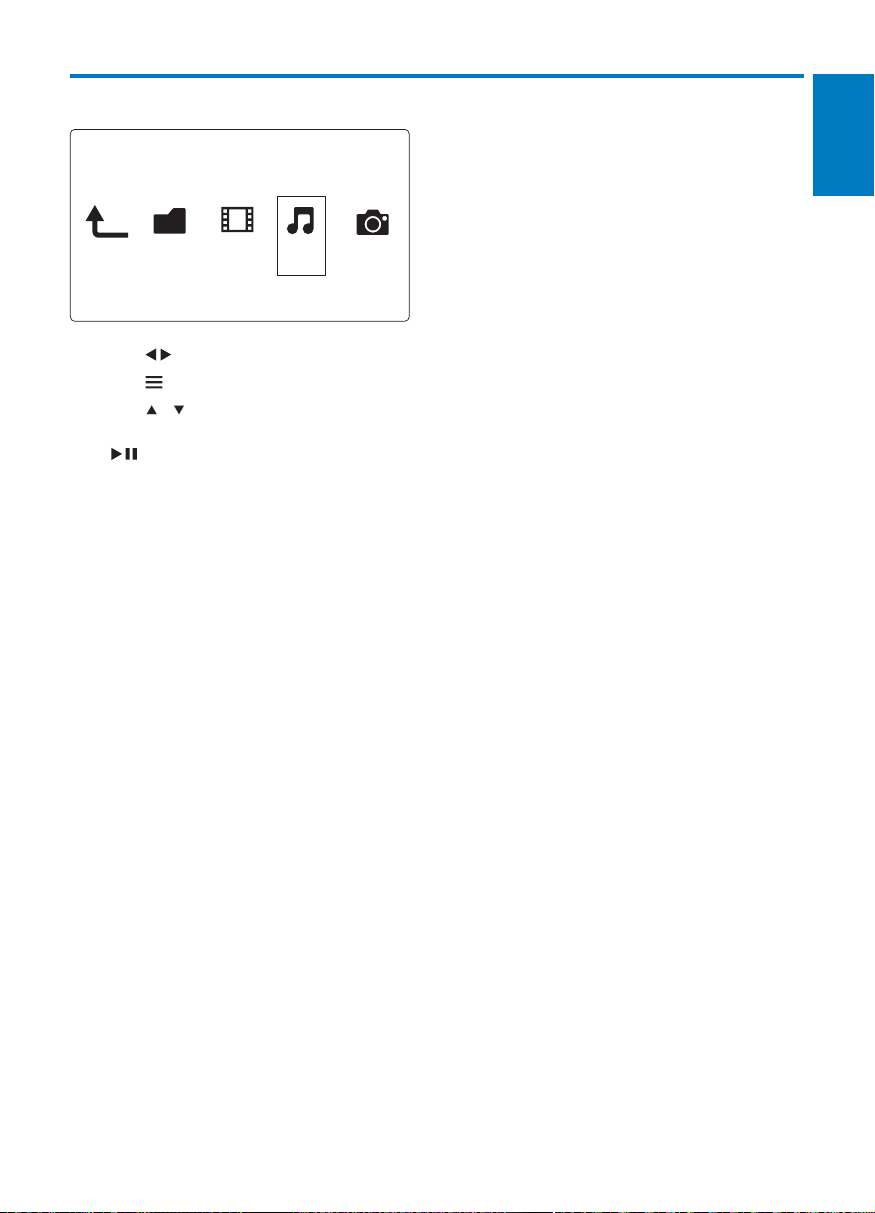
Folder Movies Music Photo
English
EN
1 to select OK
2
3 /
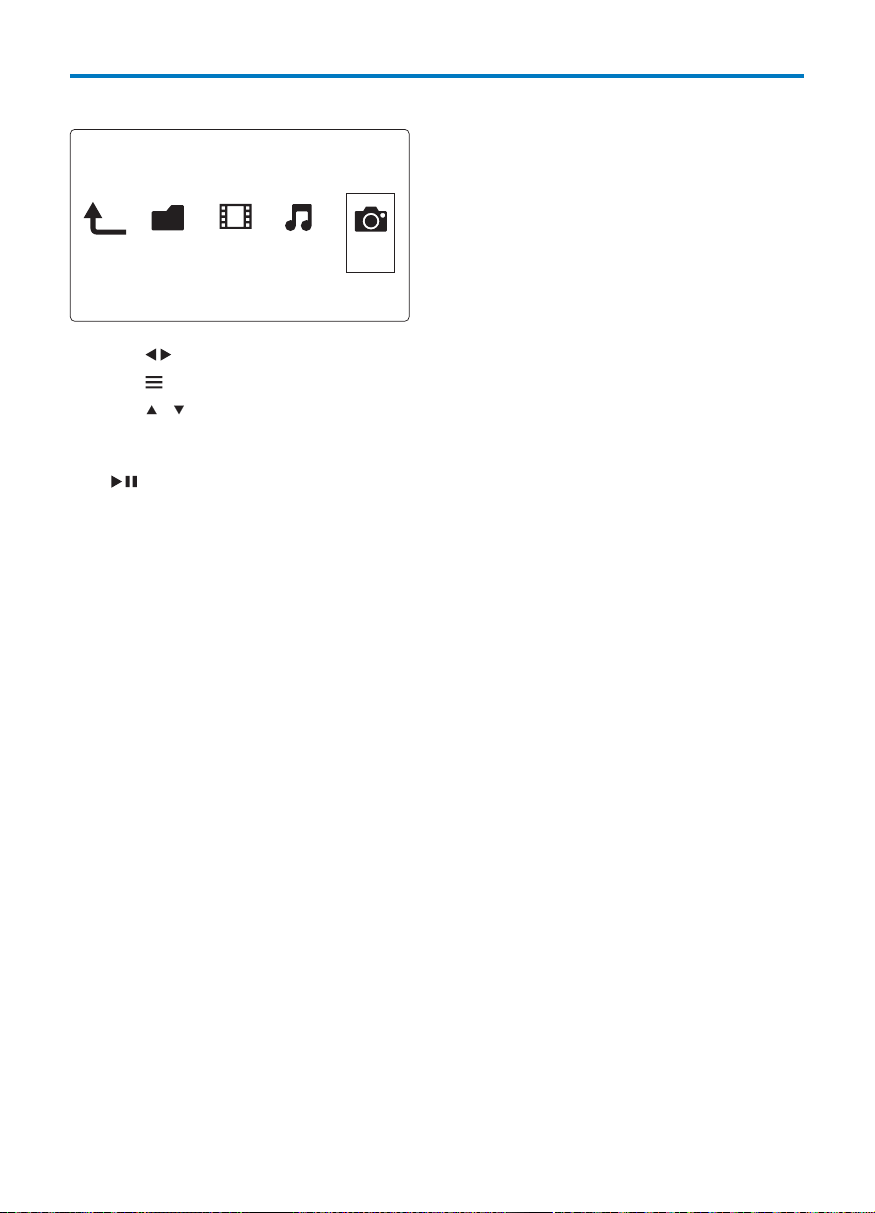
Folder Movies Music Photo
EN
1 to select OK
2
3 /
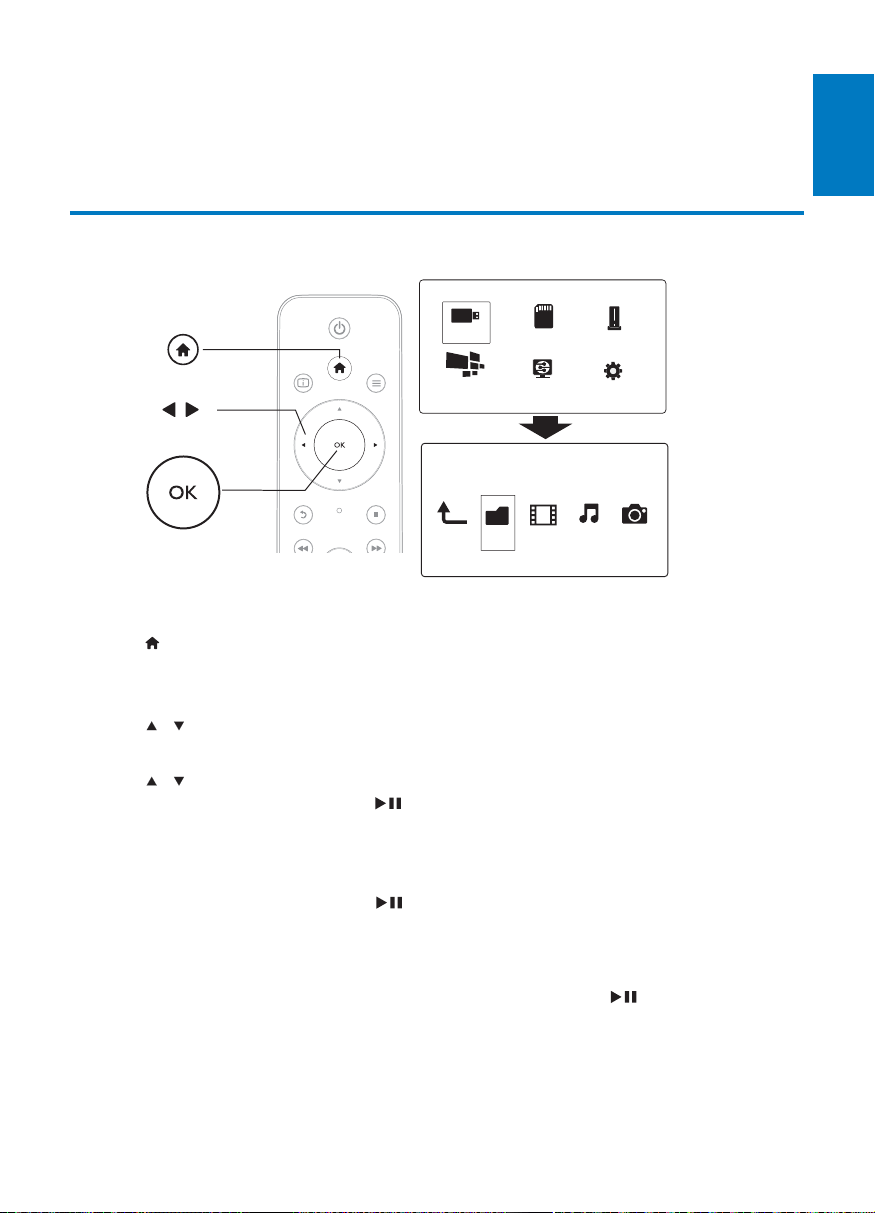
Folder Movies Music Photo
English
EN
Basic operations
1 .
2 Select / / >.
3 OK.
4 / .
»
5 / OK
»
: Select OK
»
»
1 Select
2 Select OK
a
b
c
Folder Movies Music Photo
USB
Card
Network
Setup
Esata
NetTV
EN
1 / to add to the list.
2
3
Select OK
Select
Select
Select
Select
Note
English
EN
5 Set up a network
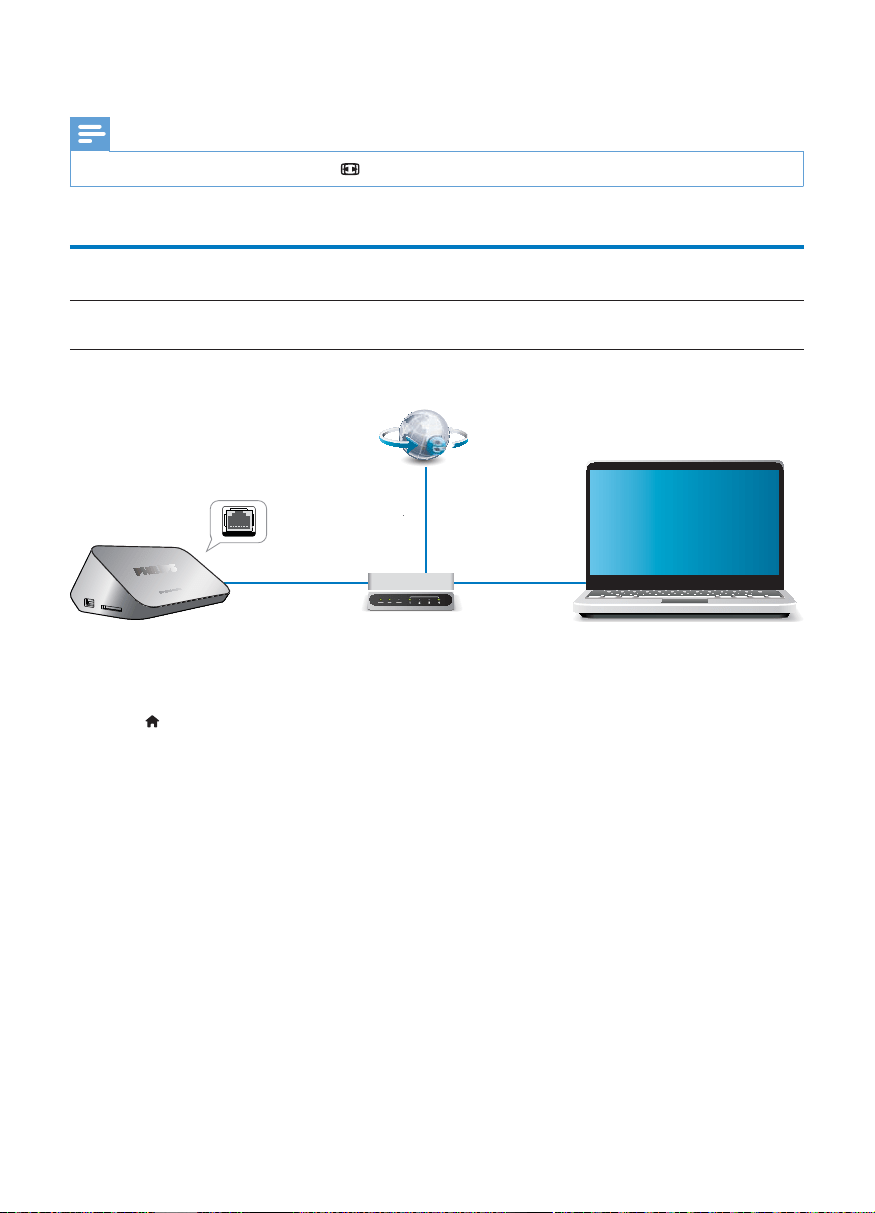
Wireless network setup
What you need
1
2
To connect this player to a wireless network,
1 .
2 Select OK.
»
3 Select > > OK.
»
4 OK.
5 Select OK.
»
6 Use and OK
7
»
»
PC (DLNA)
EN
8 OK
Note
.
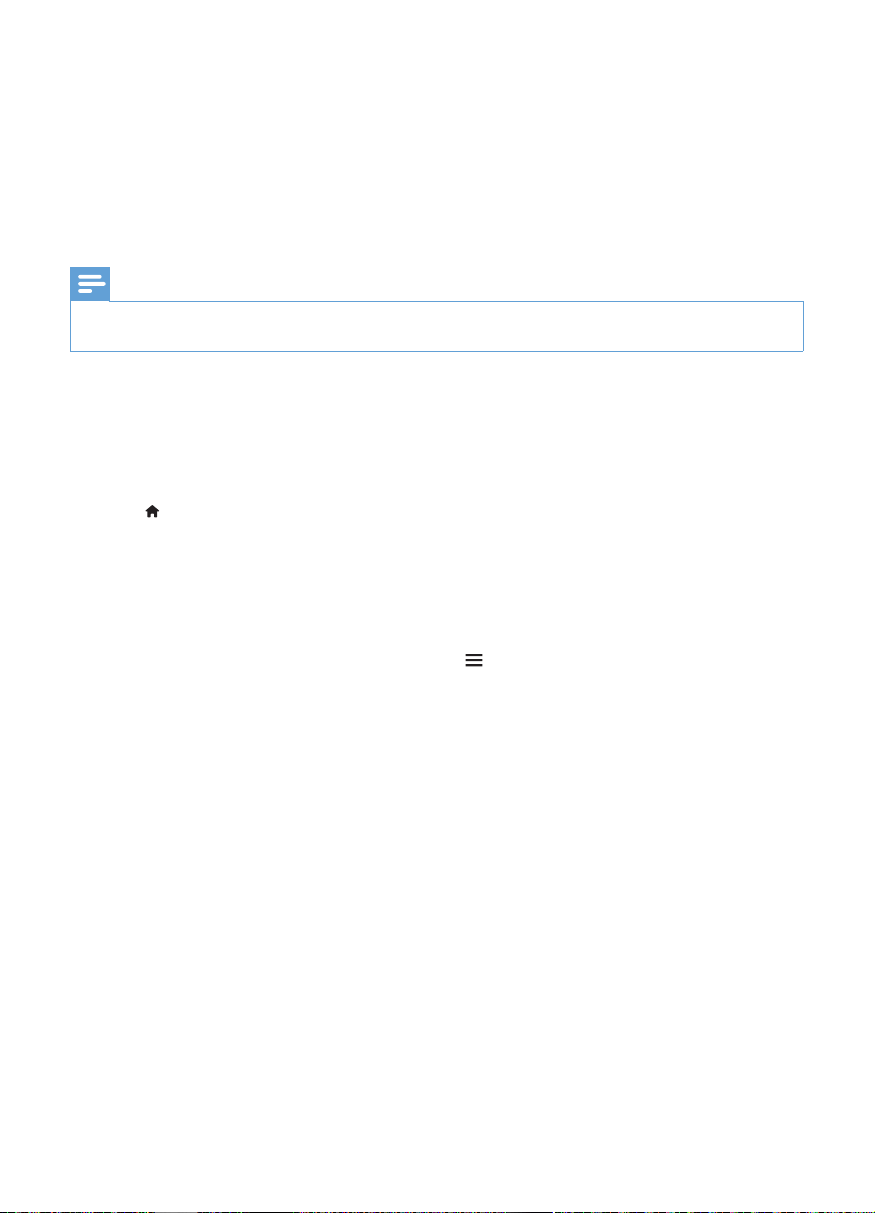
Wired network setup
What you
need
1
2
To connect this player to a wired network,
1 .
2 Select OK.
»
3 Select > > > OK.
»
4 Select OK
»
»
5 OK
PC (DLNA)

English
EN
IP address setup
1 Select > > .
»
2
3 OK
»
4 Select OK
EN
Note
is installed on the PC.
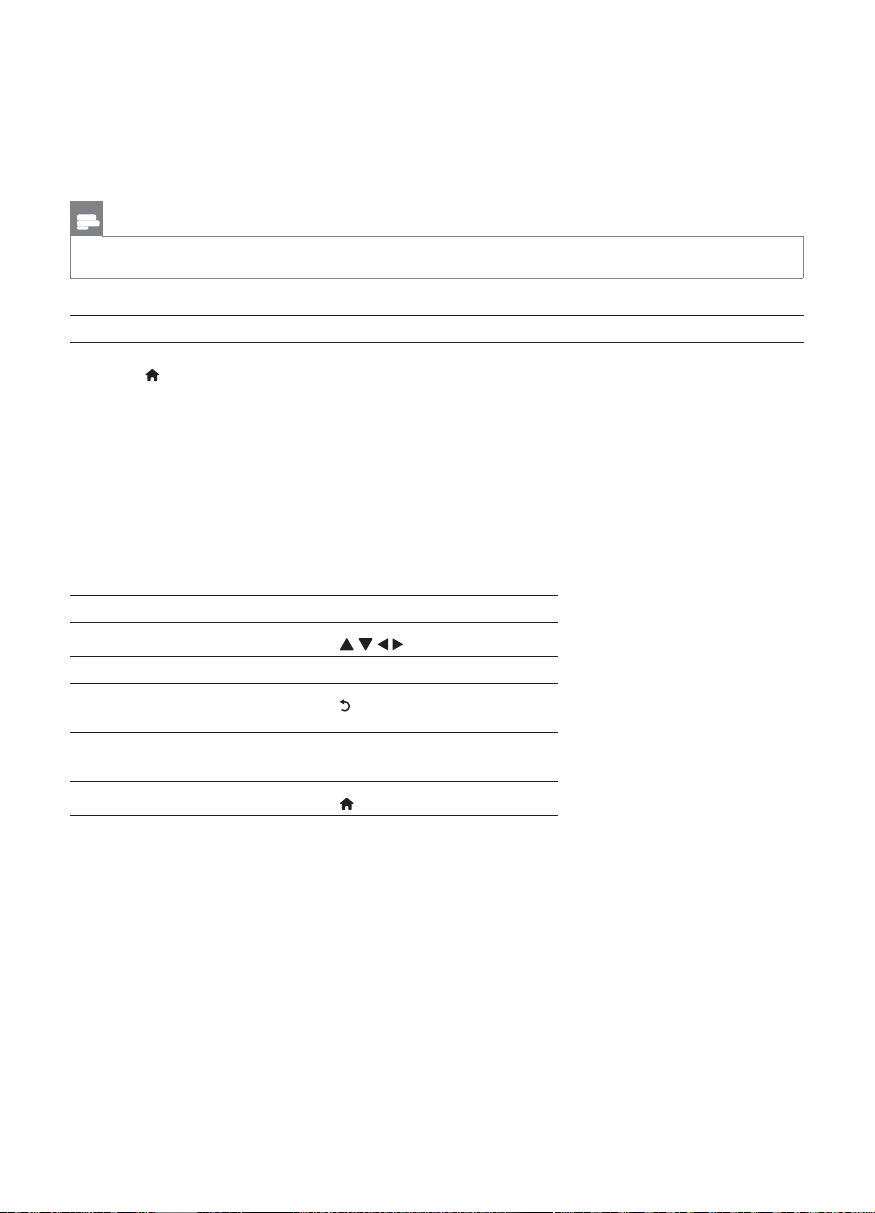
1
2
1 .
2 Select ,OK.
»
OK.
OK.
3 OK
.

English
EN
1
2 .
»
3
4
and select .
1
2 .
»
3
4
and select .
EN
8 Net TV
Note
What you need
1 .
2 Select OK.
»
3
»
4
5
Function
OK

English
EN
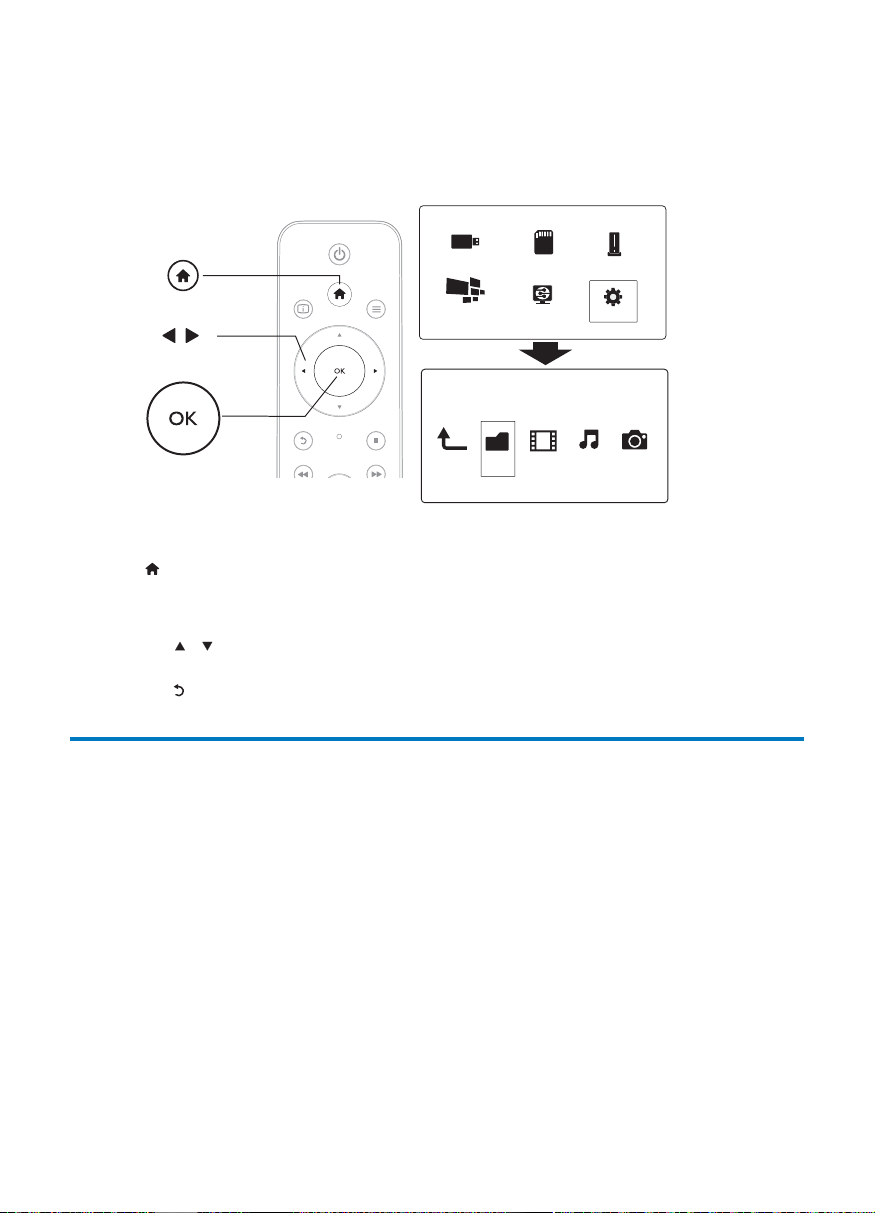
Manage your applications
To add an application,
1 Select .
»
2 OK.
»
3 Select OK.
»
1 .
»
2 Select .
»
To lock an application,
1 .
»
2 Select
»
3
»
1 .
»
2 Select
3 OK.
»
1 .
»
2 Select
»
EN
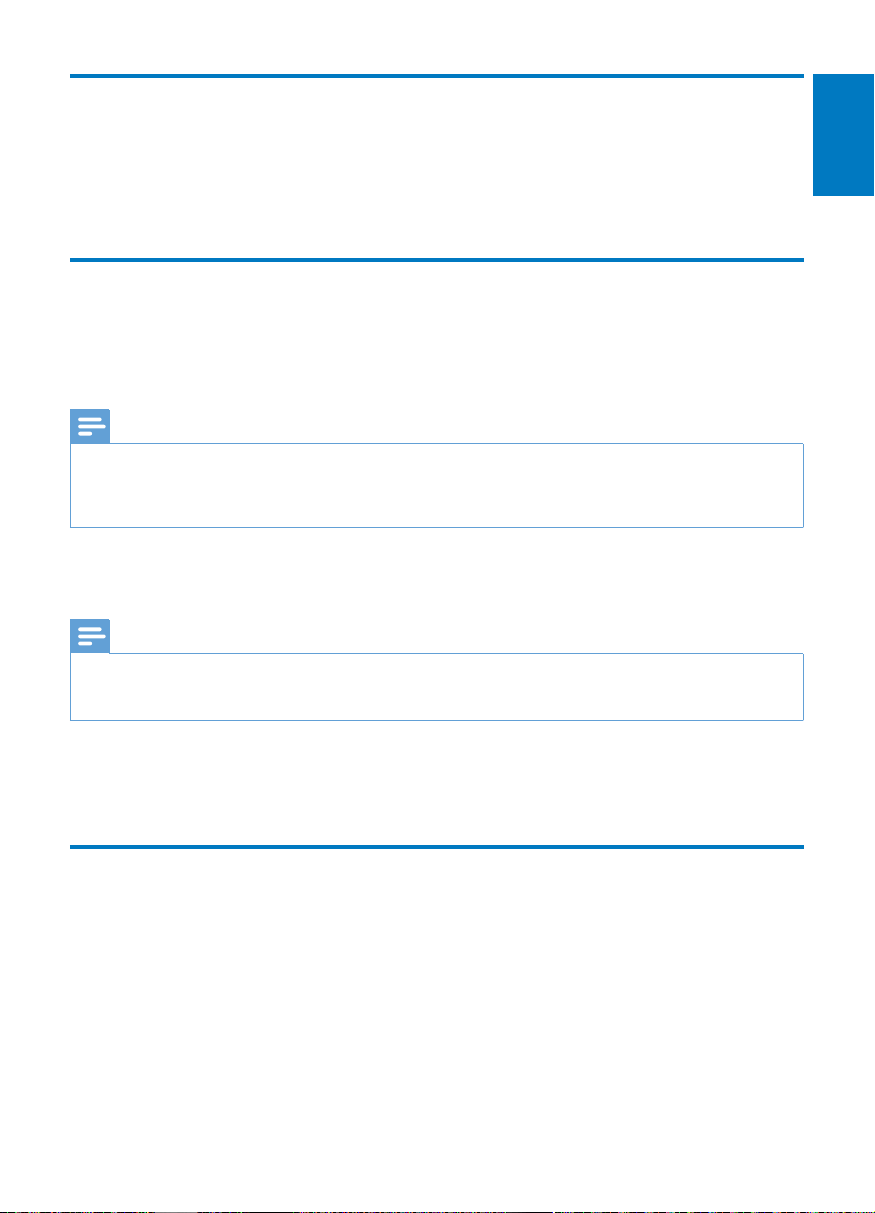
9 Other setup
1 .
2 Select OK
»
/
OK
System
a
b
c
Folder Movies Music Photo
USB
Card
Network
Setup
Esata
NetTV
English
EN
night.
Video
Note
Note
Network

EN
MISC
®
®
English
EN
1
2 .
3 Select > .
4 Select
>
>
>
>
»
One Touch Play
One Touch Standby
Note
EN
1 .
2 Select > > OK.
1
2 , and select .
3 Select > .
»
4
»
Note
1
2
3 USB
4 .
5 Select > > .
»
6
»

English
EN
12 Troubleshooting
No picture.
File
Some hard disks cannot be supported.
/

Note
File
Subtitle support
Video
Main Unit
Power
V
EN