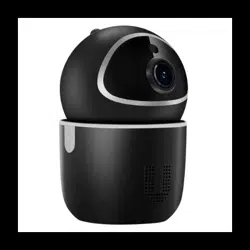
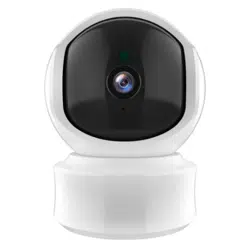
Tenvis XY/TA-R9820-F8 3mp Indoor Security Camera

Product's Documents

Below are documents related to this product, you can read online or download:
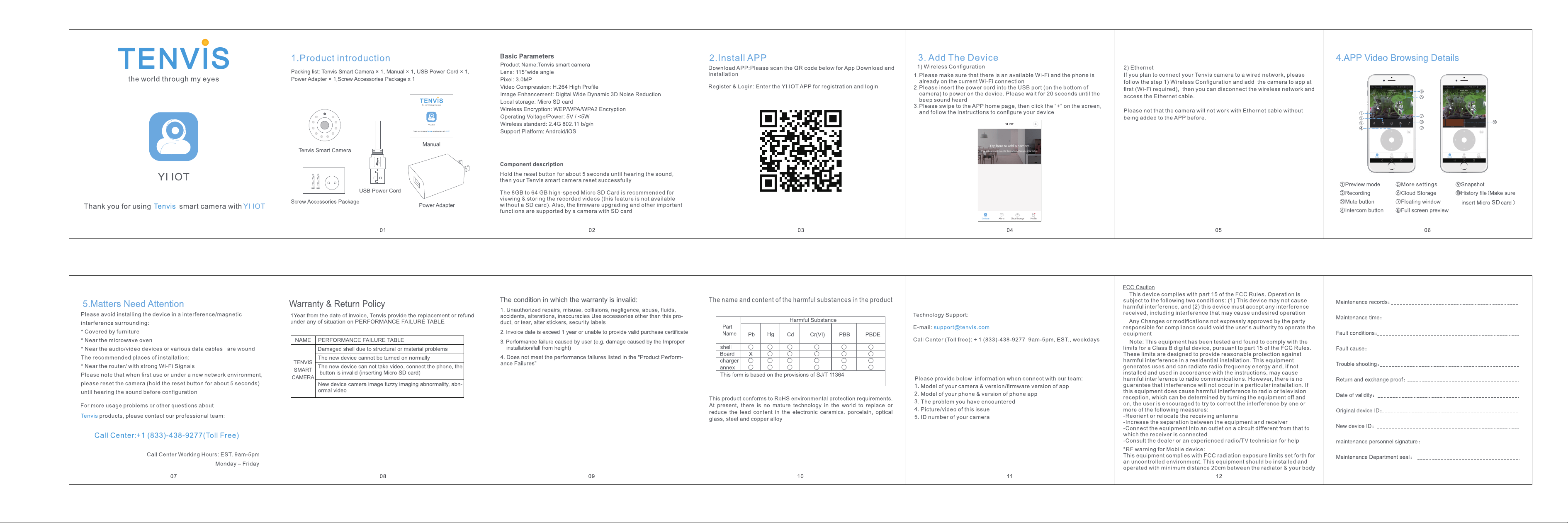
XY/TA-R9820-F8 photo

User Manual

This is the main product document for model XY/TA-R9820-F8.

The file format is pdf, 1 pages, you can download this manual here .

background

Specifications

Indexed Terms: Security Camera, 3MP

Tenvis XY/TA-R9820-F8 Questions and Answers


#1 Can you use it without installing sd card, we just want to check on things by phone.

Yes, you can.

#2 How to reset this unit to connect to my Wi-Fi?

1. Please make sure the camera has been plugged in before resetting.
2. Reset button is in the bottom of the camera, you could see a tiny hole there.
3. Please press the reset button by using a tapering thing like reset neddle as the reset button chip is narrow.
4. Holding for about 10 seconds until the camera let out a blast of music.The camera will rotate and the IR LED will turn on for a while.
5. After that, your camera will issue a dingdong sound. You could set it up then.
#3 Can I record the video on my desktop computer, or is the SD card the only option?

You can record the video on your PC and SD.
For the pc client, you need find the IP address of your camera throught UID. When entered the UI in pc, you can record the video via WEB browser.

#4 I want to look back at video on my phone from 4-8 hours previous from "live." Is this possible?

Sorry it doesn't seem to be. However, you can setup the camera to record with motion detection and when it detects motion it will record to the SD card

#5 Will this camera work without wifi and just save to the sd card?

When the camera is connected to power but disconnect with WIFI:
You need WIFI to start this camera. Without sd card, you can not record the video, but you can still use other functions.

Questions and Answers

Related Products