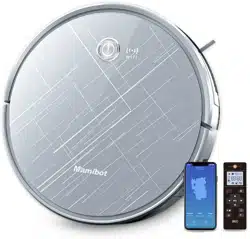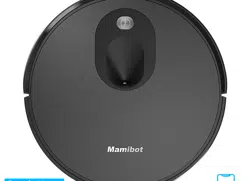
Mamibot PROVAC350 Robot Vacuum Cleaner

Product's Documents

Below are documents related to this product, you can read online or download:

User Manual

This is the main product document for model PROVAC350.

The file format is pdf, 21 pages, you can download this manual here .

background
background
background
background
background
background
background
background
background
background
background
background
background
background
background
background
background
/ /
background
65 mins
The data come from the lab of Mamibot Manufacturing USA Inc.It may be
slightly different from the users’ data, please subject to the actual products. For
continous products improvment, we reserve the right to any technical and design
change without prior notice.
background
background
Manufacturer:
Mamibot Manufacturing (Shanghai) Co.,Ltd.
21st FL, No 1st, LN1040 Caoyang Rd, Shanghai, 200063. P.R.C.
Mamibot Manufacturing USA Inc.
One Commerce Center, 1201 Orange St, Wilmington, DE 19899 USA
Tel: 001 302-428-9888 [email protected] www.mamibot.com
Supervised by

background

Specifications

Mamibot PROVAC350 Questions and Answers


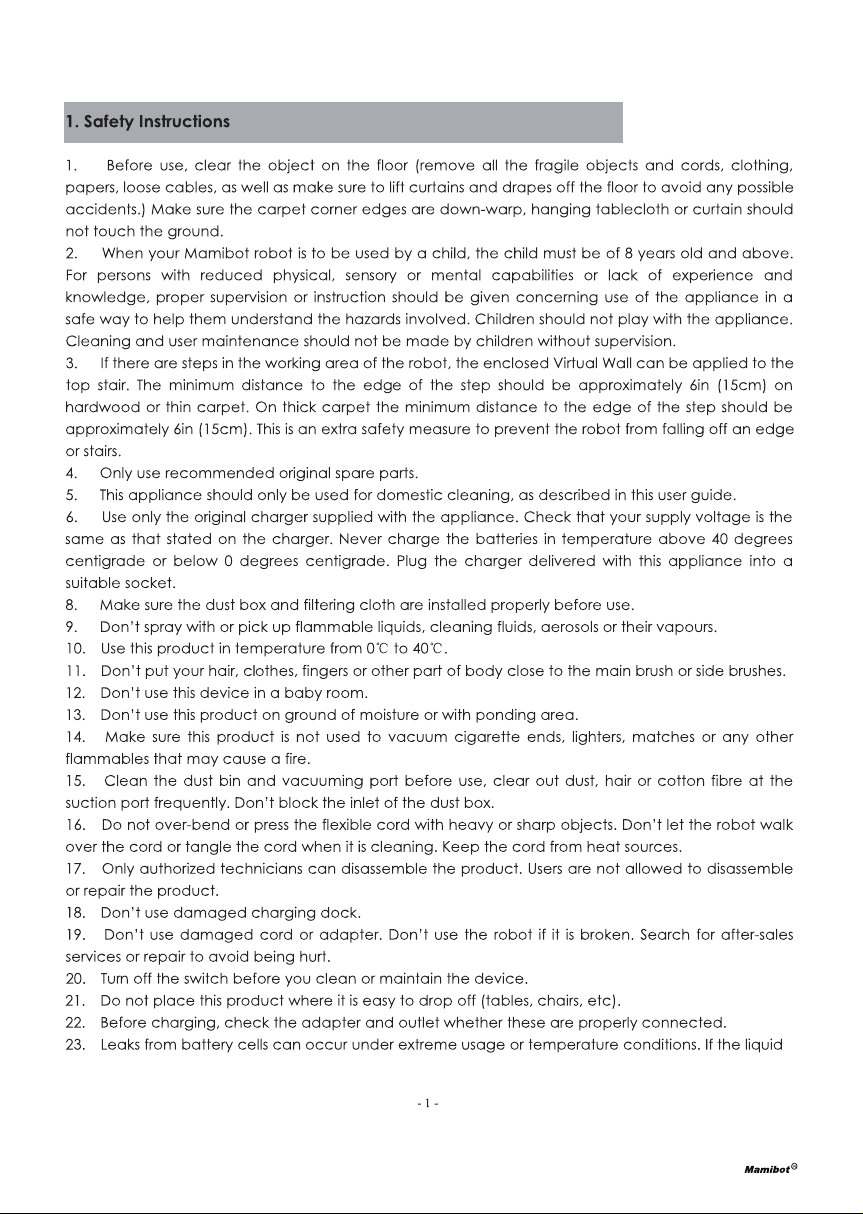
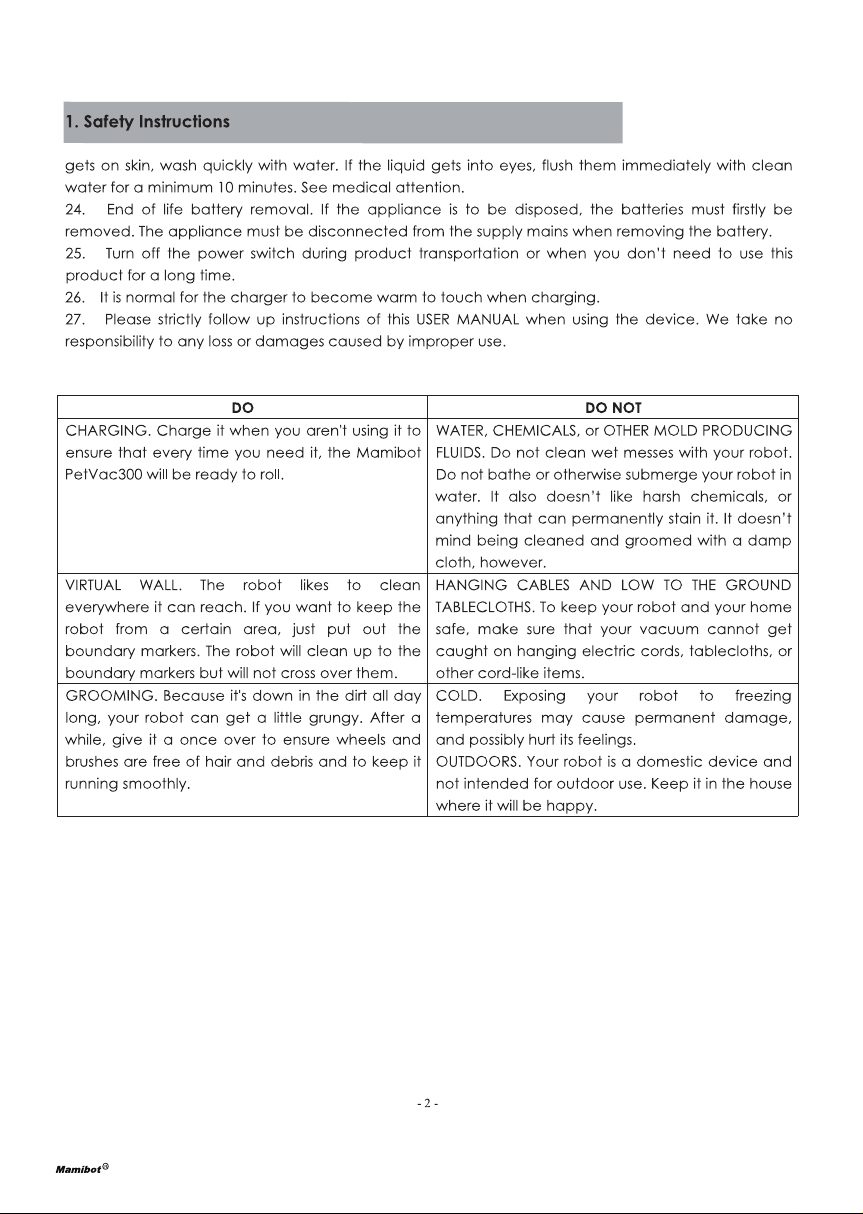
#1 What does it come with?

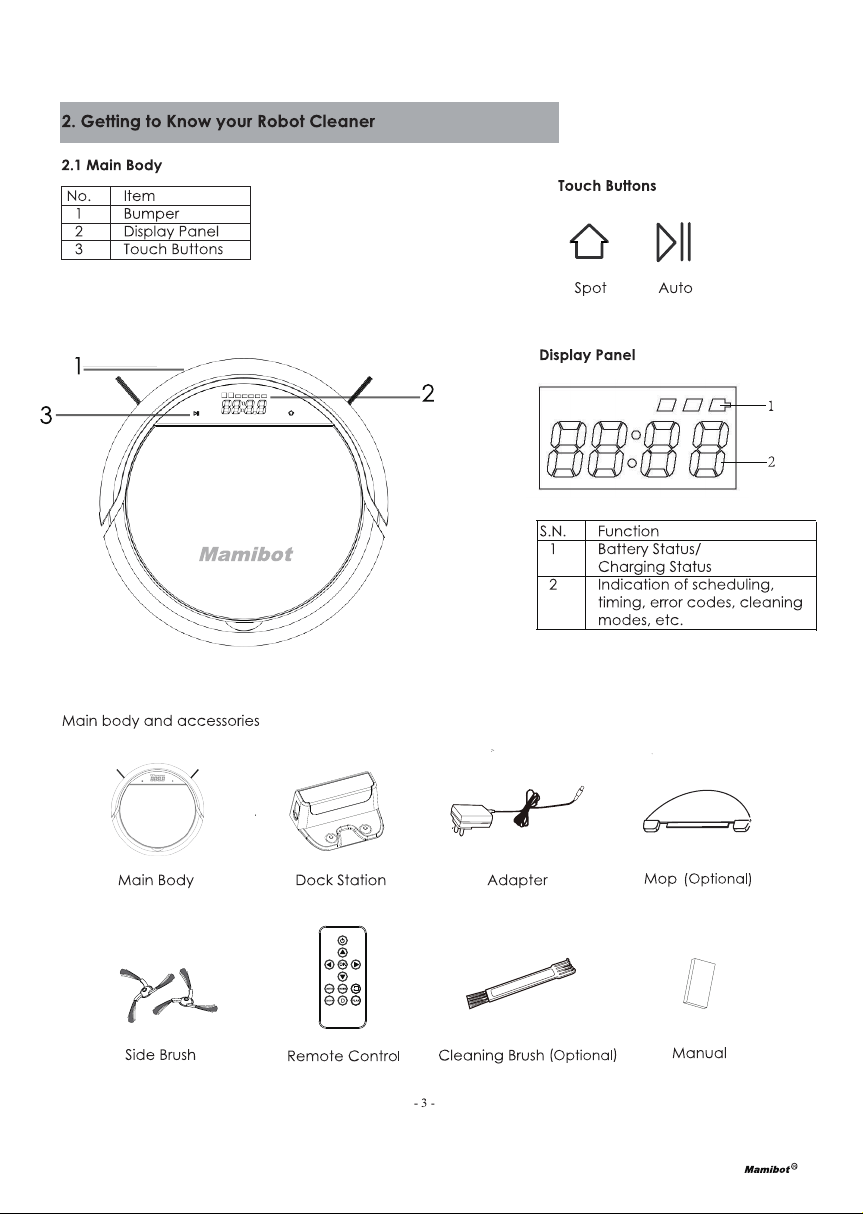
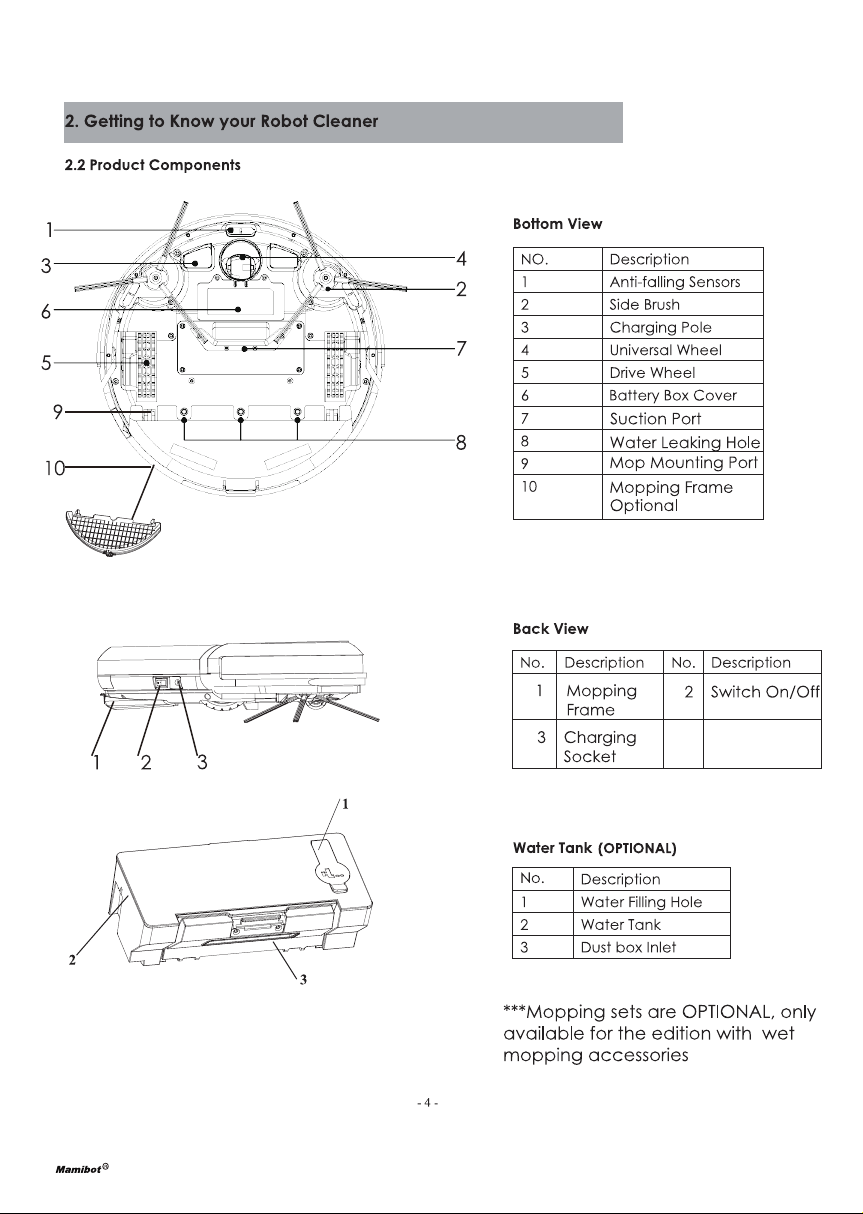
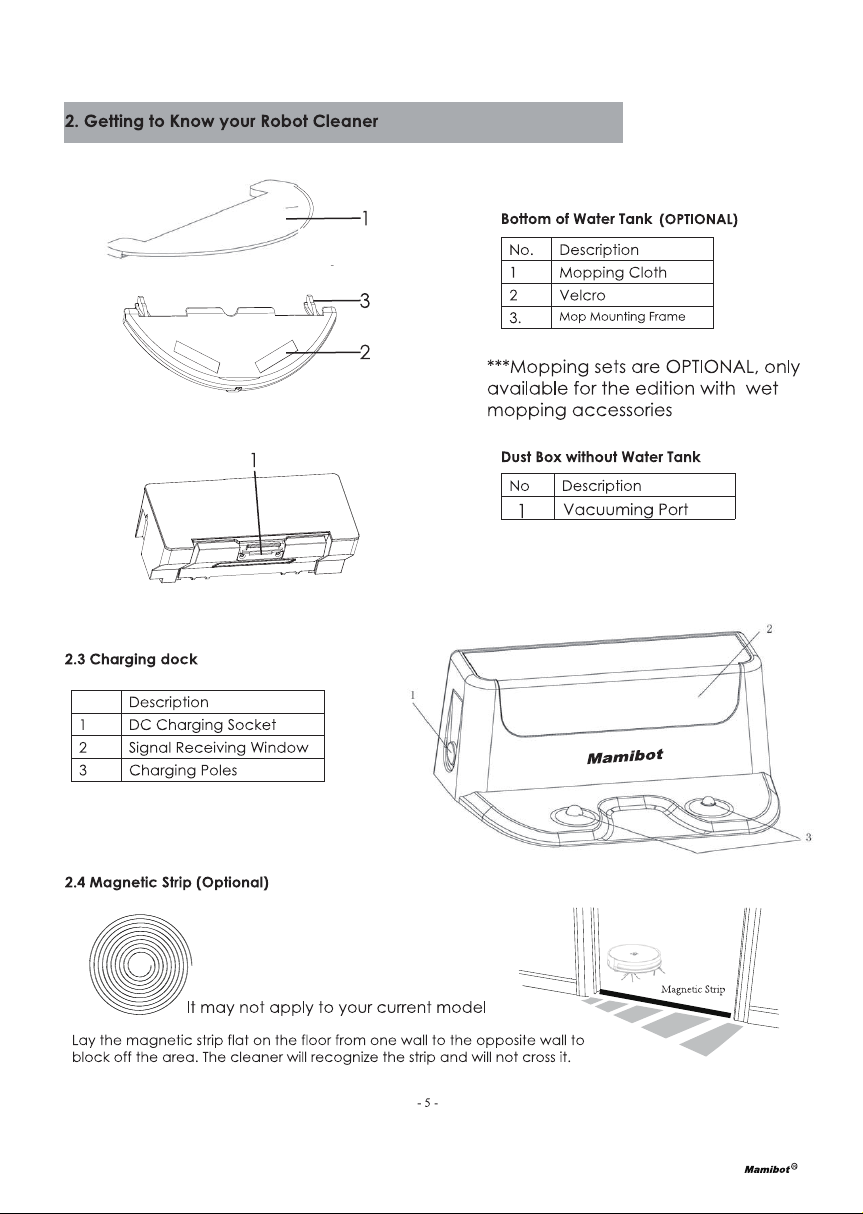
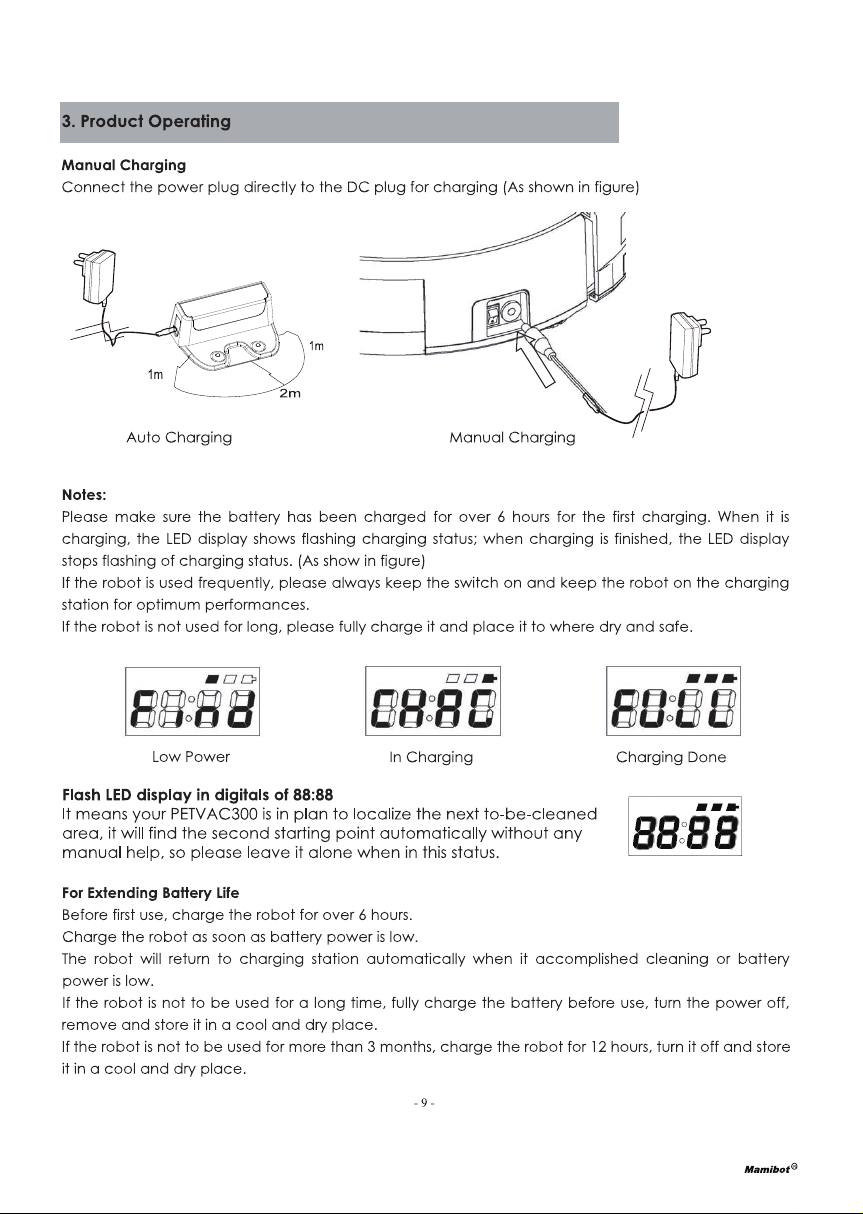
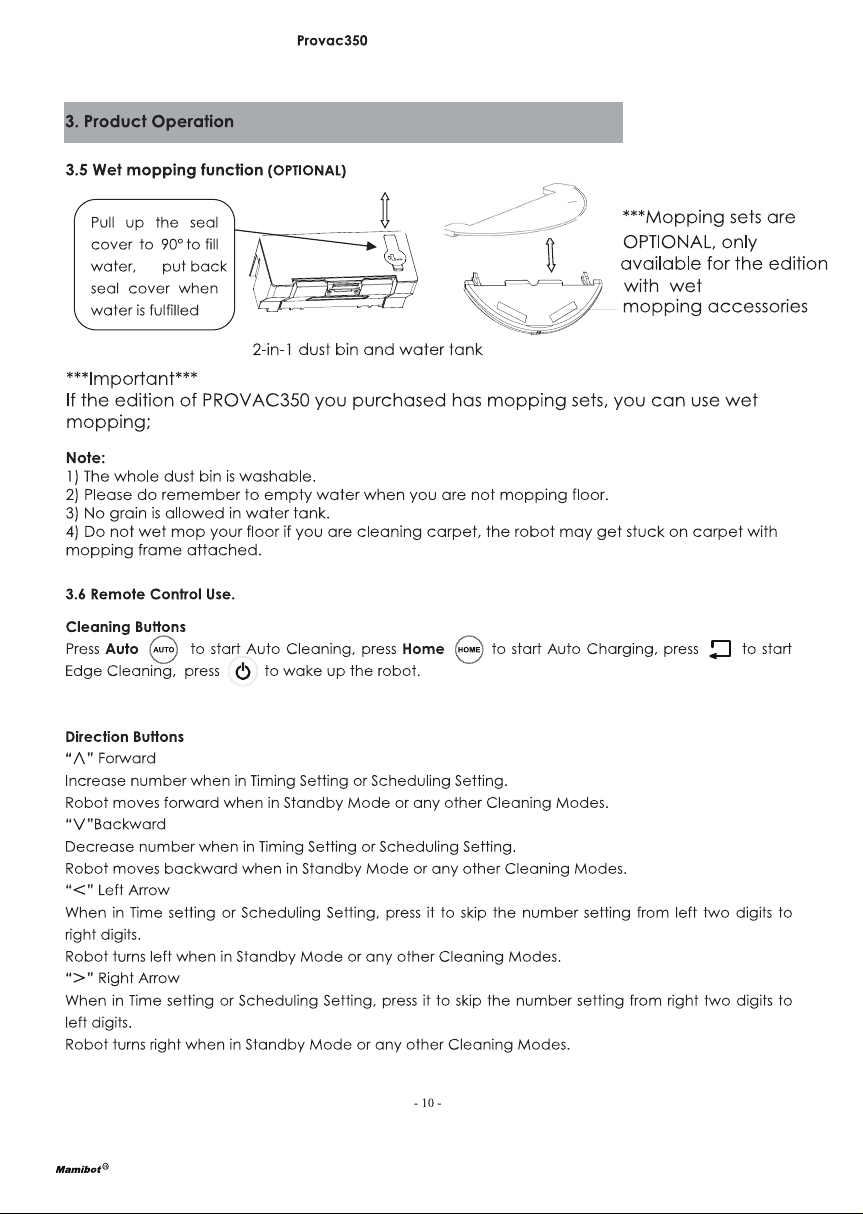
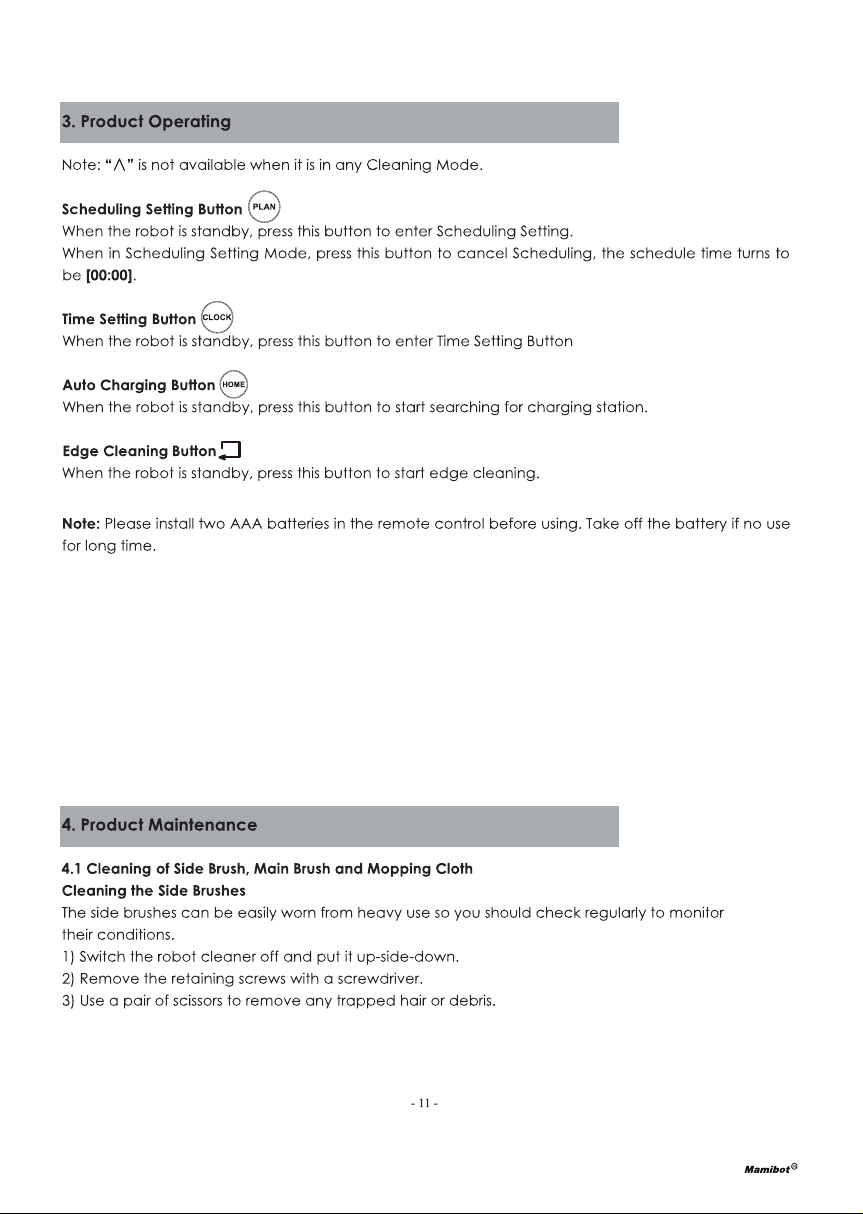
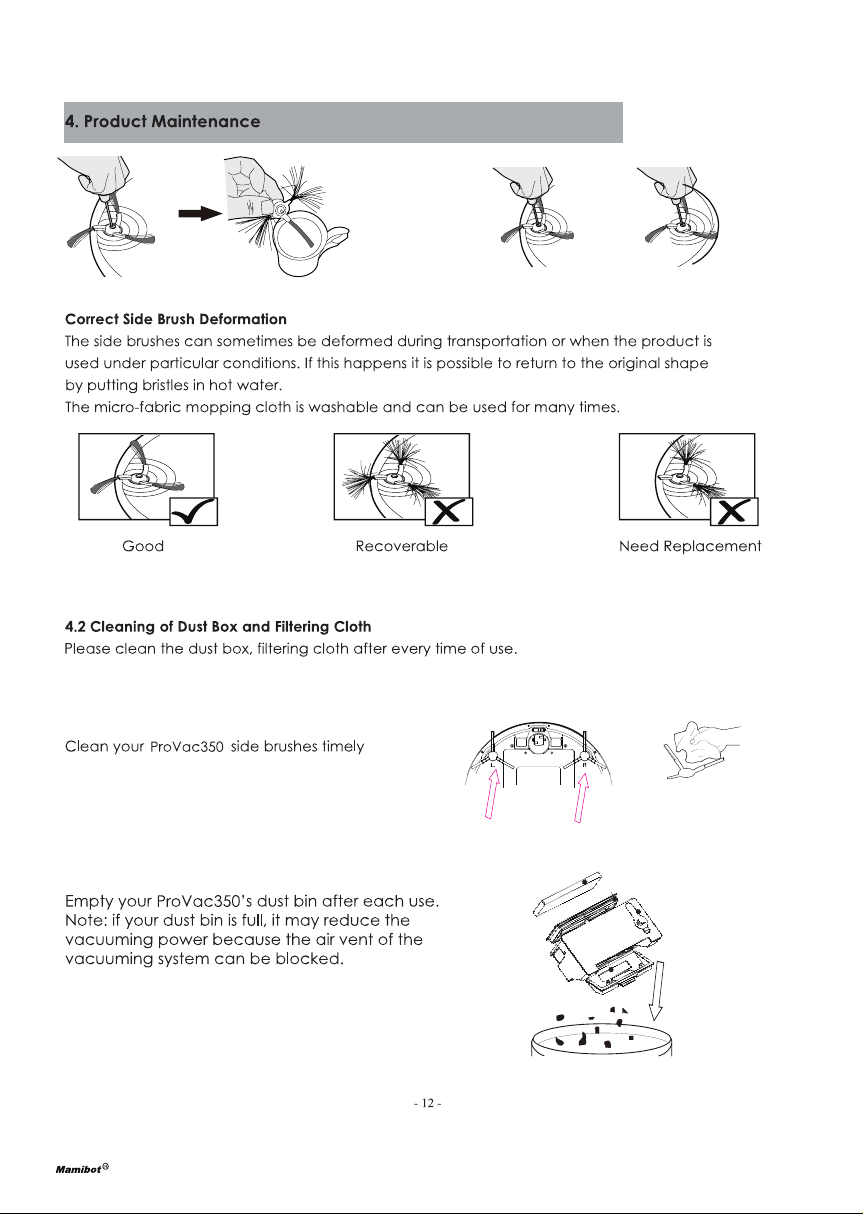
A Mamibot Robot Vacuum with Charging station\2 pair of Side Brushes\Cleaning Brush\Mopping Clothes\Adapter\Hepa Filter\Dust Bin and 350ml Water Tank.

#2 Can it vacuum and mops simultaneously in the room with hardwood floor and center rug. Can it mop the floor and only sweep the rug in the mopping cycle

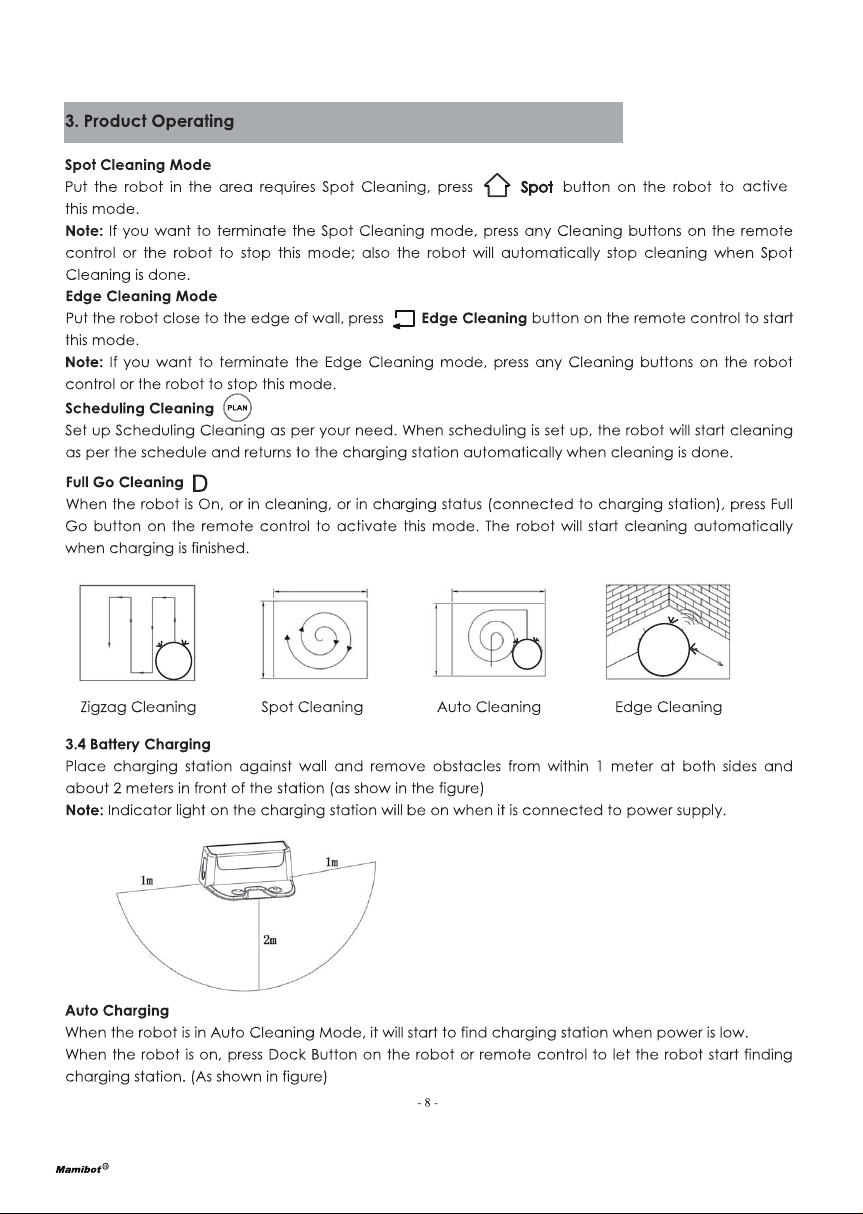
It can mop the hardwood floor, and rugs. and there are 3 clean mode : 1) Single Room Cleaning; 2) Mopping Model; 3) Edge Cleaning

#3 How to change the battery of mamibot

The battery is built into the machine and simply place the machine on the charging base

#4 Will it vacuum area rugs and carpet about half an inch high in addition to hard floors?

Suitable for all kinds of short and long carpets (carpet height less than 0.79 inches), wooden floors, hard floors and ceramic tiles.
However, it is not suitable for long-haired carpets because the carpet hair will hold the brush of the sweeper.

#5 I see “abnormal anti-faling function “ error on the app. How can I recover?

1. Turn off the robot and your phone, restarts, and reset it.
2. Clean the ground probe with a clean, dry cloth, with the robot switch closed.
3. Updating the latest version APP, then reset it.
For the details please contact out after-sales team.

Questions and Answers

Related Products