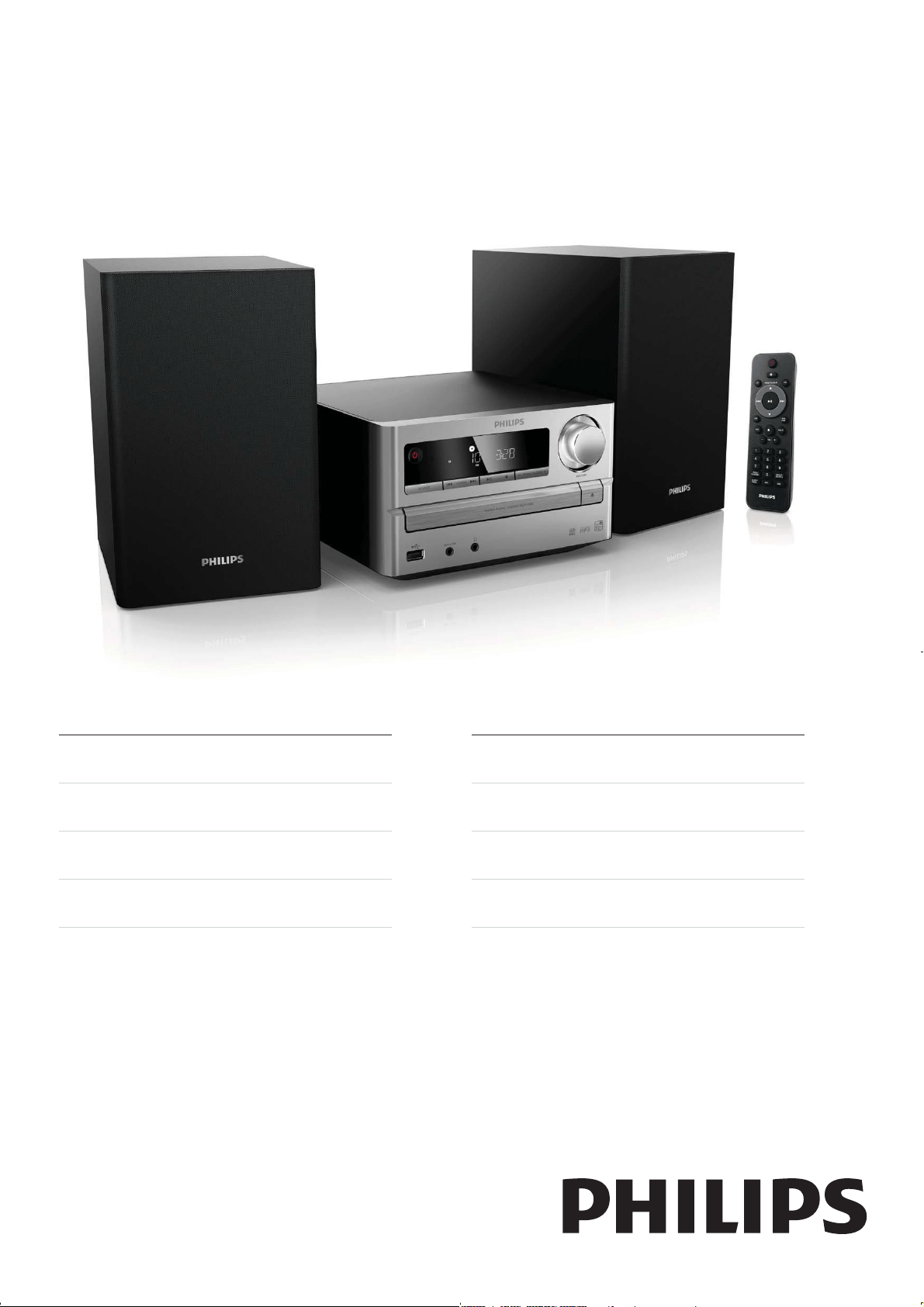
MCM2000
Register your product and get support at
www.philips.com/welcome
EN User manual 3
DE Benutzerhandbuch 21
ES Manual del usuario 41
FR Mode d’emploi 59
IT Manuale utente 77
NL Gebruiksaanwijzing 97
PT Manual do utilizador 117
SV Användarhandbok 137

3
English
EN
7 Product information 16
16
17
18
8 Troubleshooting 18
Contents
1 Important 4
4
5
2 Your Micro Music System 6
6
6
7
8
3 Get started 9
9
10
10
10
11
11
11
12
4 Play 12
12
13
13
13
5 Listen to FM radio 14
14
14
14
14
15
6 Other features 15
15
16
16
16
4
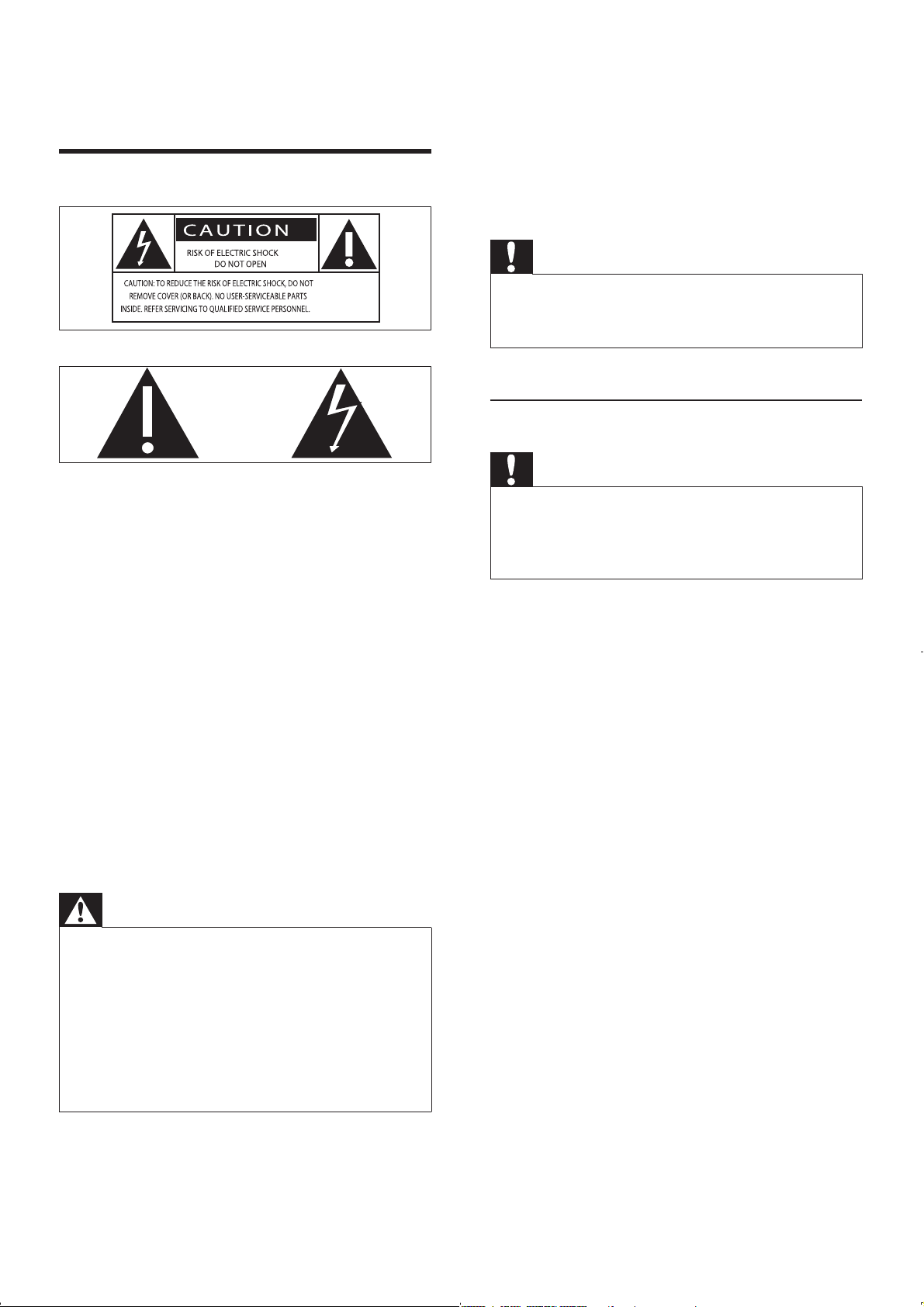
Caution
Hearing Safety
Caution
To avoid hearing damage, limit the time you use the
headphones at high volume and set the volume to a
safe level. The louder the volume, the shorter is the
safe listening time.
Be sure to observe the following guidelines
when using your headphones.
1 Important
Safety
Warning
EN
5
English
Environmental information
This apparatus includes this label:
Note
Notice
2004/108/EC + 2006/95/EC
EN
6
What’s in the box
2 Your Micro
Music System
Introduction
With this unit, you can:
You can enrich sound output with these sound
effects:
The unit supports these media formats:
EN
7
English
h /
i
j
k
-PRESET/ALBUM+
l
Display panel
m
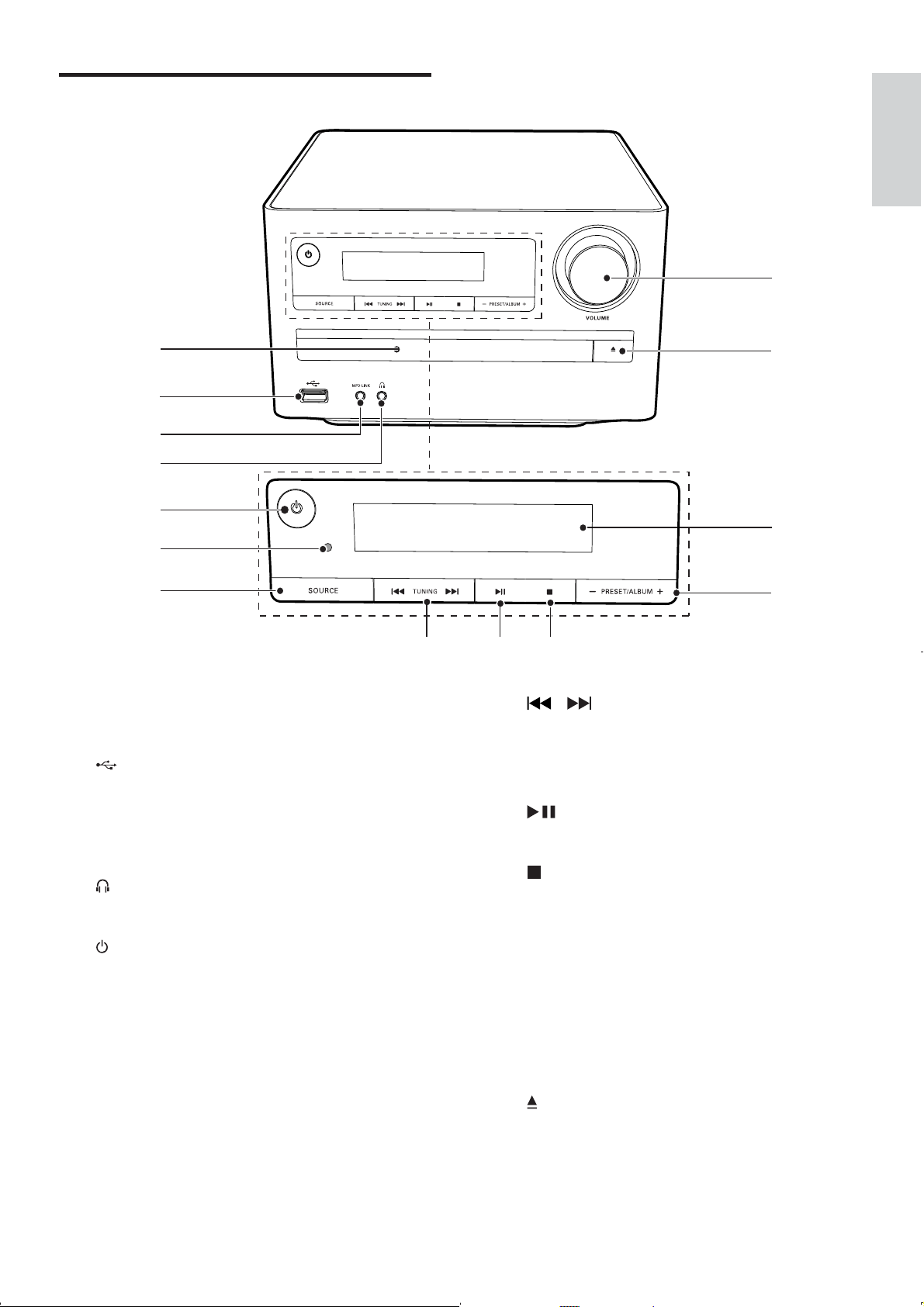
Overview of the main unit
a Disc compartment
b
c
MP3 LINK
d
e
f
IR sensor
g
SOURCE
a
b
c
d
e
f
g
hi
j
n
m
l
k
EN
8
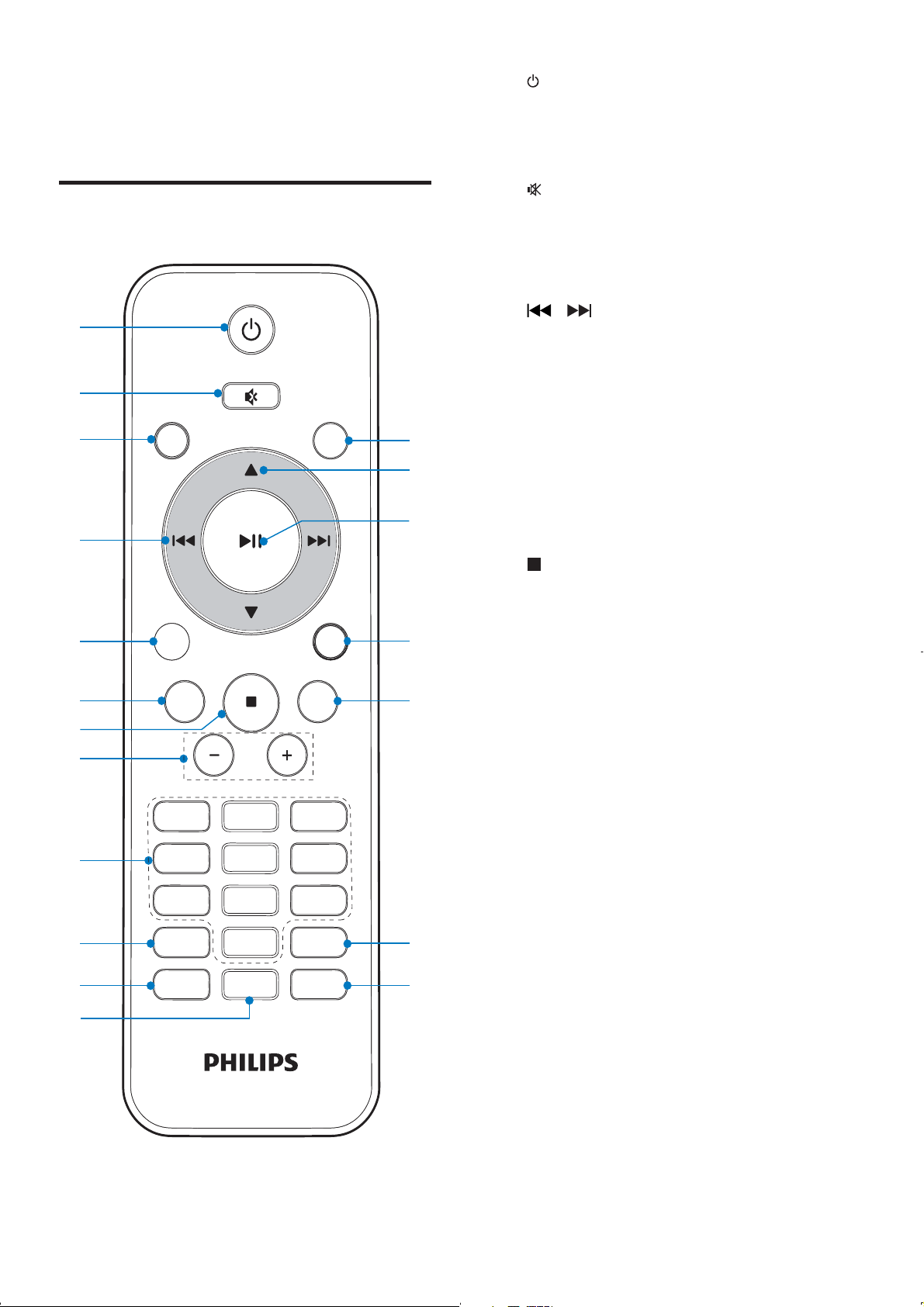
a
b
c
CD
d
/
e
USB
f RDS
g
h
VOL +/-
i
Numeric keypad
j
PROG/CLOCK SET
k
SLEEP/TIMER
l
DSC
m
DBB
n
REPEAT/SHUFFLE
n VOLUME
Overview of the remote
control
PRESET/ALBUM
PROG/
CLOCK SET
SLEEP/
TIMER
RDS
DSC DBB
VOL
REPEAT/
SHUFFLE
3
456
789
1
0
2
MP
3
LINK
CD
FM
MP
3
LINK
USB
DISPLAY
a
b
c
e
f
g
s
r
q
p
o
d
h
i
j
m
n
k
l
EN
9
English
3 Get started
Caution
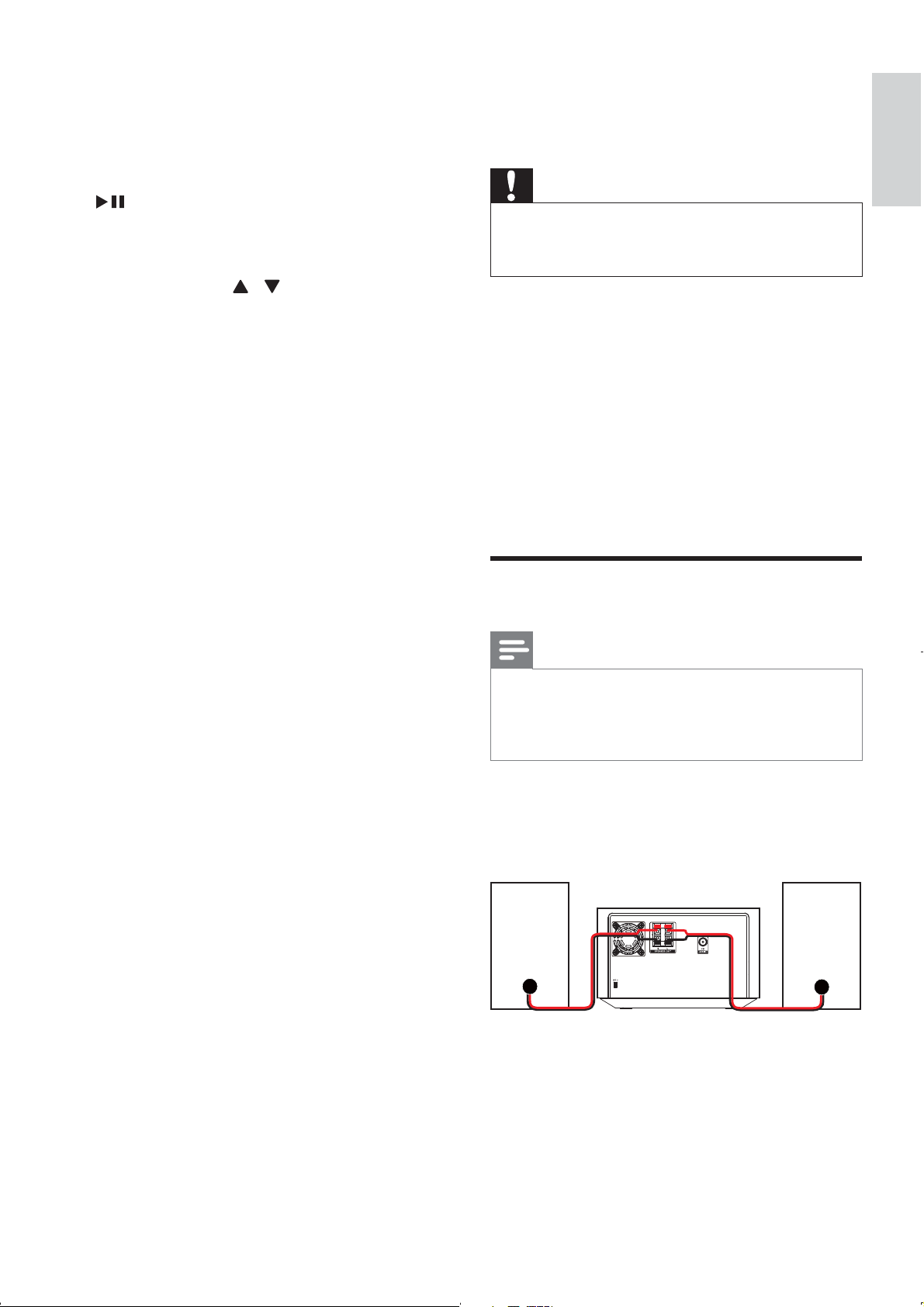
Connect speakers
Note
1
o DISPLAY
p
MP3 LINK
q
r
PRESET/ALBUM
/
s
FM
EN
10
1
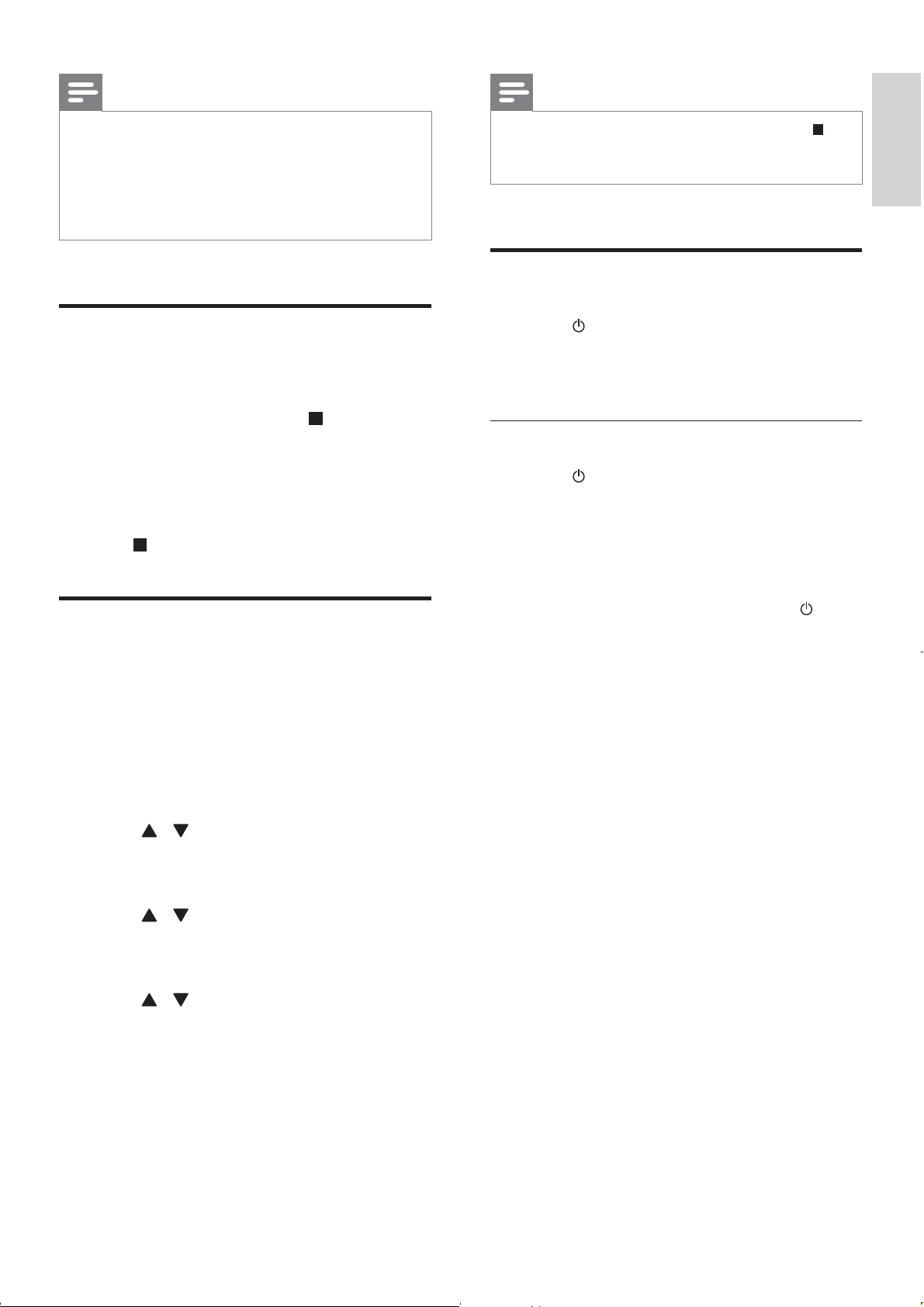
Prepare the remote control
Caution
To insert the remote control battery:
1
2
3
a
b
c
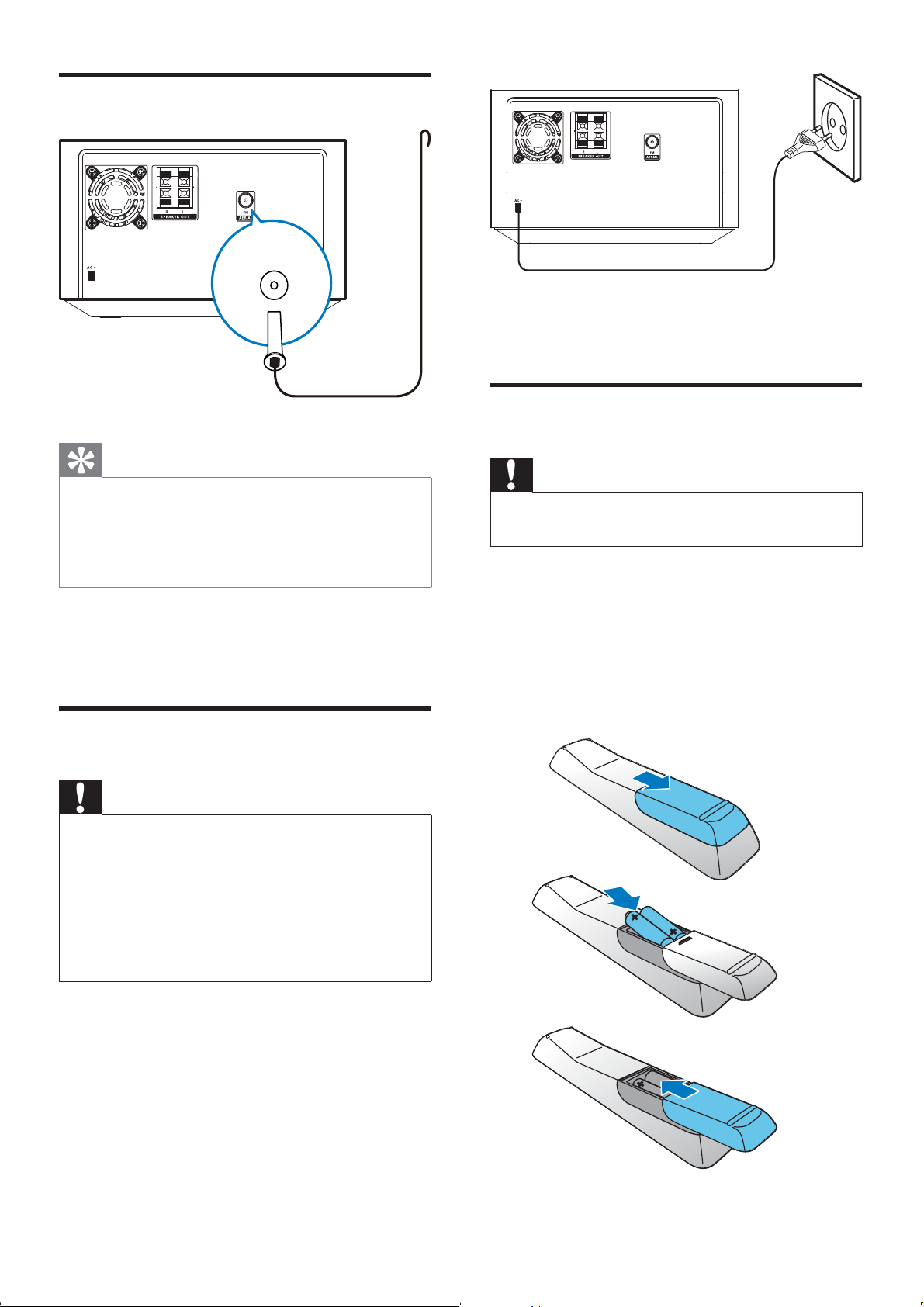
Connect FM aerial
Tip
FM AERIAL
1
FM AERIAL
Connect power
Caution
FM
EN
11
English
Note
Turn on
1
»
Switch to standby mode
1
»
To switch the unit to standby mode:
1
»
Note
Demonstrate the unit’s
features
1
»
Set clock
1
PROG/CLOCK
SET
» [CLOCK SET]
[24H][12H]
2 /
PROG/CLOCK SET
»
3 /
PROG/CLOCK SET
»
4 /
5 PROG/CLOCK SET
EN
12
4 Play
Basic play operations
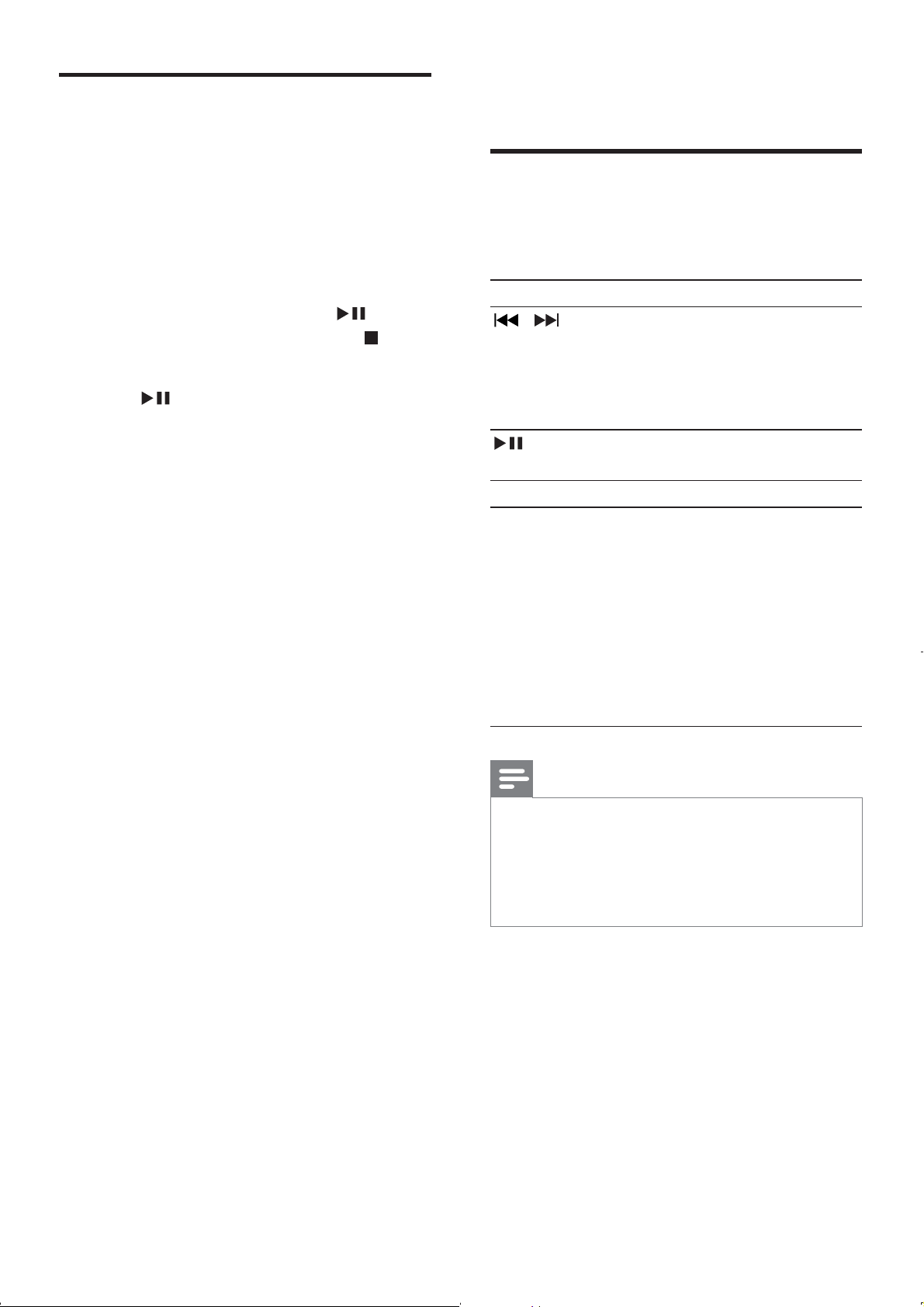
Key Function
/
DISPLAY
REPEAT/
SHUFFLE
[REP]
[REP ALL]
[SHUF]
Note
Store radio stations
automatically
1
2 FM
» [AUTO INSTALL -- PRESS PLAY
-- STOP CANCEL]
3
»
»
EN
13
English
Adjust sound
VOL +/-
DBB
[DBB]
DSC
[POP
[JAZZ
[ROCK
[FLAT]
[CLASSIC
Play from disc
1
CD
2 OPEN/CLOSE
»
3
4
/
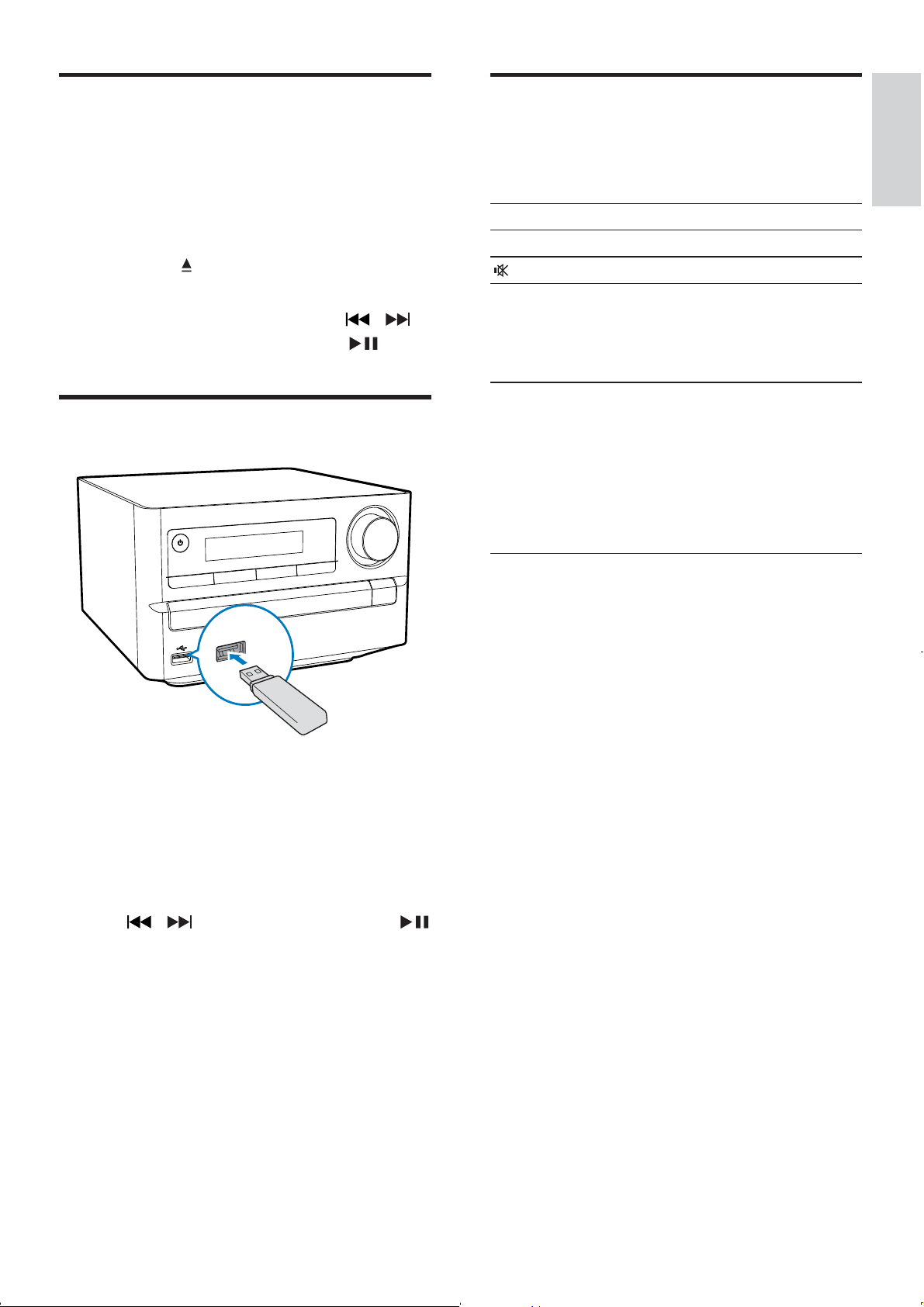
Play from USB
1
2 USB
»
ALBUM/PRESET
/
EN
14
Program radio stations
manually
Note
1
2 PROG/CLOCK SET
3 /
PROG/
CLOCK SET
»
4
Note
Tune to a preset radio station
1
/
5 Listen to FM
radio
Tune to FM radio stations
Note
1 FM
2 /
3
»
4
To tune to a weak station:
/
Program radio stations
automatically
Note
1 PROG/CLOCK
SET
» [AUTO]
»
EN
15
English
6 Other features
Set alarm timer
Note
1 SLEEP/
TIMER[TIMER SET]
» [SELECT SOURCE]
2 SOURCE
3 SLEEP/TIMER
»
4 /
SLEEP/TIMER
»
5 /
SLEEP/TIMER
» VOL
6 /
SLEEP/TIMER
»
Show RDS information
1
2 RDS
»
» [NEWS]
[SPORT][POP M]
»
»
Synchronize clock with RDS
1
2 RDS
» [CT SYNC]
» [NO CT]
Note
EN
16
7 Product
information
Note
2X10W RMS
Disc
Activate/deactivate alarm timer
1 SLEEP/TIMER
»
Tip
Set sleep timer
1
SLEEP/TIMER
»
» SLEEP/
TIMER
Listen to external audio
device
1
MP3
LINK
2 MP3 LINK
3
Listen through headphone
1
EN
17
English
USB playability information
Compatible USB devices:
Supported formats:
99
Unsupported formats:
Tuner (FM)
Speakers
General information
10W
EN

18
8 Troubleshooting
Warning
No power
No sound or poor sound
No response from the unit
Remote control does not work
Supported MP3 disc formats
EN

19
English
No disc detected
USB device not supported
Poor radio reception
Timer does not work
Clock/timer setting erased

© 2011 Koninklijke Philips Electronics N.V.
All rights reserved.
MCM2000_12_UM_V2.1