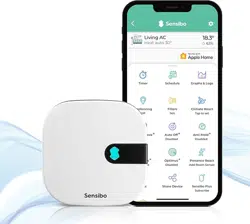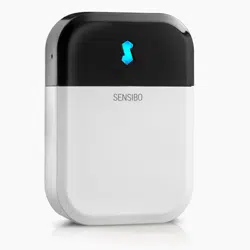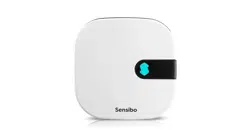
SensiboInside
InstallationManual
ForCarrier
AirConditioners


AboutSensibo
Congratulations!Yourairconditionerisabouttobecomesmart.
Sensiboisanadvancedsmartmodulethatretrofitsairconditionersto
smartoperation,connectingthemtoyourWiFiandtotheinternet.You
willbeabletocontrolyourairconditionerfromyoursmartphoneusing
theSensiboAppandenjoythesmartairconditioningfeaturesit
provides.YoucanusevoiceassistancesuchasAmazonEcho(Alexa),
GoogleAssistant,GoogleHomeandotherthirdpartyapplicationsas
well.
Wehopeyouwillenjoythecomfortandeaseofuseofthisadvanced
homeautomationsystem.
ThankyouforchoosingSensibo.
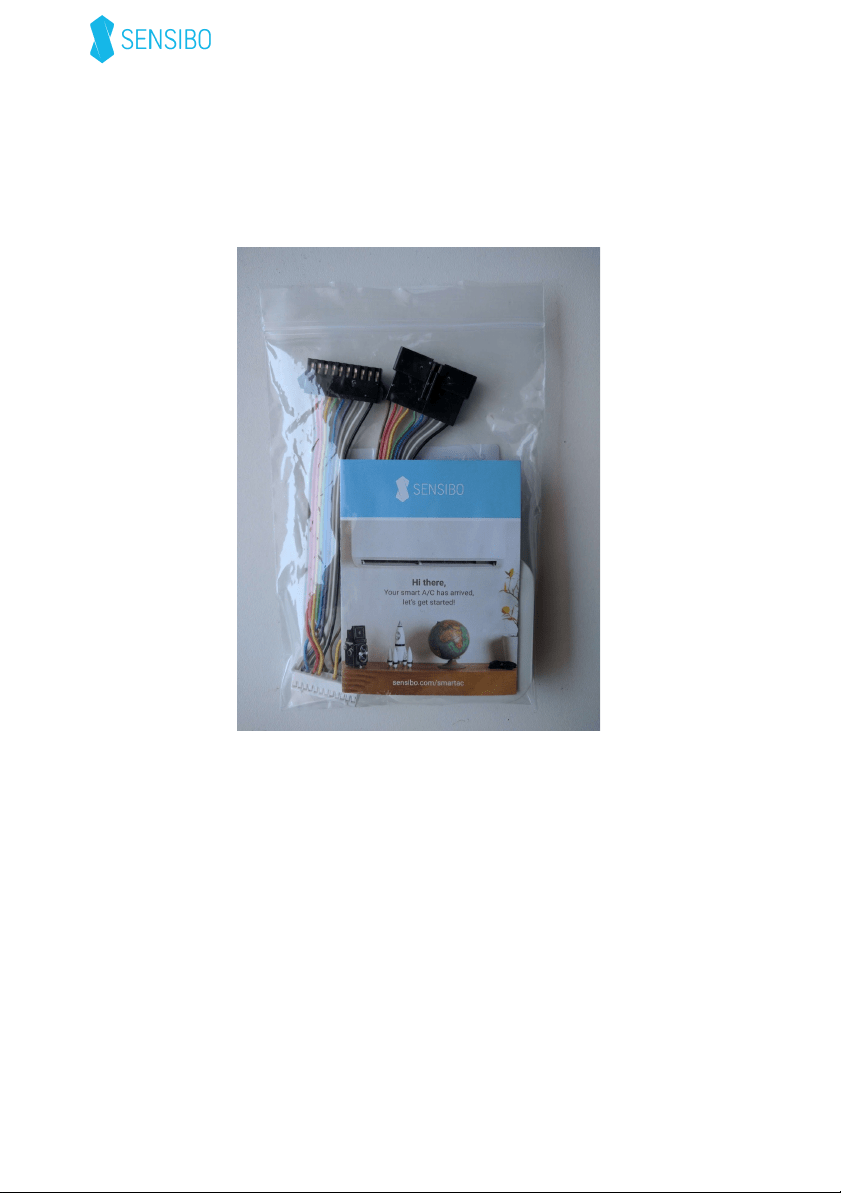
What’sinthebox
● One Sensibo Inside Module
● One adapter harness
● One welcome note.
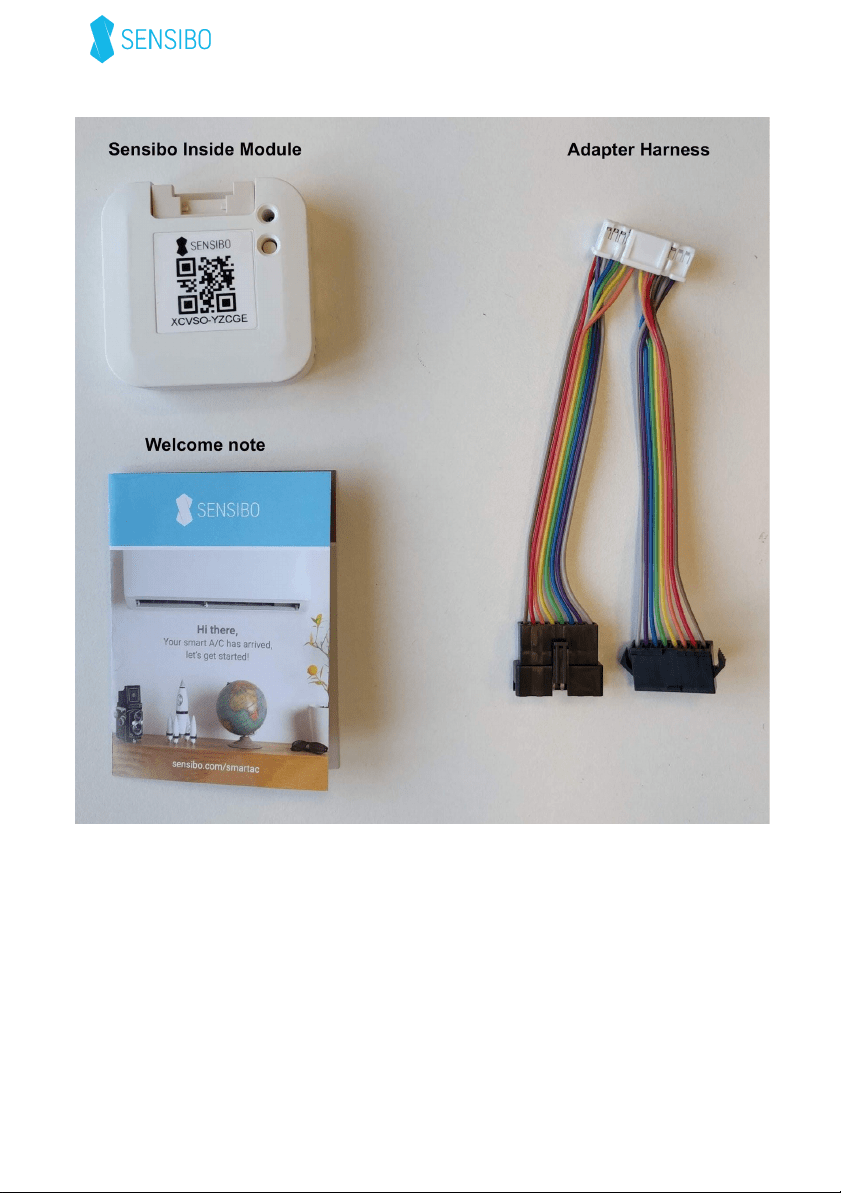
Your Personal QR code
Your personal QR code appears on the front of the Sensibo Inside
Module
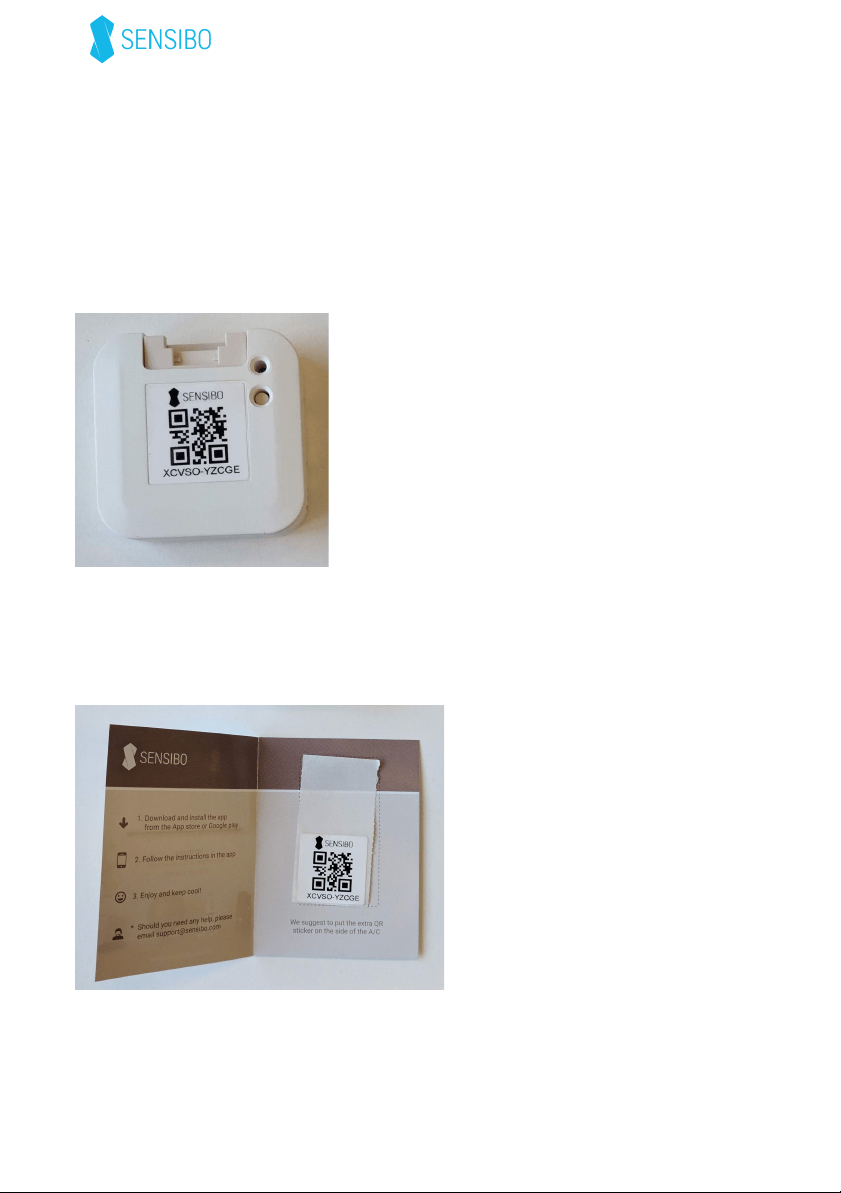
You will find an extra sticker with the same code stapled to your
Welcome note.
We suggest to stick the extra sticker on the side of your AC indoor unit.
provided inside the code on the side of the AC unit.

The QR code will allow you to install the device or reinstall it at a later
time. Keep this code in a place where you can find it, but don’t
share it with anyone else.
Installation
For your safety: it’s highly important to disconnect the A/C from
the electricity before starting the installation process.
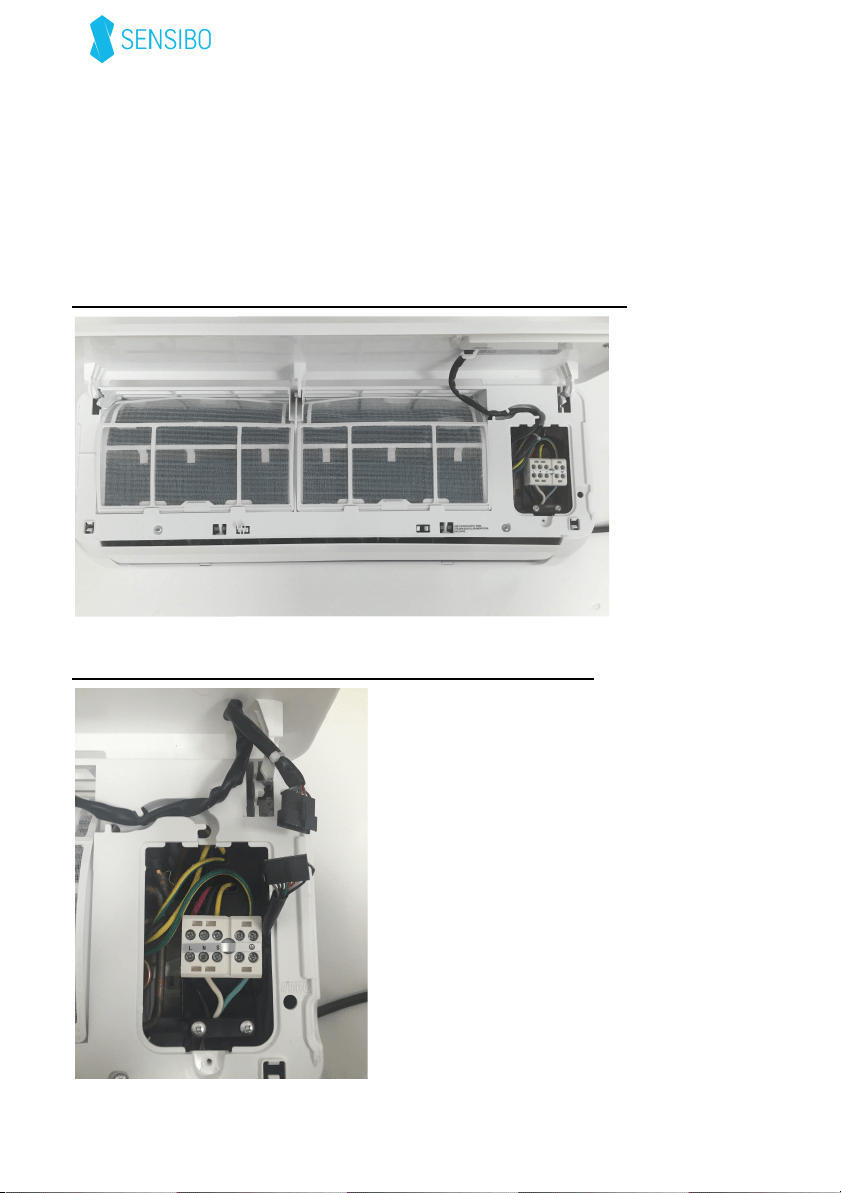
Step1:LiftthePlasticcoverandremovetheservicedoor
Step2:Exposethepanelconnectoranddisconnectit.
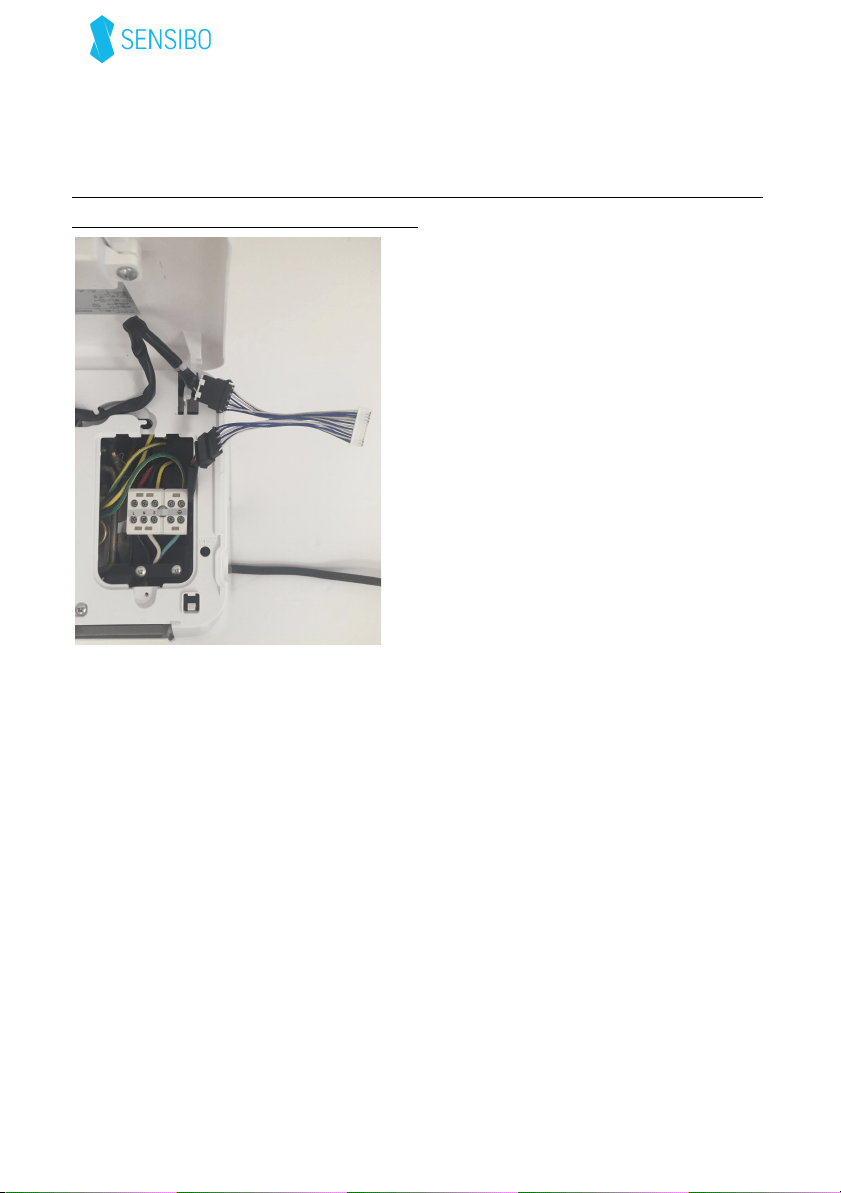
Step3:Connecttheothertwoconnectorsoftheadapterharnesstothe
matchingconnectorsoftheACunit
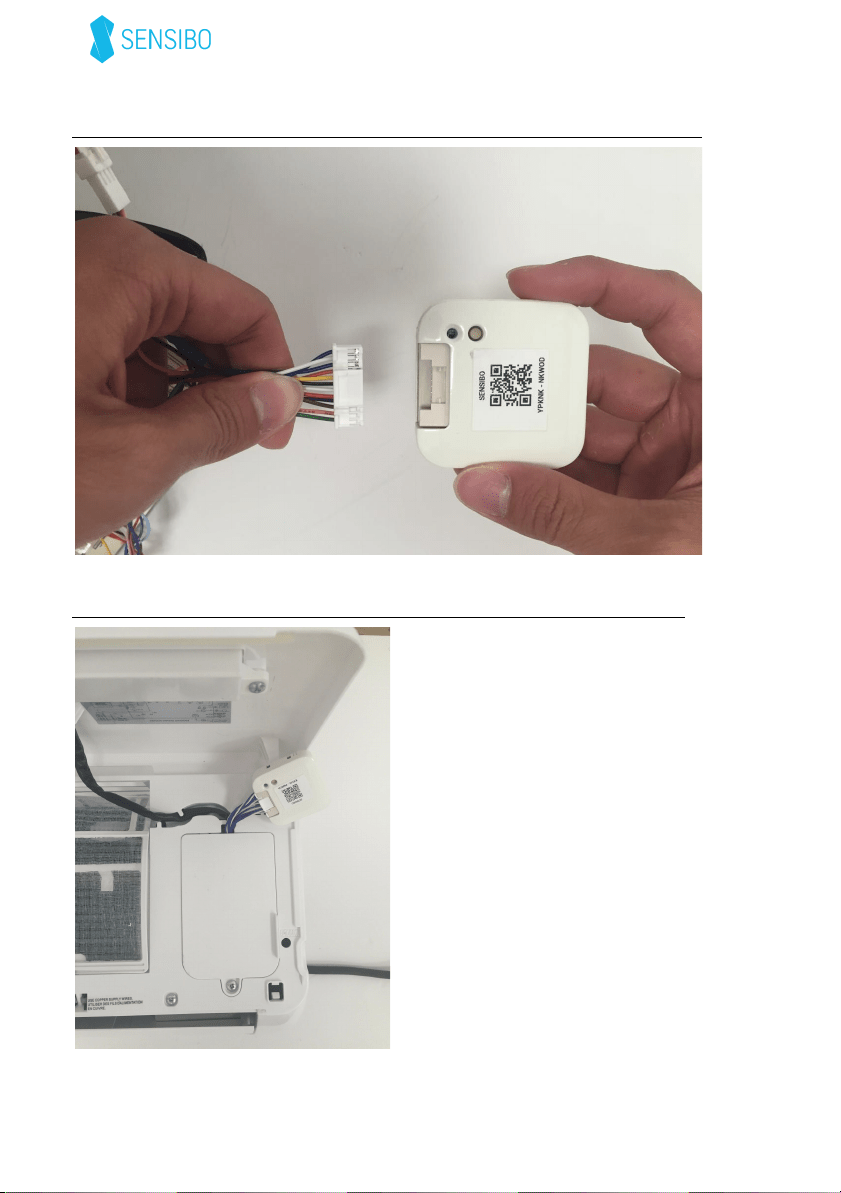
Step4:ConnecttheadapterharnesstotheSensiboInside
device
Step5:Returntheconnectorandtheservicedoortotheirplace
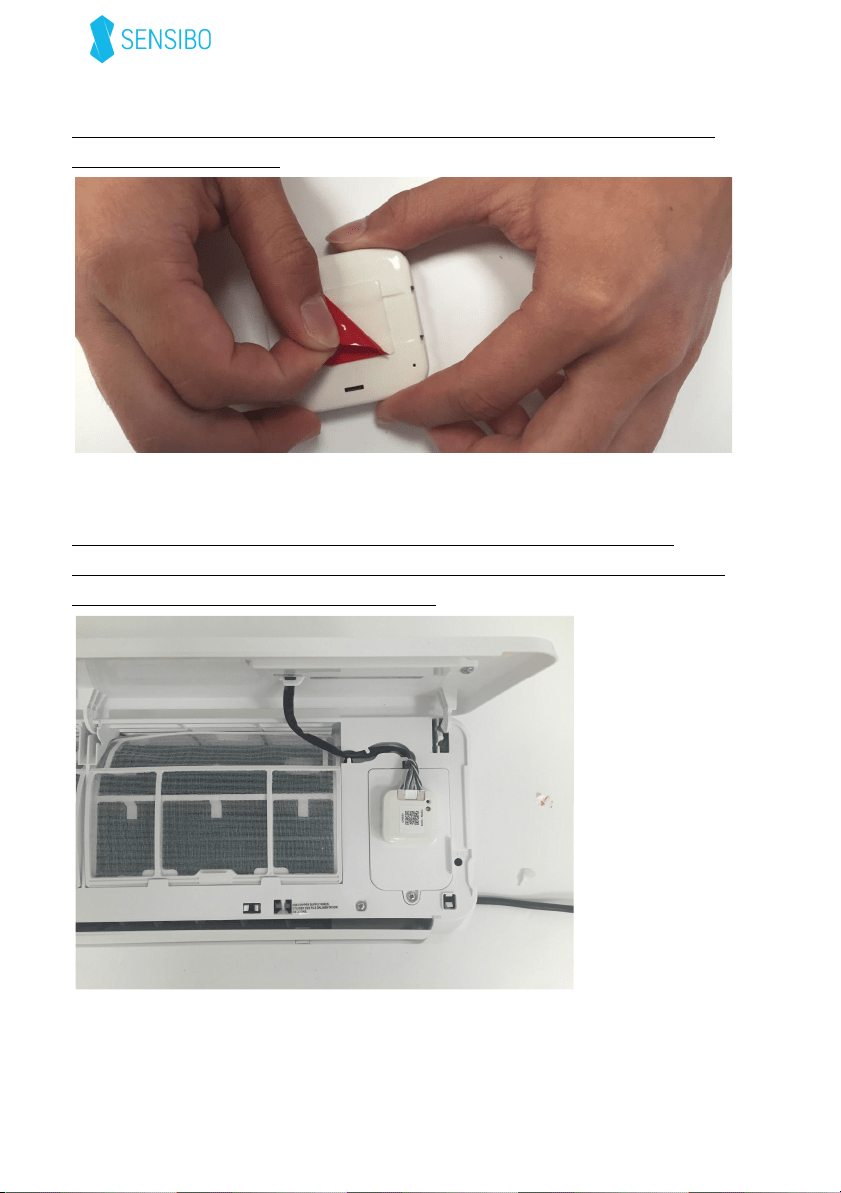
Step6:Uncoverthesupplieddoublesidedtapeonthebackofthe
SensiboInside
device
Step7:SticktheSensiboInside
devicetotheplasticasshown
Important:Makesureyoustickthemoduleinsuchawayasnotto
createstrainontheadapterharness.
Afterconnectingtheairconditionertothepower,theblueLEDonthe
SensiboInside
devicewillstartblinking.
Congratulations!Yoursmartairconditionerhasarrived.
Step8:installtheapp
***Theappsetupcanbedoneeitherbytheendcustomerorthe
installer.Ifdonebytheinstaller-pleasemakesuretoremovethe
devicefromtheinstaller’sappafterthesetupiscomplete.
1. DownloadtheSensiboappfromtheAppStoreorGooglePlay
Store.
2. Launchtheapp
3. IfyoudonothaveaSensibouser,pleaseregisteryouremail
andpassword.Otherwiseloginwithyourcredentials.
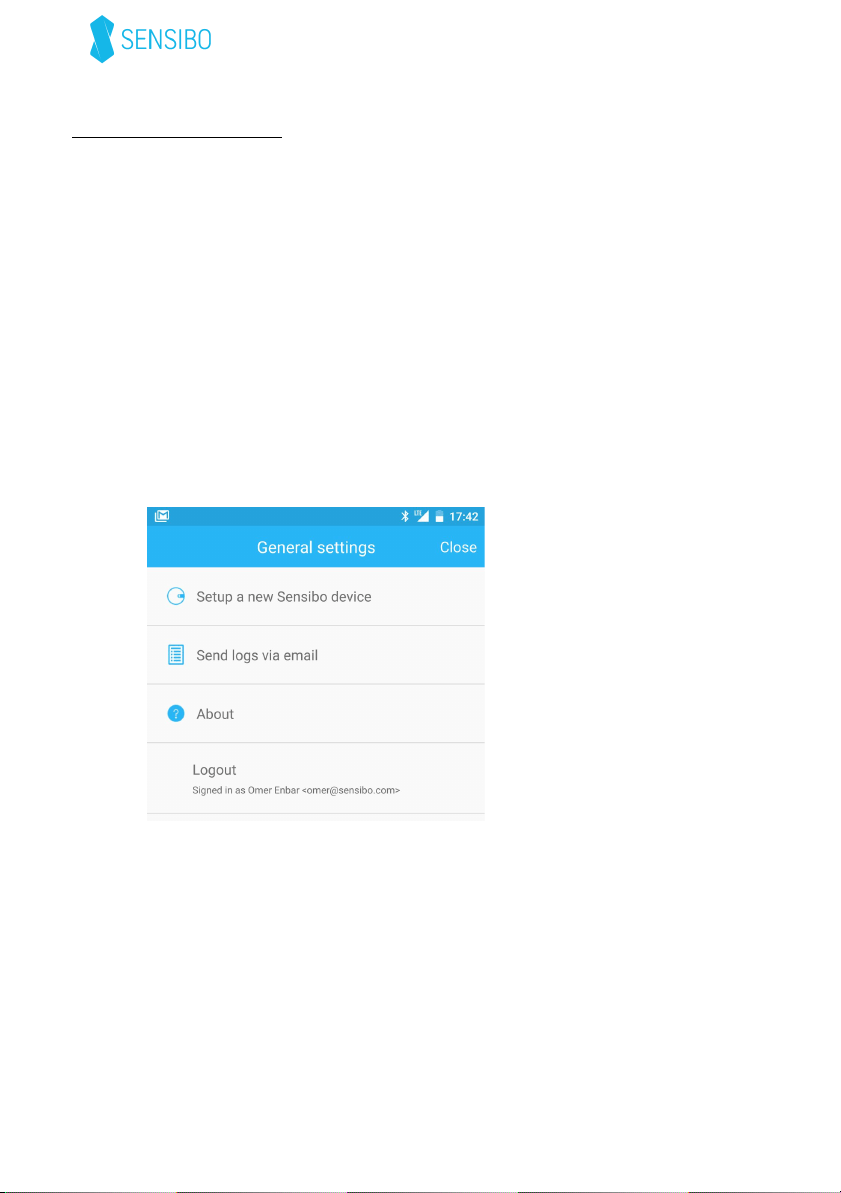
4. Ifthisisnotyourfirstdevice,select‘SetupanewSensibo
device’
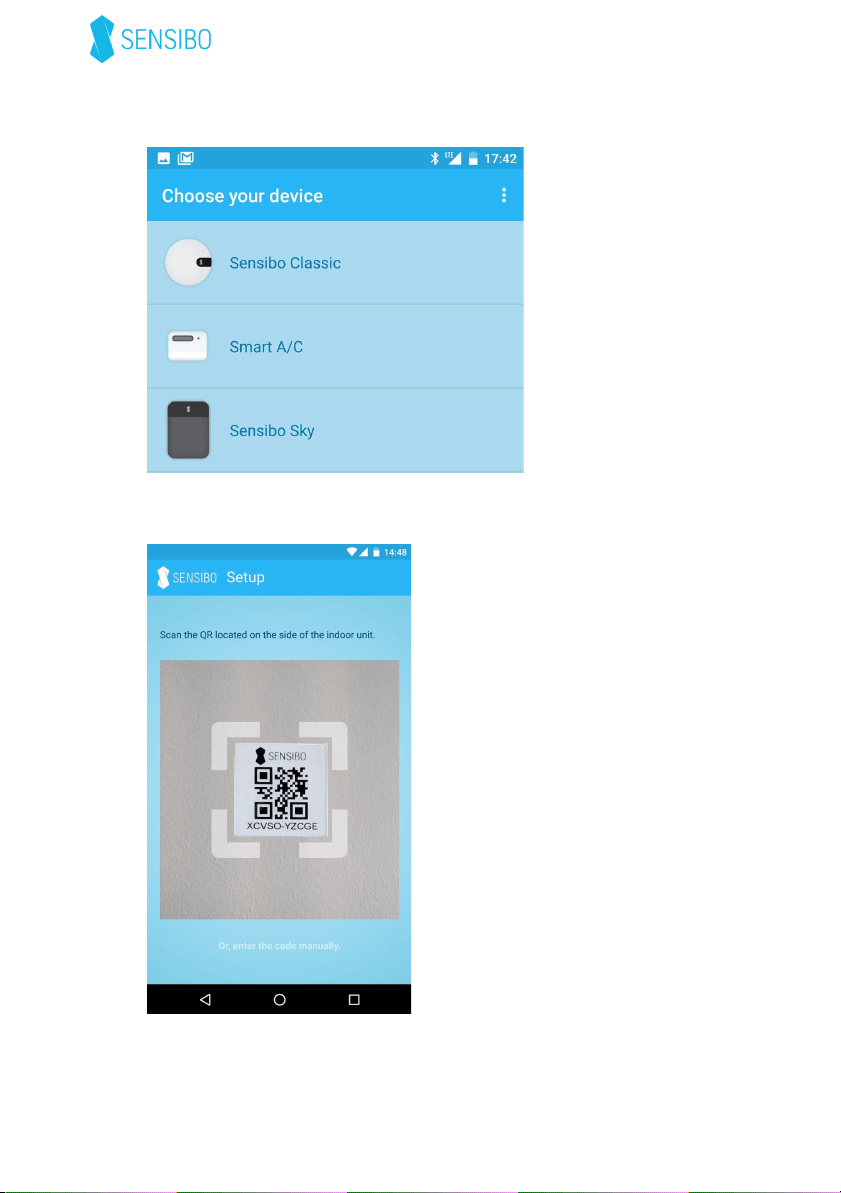
5. Choose‘SmartA/C’
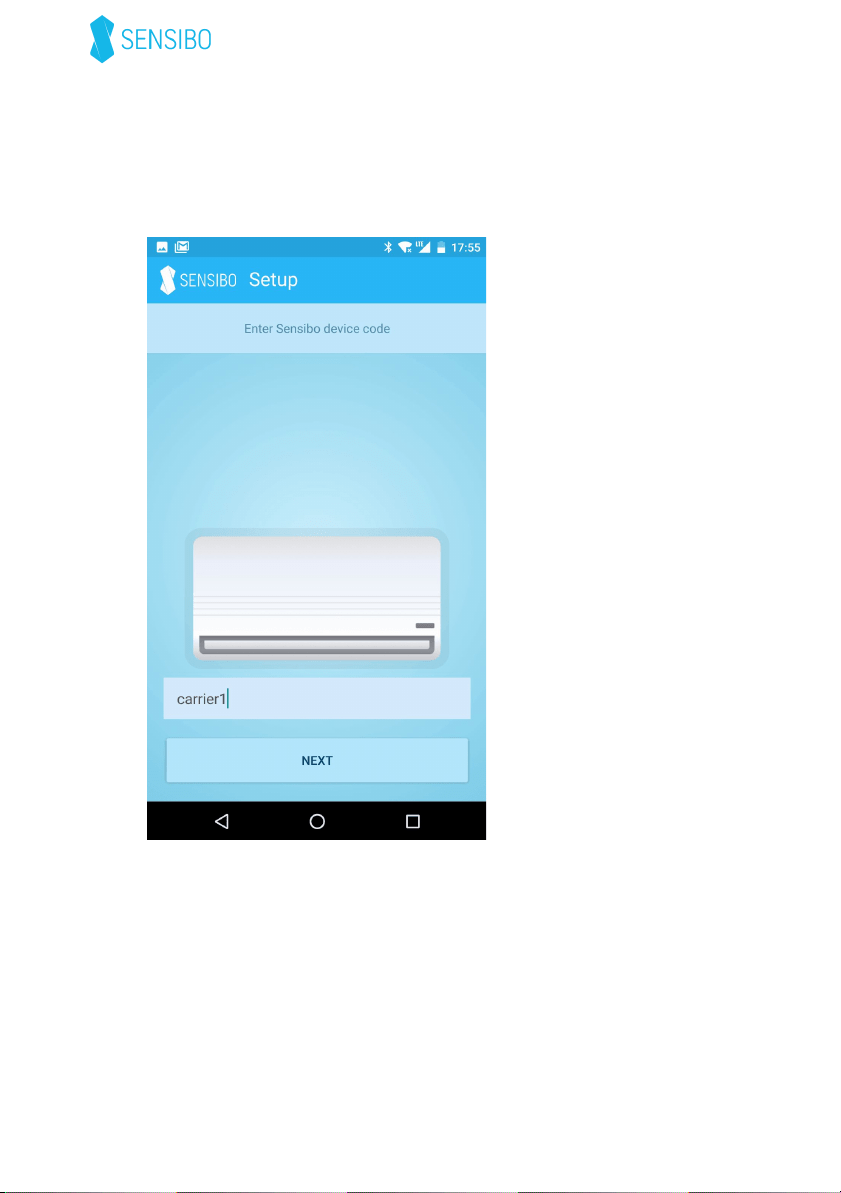
6. ScanyourpersonalQRcodeprovidedonthedeviceorinthe
suppliedwelcomenote.
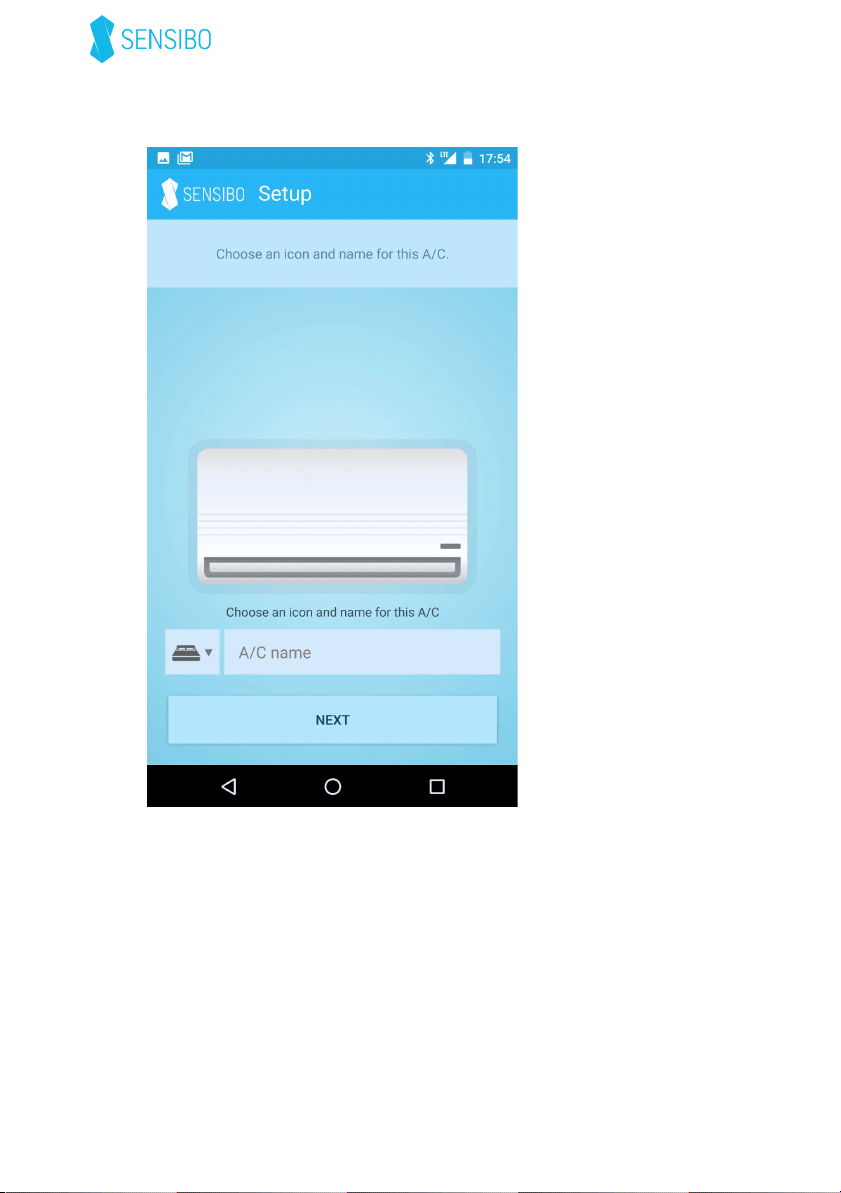
7. EnterthecodeforthistypeofA/C:
For8pinconnectorsenter:carrier1
For10pinconnectorsenter:carrier2
Askyourinstallerifyouareunsureaboutthecorrectcode.
8. Enterthenameoftheroomandselectanicon:
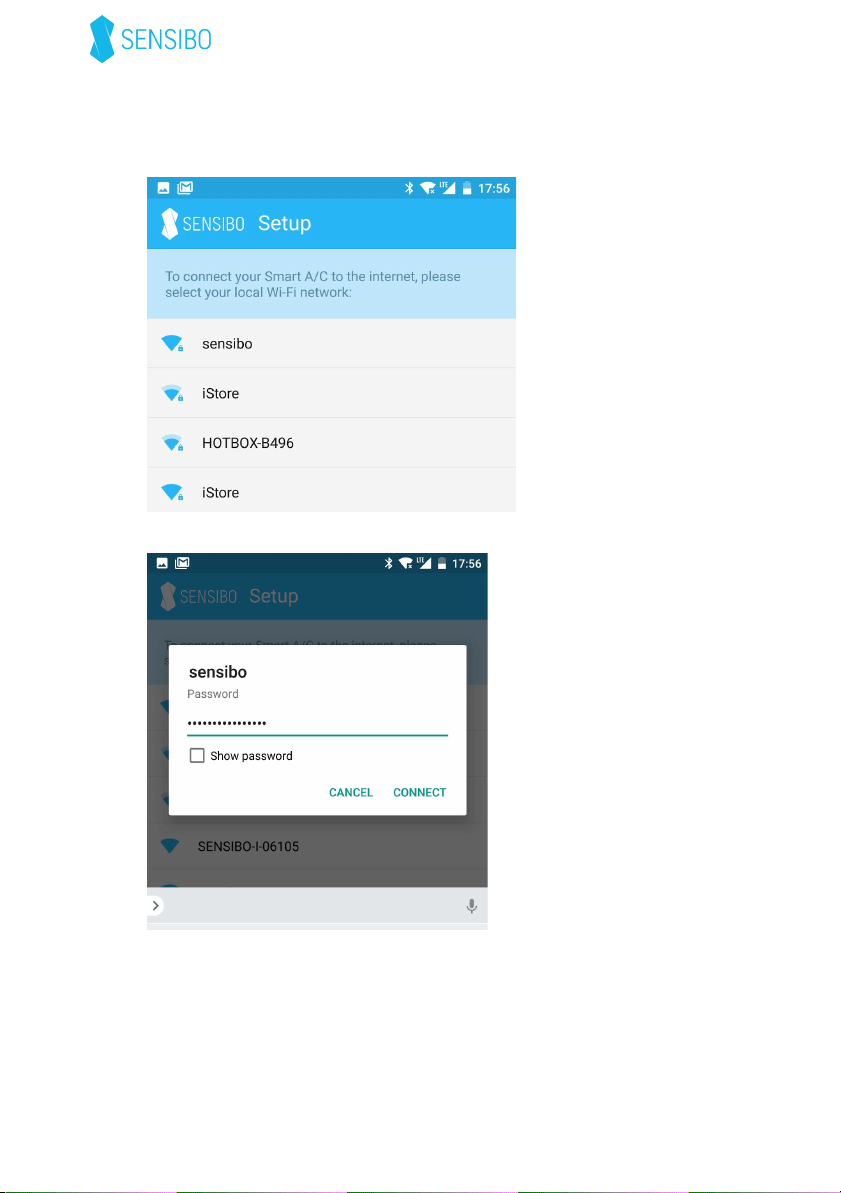
9. YouwillbeaskedtoconnecttotheWiFinetwork.Selectthe
correctnetworkfromthelist:
Andenterthepassword:
-OnAndroidthesetupwillbeautomatic
-OniPhone,followthestepsofthesetupwizard
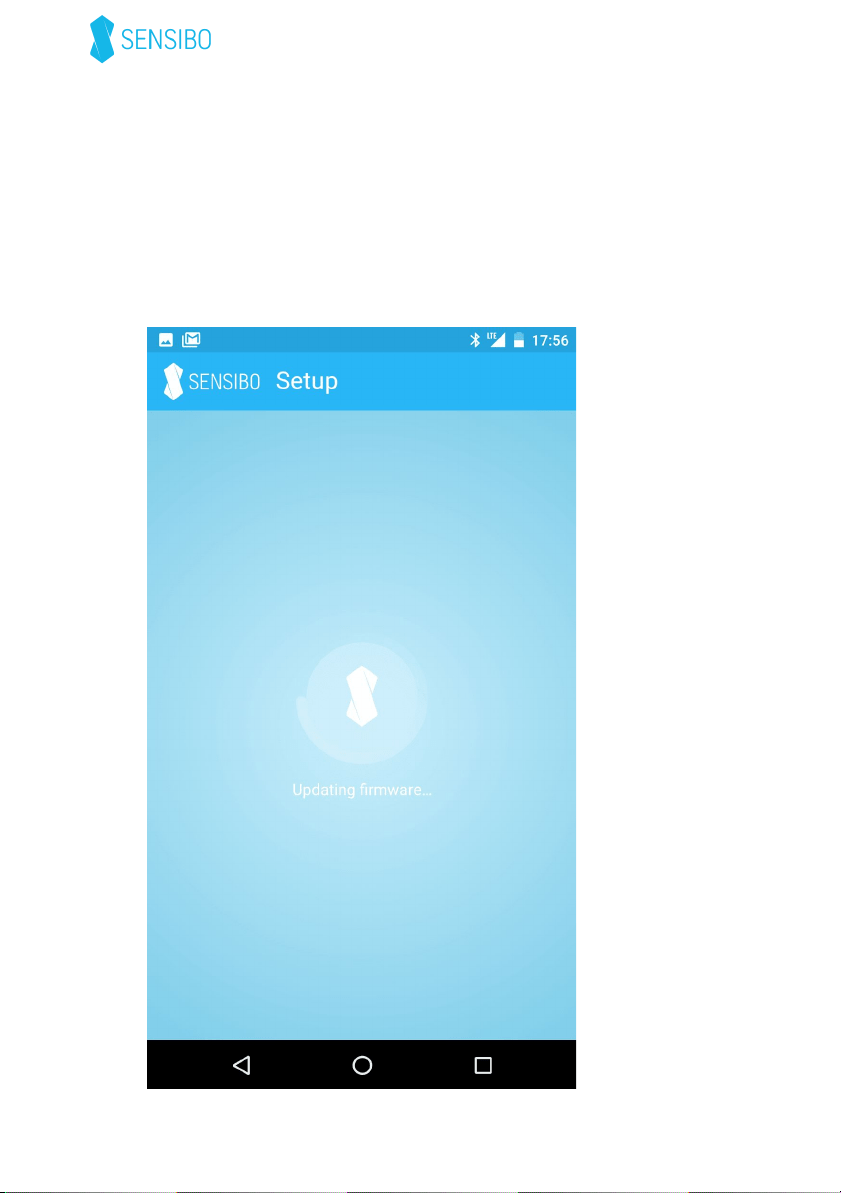
10. Thedevicewilltrytoconnecttothenetwork.Itwillfirstblink
once,twice,threetimesandthenfourtimes.Whenitconnects,
theblueLEDwillturnoffcompletely.
Ifafirmwareupdateisrequired,thedevicewillcontinuetoblink
4timesfor2-3minutesandyouwillseethisscreen:
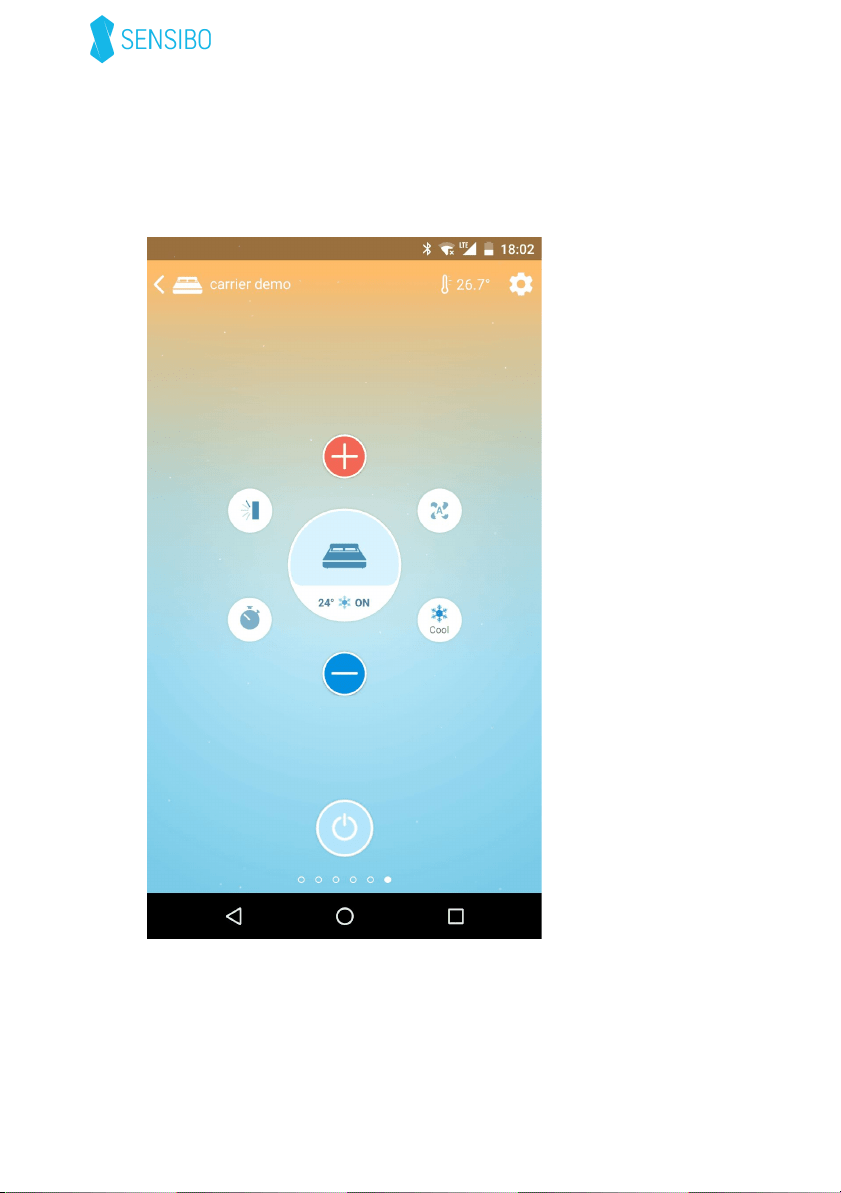
11. That’sit!You’resmartairconditionerisreadytouse!

Certification
ThisdevicecomplieswithPart15oftheFCCRules.
Operationissubjecttothefollowingtwoconditions:(1)thisdevice
maynotcauseharmfulinterference,and(2)thisdevicemustaccept
anyinterferencereceived,includinginterferencethatmaycause
undesiredoperation.
Changesormodificationsnotexpresslyapprovedbytheparty
responsibleforcompliancecouldvoidtheuser’sauthoritytooperate
theequipment.
Operatingtemperature:5°C-50°C
Companyinformation:
SensiboInc.
1313N.MarketStreet,Suite5100
Wilmington
Delaware19801