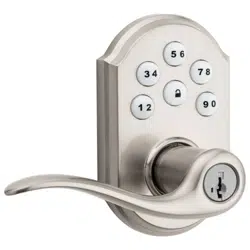
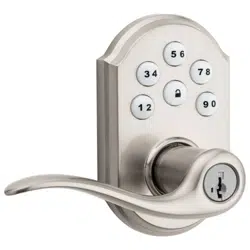
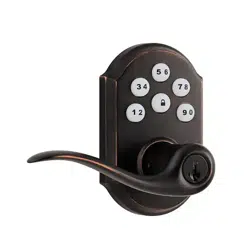
Kwikset 917TNL TRL 15 SmartCode Electronic Tustin Lever

Product's Documents

Below are documents related to this product, you can read online or download:
User Manual Installation Instruction
  • Installation Guide - Spanish - (English) Download
  • Smart Key Instructions - (English) Download

User Manual

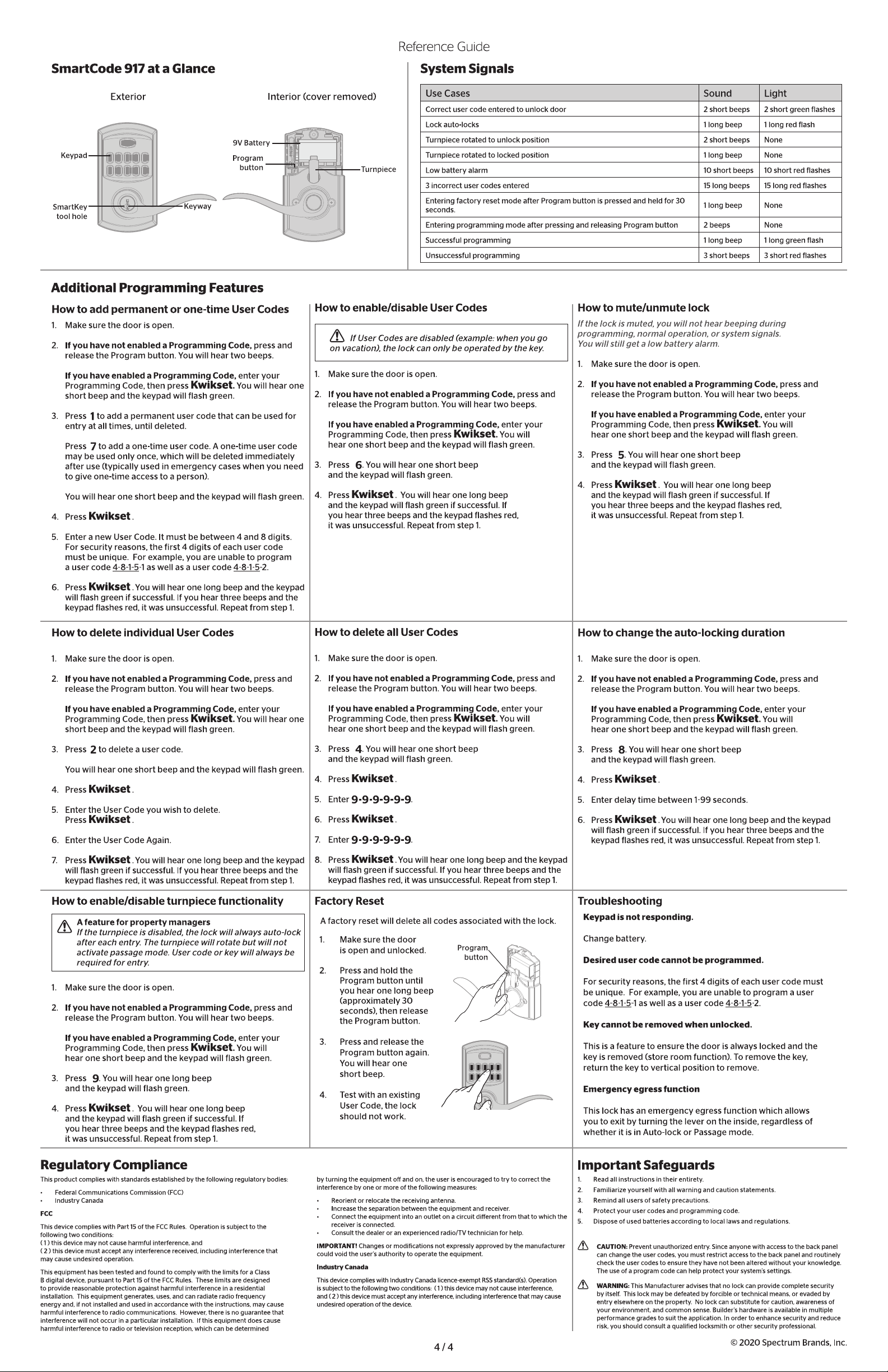
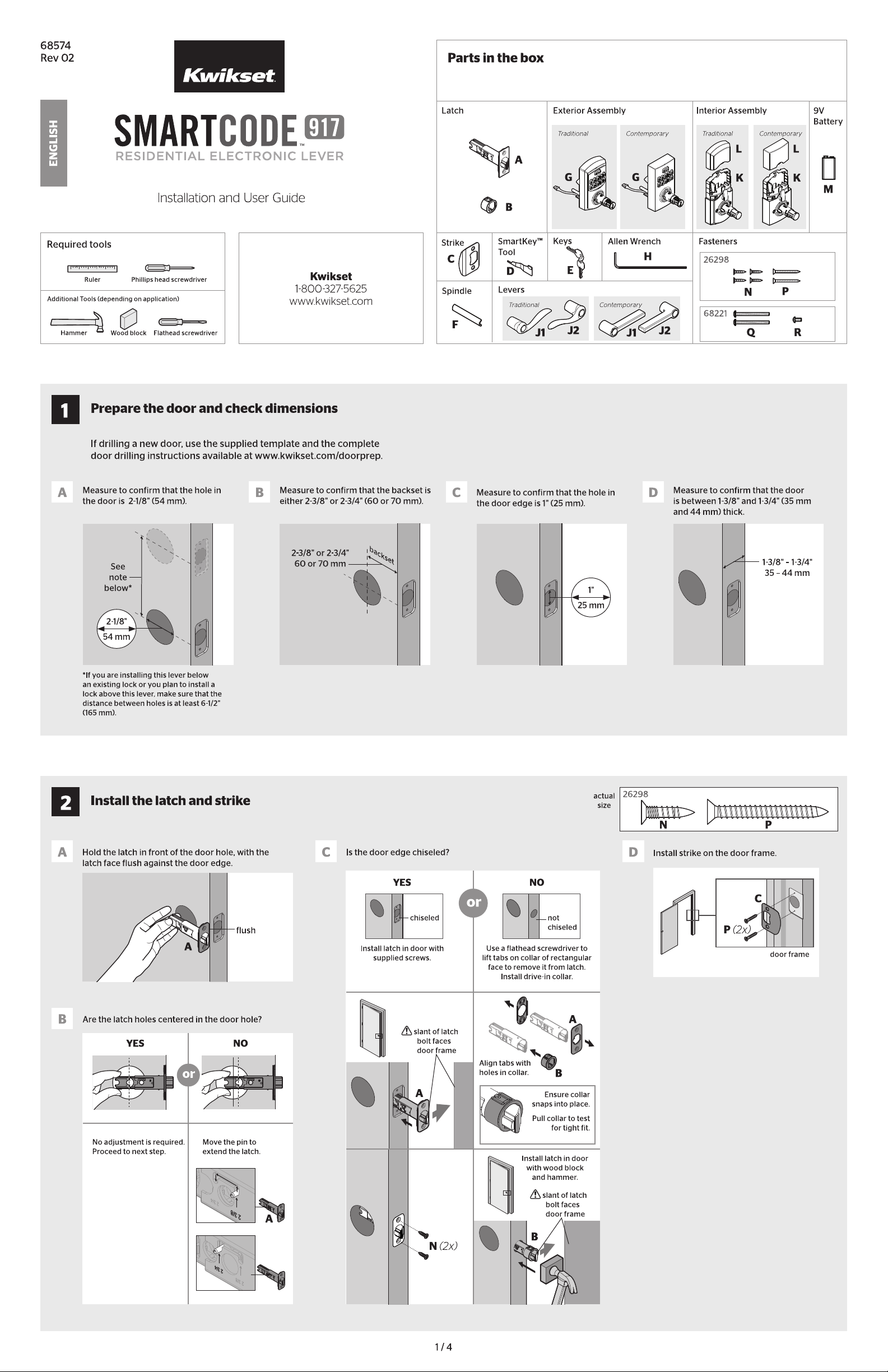
This is the main product document for model 917TNL TRL 15.

The file format is pdf, 4 pages, you can download this manual here .

Specifications

Kwikset 917TNL TRL 15 Questions and Answers


#1 The set screw on my Kwikset 917 has fallen out, and the handle won't stay on. Is it possible to get a replacement set screw? Is there a particular part number to order?

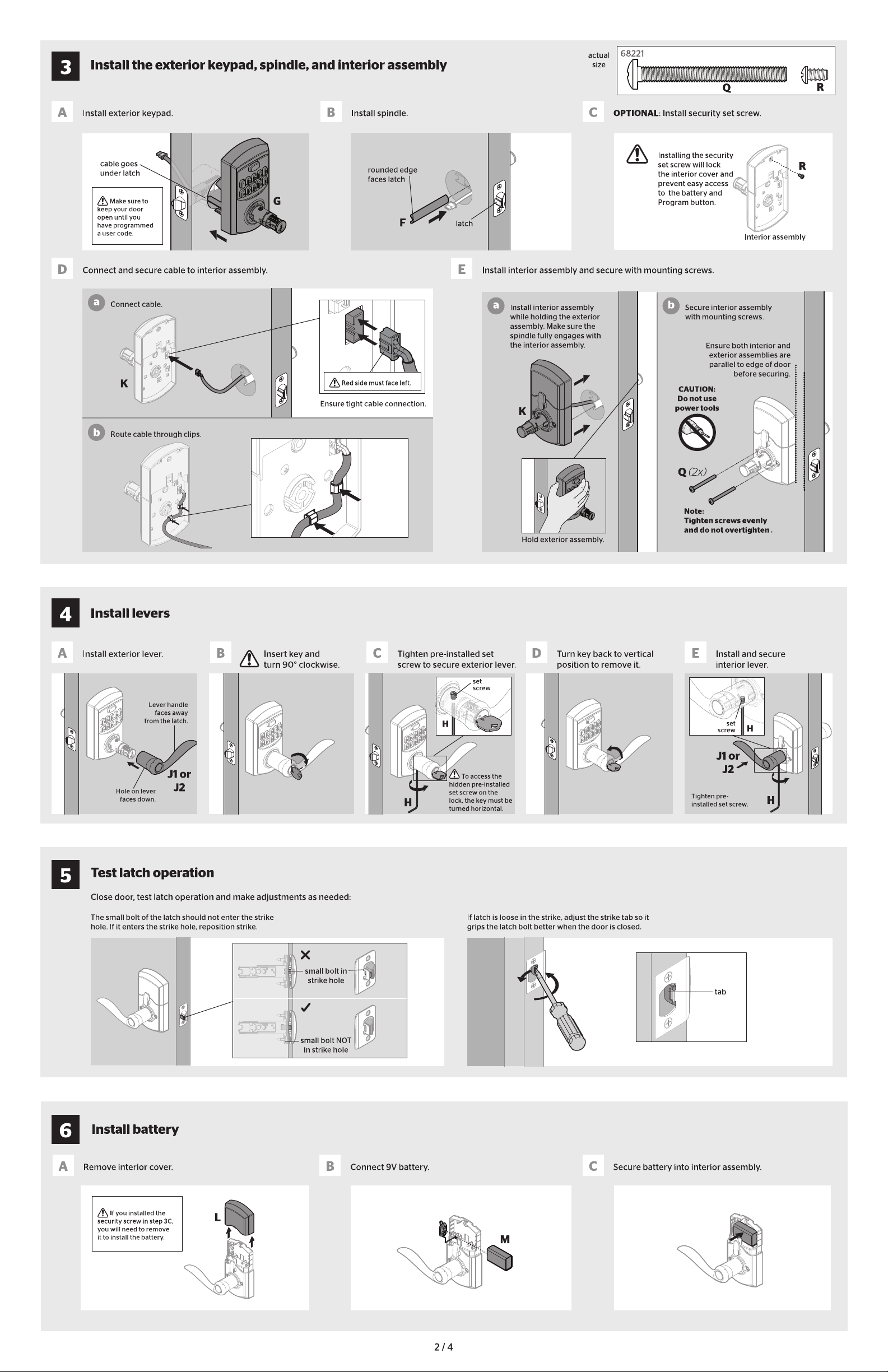
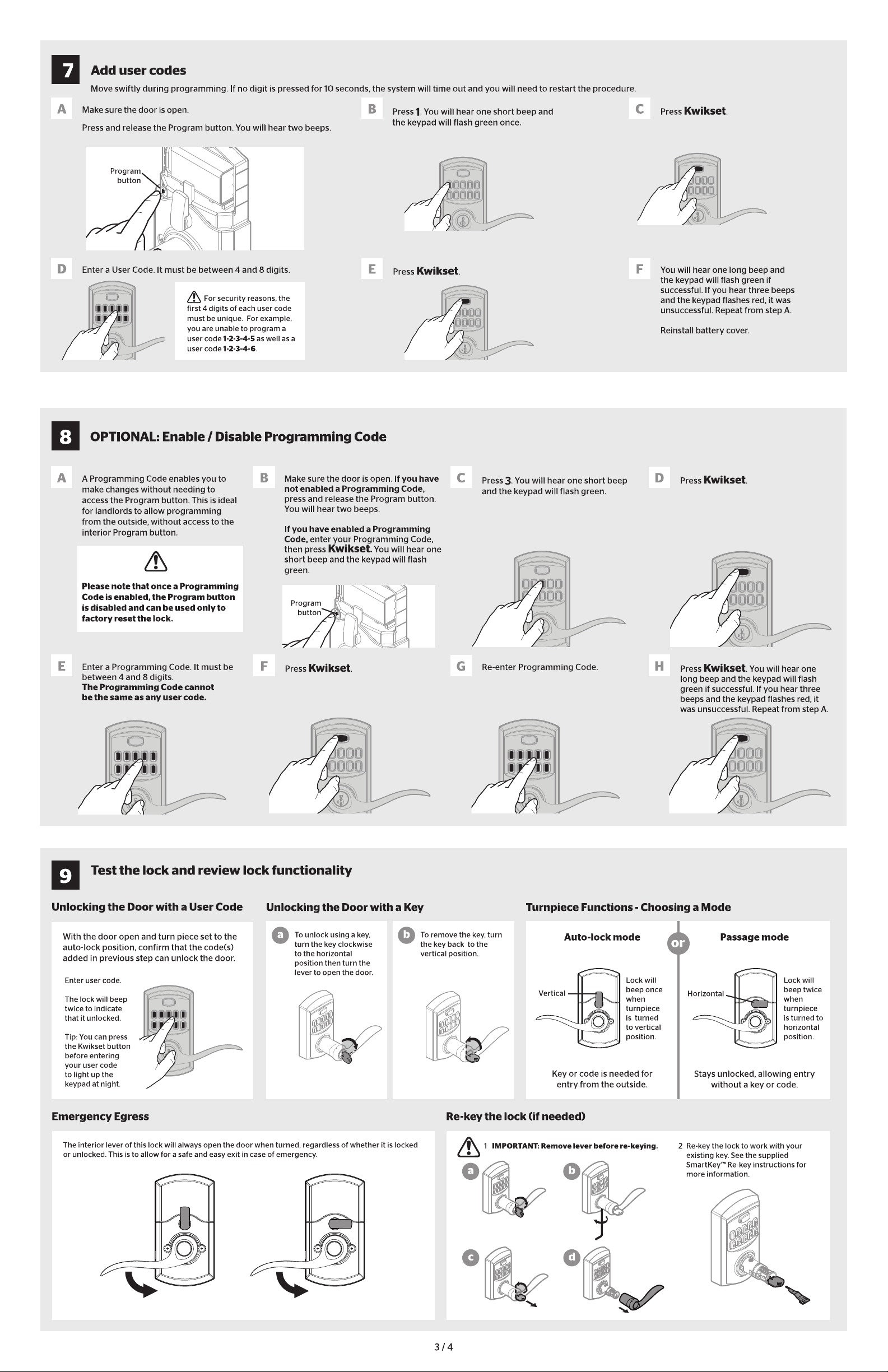
The set screws are reverse threaded and are pre-installed in the lever shafts. On the exterior shaft, the set screw is backed in from the bottom up, and if you look at the top, you will see the backside of the set screw. To tighten or loosen the lever, first, open the door and insert the key into the cylinder to unlock it. Next, insert the 3/32 Allen wrench into the hole on the bottom of the lever, and rotate the Allen wrench to tighten or loosen the lever.
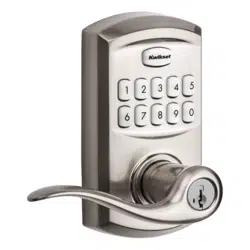
#2 Are these locks handed? Or can the hand of the lock be changed from right to left or left to right?

The levers are reversible and this model can be installed on both left-hand and right-hand doors.

Thank you

#3 How do you reverse the outside lever?

To reverse the levers, you would need to remove both levers and swap them to the other side. To remove the outside lever, you need to make sure to insert the key and turn 90 degrees clockwise. This first step will allow access to the pre-installed set screw. Unscrew the set screw using the “Allen Wrench” included and back it out just enough to allow the lever to be removed from the post.

#4 Can I use this on a 2 inch thick door?

We're sorry the 917 SmartCode Electronic locks will not work for your door thickness of 2". These locks will only work on a door thickness of 1 3/8" - 1 3/4".


Questions and Answers

Related Products