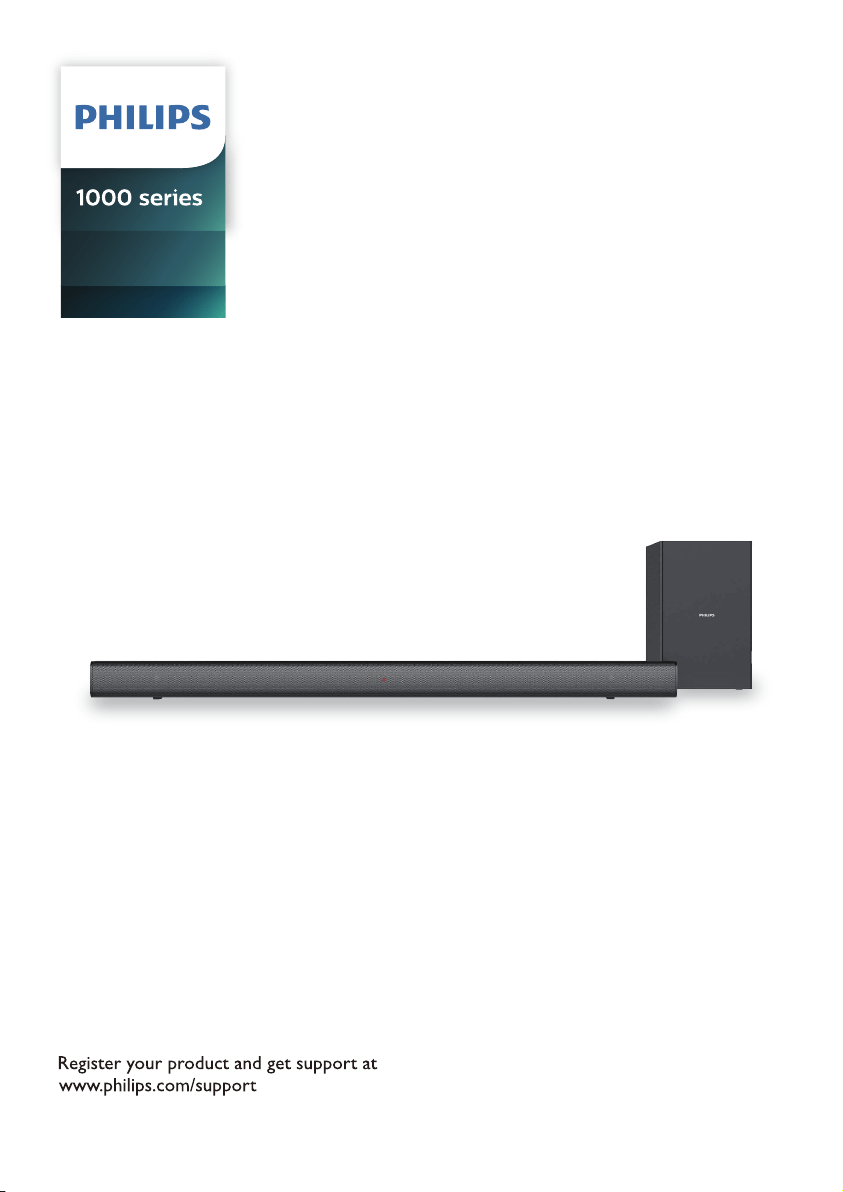
User manual
HTL1510B
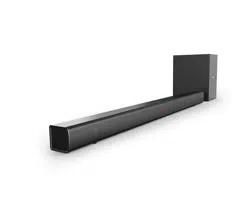
Soundbar Speaker

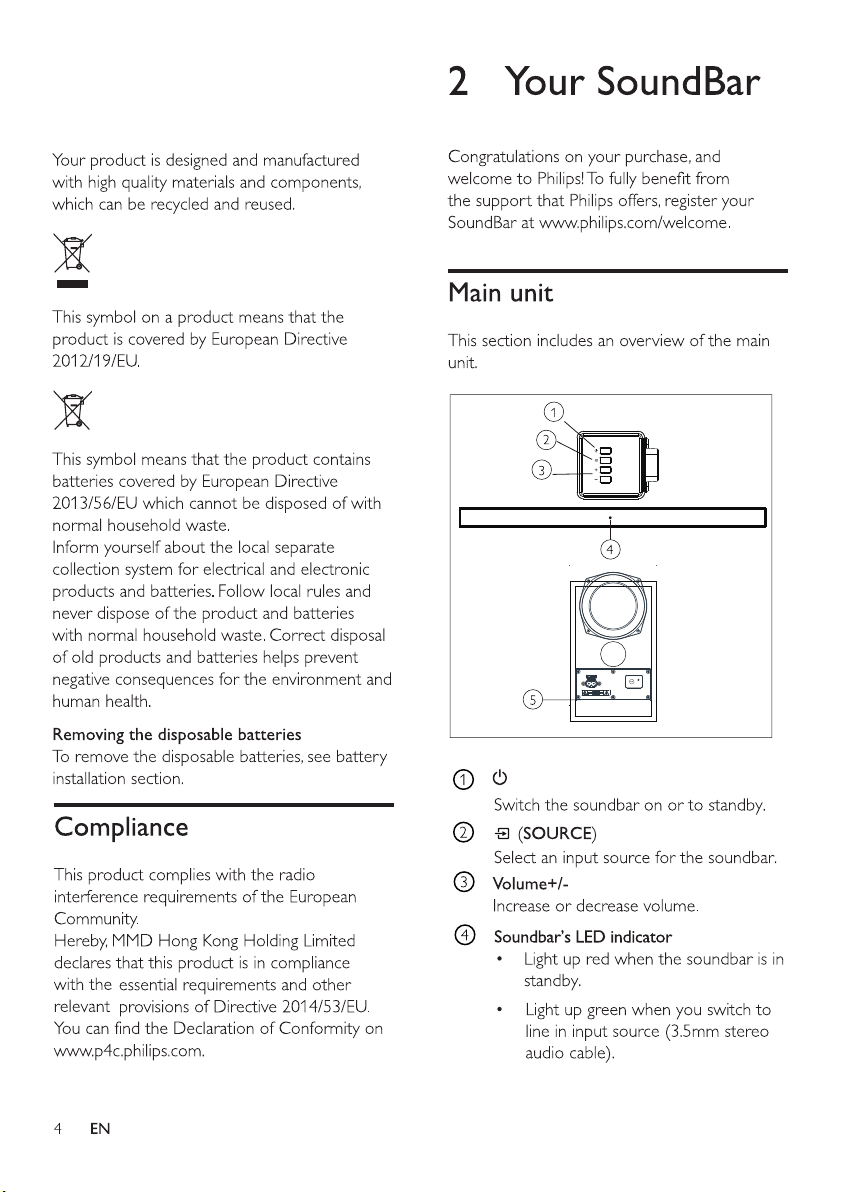

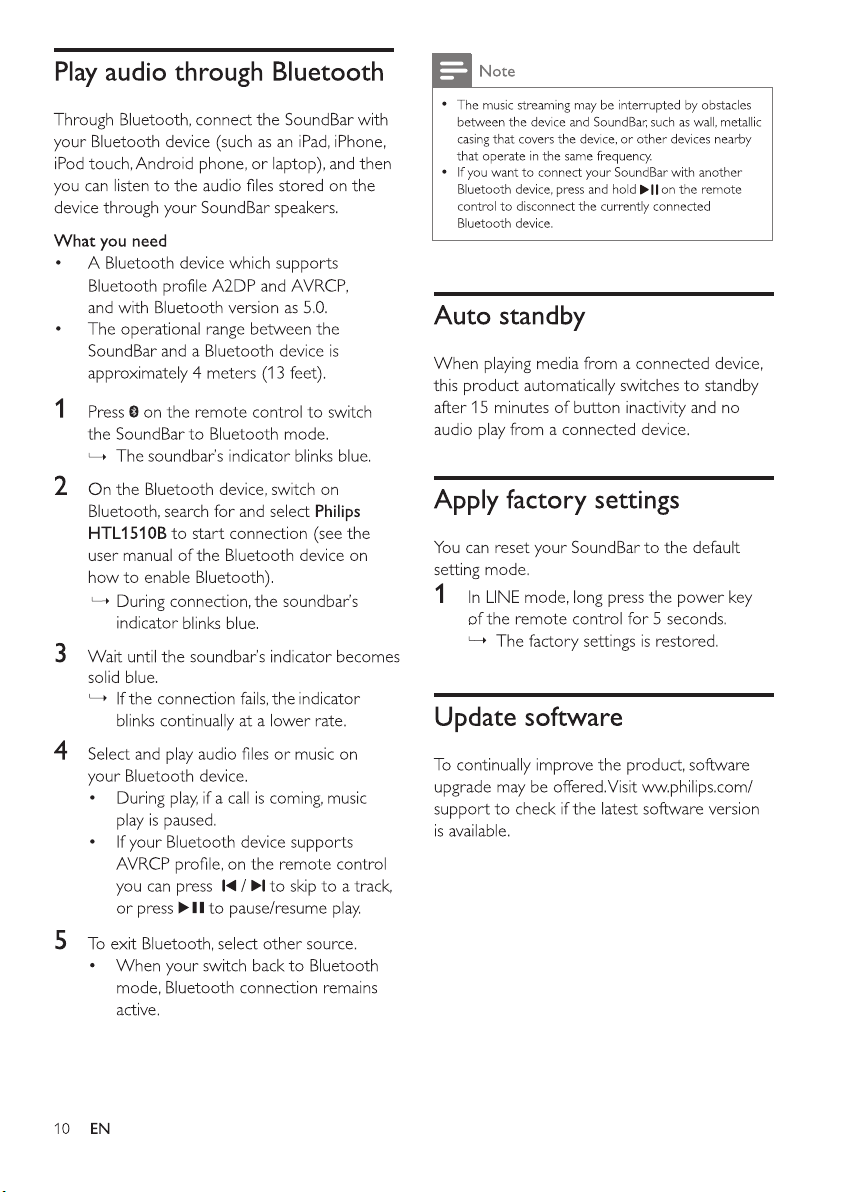
/ Bluetooth PAIRING
(Long Press): Disconnect the
currently connected Bluetooth device and
start a new pairing
Power off the Subwoofer and power
on
the SoundBar
Long press the "SOURCE" button on the
Soundbar for 5 seconds to initiate
automatic search.
Power on the Subwoofer, its indicator will
show blue after blinking red for 8 seconds
which means successful pair with the
Sound
bar.
1.
2.
3.
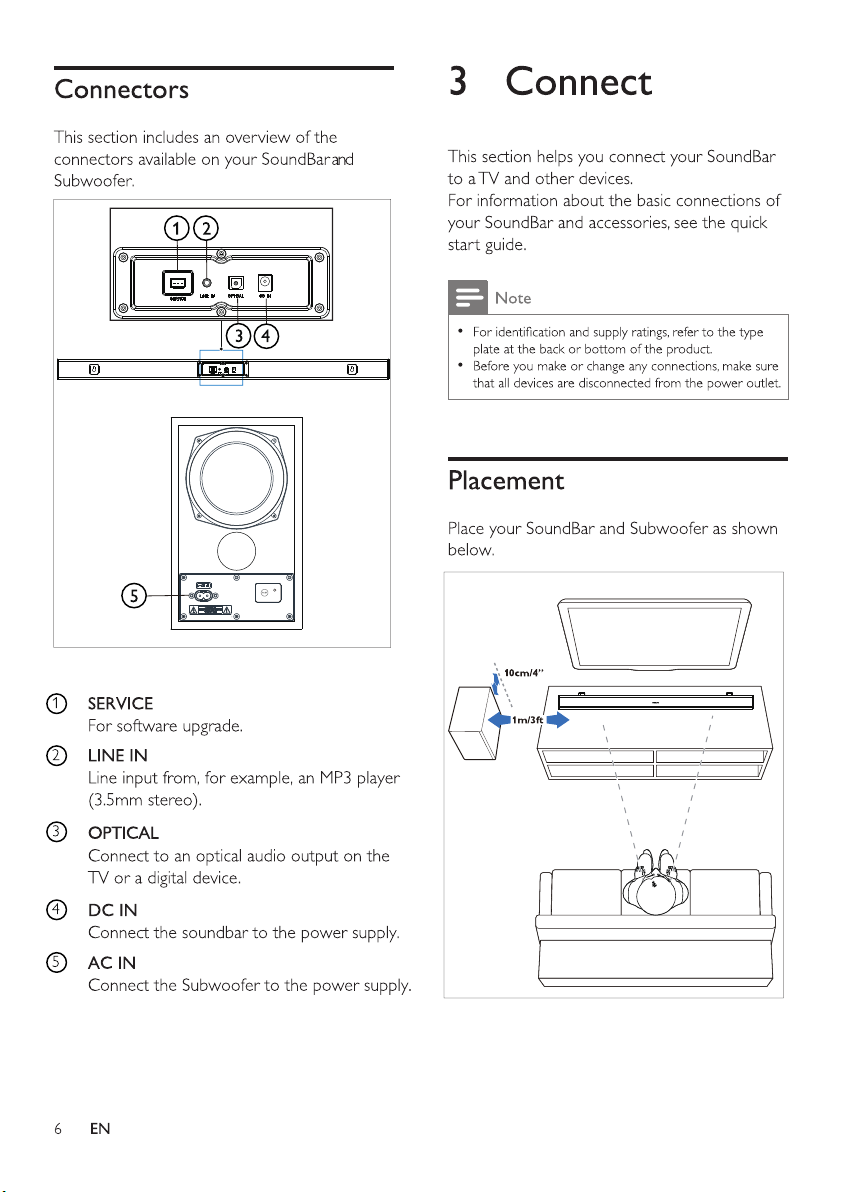
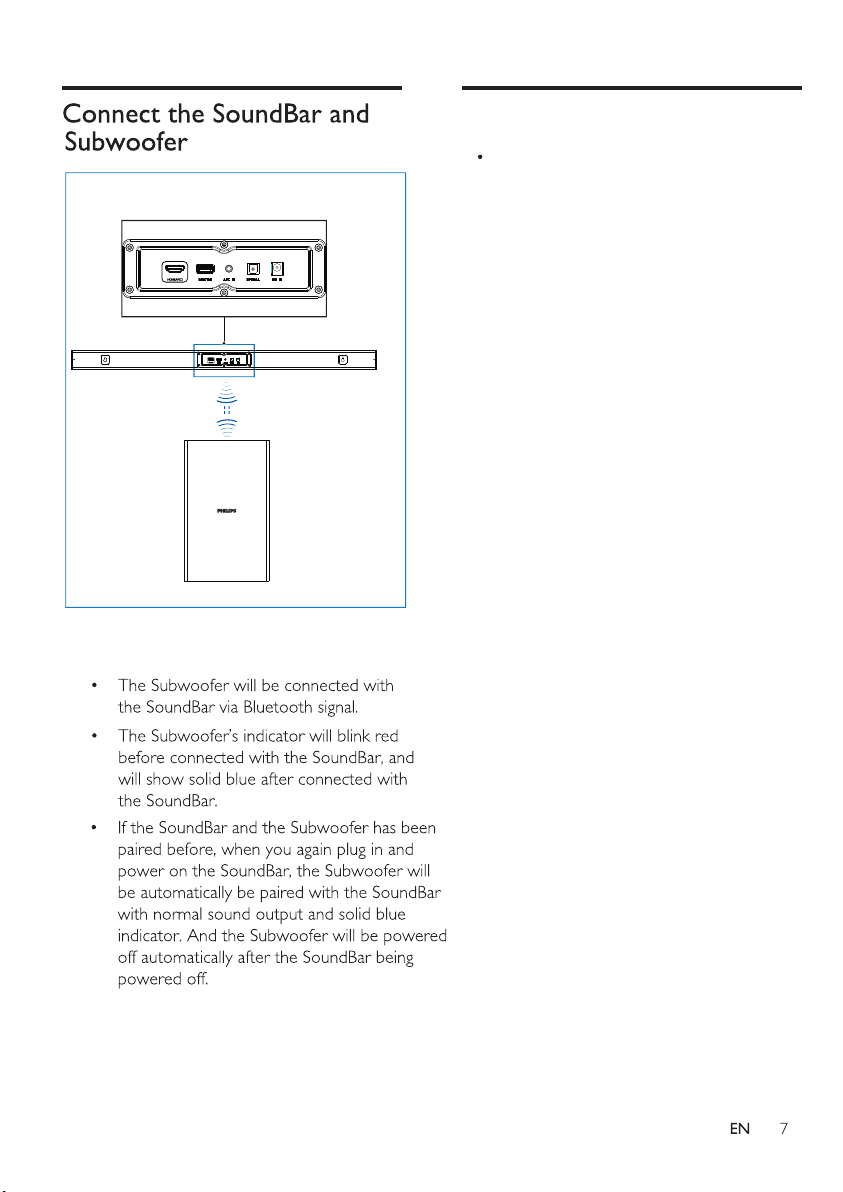
Connect the SoundBar and Subwoofer
through Bluetooth.
If no audio is heard from the Subwoofer
or the Subwoofer's indicator does not
show Blue, follow the following steps to
reset and pair up the subwoofer again:
Pair the Subwoofer manually