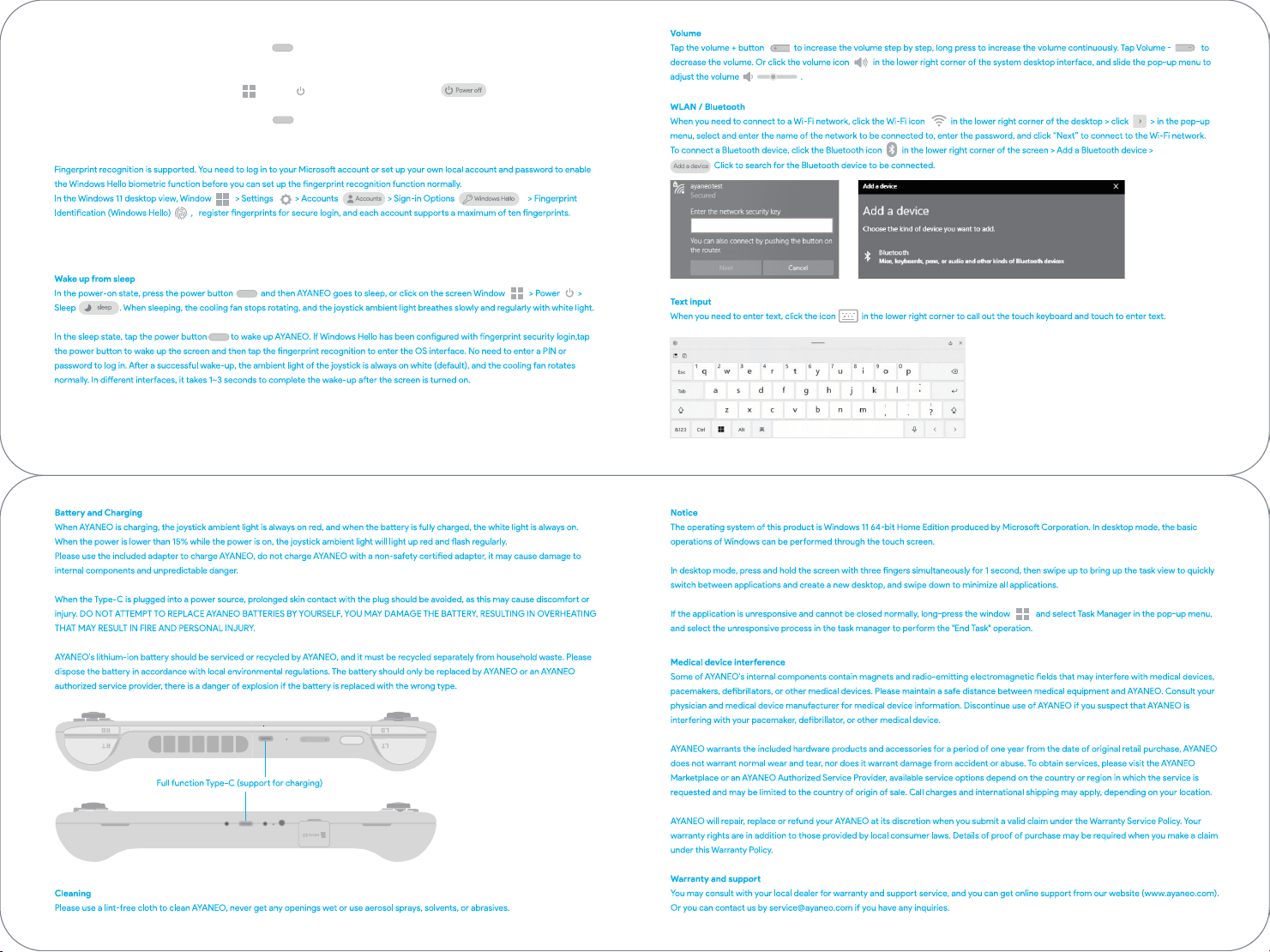
Power On / Power O / Reboot / Fingerprint
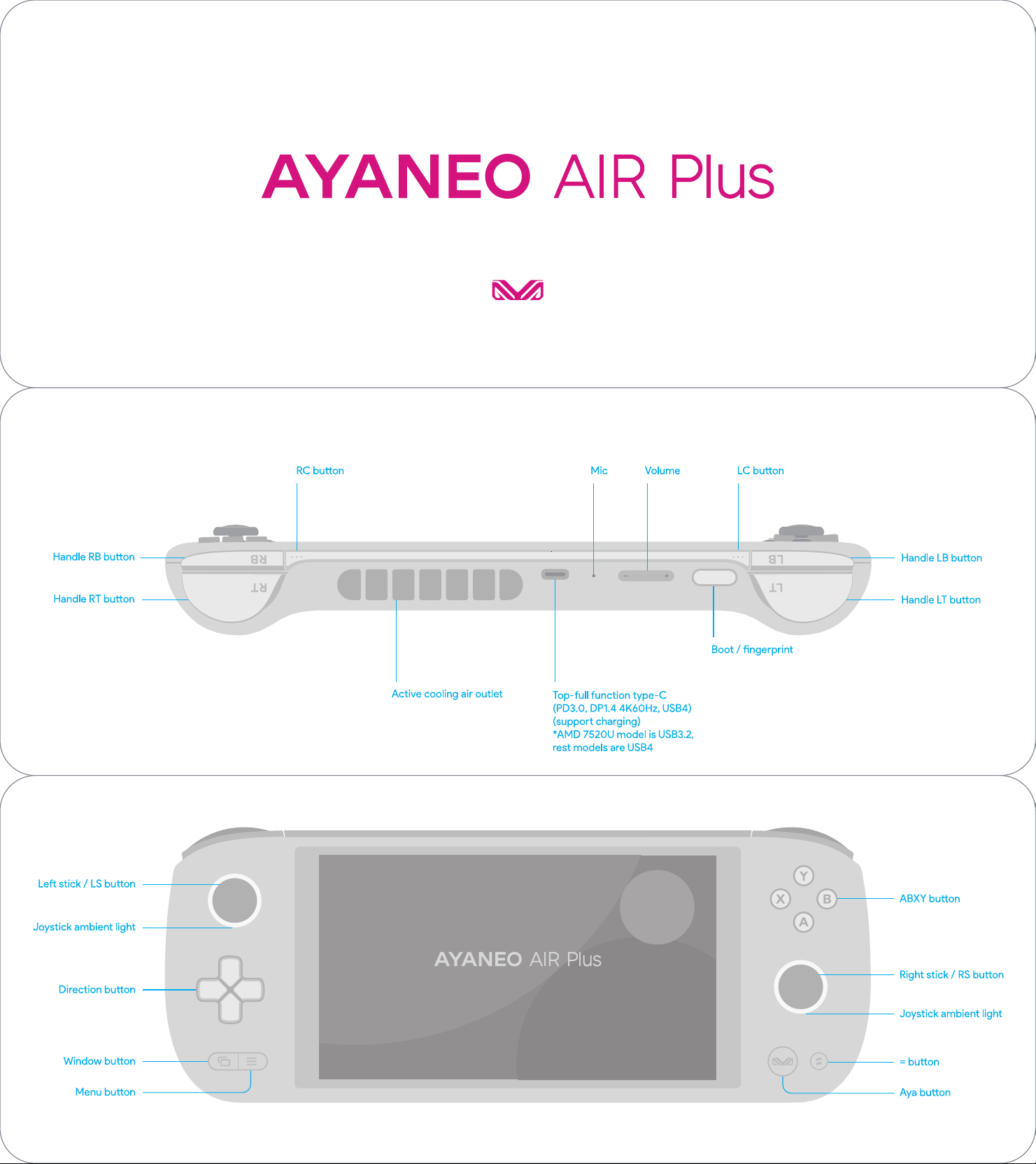
In the power-o state, press and hold the power buon for 2 seconds to turn on the AYANEO. The joystick ambient light turns on white
with high brightness, and the ambient light returns to normal brightness aer entering the system inteace.
In the power-on state, click the screen Window > Power > Shut Down to turn o AYANEO .
In the power-on state, press and hold the power buon for about 8 seconds to forcibly close AYANEO.
(Note: This operation is not recommended for normal usage scenarios as it may pose a risk of data corruption)

Any Changes or modifications not expressly approved by the party responsible for
compliance could void the user's authority to operate the equipment.
This device complies with part 15 of the FCC Rules. Operation is subject to the
following two conditions: (1) This device may not cause harmful interference, and (2)
this device must accept any interference received, including interference that may
cause undesired operation.
Note: This equipment has been tested and found to comply with the limits for a Class B
digital device, pursuant to part 15 of the FCC Rules. These limits are designed to
provide reasonable protection against harmful interference in a residential installation.
This equipment generates, uses and can radiate radio frequency energy and, if not
installed and used in accordance with the instructions, may cause harmful interference
to radio communications. However, there is no guarantee that interference will not
occur in a particular installation. If this equipment does cause harmful interference to
radio or television reception, which can be determined by turning the equipment off
and on, the user is encouraged to try to correct the interference by one or more of the
following measures:
—Reorient or relocate the receiving antenna.
—Increase the separation between the equipment and receiver.
—Connect the equipment into an outlet on a circuit different from that to which the
receiver is connected.
—Consult the dealer or an experienced radio/TV technician for help.
FCC Radiation Exposure Statement :
This equipment complies with FCC radiation exposure limits set forth for an uncontrolled environment. The SAR was
tested for the device in thebody worn mode. And it can meet the SAR limit of FCC.