CD-X9B
AUX
USB
VOL+VOL-
SLEEP
FUNC.
SCAN
MODE

Do no
t touch
— 2 —
VERY IMPORTANT TIPS
TASTENBESCHREIBUNGEN
1.Power ON/OFF/
Funktionswahlschalter
2.Modus/Programmtaste
3.vorheriger Song/
schneller Rücklauf
4.Volumen -
5.kopfhörerbuchse
6.USB-Buchse
7.AUX IN-Buchse
8.Play/Pause/Scan
9.Stop/Sleep
10.nächster Song/
Schnellvorlauf-Taste
11.Volumen -
12.Lautsprecher
13.LCD-Anzeige
14.CD-Deckel
15.Handgriff
16.FM-Antenne
17.AC-Ausgang
18.Batteriefach
5 6
7
16
15
13
14
18
17
AUX
USB
VOL+VOL-
SLEEP
FUNC.
SCAN
MODE
PORTABLE CD PLAYER
CD-X9B
4
1
2
3
12
9
8
10
11
12
— 3 —
SLEEP
FUNC.
SCAN
MODE
— 4 —
— 5 —
CD
USB
— 6 —
MP3
MP3
MP3
MP3 RAND
— 7 —
CD
Figure 1
Figure 2
CD
— 8 —
MHZ
FM
FUNC.
MODE
MODE
MODE
MODE
SCAN
— 9 —
FUNC.
SLEEP
SLEEP
SCAN
— 10 —
SLEEP
— 11 —
— 12 —
MADE IN CHINA
— 13 —
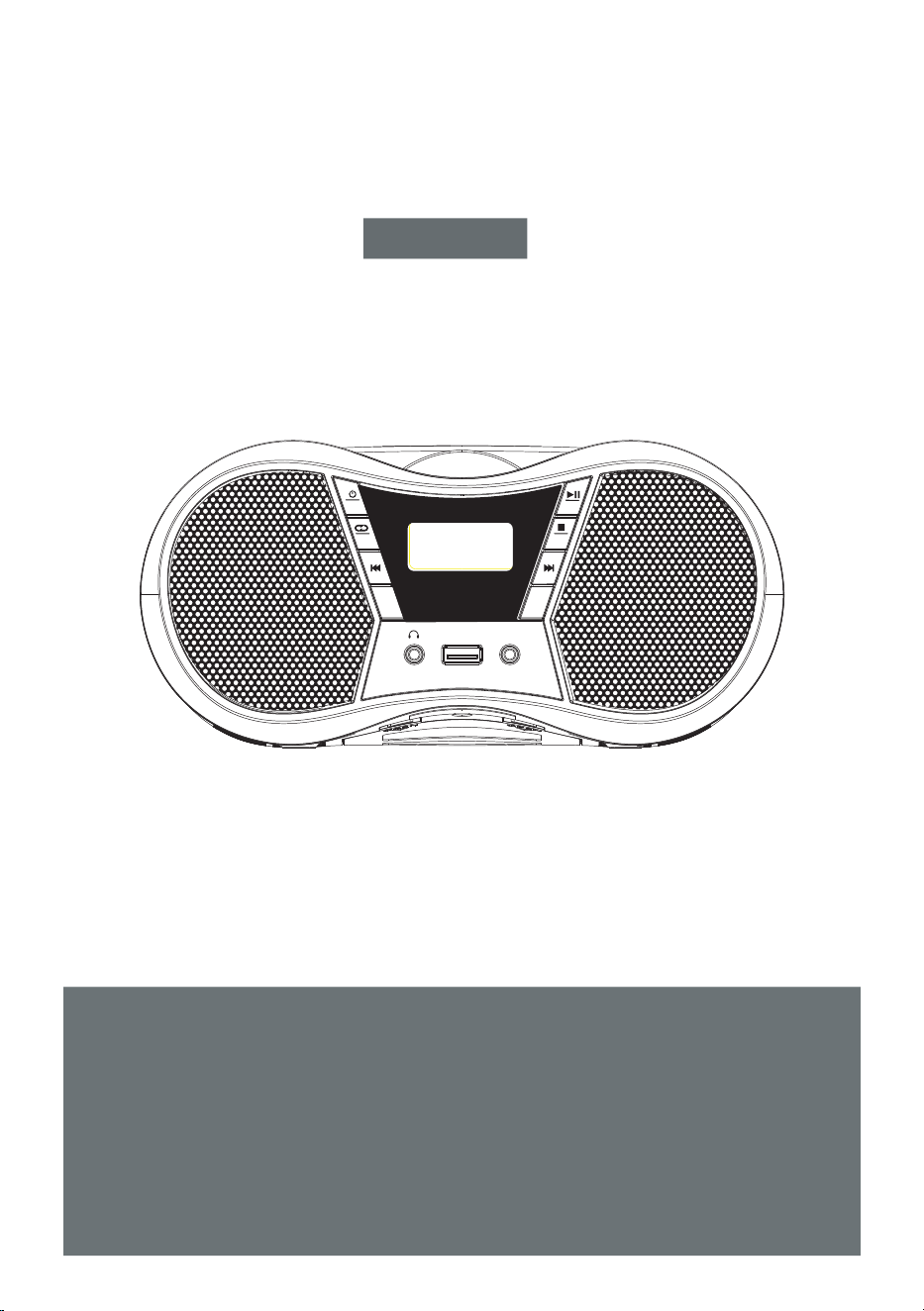
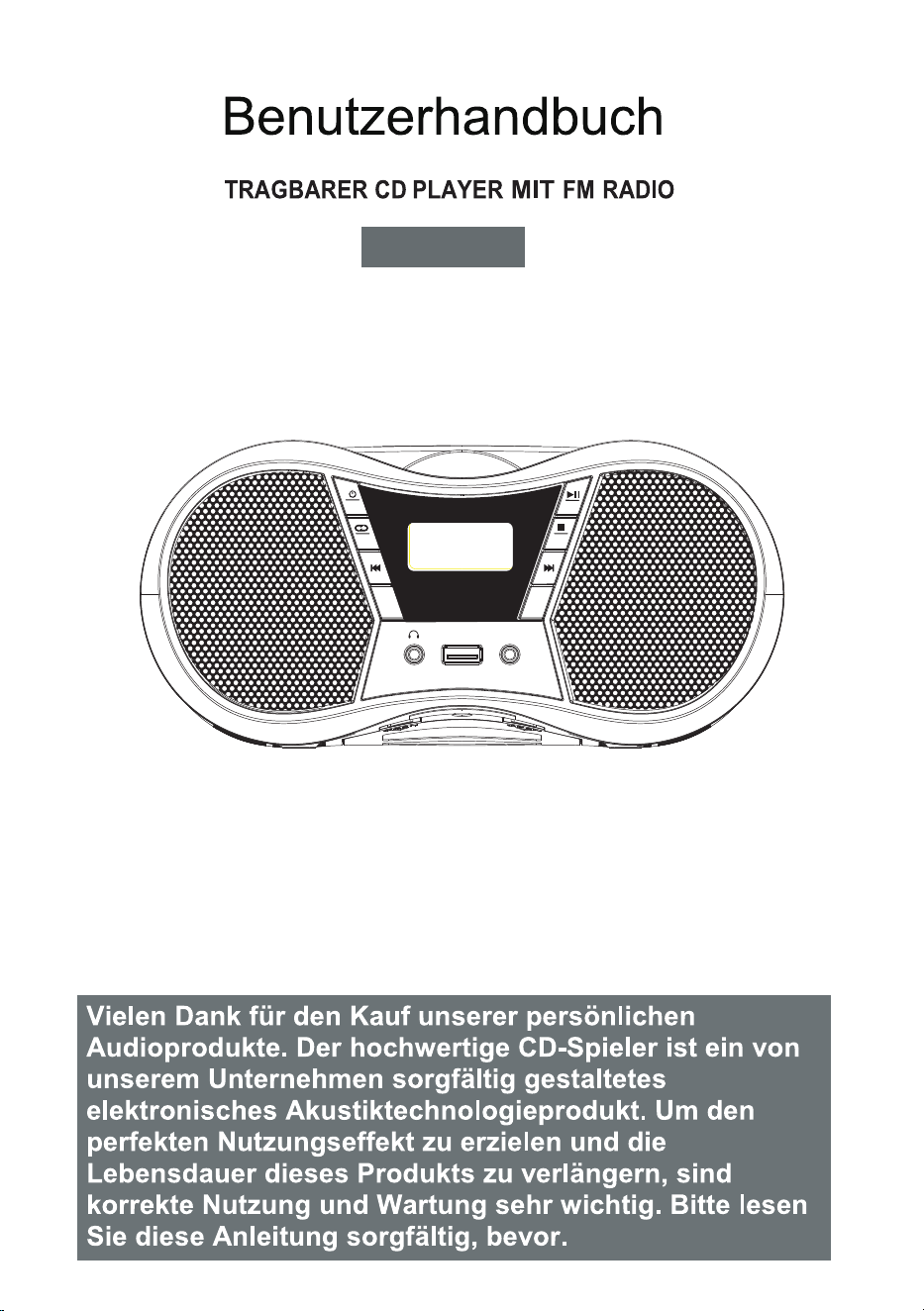
User Manual
Thank you for purchasing our personal audio
products. High-quality CD player is an electronic
acoustic technology product carefully designed
by our company. To obtain the perfect use effect
and prolong the service life of this product, correct
use and maintenance are very important, please
read this manual carefully before use it.
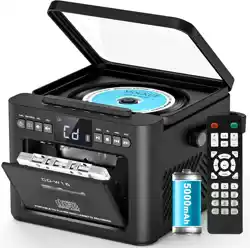
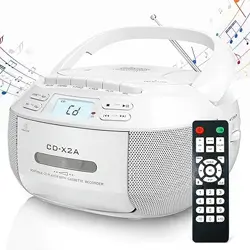
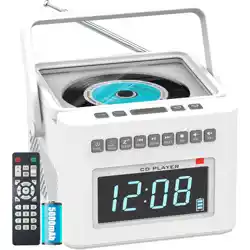
PORTABLE CD PLAYER WITH FM RADIO
CD-X9B
AUX
USB
VOL+VOL-
SLEEP
FUNC.
SCAN
MODE
CONTENTS
— 1 —
VERY IMPORTANT TIPS
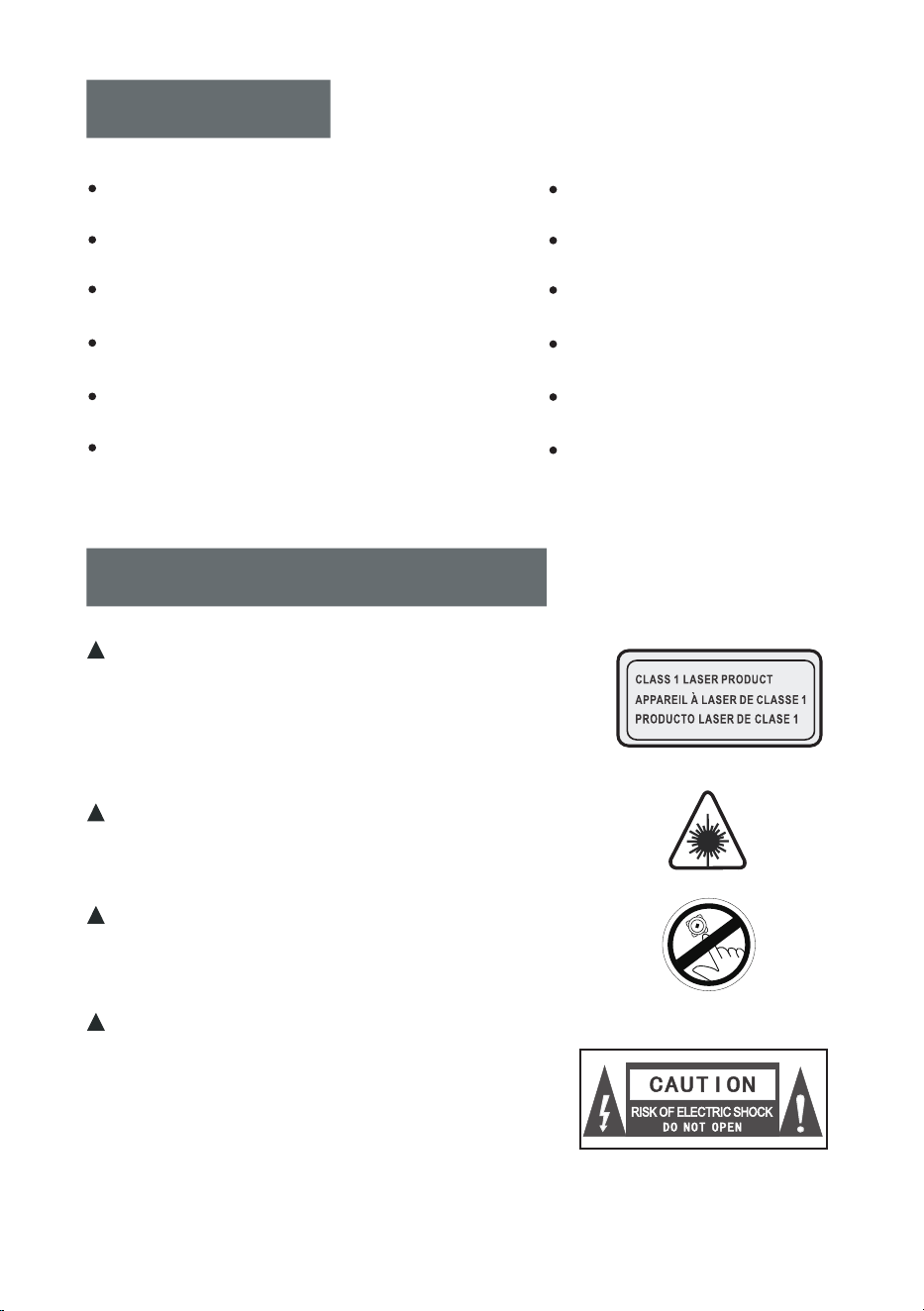
When using this product, please follow
the prescribed steps, otherwise you
may be exposed to harmful radiation.
This CD player is a CLASS 1 LASER
product.
When the CD cover is opened or
carelessly closed, an invisible laser
will be generated.
Please do not touch the bald head
at will, otherwise it will affect the
playback performance.
The lightning flash with arrowhead
symbol within an equilateral triangle
is intended to alert the user to the
presence of uninsulated “hazardous
voltage” within product's enclosure,
which may be sufficient to induce a
risk of electric shock to persons.
VERY IMPORTANT TIPS
D
o no
t tou
ch
VERY IMPORTANT TIPS
BUTTON DESCRIPTIONS
BUTTON OPERATION INSTRUCTIONS
POWER SUPPLY
CD DISC /USB PLAYBACK OPERATION
FM RADIO OPERATION
SPECIFICATIONS
SAFETY INSTRUCTIONS
WARRANTY
PACKING LIST
BLUETOOTH OPERATION
AUX OPERATION
— 2 —
VERY IMPORTANT TIPS
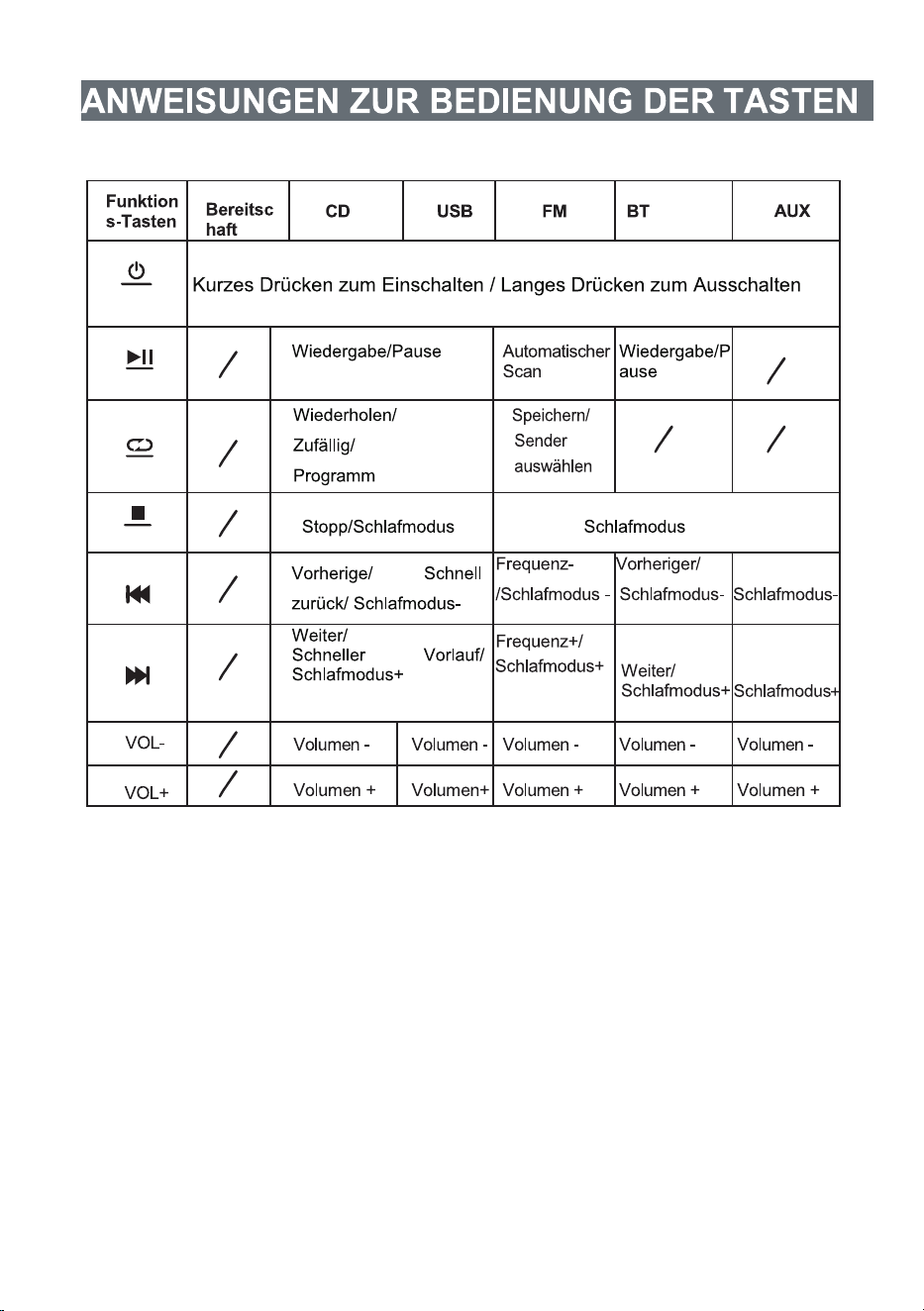
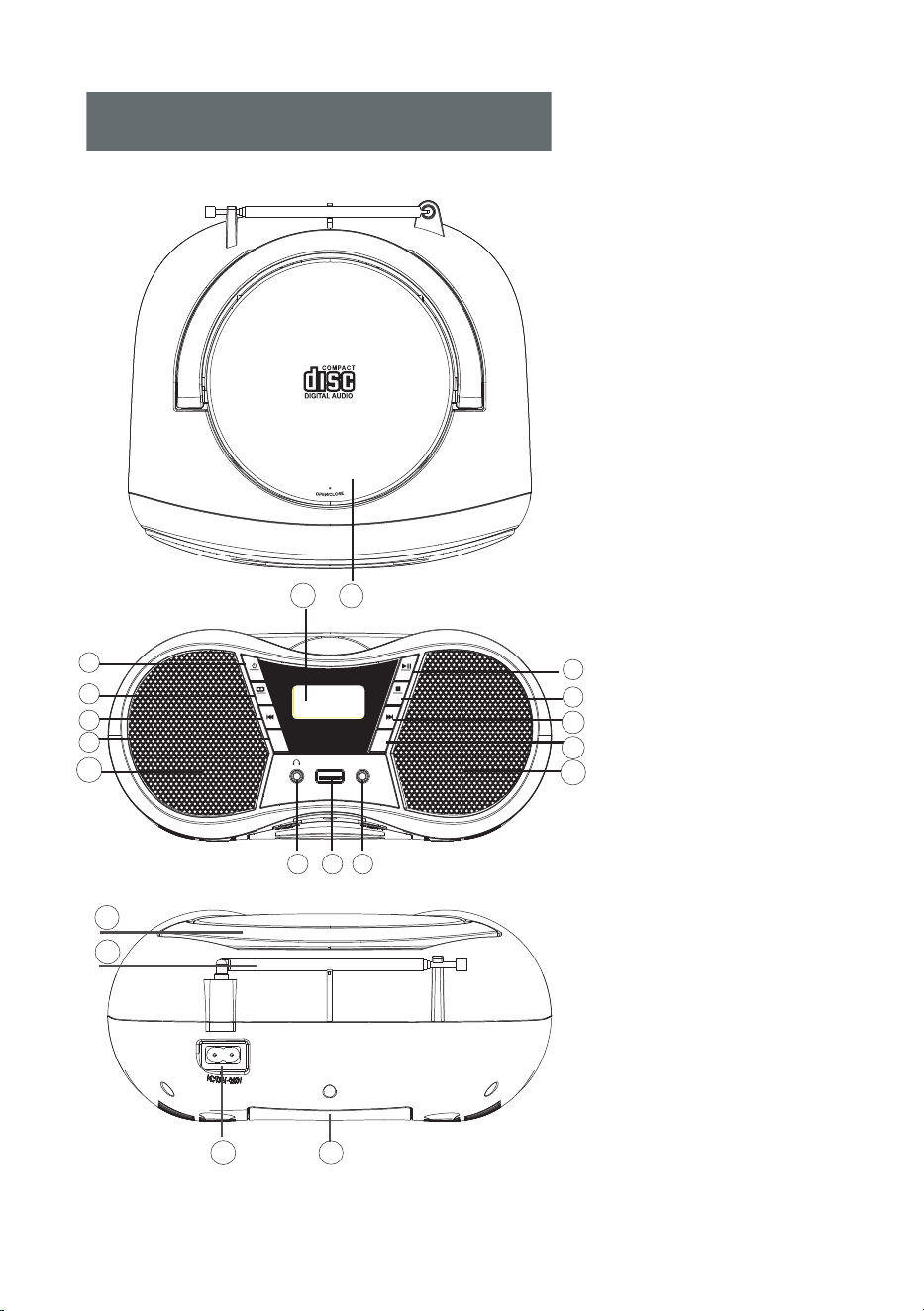
BUTTON DESCRIPTIONS
1.Power ON/OFF/
Function Selector
2.Mode/Program Button
3.Previous Song/
Fast Rewind Button
4.Volume -
5.Earphone Jack
6.USB Jack
7.AUX IN Jack
8.Play/Pause/Scan
9.Stop/Sleep
10.Next Song/
Fast Forward Button
11.Volume +
12.Speaker
13.LCD Display
14.CD Disc Door
15.Handle
16.FM Antenna
17.AC Outlet
18.Battery Compartment
5 6
7
16
15
13
14
18
17
AUX
USB
VOL+VOL-
SLEEP
FUNC.
SCAN
MODE
PORTABLE CD PLAYER
CD-X9B
4
1
2
3
12
9
8
10
11
12
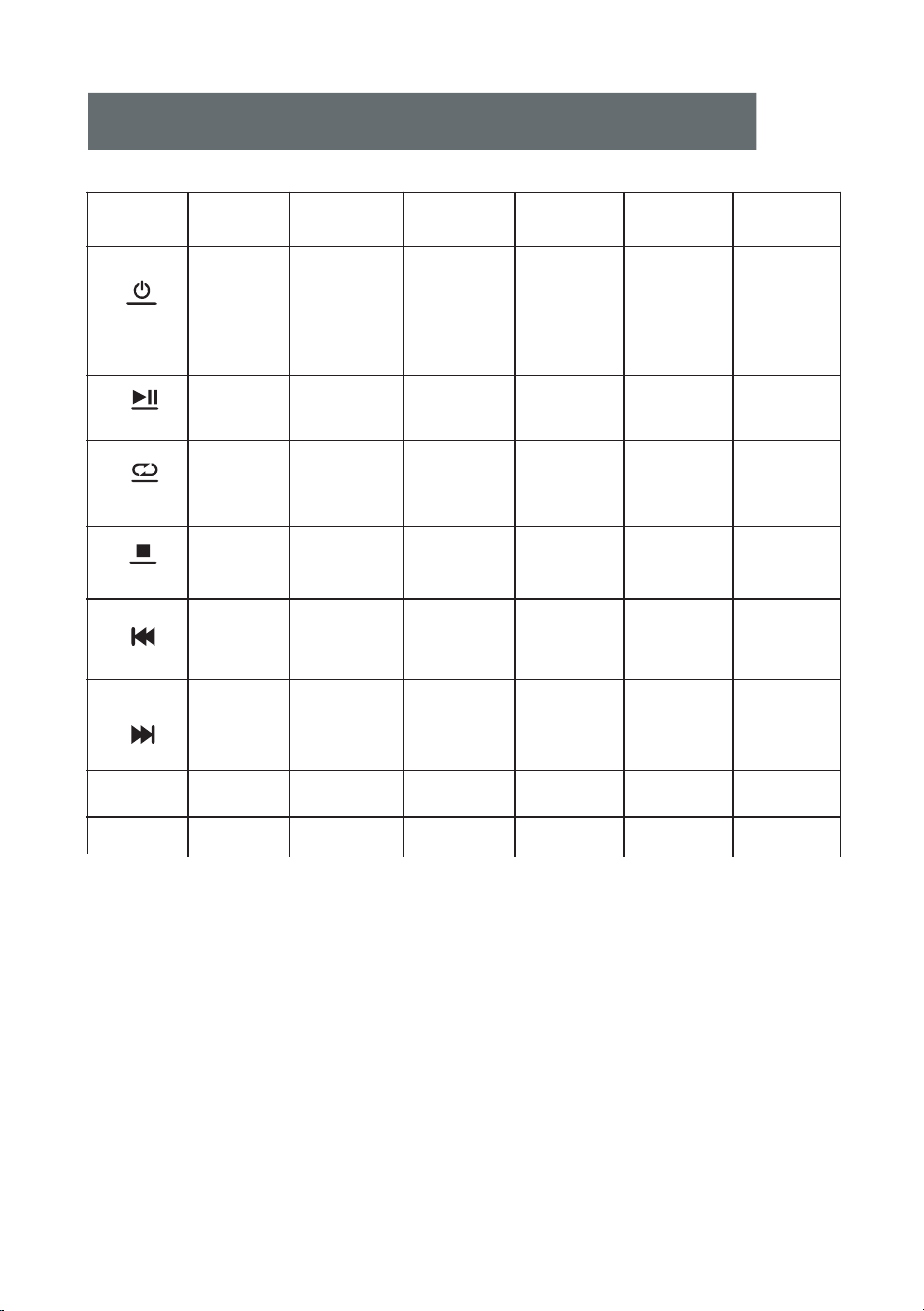
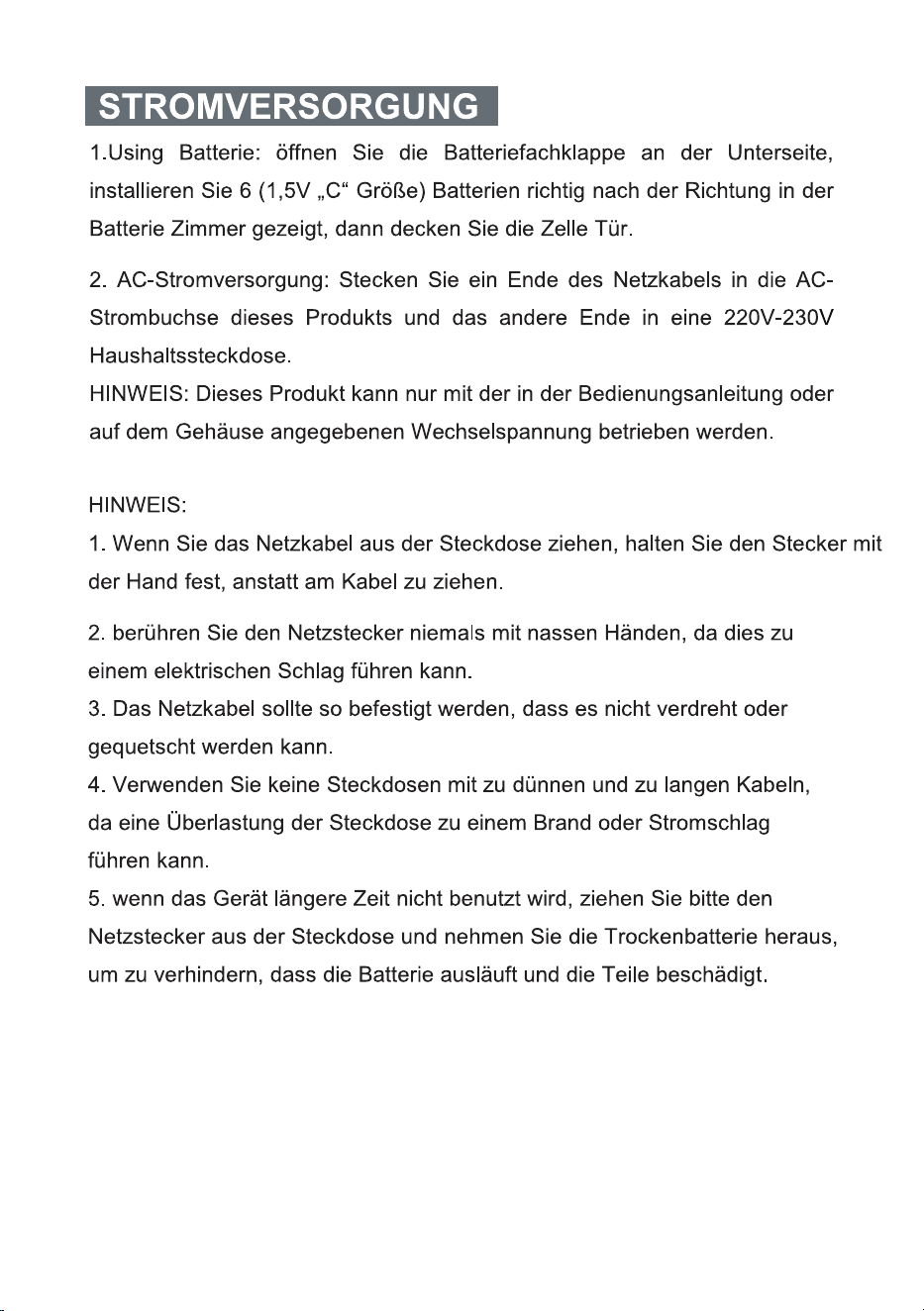
BUTTON OPERATION INSTRUCTIONS
— 3 —
Standby
CD USB FM BT
AUX
/
Function
Buttons
Short press
turn on /
Short press
to switch
function/
Long press
to turn off
Short press
to switch
function /
Long press
to turn off
Short press
to switch
function /
Long press
to turn off
Short press
to switch
function /
Long press
to turn off
Short press
to switch
function/
Long press
to turn off
VOL+
SLEEP
FUNC.
SCAN
MODE
VOL-
Play/Pause Play/Pause Play/Pause
Auto scan
Repeat/
Random/
Program
Save/
Select stations
Repeat/
Random/
Program
Stop/
Sleep mode
Stop/
Sleep mode
Sleep mode Sleep mode Sleep mode
Previous/
Fast back/
Sleep mode-
Previous/
Fast back/
Sleep mode-
Freq.-/
Sleep mode-
Previous/
Sleep mode-
Sleep mode-
Next/
Fast forward/
Sleep mode+
Next/
Fast forward/
Sleep mode+
Next/
Sleep mode+ Sleep mode+
Freq.+/
Sleep mode+
Volume - Volume - Volume - Volume - Volume -
Volume+ Volume+ Volume + Volume + Volume+
Long press
to turn off
/
/
/
/
/
/
/ /
/

— 4 —
POWER SUPPLY
1. Using Battery: open the battery compartment door at the bottom,
correctly install 6(1.5V “C” Size) batteries according to the direction
shown in the battery room, then cover the cell door.
2. AC Power: plug one end of the AC power cord into the AC power
jack of this product, and plug the other end into the 230V household
power outlet.
NOTE:This product can only use the AC power supply voltage
indicated on the manual or the casing.
NOTE:
1. When unplugging the AC power cord, hold the plug by hand instead
of pulling the power cord.
2.Never touch the AC power plug when your hands are wet,otherwise it
may cause electric shock.
3. The power cord should be fixed to avoid twisting or trampling.
4. Do not use power sockets with too thin and extended wires.If the
Outlet is overloaded, it will cause fire or electric shock.
5. If the product is not used for a long time, Please unplug the AC power
plug from the socket and take out the dry battery to prevent the battery
from leaking and damaging the parts.
— 5 —
CD DISC/USB PLAYBACK OPERATION
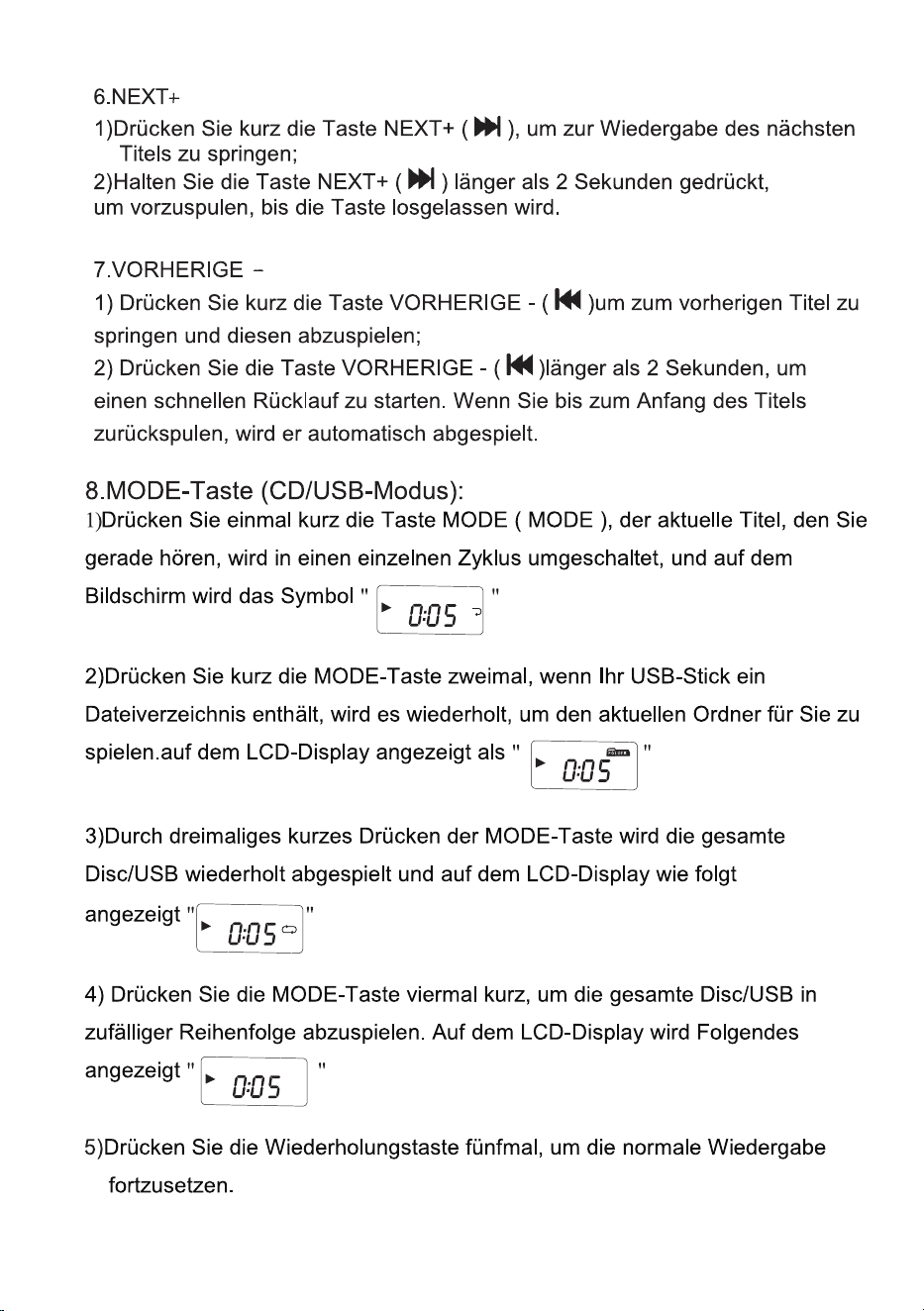
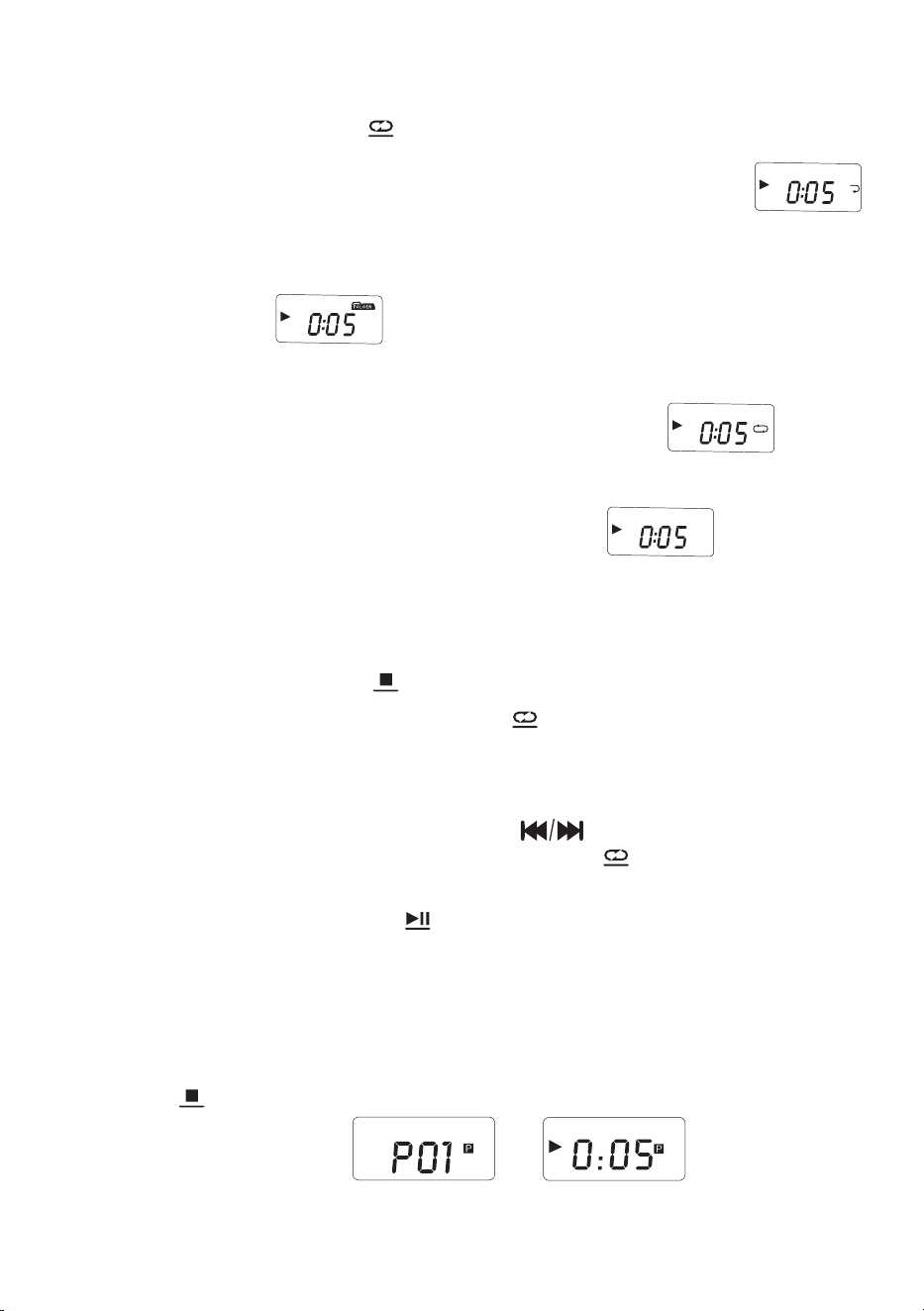
1. After power on, press the function selector button( ) to select CD
mode/USB mode. (LCD shown as " " " ")
2.a.CD mode: press to open the CD compartment door and place the disc
printing surface upward on the spindle of the CD movement. Then close the
CD compartment door. After 20 seconds the song will play automatically,
the LCD will display the serial number of your current song.
b.USB mode: insert the USB with MP3 format into the corresponding
USB socket and press the function switch button to the USB playback
mode, then you can play song after the machine detects the songs in the
USB.
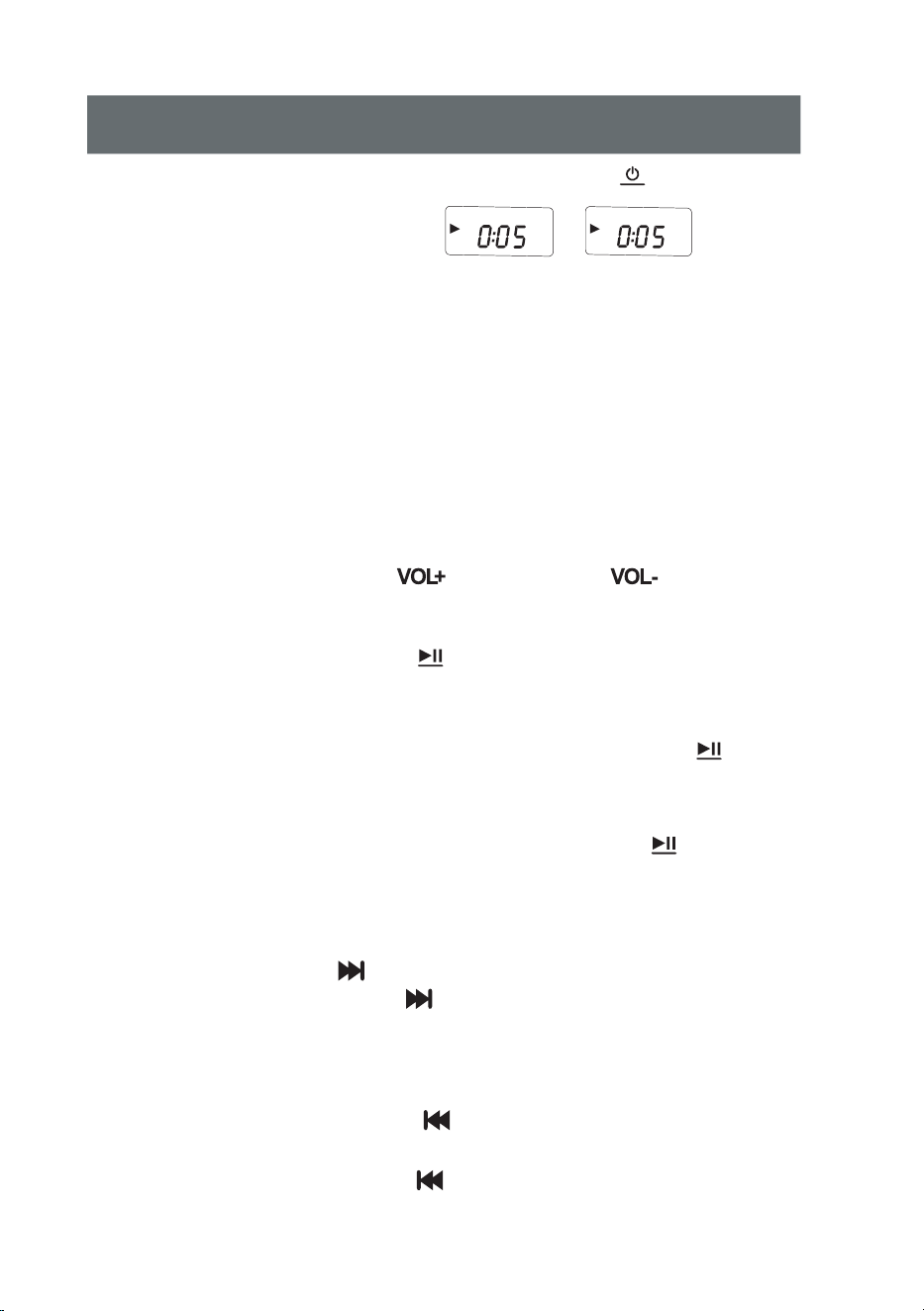
3.Short press the Vol+ button ( )or Vol- button( )to adjust the
volume appropriately.
4.Press the play / pause button( )once to stop CD/USB playback.
5.PLAY/PAUSE:
a. When the CD is stopped, press the PLAY/PAUSE button ( ) to
play the CD, the screen will display the CD track "01" and the playback
symbol.
b. When the CD is playing, press PLAY/PAUSE button ( ) to pause,
the screen will flashing the playback symbol.
6.NEXT+
a. Short press NEXT+ ( ) button to skip to the next song for playback;
b. Press and hold the NEXT+ ( ) button for more than 2 seconds to
fast forward until the button is released.
7.PREVIOUS -
a. Short press the PREVIOUS - ( )button to skip to the previous song
for playback;
b. Long press the PREVIOUS - ( )button for more than 2 seconds to fast
rewind. Fast rewind until the beginning of the song, it will play automatically.
FUNC.
SCAN
CD
USB
SCAN
SCAN
— 6 —
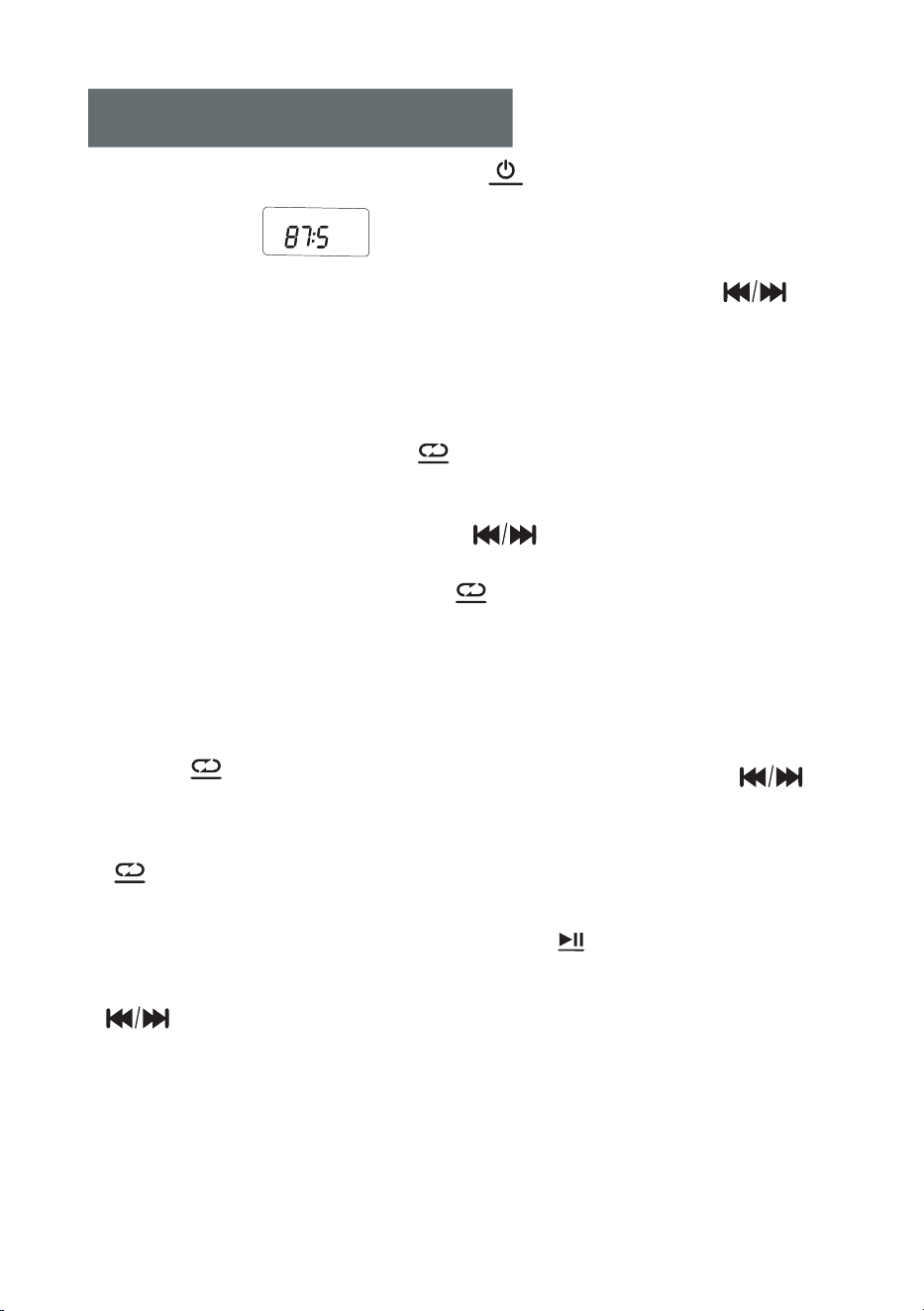
8. MODE Button ( CD/USB mode):
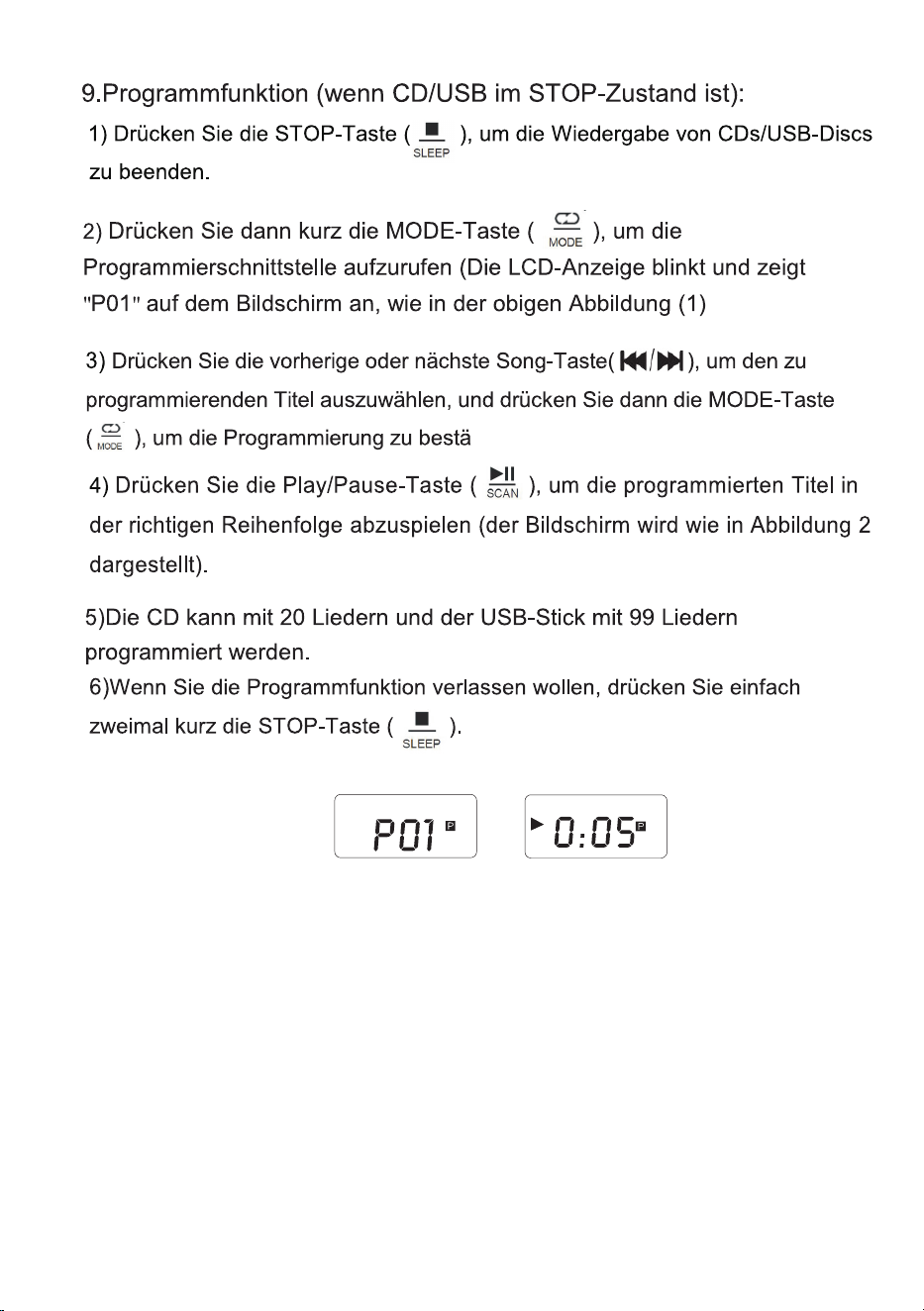
a. Short press the MODE ( ) button once, the current song you listen to
will enter into single cycle, and the screen will display the icon like " "
b. Short press the MODE button twice, if your USB flash drive contains a
file directory, it will repeat to play the current folder for you.Displayed on the
LCD shown as “ “
c. Short press the MODE button three times, the whole disc/USB will be
played repeatedly, and displayed on the LCD shown as “ “
d. Short press the MODE button four times, the whole disc/USB will be
played randomly. Displayed on the LCD shown as“ “
e. Press the repeat button five times to resume normal playback.
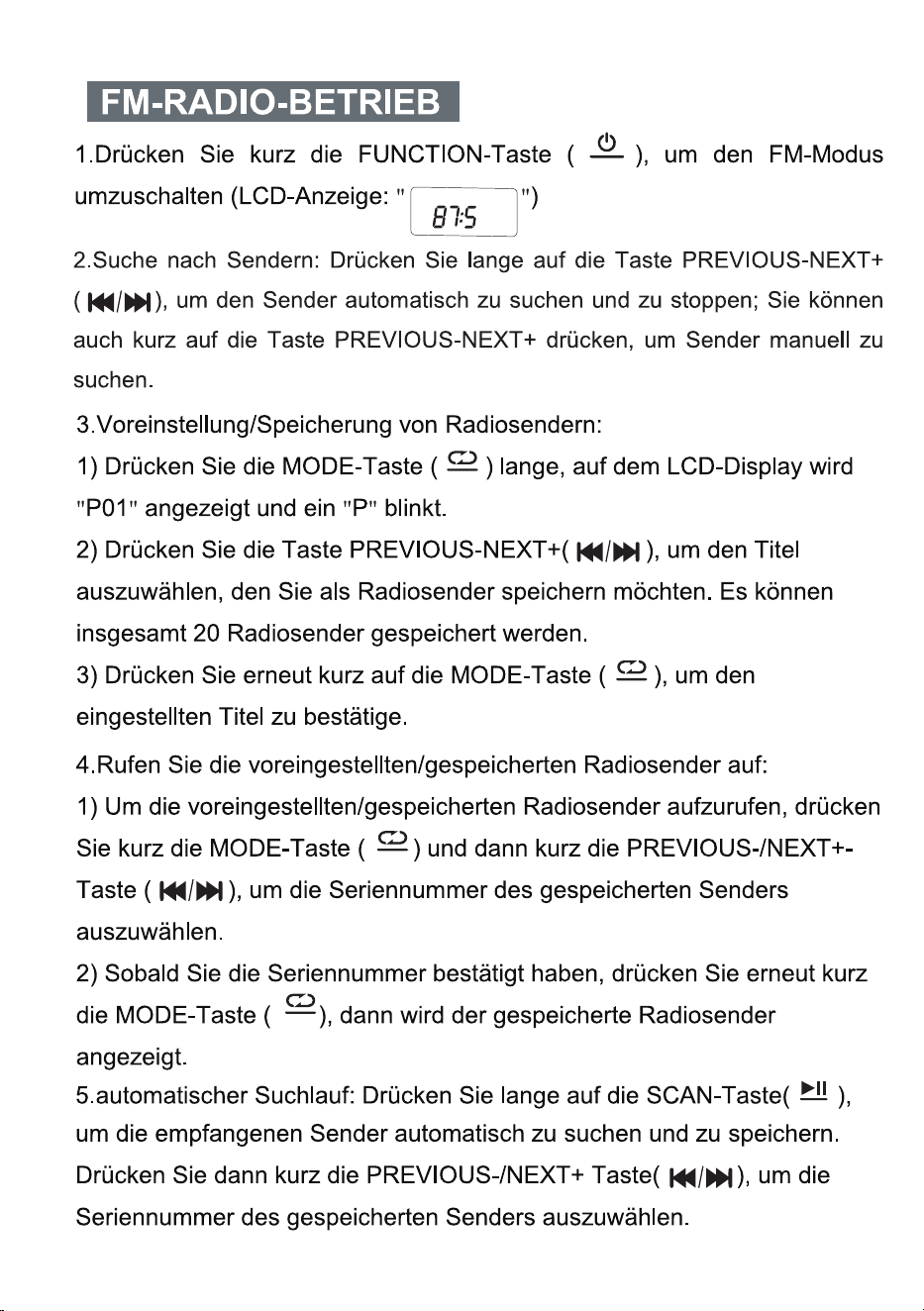
9. PROGRAM Function (when CD/USB is in STOP state):
a. Press the STOP button ( ) to stop to play the CD discs/USB
b. Then short press the MODE button( ) to entry the programming
interface (The LCD will flash and display "P01" on the screen, like above
figure 1)
c. Press the previous or next song button( ) to select the track to be
programmed, and then press the MODE button( )button to confirm
after programming.
d. Press the play/pause button( ) to play in the sequence of the
programmed track(Screen will display like above figure 2).
e. CD can be programmed with 20 songs and USB flash drive can be
programmed with 99 songs.
f. If you want to exit the program function, just short press the STOP
button( ) twice.
MODE
SLEEP
MODE
SCAN
SLEEP
MP3
MP3
MP3 RAND
CD
Figure 1
Figure 2
CD
MP3
MODE
— 7 —
FM RADIO OPERATION
1. Short press the FUNCTION button ( ) to switch the FM mode .
(LCD shown as " ")
2.Searching Stations: Long press PREVIOUS-NEXT+ button ( )
to automatically search and stop the station; you can also short press
PREVIOUS-NEXT+ button to search stations manually.
3.Preset/Store radio stations:
a. Long press MODE button ( ), the LCD DISPLAY will show"P01
" and a "P" character will flashes.
b. Press PREVIOUS-NEXT+ button ( ) to select the track you want
to save the radio station. Total of 20 radio stations can be saved.
c. Short press the MODE button ( ) again to confirm the track you
preset.
4.Call out the preset/store radio stations:
a. To call out the preset/store radio stations, short press MODE
button ( ), then short press PREVIOUS-/NEXT+ button ( )
to select the serial number of saved station .
b. Once to confirm the serial number, short press MODE button
( ) again, then the preset radio station you stored will show up.
5. Auto Scan: Long press the SCAN button ( ) to automatically scan
and save the received stations. Then short press PREVIOUS-/NEXT+ button
( ) to select the serial number of saved station .
MODE
MODE
SCAN
FUNC.
MODE
MODE
MHZ
FM
— 8 —
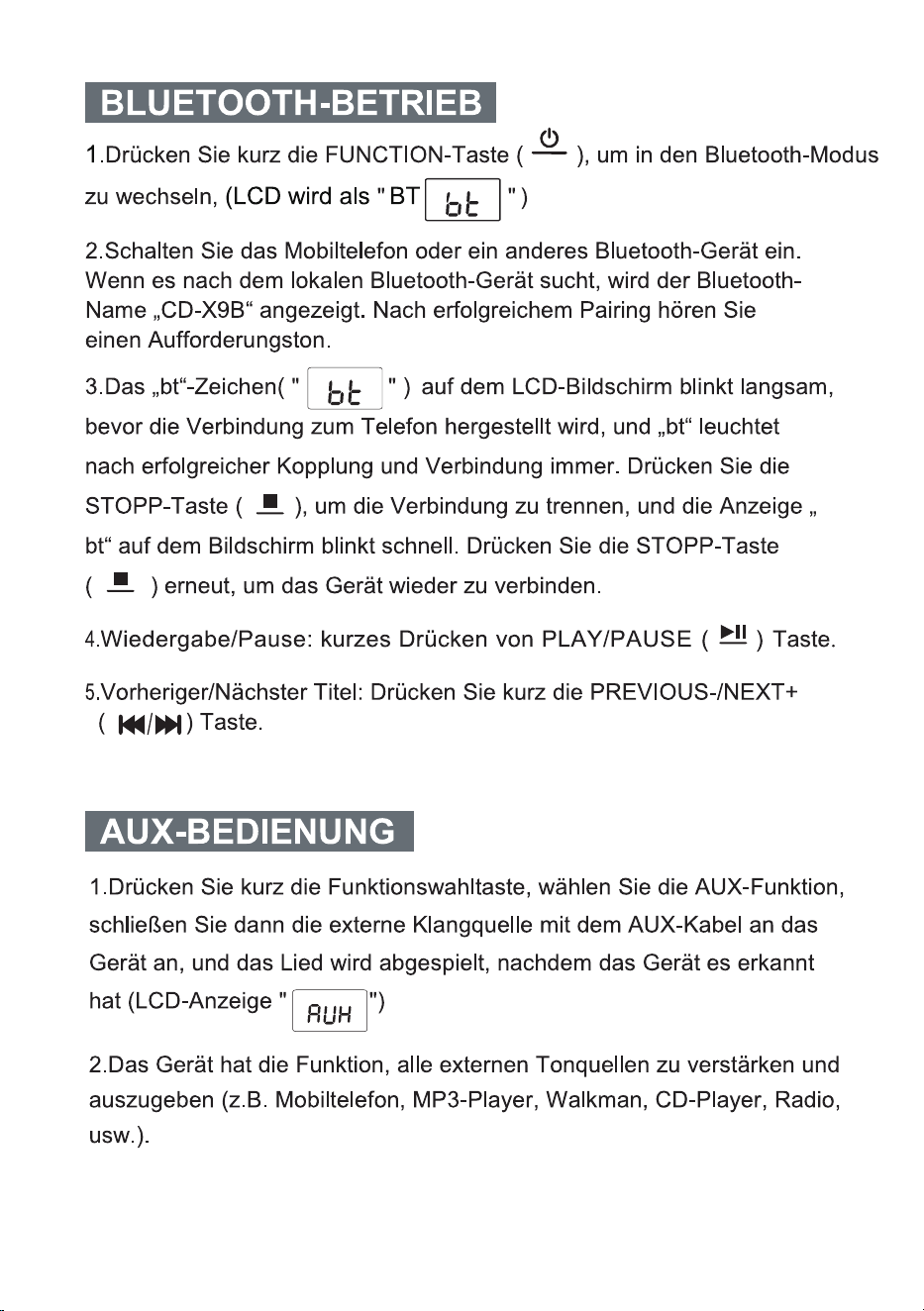
BLUETOOTH OPERATION
1. Short press FUNCTION button ( to switch to Bluetooth Mode,
(LCD shown as "BT screen display icon " )
2.Turn on the mobile phone or other Bluetooth device. When itsearches
for the local Bluetooth device, the Bluetooth name "CD-X9B" will be
displayed. After successful pairing, you will hear a prompt tone.
3. The "bt" character( " " ) on the LCD flashes slowly before
connecting to the phone, and the "bt" is always on after successful
pairing and connection. Press the STOP button ( ) to disconnect,
and the "bt" displayed on the screen flashes quickly. Press the STOP
button ( ) again to reconnect the product
4. Play/Pause: short press PLAY/PAUSE ( ) button.
5. Previous/Next Songs: short press the PREVIOUS-/NEXT+ ( )
button.
)
AUX OPERATION
FUNC.
SCAN
1.Short press the function selector button , select the AUX function, then
connect the external sound source to this machine with AUX cord, the
song will be played after the machine detects it.(LCD shown as " ")
2.The machine has the function of amplifying and outputting all external
sound sources (Such as mobile phone, MP3 player, tape Walkman,
CD player, radio, etc).
SLEEP
SLEEP
— 9 —
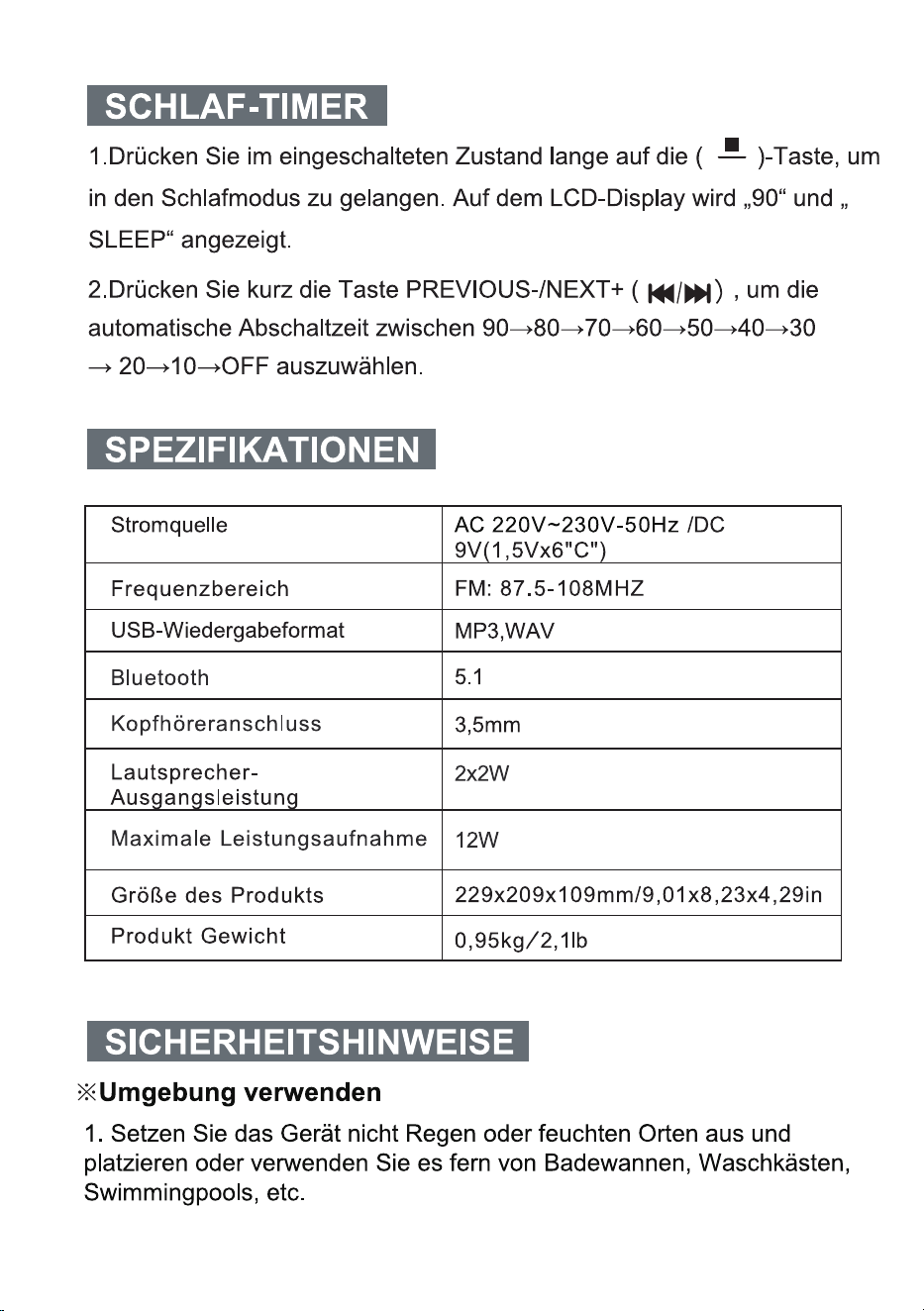
SLEEP OPERATION
1. In the power on state, long press the SLEEP button ( ) to
enter the sleep mode, LCD DISPLAY shows "90" and "SLEEP".
2. Short press PREVIOUS-/NEXT+ button ( ) to select
automatic shutdown time between 90→80→70→60→50→40→30→
20→10→OFF.
SLEEP
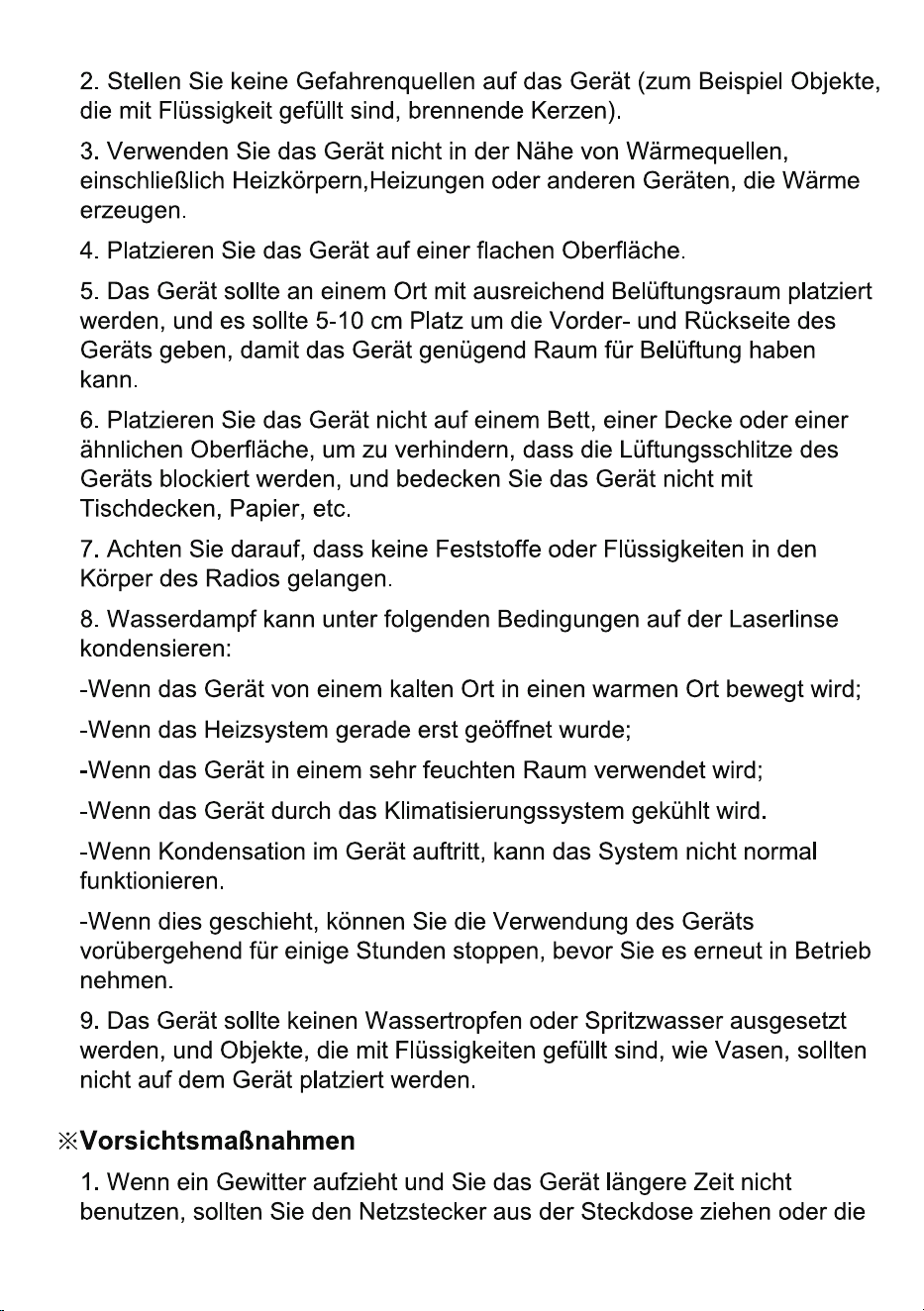
SPECIFICATIONS
5.1
Bluetooth
3.5mmEarphone
Jack
Product Size
0.95kg/ 2. 1lb
Product Weight
USB Playback Format
MP3,WAV
Frequency Range
FM: 87.5-108MHZ
2x2W
Speaker Output Power
Power Source
AC 230V~50Hz /DC 9V(1.5Vx6 C )" "
12W
Maximum Power Consumption
SAFETY INSTRUCTIONS
※Use Environment
1.Do not expose the machine to rain or damp places, and place and use
the machine away from bathtubs, washing boxes, swimming pools, etc
2.Do not put any source of danger on the device (for example, objects
filled with liquid, lighted candles).
229x209x109mm/9.01x8.23x4.29in
3.Do not use the machine near heat sources, including radiator pipes,
heaters or other appliances that generate heat.
4.Put the machine on a flat surface to use.
— 10 —
WARRANTY
— 11 —
PACKING LIST
CD Boombox
MADE IN CHINA