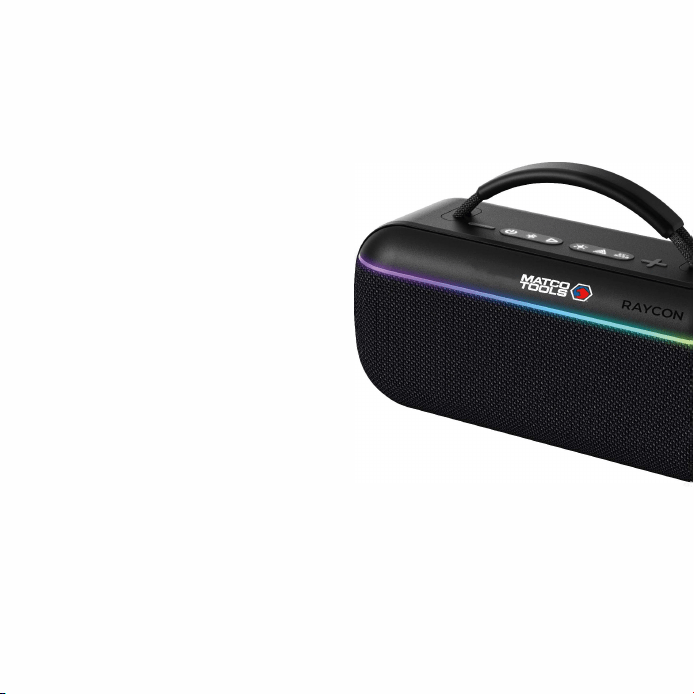
RON
PORTABLE
BOOMBOX
SPEAKER
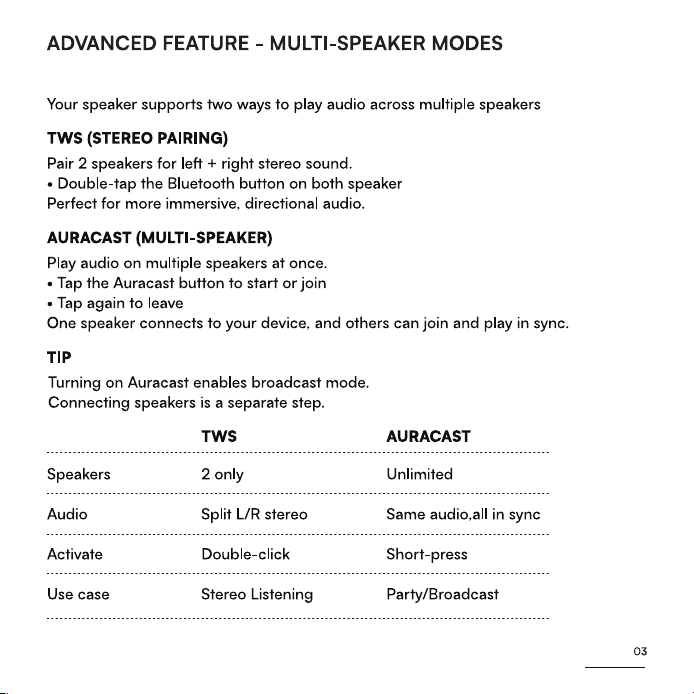
QUICK SRT GUIDE
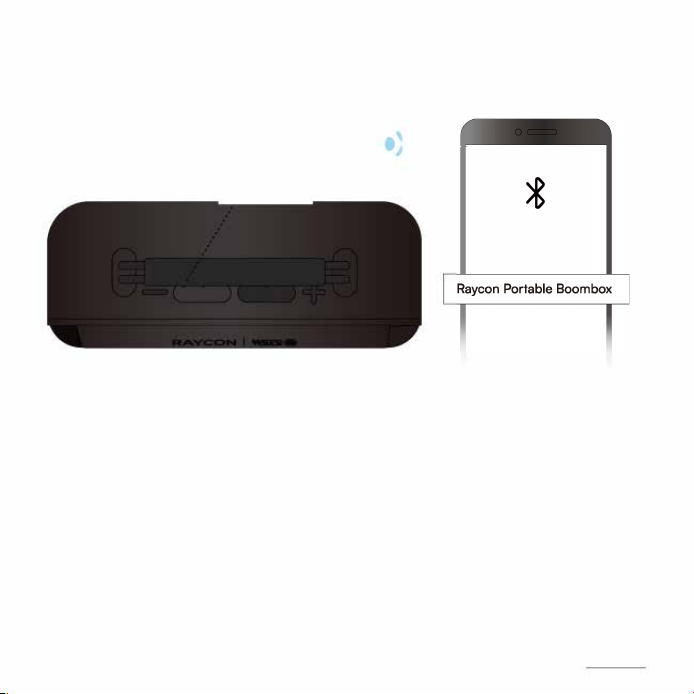
CONNECT
.
(的)
Pairing mode
*
:+:
品;
0 0
STEPl
Press and hold the power button
for 1-3 seconds to turn on the
speaker. The speaker will enter
pairing mode.
心
OFFON
STEP2
Select "Raycon Portable
Boombox" from the list of
available devices in your
Bluetooth settings.
01
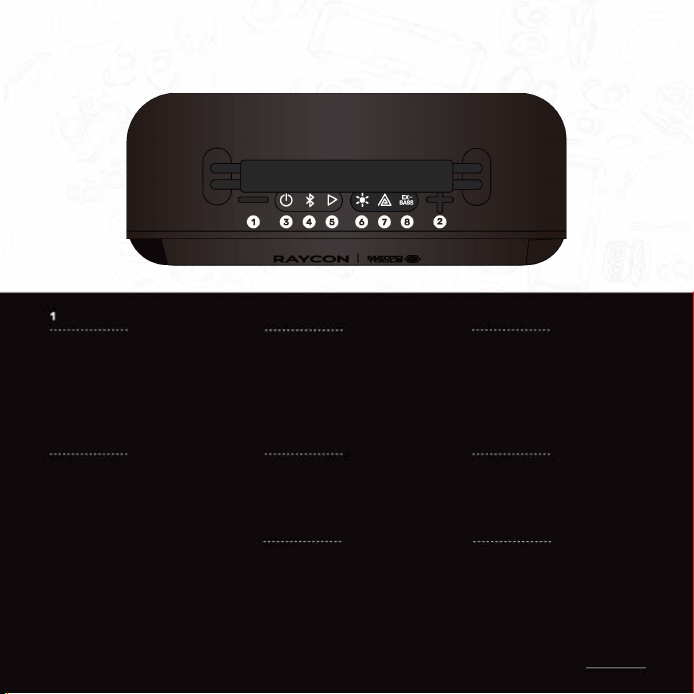
FUNCTIONS
畸, lume Down
Tap xl
` Previous Track
Hold 3 sec
4
Exit Auracast
竺 p xl
Pair/Reconnect
@ Hold3sec
Pair speakers (TWS}
p x2
2
畸
�
lumeUp
Tap xl
Next Track
" Hold 3 sec
5
► I I
Play/Pause
Tap xl
6
3
Power
Hold 3 sec
7
乙
Auracast On/O
Tap xl
8
癫, Change Light Mode
111111
Extra Bass On/O
p xl
I I I
p xl
势 Turn O Light
Hold 3 sec
Combo: Hold + and - for 5 sec➔ Reset speaker
02