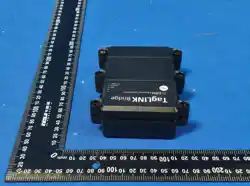
GPS 4G Tracker Scout BLE and GPS 4G Tracker Scout (CATM)
Installation Manual
This equipment has been tested and found to comply with the limits for a Class B digital device, pursuant to part 15 of the FCC Rules. These
limits are designed to provide reasonable protection against harmful interference in a residential installation. This equipment generates, uses a
nd can radiate radio frequency energy and, if not installed and used in accordance with the instructions, may cause harmful interference to
radio communications. However, there is no guarantee that interference will not occur in a particular installation. If this equipment does cause
harmful interference to radio or television reception, which can be determined by turning the equipment off and on, the user is encouraged to
try to correct the interference by one or more of the following measures:
• Reorient or relocate the receiving antenna.
• Increase the separation between the equipment and receiver.
• Connect the equipment into an outlet on a circuit different from that to which the receiver is connected.
• Consult the dealer or an experienced radio/TV technician for help.
-----------------------------------------------------------------------------------------------
Caution: Any changes or modications to this device not explicitly approved by manufacturer could void your authority to operate this equipment.
---------------------------------------------------------------------------------------------
This device complies with part 15 of the FCC Rules. Operation is subject to the following two conditions: (1) This device may not cause
harmful interference, and (2) this device must accept any interference received, including interference that may cause undesired operation.
-----------------------------------------------------------------------------------------------
RF Exposure Information
This equipment complies with FCC radiation exposure limits set forth for an uncontrolled environment. This equipment should be installed and
operated with minimum distance 20cm between the radiator and your body.
Device topics:
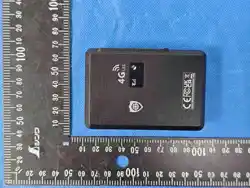
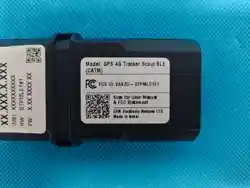
The GPS 4G TRACKER SCOUT is offering 2 options: with and without BLE built-in support.
It is a reduced size, compact and easy installation offering several I/O's and BLE pairing with additional accessories.
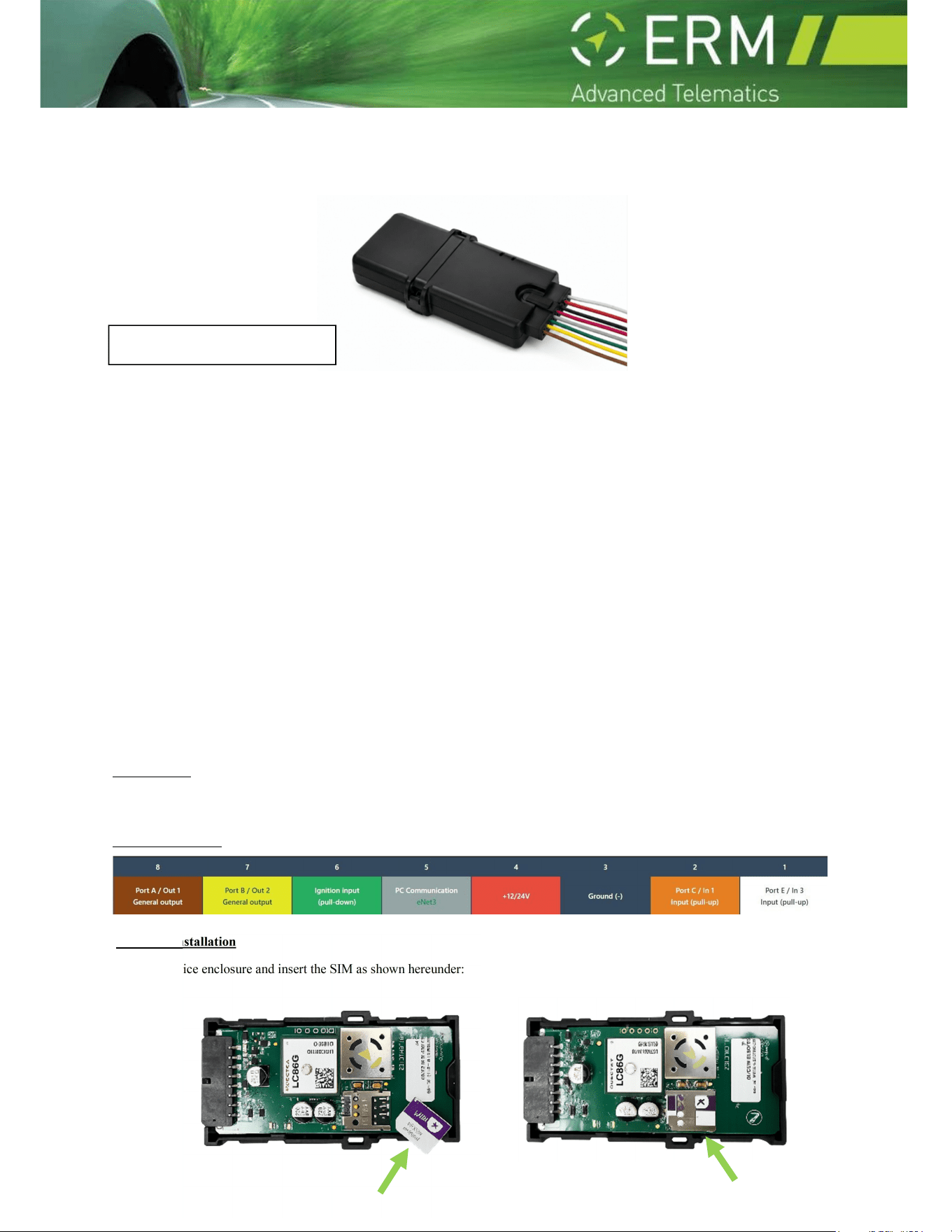
Wiring Description
SIM card installation
Open the device enclosure and insert the SIM as shown hereunder:
FCC WANTS YOU TO KNOW

ERM Electronic Systems LTD
16 Hasar Shapira st. Rishon LeZion, 7570418 Israel | Phone: 972-3-9413313 Fax: 972-3-9413316
www.ermtelematics.com | info@ermtelematics.com
Peripheral accessories
The device could be paired with supported BLE accessories such as BLE tags, Fuel sensor and more.
For the updated supported accessories, consult ERM tech support.
LED Indications
the green led - GPS status
the red led - cellular modem's status
The green LED (unit/GPS status) has the following blink patterns:
LED "ON" for LED "Off" for Status
10ms
20 seconds
GPS is turned off or no main power
100ms 4 seconds GPS is turned on, with a valid position
100ms 400ms GPS is turned on, no position
Continued "on" - GPS is turned on, no communication with GPS
The red led (cellular modem status) has the following blink patterns:
LED "ON" for LED "Off" for Status
- Always off Unit has no external power, Modem is turned off, SIM card not inserted or locked
1 second 1 second Current network is denied
100ms x3 4 second Unit is connected to 4G network
100ms x4 4 second Unit is connected to Wi-Fi
100ms 10 seconds Unit is in low power consumption mode, modem still on
100ms 4 seconds Unit is connected to network
100ms 1 second Unit is connecting to network
Continued "on" - Modem is connected to server
General Safety Instructions
Personal safety is of paramount importance. Please follow all safety instructions when installing ERM products:
Always disconnect power when performing installation by removing the negative connection of the vehicle battery. Never work
when power is connected.
Always connect the positive wire using a 3A fuse.
Reconnect the battery only after the installation is fully completed, making sure all wires are safely insulated.
Use appropriate work tools.
Maintain good ventilation and lighting in the work area.
Never leave bared wires. Trim all wires not in use in such a way that no bare conductors remain, and fix them securely in place.
Perform installation in a dry environment.
ERM devices are not water-tight.
Install ERM devices away from any heat sources.
Do not install ERM devices in the engine compartment or on the vehicle’s exterior.
Install ERM devices away from large metallic bodies and never install them in small gaps between metallic objects.
ERM Contact Information
Telephone: +972-(0)3-941-3313, Fax: +972-(0)3-941-3316 Support email: s[email protected]

ERM Electronic Systems LTD
16 Hasar Shapira st. Rishon LeZion, 7570418 Israel | Phone: 972-3-9413313 Fax: 972-3-9413316
www.ermtelematics.com | info@ermtelematics.com