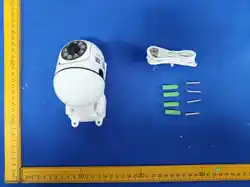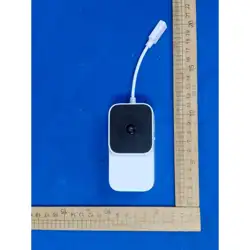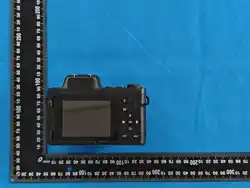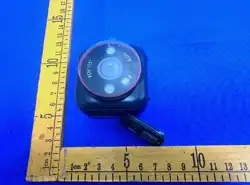

Diving Mask Camera
User Manual
I Thank you for purchasing our product. Do not drop or subject the device to strong impact
during use. Please strictly abide by relevant national laws and regulations when using this
product. It is prohibited to use the product for any illegal activities; otherwise, you shall bear all
corresponding consequences. To ensure correct and easy operation, please read this user manual
carefully before use.
II Fully charge the camera before first use. It adopts a 3.7V/800mAh lithium battery. After
connecting the charger, the red and blue indicator lights will stay on for 3 minutes, the device will
vibrate once, then the red light will remain steady to indicate charging. The red indicator light will
turn off when the battery is fully charged.
Install a Class 10 high-speed TF card (4GB–256GB) before using the camera. The camera will
keep vibrating with the blue light flashing slowly if no card or an invalid card is inserted. Insert the
card in the correct direction, power on the device to test normal operation, then tighten the
waterproof cover at the USB port for diving use. After diving, wipe off all water and sand on the
camera, unscrew the waterproof cover, and connect the camera to a computer or mobile APP to
view files.
III Maximum diving depth: 15 meters.
IV Assembly of Waterproof Camera and Diving Mask
The camera and mask can be used separately.
• Disassembly: Press the PRESS lock button on the top of the mask, then slide the camera
rightward along the groove on the upper edge of the mask to separate them.
• Assembly: Press the PRESS lock button on the top of the mask, then push the bottom of the
camera leftward along the groove on the mask top to lock it in place.
V Functional Components
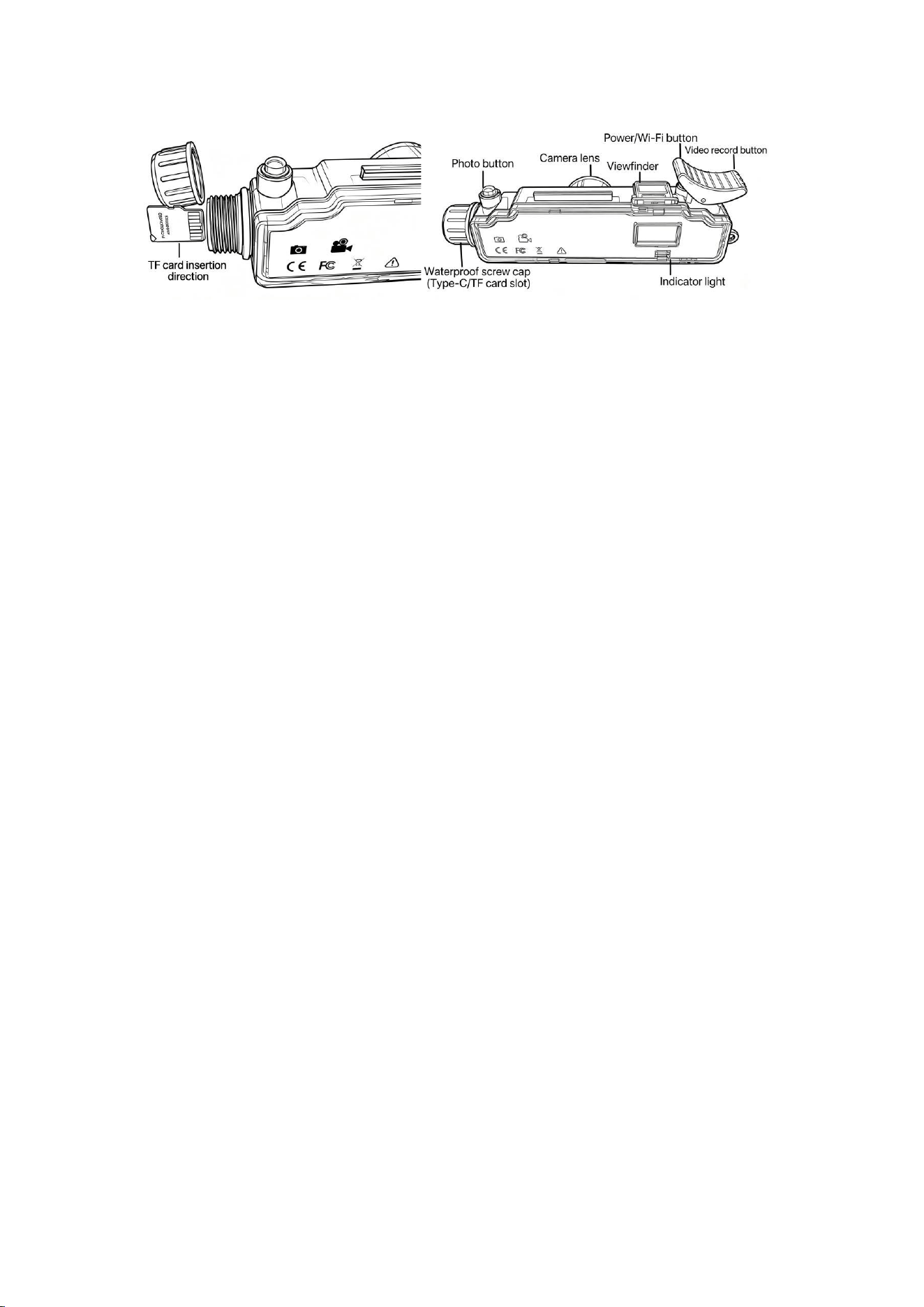
VI Operation Instructions for Waterproof Camera
1. Power On: Press and hold the power button for about 4 seconds. The camera vibrates and the
blue indicator light stays steady to enter standby mode. It will power off automatically if no
operation is performed within 3 minutes.
2. Video Recording: In standby mode, short press the video key. The device vibrates once and the
blue light flashes slowly to start recording. Short press the video key again to save the video and
return to steady blue light standby mode. Auto power-off after 3 minutes of inactivity.
3. Photography: In standby mode, short press the photo key. The device vibrates once and the
blue light flashes once to take a photo, then returns to steady blue light standby mode. Auto
power-off after 3 minutes of inactivity.
4. Record While Charging: Connect the charger, short press the video key. The device vibrates
once, the red light stays steady and the blue light flashes to start recording. Short press the video
key again to save. The red light turns off when fully charged.
5. Reset: If the device freezes, press and hold the power button and photo key simultaneously to
reset.
VII Connection to Computer
Connect the camera to a computer when the device is powered off for disk access. The reading
time may vary slightly depending on computer’s configuration, system version and camera
storage capacity. Please wait patiently; do not press any buttons during this process to avoid
affecting hardware recognition by the computer.
If the removable disk is not detected for a long time, try reconnecting the device, or check
whether your operating system, drivers and USB cable work properly. Always safely eject the
device before unplugging to prevent damage to the computer or the camera.
VIII APP Download & Usage
1. Scan the QR code with your mobile phone to download and install the APP. Press and hold the
power button of the camera to turn it on. After the camera enters standby mode, short‑press the
power button to activate its local WiFi. The WiFi name starts with 6407_XXXXXX. Turn on your
phone’s WiFi and connect to the camera WiFi starting with 6407_XXXXXX, then enter the
password: 12345678. After connection, open the APP to perform relevant operations.
2. Time Watermark Setting: After the camera connects to your phone via WiFi, the time
watermark will automatically synchronize with your phone’s time.

FCC Warning
This device complies with Part 15 of the FCC Rules.
Operation is subject to the following two conditions:
(1) This device may not cause harmful interference, and (2)
this device must accept any interference received, including
interference that may cause undesired operation.
NOTE 1: This equipment has been tested and found to
comply with the limits for a Class B digital device, pursuant
to part 15 of the FCC Rules. These limits are designed to
provide reasonable protection against harmful interference
in a residential installation. This equipment generates, uses
and can radiate radio frequency energy and, if not installed
and used in accordance with the instructions, may cause
harmful interference to radio communications. However,
there is no guarantee that interference will not occur in a
particular installation. If this equipment does cause harmful
interference to radio or television reception, which can be
determined by turning the equipment off and on, the user
is encouraged to try to correct the interference by one or
more of the following measures:

- Reorient or relocate the receiving antenna.
- Increase the separation between the equipment and
receiver.
-Connect the equipment into an outlet on a circuit different
from that to which the receiver is connected.
-Consult the dealer or an experienced radio/TV technician
for help.
NOTE 2: Any changes or modifications to this unit not
expressly approved by the party responsible for compliance
could void the user's authority to operate the equipment.
The device has been evaluated to meet general RF exposure
requirement. The device can be used in portable exposure
condition without restriction.