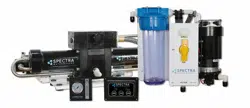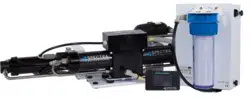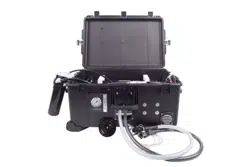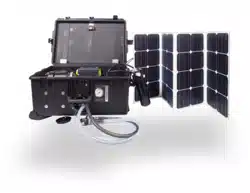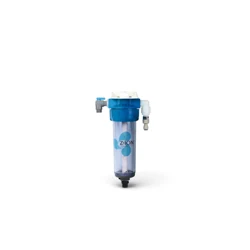

This revolutionary adaptation of an ancient technology helps protect the RO membrane and filters on your
Spectra Watermaker from biological growth. The Z±ION Membrane Protection System floods your watermak-
er with silver/copper ions which collect in the filters and membranes to prevent the microbial deterioration of
the filter media and mem-brane. Your system will be kept ready to operate without any additional flushing,
external power sources, pickling chemicals, or complex procedures.
The process has been around for many years, however most systems produce ions on a continuous slow ba-
sis rather than a short intermittent process. We found that the most stable way to produce ions in a batch pro-
cess is to maintain a constant current to the electrodes and vary the voltage. By being able to boost the volt-
age the amount of electrode surface area can be smaller to produce the needed ions in a brief period of time.
The Z-Ion should be energized at all times, but will only consume power when water is running through it.
Upon initial power-up the LED will flash red/green and then will turn solid green.
Follow the instructions for Normal Operation and Fresh Water Flush (for treatment with the Z-Ion, the process
is identical, only the Z-Ion will release silver and copper ions into the flush water.)
When fresh water flows, the operation cycle begins and the LED turn off, and only quick flashers of green and
amber. The cycle will continue until either the flush cycle stops or the adjustable timer times out (factory set
for 15 minutes). If the voltage is out of range, below 10V or above 30V, the LED will flash red every two sec-
onds and the unit will shut down.
Each fresh water flush with the Z-Ion will assist with cleaning your watermaker for up to 30 days, after which
the process must be repeated. MPC units with the A40 board have the ability to change the flush interval form
5 day to 30 days. Other MPC boards and chips will need to be upgraded. Contact Spectra about upgrading to
the appropriate microchip or board.
After 720 cycles the service light on the front of the control box will light up, indicating that the probes on your
Z-Ion may be wearing down, and should be tested. The service light is just a reminder that your Z-Ion rods
need to be inspected. Before resetting check that rods have not dissolved and are not touching.
To reset the service counter, touch two magnets, at the same time, to the two red reed switches on the Z-Ion
circuit board, labeled Switch 1 and Switch 2 on the following page.
Z-Ion Introduction & Operation
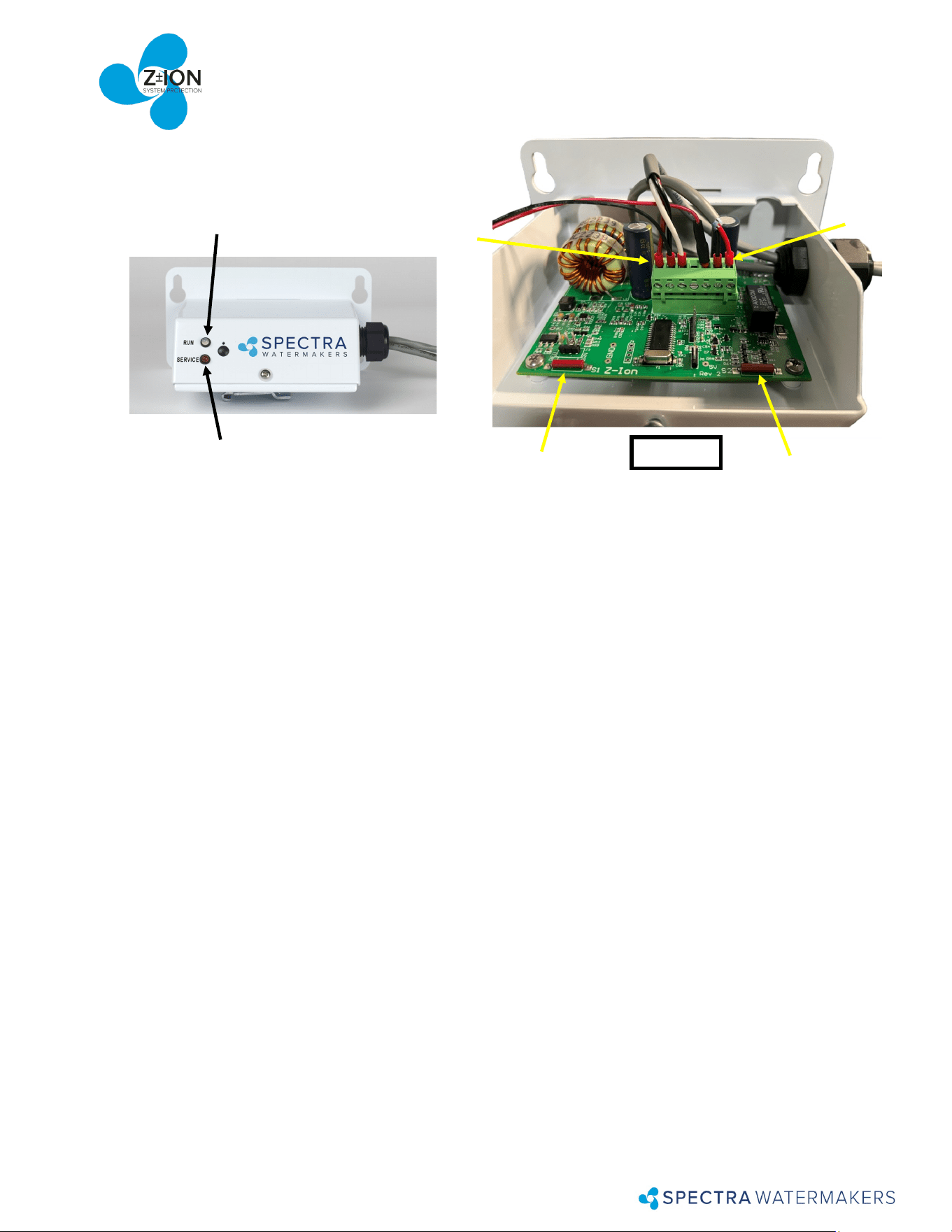
Switch 1
There are 7 pins on the phoenix connector from left to right:
Pin 1 Supply Voltage-Battery ( + )
Pin 2 Ground
Pin 3 Trigger
Pin 4 Auxiliary Output 1
Pin 5 Auxiliary Output 2
Pin 6 To ion generator (bowl). No polarity.
Pin 7 To ion generator (bowl). No polarity.
Auxiliary Outputs 1 and 2 are switched to the supply voltage when turned on. These outputs are protected by
100mA self resetting fuses.
Output 1 – ON during generating cycle – intended to drive a pump relay on some systems
Output 2 – ON when cycle counter reaches pre-programmed number (usually 720), when generator ele-
ment may need replacement and should be tested and/or inspected.
Operation – LEDS
Power-up indication – fast red/green flash for a few seconds
Ready, Idle – solid green
Generating – the LED will quickly flash at a programmed interval (factory set to 17 seconds between
flashes.) The flash color with alternate between green and amber and will be off in between voltage
spikes. The color change symbolizes the polarity alternating from positive to negative.
Bad power – fast red flash followed by shut down (below 10.1V)
High temperature – fast red flash (61°C / 141.8°F)
Cycle counter reached limit—slow red flash
Switch 2
Pin 1
Pin 7
Run Light
Will be green when while Z-Ion
is powered and ready
Service Light
Figure 1
Z-Ion Layout & Specs.