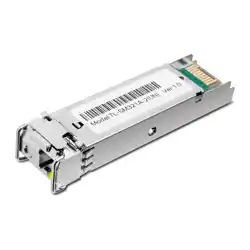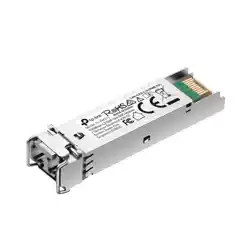
Remove the SFPInstall the SFP
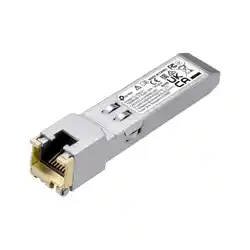
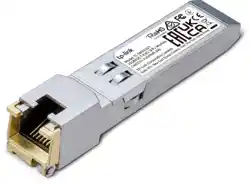
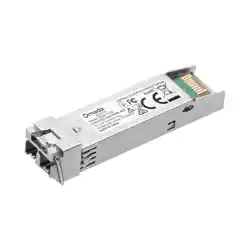
Industrial SFP Module
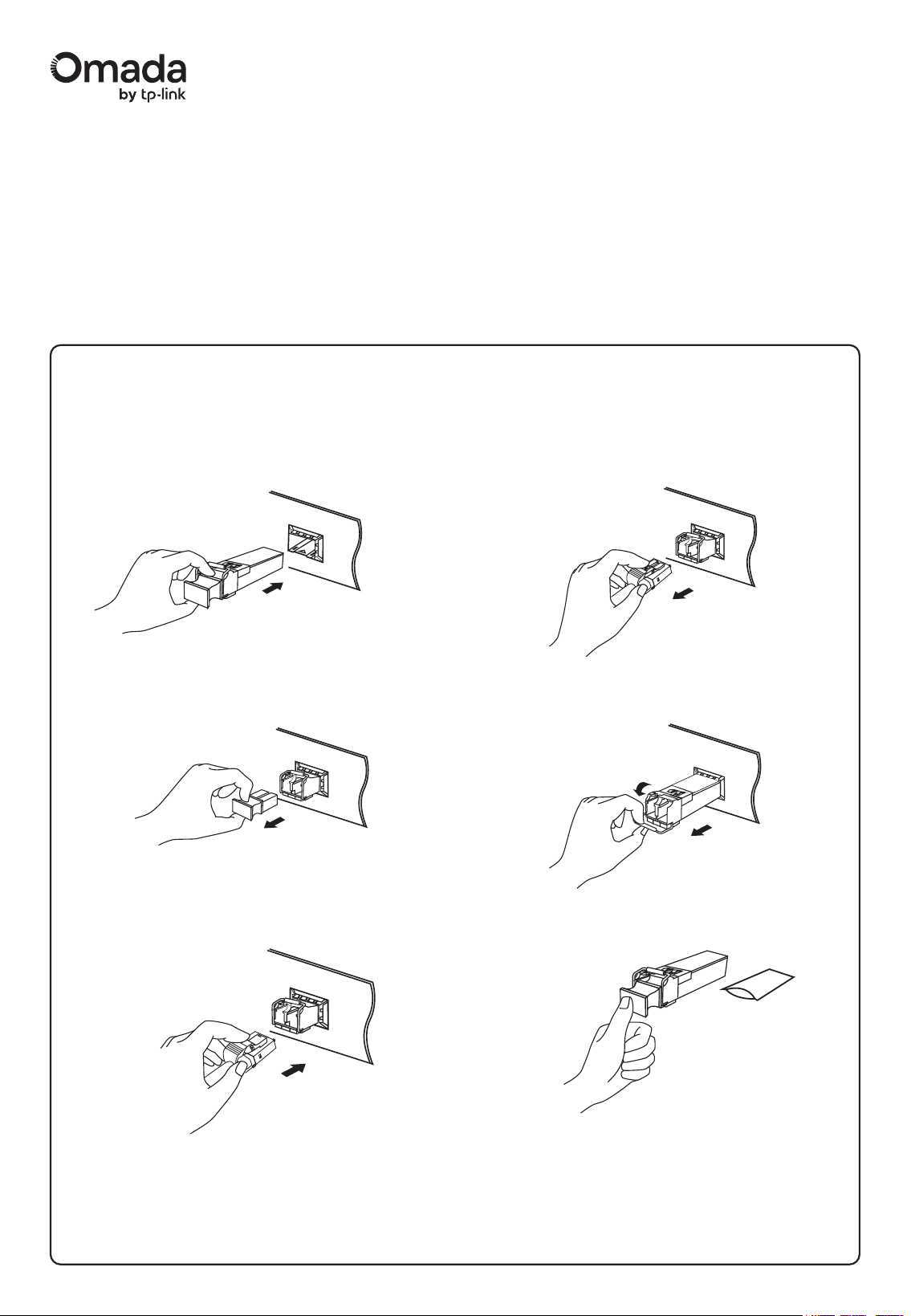
1. Wear an ESD-preventive wrist or ankle strap to prevent ESD damage to
the transceiver.
2. Insert the SFP into the SFP slot and rmly press it into place.
3. Remove the protective dust plug from the SFP.
4. Plug ber-optic cables into the SFP. Note that the SFP works without
any additional conguration.
1. Wear an ESD-preventive wrist or ankle strap to prevent ESD damage to
the transceiver.
2. Disconnect the network ber-optic cables from the SFP.
4. Reinstall the protective dust plug in the SFP’s optical bores and place it
on antistatic mat or a static shielding bag.
3. Pull the safety latch downwards to release the SFP, and then pull it out
from the slot.
Installation Guide
Note:
1. Do not touch the output pins on the transceiver with your hand.
2. Always keep the protective dust plug on the SFP’s optical bores until you are ready to make a connection.
Caution:
DO NOT point or stare directly into the beam or into the optical port of the transceiver when it is operating, as this can injure your eyesight.
©2025 TP-Link 7106511886 REV1.0.0
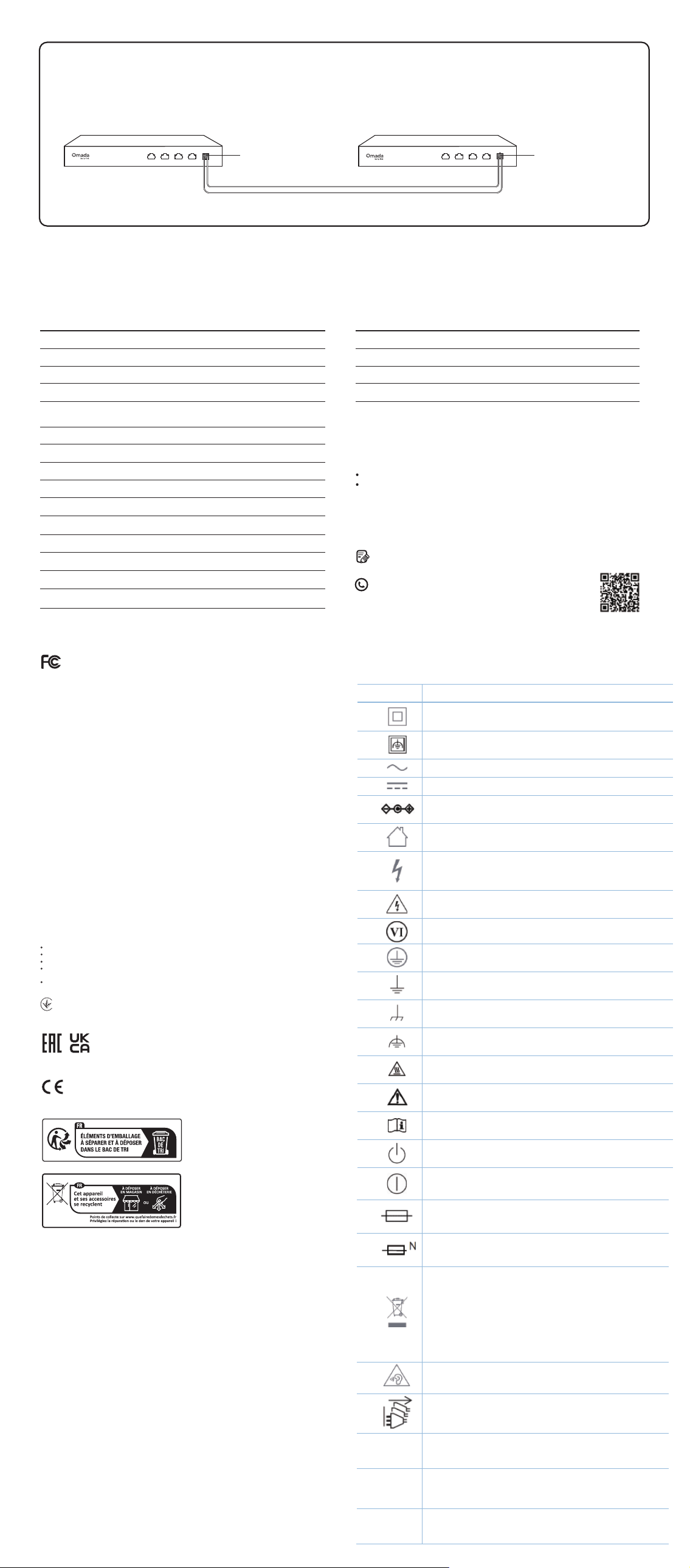
Only use the same transceiver model between switches for fast and reliable connectivity.
Connection
General Specications
Specications
Switch Switch
ISM311LS
Fiber
ISM311LS
TP-Link Compatible Products
Note:
The SFP modules may be incompatible with other vendors’ devices. We
recommend that you use only TP-Link SFP modules on your TP-Link devices.
TP-Link Switches with gigabit SFP Slots
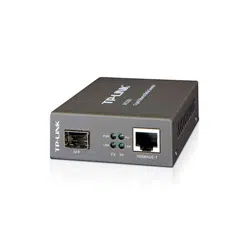
MC220L, MC420L
Port Type
Fiber Type
Data Rate
Wave Length 850 nm
ISM311LM
1310 nm
IEEE 802.3z, TCP/IP
Multi-mode FiberSingle-mode Fiber
9/125 um
Single-mode
20 km
1.25 Gbps
LC Duplex
3.3 V
FCC, CE
Standards and Protocols
Cable
Model ISM311LS
Max. Cable Length
Power Support
Safety & Emission
Ye s
Ye s
DDM
SFP-MSA
Ye s
Hot Swappable
Product Operating Temperature -40˚C to 85˚C (-40˚F to 185˚F)
Storage Temperature -40˚C to 85˚C (-40˚F to 185˚F)
Storage Humidity 0% to 85% RH, Non-condensing
Operating Humidity 0% to 85% RH, Non-condensing
Environmental and Physical Specications
50/125 um or 62.5/125 um
Multi-mode
550 m
FCC compliance information statement
This equipment has been tested and found to comply with the limits for a Class A digital device, pursuant to part
15 of the FCC Rules. These limits are designed to provide reasonable protection against harmful interference
when the equipment is operated in a commercial environment. This equipment generates, uses, and can radiate
radio frequency energy and, if not installed and used in accordance with the instruction manual, may cause
harmful interference to radio communications. Operation of this equipment in a residential area is likely to cause
harmful interference in which case the user will be required to correct the interference at his own expense.
This device complies with part 15 of the FCC Rules. Operation is subject to the following two conditions:
1) This device may not cause harmful interference.
2) This device must accept any interference received, including interference that may cause undesired operation.
Any changes or modications not expressly approved by the party responsible for compliance could void the
user’s authority to operate the equipment.
Product Name: SFP Industrial Module
Model Number: ISM311LS, ISM311LM
TP-Link Systems Inc.
Address: 10 Mauchly, Irvine, CA 92618
Website: https://www.tp-link.com/us/
Tel: +1 626 333 0234
Fax: +1 909 527 6804
E-mail: [email protected]
We, TP-Link Systems Inc., has determined that the equipment shown as above has been shown to comply with
the applicable technical standards, FCC part 15. There is no unauthorized change is made in the equipment and
the equipment is properly maintained and operated.
Issue Date: 2024/12/04
This is a class A product. In a domestic environment, this product may cause radio interference, in which case
the user may be required to take adequate measures.
CE Mark Warning
Продукт сертифіковано згідно с правилами системи УкрСЕПРО на відповідність вимогам нормативних
документів та вимогам, що передбачені чинними законодавчими актами України.
CAN ICES-3 (A)/NMB-3(A)
Industry Canada Statement
Safety Information
Keep the device away from water, re, humidity or hot environments.
Do not attempt to disassemble, repair, or modify the device.
Avoid using this product during an electrical storm. There may be a remote risk of electric shock from lightning.
Do not point or stare directly into the beam or into the optical port of the transceiver when it is operating, as this
can injure your eyesight.
Use of controls or adjustments or performance of procedures other than those specied herein may result in
hazardous radiation.
TP-Link hereby declares that the device is in compliance with the essential requirements and other relevant
provisions of the Electromagnetic Compatibility Regulations 2016 and Electrical Equipment (Safety)
Regulations 2016.
The original UK declaration of conformity may be found at https://www.tp-link.com/support/ukca/.
TP-Link hereby declares that the device is in compliance with the essential requirements and other relevant
provisions of directives 2014/30/EU, 2014/35/EU, 2011/65/EU, and (EU)2015/863.
The original EU declaration of conformity may be found at https://www.tp-link.com/en/support/ce/.
EU Declaration of Conformity
UK Declaration of Conformity
E
xplana�on of the symbols on the product label
s
ymbols may vary from products
Symbol
Explanation
Class II equipment
Class II equipment with functional earthing
Alternating current
Direct current
Pol a rity of d.c. power connector
For indoor use only
Dangerous voltage
Cauti on, risk of electric shock
Energy e ciency Marking
Protective earth
Earth
Fra me or chassis
Functional earthing
Cauti on, hot surface
Cauti on
Opera tor's manual
Stand-by
"ON"/"OFF" (push-push)
Fuse
Fuse is used in neutral N
Cauti on, avoid listening a t high volume levels for l ong periods
Disconnection, all power plugs
m
Switch of mini-gap construction
µ
Switch of micro- gap construction (for US version)
Switch of micro-gap / micro
-
disconnection construction
(for other versions except US)
ε
Switch without contact gap (Semiconductor switching device)
RECYCLING
This product bears the selective sorting symbol for Waste
electrical and electronic equipment (WEEE). This means that
this product must be handled pursuant to European directive
2012/19/EU in order to be recycled or dismantled to minimize its
impact on the environment.
User has the choice to give his product to a competent recycling
organization or to the retailer when he buys a new electrical or
electronic equipment.
For simplicity, we will take ISM311LS as an example.
0.794 mW (-1 dBm)Max. Laser Output Power 0.398 mW (-4 dBm)
Class 1Laser Class
Class 1
For technical support and other information, please visit
https://support.omadanetworks.com/, or simply scan the QR
code.
To ask questions, find answers, and communicate with TP-Link
users or engineers, please join the TP-Link Community.