
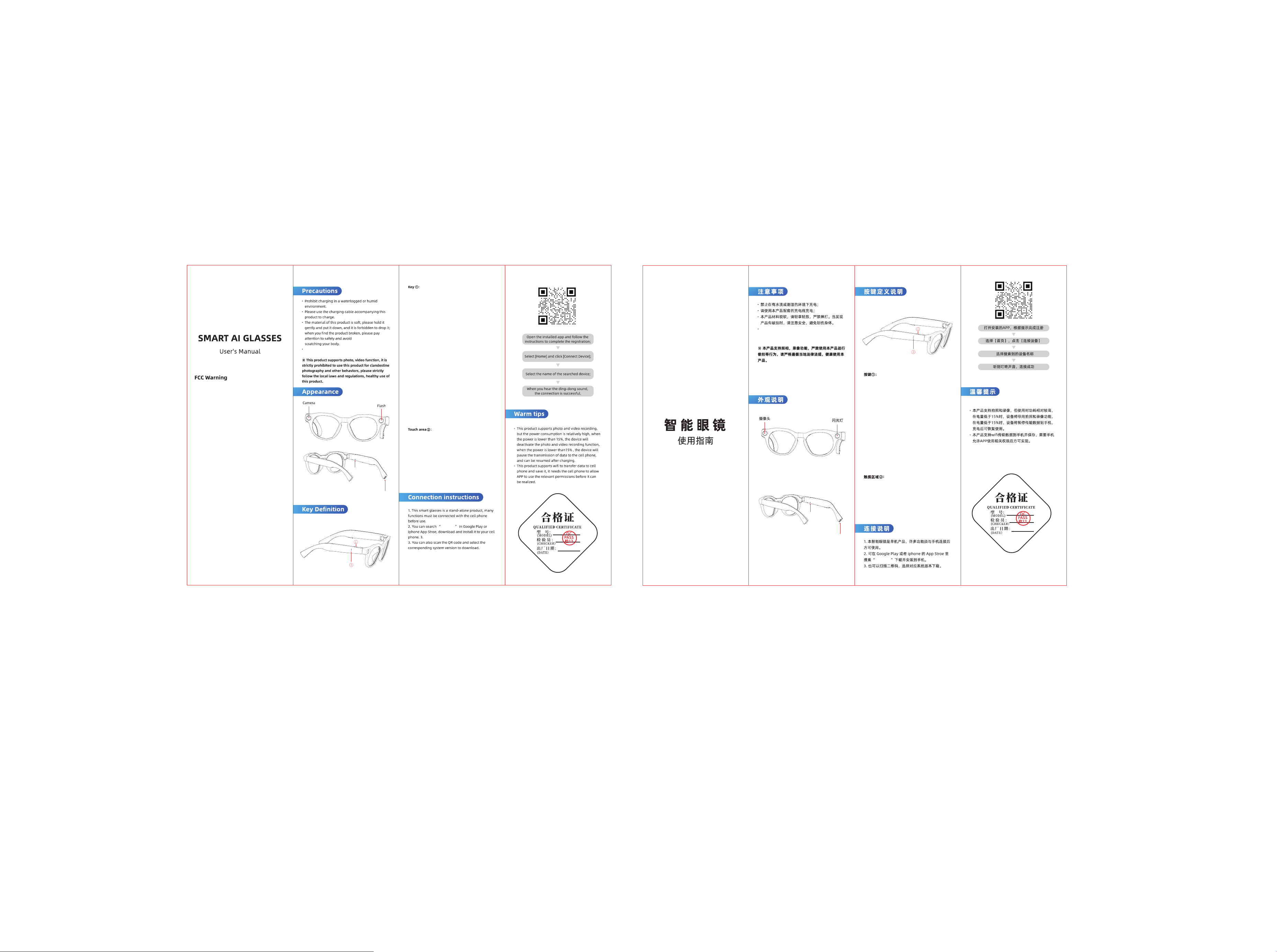
This product cannot be worn for swimming or
soaked in water.
A: In the off state, press and hold the button for 3
seconds to turn on the device;
B: In the on state, press and hold the button for 3
seconds to turn off the device;
C: In the on state, press and hold the button for 8
seconds to restore factory settings and restart the
device (This operation will clear all data on the device.
Please use it with caution);
D: In the on state, press once briefly to take a photo.
The photo will be automatically stored in the local
memory of the product. You can connect to the APP to
import it to your phone;
E: In the on state, press and hold the button for 2
seconds to start recording. During the recording
process, press once briefly to end the current recording.
The recorded video will be automatically stored in the
local memory of the product and can be imported to
your phone after connecting to the APP;
F: In the on state, press briefly twice consecutively to
record audio. During the recording process, press once
briefly to end the recording. The recorded file will be
automatically stored in the local memory of the
product and can be imported to your phone after
connecting to the APP;
G: In the on state, press and hold the button for 8
seconds to force the device to restart and enter the
connection waiting state;
H: When a call comes in, press once briefly to answer
the call. Press for 1 second to reject the current call;
A: When the device is powered on, press the button
once to wake up the AI voice assistant. This operation
requires the HeyCyan application to remain displayed
at the front end.
B: When powered on, press the button quickly twice to
activate the AI rapid image recognition function.
C: When powered on, press and hold the button for 3
seconds to activate the recording function. Press once
while recording to end it. The recorded audio will be
automatically saved in the product's local memory.
After connecting to the APP, it can be imported to the
phone.
This device complies with Part 15 of the FCC Rules.
Operation is subject to the following two conditions:
(1) This device may not cause harmful interference, and (2)
this device must accept any interference received, including
interference that may cause undesired operation.
NOTE 1: This equipment has been tested and found to
comply with the limits for a Class B digital device, pursuant
to part 15 of the FCC Rules. These limits are designed to
provide reasonable protection against harmful interference in
a residential installation. This equipment generates, uses and
can radiate radio frequency energy and, if not installed and
used in accordance with the instructions, may cause harmful
interference to radio communications. However, there is no
guarantee that interference will not occur in a particular
installation. If this equipment does cause harmful
interference to radio or television reception, which can be
determined by turning the equipment off and on, the user is
encouraged to try to correct the interference by one or more
of the following measures:
- Reorient or relocate the receiving antenna.
- Increase the separation between the equipment and receiver.
-Connect the equipment into an outlet on a circuit different
from that to which the receiver is connected.
-Consult the dealer or an experienced radio/TV technician
for help.
NOTE 2: Any changes or modifications to this unit not
expressly approved by the party responsible for compliance
could void the user's authority to operate the equipment.
The device has been evaluated to meet general RF exposure
requirement. The device can be used in portable exposure
condition without restriction.
TYPE-C充电
充电指示灯
本产品不可佩戴游泳或者浸泡于水中。
A:关机状态下,长按按键3秒开机;
B:开机状态下,长按按键3秒可关机;
C:开机状态下,长按8秒恢复出厂设置并重启(此
操作会清空设备上的所有数据,请谨慎使用)
D:开机状态下,短按1次可照相,照片会自动存储在
产品的本地内存,可连接APP后导入到手机;
E:开机状态下,长按2秒可录像,录像过程中再
短按一次结束本次录像,拍摄的视频会自动存储在产
品本地内存,可连接APP后导入到手机;
F:在开机状态下,连续短按2次可录音,录音过程中短按
一次结束录音,录音的文件会自动存储在产品的本地内存,
可连接APP后导入到手机
G:在开机状态下,长按按键8秒会使产品强制重新
启动,进入到待连接状态;
H:当有电话进入时,短按一次可接听来电,长按1秒可拒
接当次来电;
A:在播放音乐时,连续单击触摸区域,可开始播放/
暂停播放;
B:在播放音乐时,连续三击触摸区域,切换上一首
音乐;
C:在播放音乐时,连续双击触摸区域,切换下一首音乐。
D:在播放音乐时,前滑调大音量,后滑调小音量。
EYEVUE
EYEVUE
TYPE-C charging
Charging indicator light

