EB1214_UK_IB_20241218_v4
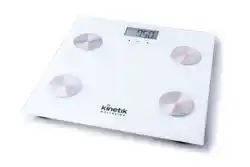
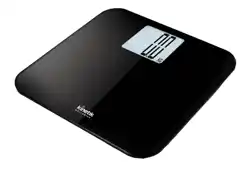
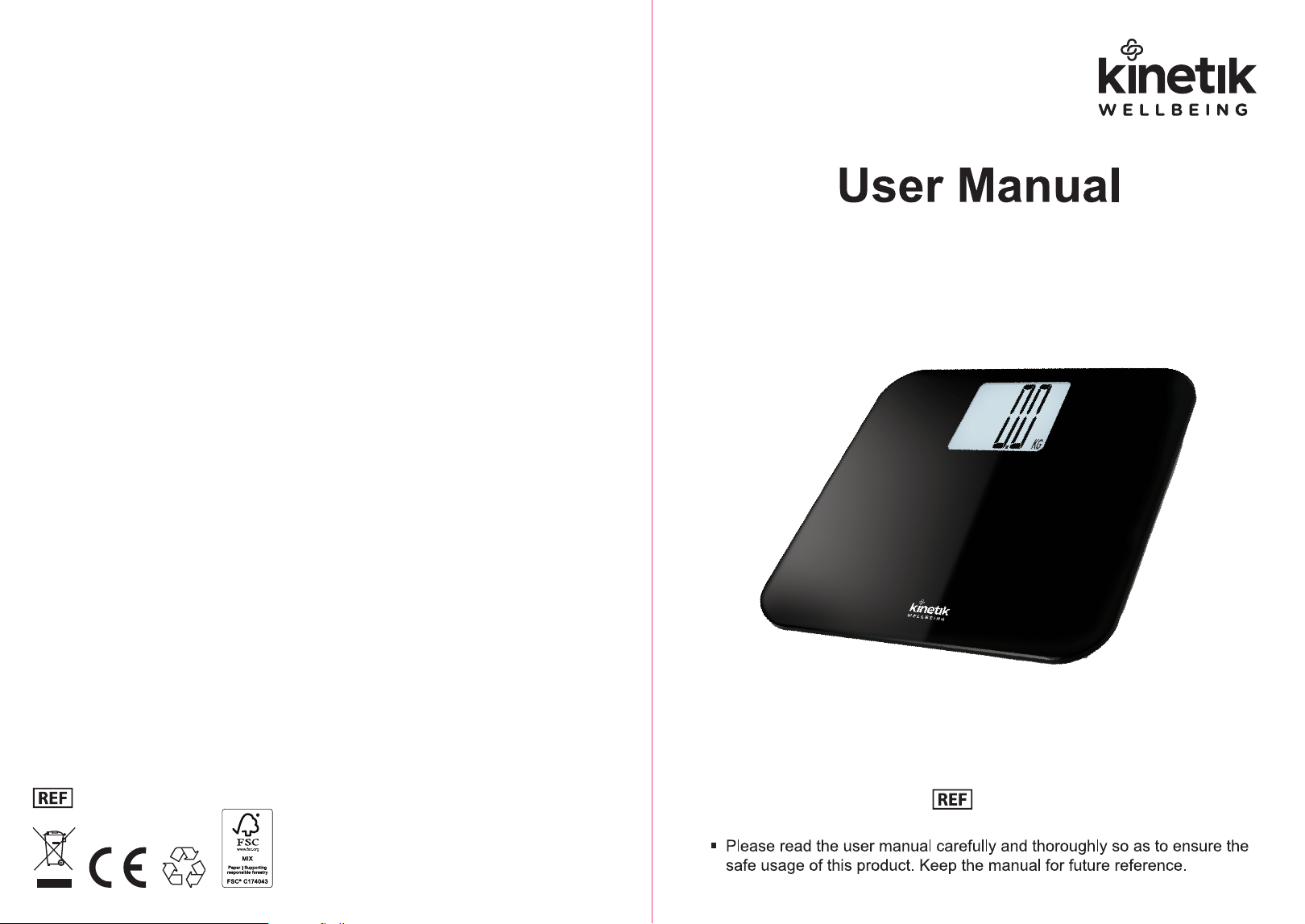
High-Capacity Electronic Scale
EB1214
EB1214

Specifications
• Equipped with 4 high precision Strain Gauge sensors
• Capacity - 250 kg / 550 lb / 39 st 4 lb
• Division - 0.1 kg / 1/4 lb / 1/4 lb
• LCD Display
• Step-on
• Automatic Zero resetting
• Automatic switch off
• Over load indicator
• Low battery indicator
Specifications
• Power: 3 x 1.5V AAA Battery
• Please remove the insulation sheet from the battery contacts before using.
• Replace the batteries when the low battery indicator shows.
Power Supply
If the scale is not working properly:
• Check the batteries are correctly fitted.
• Check that the correct unit is selected.
• Make sure the scale is on a hard, flat surface and not touching a wall.
• Repeat the zero-setting process if the scale has been moved.
• It is normal for weight to fluctuate throughout the day.
Troubleshooting
Troubleshooting

Support
Our manual should provide you with all the information you need to set up & use
this product.
If you have a question, have a look at our troubleshooting page!
For further assistance, why not contact our customer care team directly? We’re
here to help!
Our customer care team are available from 9am - 5pm, Monday to Friday
(excluding
bank holidays).
We promise to respond to all queries and will ensure to resolve any issue you
may be having.
You can reach us by...
Phone
+44 1483 937 969
Live Chat
Simply visit www.kinetikwellbeing.com
and send us a message.
Email
Post
Kinetik Medical Devices Ltd
Unit 11 Perrywood Business Park,
Honeycrock Lane,
Salfords,
Redhill,
RH1 5JQ
Support
Operating
• Remove the plastic isolator tab from the battery compartment (if present).
• Make sure the batteries are inserted following the correct polarity.
• Position the scale on a firm flat surface.
Before First Use
• Press the platform centre and remove your foot.
• Select kg, st or lbs weight mode using the switch on the underside of the scale.
• Then let the scale turn off. Your preferred units will then be set.
Changing The Units
Step 1: Press the platform centre and remove your foot.
Step 2: “0.0” will be displayed
Step 3: The scale will switch off and now it is ready for use.
This zero-setting process must be repeated if the scale is moved. At all other times
step straight on the scale.
Setting The Scale To Zero
Step 1: Gently step on the scale.
Step 2: Put your feet evenly on the scale without moving and wait whilst the scale
measures your weight.
Step 3: Your weight reading will be displayed for several seconds before the scale
automatically turns off
Operating Instructions
When you step off the scale, it will automatically switch off. (If no weighing is carried
out while zero is being displayed, the scale will automatically switch off after
approximately 8 seconds).
Automatic Switch Off
Share Info GmbH
Heerdter Lohweg 83, 40549 Düsseldorf, Germany

When the scale is over the maximum capacity, the following will appear on the
screen: Err
Overload Indicator
When the batteries need replacing the following will appear on the screen: Lo
Open the battery compartment on the base of the scale and remove the old
batteries. Insert new batteries, of the same type, observing the correct polarity.
Replace the battery compartment door.
Dispose of the old batteries in a sale place. Do not place on fire.
Battery Change Indicator
• Placing your scale on a hard flat surface will ensure the greatest accuracy and
repeatability.
• Always weigh yourself on the same scale placed on the same floor surface.
Uneven floors may affect the readings.
• It is recommended to weigh yourself without clothing or footware at the
same time of day, preferably early morning and before a meal for the most
consistent results.
• Clean your scale with a damp cloth but do not allow water to get inside the
scale. Do not use any chemical clearing agents.
• Do not allow your scale to become saturated with water as this can damage
the electronics components.
• Do not store the scale in an upright position when not in use as this will drain
the batteries.
• Remove the batteries if the scales are not going to be used for a long period
of time.
• Treat your scale with care as it is a precision instrument, do not drop it or jump
up or down on it.
Care and Attention
Device CareOperating