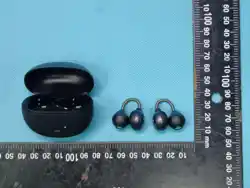
A59
GK-
GK-A59
A59
A59
A59
A59
• 开机:充电仓开盖,取出耳机 自动开机
• 关机:耳机入仓合盖充电自动关机(开机无连接约3分钟关机)
• 连接手机:耳机开机后,打开手机蓝牙搜索对应设备名:A59 点击连接
• 播放/暂停音乐:单击任意边耳机 Touch 键
• 上一曲:音乐播放状态 三击 任意耳机 Touch 键
• 下一曲:音乐播放状态 双击 任意耳机 Touch 键
• 接听电话:来电时,单击任意耳机 Touch 键,可接听来电
• 挂断电话:通话中 双击任意耳机 Touch 键,可挂断通话
• 拒接通话:来电时,长按任意耳机 Touch 键 2秒 ,拒绝对方来电
• 启动Siri : 非通话状态,长按 左耳或右耳触摸按键约2秒
• 清除配对记录:未连接手机状态下 点击触摸按键5次 清除耳机与手机的连接记录
以及左右耳机的TWS组队记录
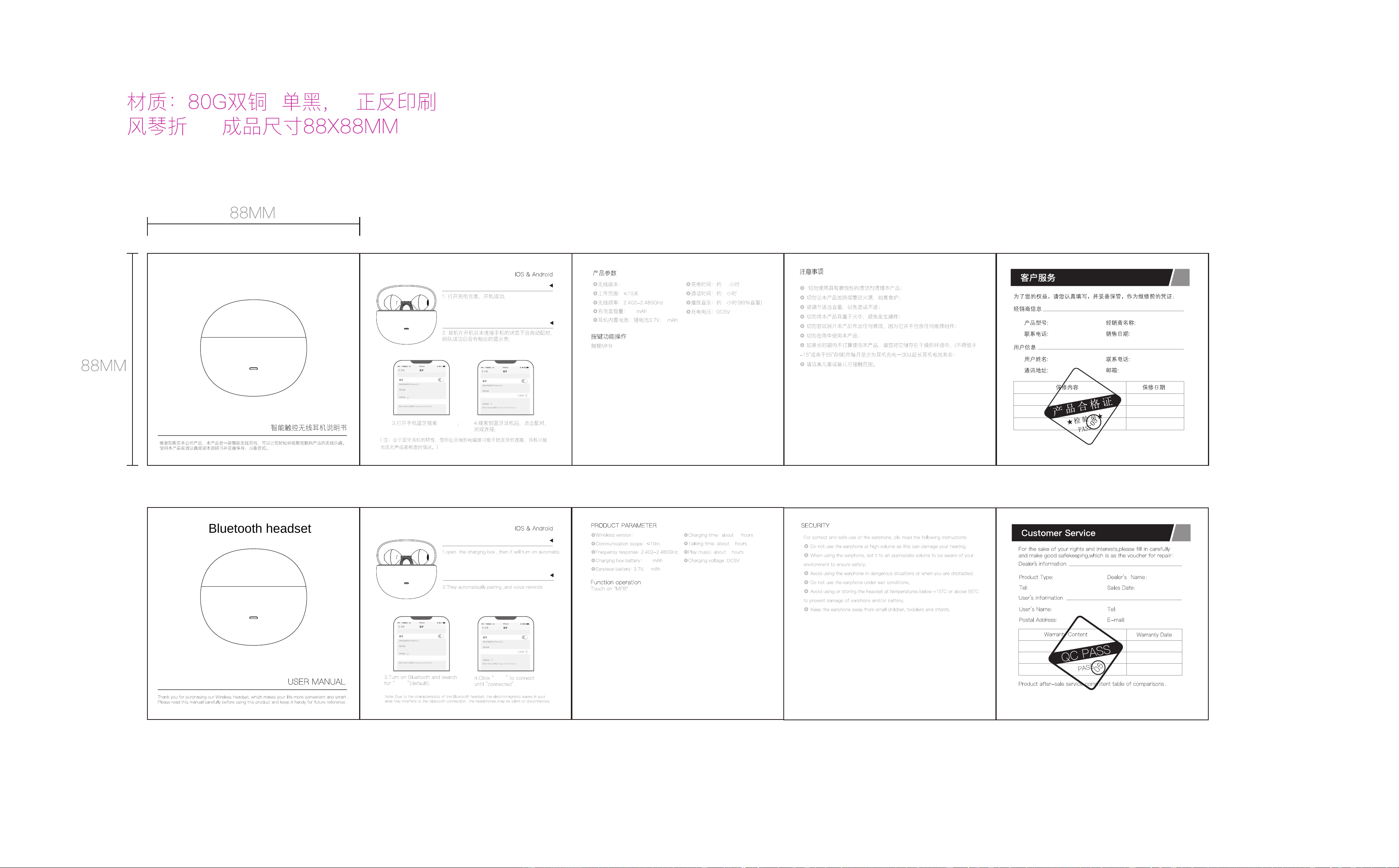
• Power on: Open the charging compartment cover, take out the earphones and start
automatically
• Shutdown: Charge headphones in the charging dock and turn them off (turn off after about
3 minutes if no connection is detected)
• Connect your phone: After turning on the headphones, open your phone's Bluetooth and
search for the corresponding device name: A59 Click to connect
• Play/pause music: Click the touch button on any earphone side
• Previous track: Music playback status, Three taps on any headphone Touch button
• Next track: Music playback status, Double-click any headphone Touch key
• Answer phone call: When a call comes in, tap the Touch button on any earphone to answer
• Hang up call: During a call, double-click the Touch button on any earphone to hang up
• Reject call: When a call comes in, hold any headphone Touch button for 2 seconds to
reject the call
• Start Siri: In non call mode, press and hold the touch button on the left or right ear for
about 2 seconds
• Clear pairing records: Click the touch button 5 times without connecting the phone to clear
the connection records between the earphones and the phone, as well as the TWS pairing
records of the left and right earphones
V6.0
250
40
6
1.5
7
V6.0
250
40
6
1.5
7
A59
A59
A59
Bluetooth headset
蓝牙耳机
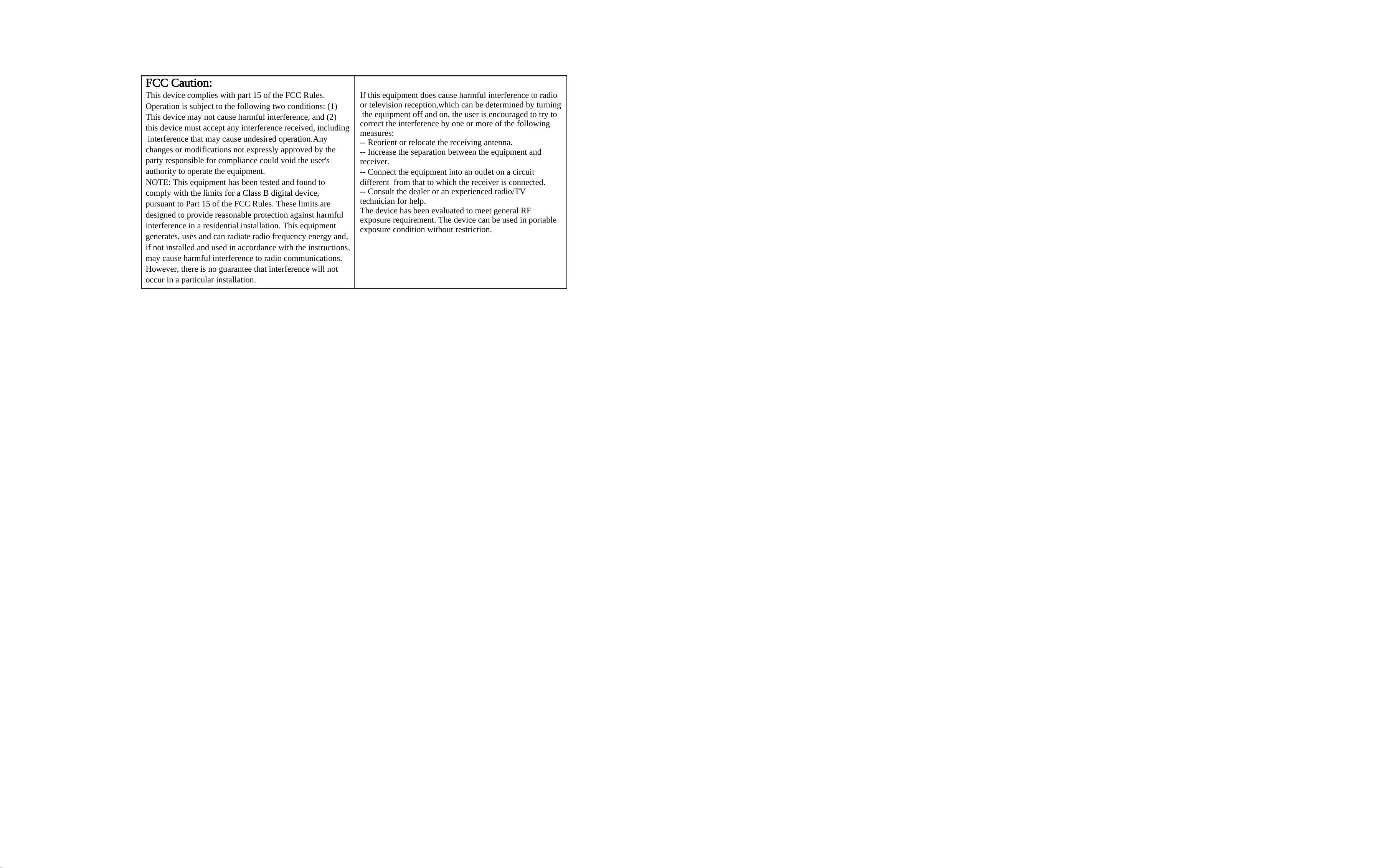
FCC Caution:
This device complies with part 15 of the FCC Rules.
Operation is subject to the following two conditions: (1)
This device may not cause harmful interference, and (2)
this device must accept any interference received, including
interference that may cause undesired operation.Any
changes or modifications not expressly approved by the
party responsible for compliance could void the user's
authority to operate the equipment.
NOTE: This equipment has been tested and found to
comply with the limits for a Class B digital device,
pursuant to Part 15 of the FCC Rules. These limits are
designed to provide reasonable protection against harmful
interference in a residential installation. This equipment
generates, uses and can radiate radio frequency energy and,
if not installed and used in accordance with the instructions,
may cause harmful interference to radio communications.
However, there is no guarantee that interference will not
occur in a particular installation.
If this equipment does cause harmful interference to radio
or television reception,which can be determined by turning
the equipment off and on, the user is encouraged to try to
correct the interference by one or more of the following
measures:
-- Reorient or relocate the receiving antenna.
-- Increase the separation between the equipment and
receiver.
-- Connect the equipment into an outlet on a circuit
different from that to which the receiver is connected.
-- Consult the dealer or an experienced radio/TV
technician for help.
The device has been evaluated to meet general RF
exposure requirement. The device can be used in portable
exposure condition without restriction.

