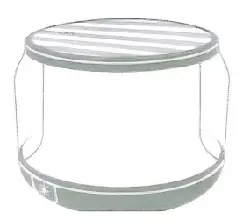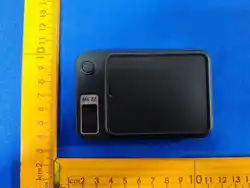
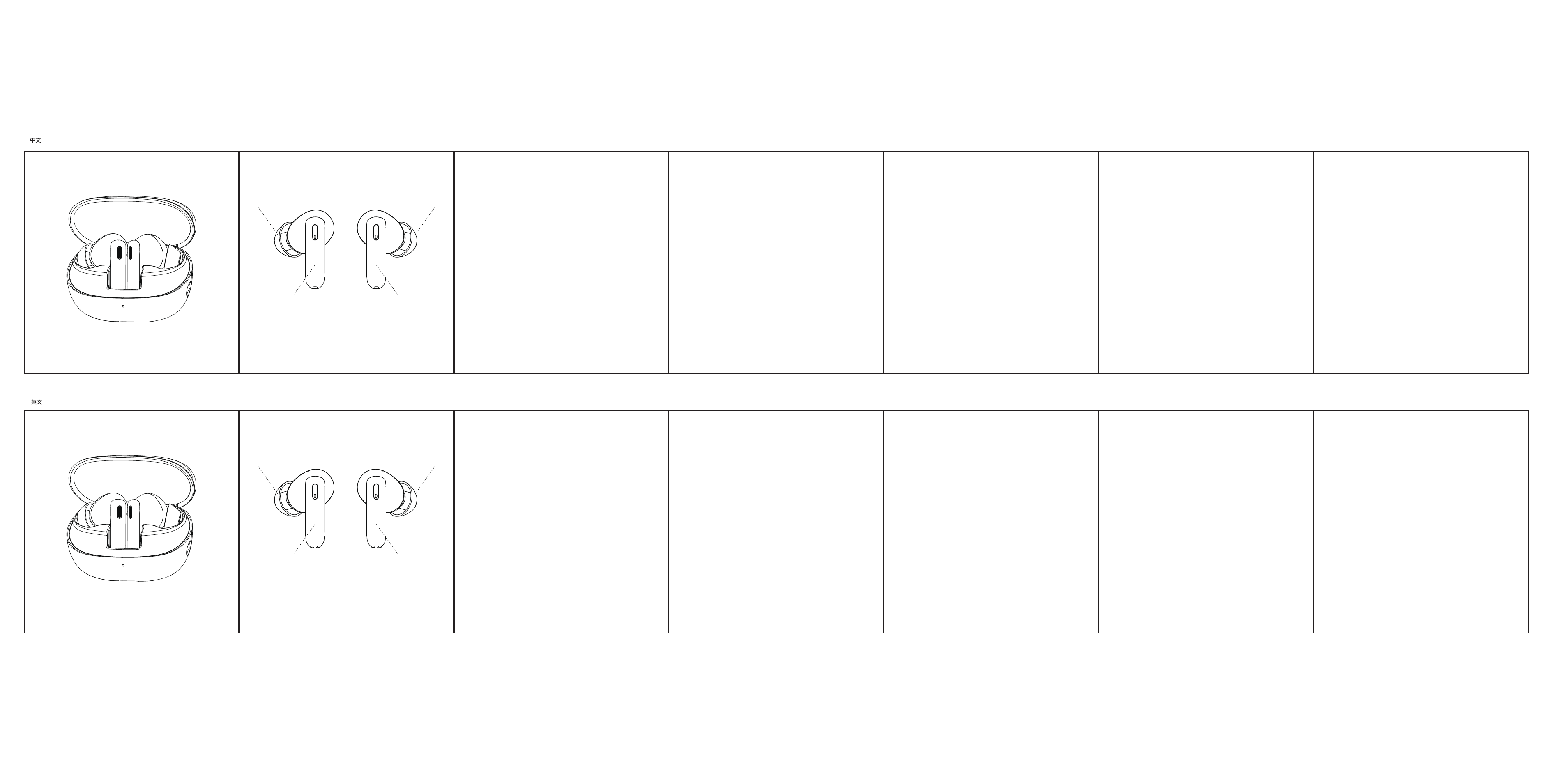
无线耳机
使用说明书
产品参数
◎无线版本: V6.0
◎工作范围:无障碍10米
◎无线频率:2.402-2.480GHz
◎充放电循环:≥300次
◎充电盒容量:300mAh
◎充电输入:DC5V-300mA
◎充电时间:约2小时
◎通话时间:约2小时
◎播放音乐:ANC OFF约4.0小时;ANC ON3.0小时
◎耳机内置电池:锂电池 3.7V, 25mAh
触摸方式
• 开机:打开充电盒,取出耳机自动开机
• 关机:耳机放入充电盒关盖
• 配对模式:耳机开机自动进入配对模式
• 暂停/播放:单击左或者右耳机
• 接听来电:单击左或者右耳机
• 挂断电话:双击左或者右耳机
• 下一曲:三击右耳机
• 上一曲:三击左耳机
• 语音助手:在开机状态下,长按左耳机多功能键约2秒启动手机语音助手功能
• 来电拒接:长按左或者右耳机2秒
• 音乐模式:在游戏模式下,四击任一耳机多功能键切换到音乐模式
• 游戏模式:在音乐模式下,四击任一耳机多功能键切换到游戏模式
• ANC降噪功能:长按右耳机2秒,通透模式→ANC ON→音乐模式→通透模式
• TWS组对:未连接任何设备,同时5击左耳右耳,强制组队
• 给耳机充电:把耳机放进充电盒关盖, 自动给耳机充电
充电盒LED指示灯状态
• 充电盒给耳机充电时:充电中绿灯亮,充满熄灭。
• 给充电盒充电:充电时橙色灯闪烁,充满灯常亮
• 充电盒低电量提醒:绿灯闪烁
通用无线连接操作
1、请将无线耳机和手机(或其他的连接设备)放在一起;
2、确保耳机有电状态,从充电盒中取出耳机,确保左右耳机已连接,耳机即可
进入配对模式;
3、开启用户手机(或其他蓝牙设备)蓝牙功能,并进行搜索或扫描,此时手机
会搜索到附近所有的蓝牙设备,点击连接对应的蓝牙型号名称,成功配对连
接后, 即可进行耳机通话、听歌等。
【1】 【2】 【3】 【4】 【5】 【6】
【1】 【2】 【3】
Product parameters
◎Wireless version: V6.0
◎Working range: barrier-free 10 meters
◎Wireless frequency: 2.402-2.480GHz
◎Charge and discharge cycle: ≥300 times
◎Charging box capacity: 300mAh
◎Charging input: DC5V-300mA
◎Charging time:
About2hours
◎Talk time: about 2 hours
◎Play Music: ANC OFF about 4 hours; ANC ON about 3 hours
◎Earphone built-in battery: lithium battery 3.7V, 25mAh
注意事项
1、切勿使用具有腐蚀性的清洁剂清洁本产品;
2、切勿让本产品加热或靠近火源,如煮食炉;
3、切勿让本产品长时间受阳光直接照射,避免高温;
4、切勿将本产品弃置于火中,避免发生爆炸;
5、切勿尝试拆开本产品作出任何修改,因为它并不包含任何维修组件;
6、切勿在雨中使用本产品;
7、如果长时期内不打算使用本产品,请您将它储存在干燥的环境中,并每月至少
为耳机充电一次以延长寿命,避免极端的温度和灰尘。
无线连接时注意事项
1、请将无线耳机和手机(或其他的连接设备)的距离控制在1米的范围内,
越近越好;
2、耳机从充电盒中取出连接;
3、充电盒需要有足够电量,如耳机不能开机,请将耳机放入充电盒中,关盒盖插
上充电器最少充电一小时以上;
Considerations when connecting wirelessly
1. Please keep the distance between the wireless earphones and the mobile
phone (or other connected devices) within 1 meter, the closer the better;
2. Remove the earphones from the charging case and connect them;
3. The charging case needs to have sufficient power. If the earphones cannot
be turned on, please put them into the charging case, close the case, and
plug in the charger to charge for at least one hour;
注:本产品规格参数均为实验室测试数据, 不同环境使用会有所不同; 产品不断
升级改进,具体功能和产品图片可能与实物略有不同,请以实物为准。
Touch method
• Power on: Open the charging box, remove the earphones, and automatically
turn on the earphones.
• Power Off: Put the earphones into the charging box and close the cover.
• Pairing mode: The earphones automatically enter pairing mode when
turned on.
• Pause/Play:Click on the left or right earphone.
• Answer a call: Click on the left or right earphone.
• Hang up the phone: Double click on the left or right earphone.
• Next song: Three clicks on the right earphone.
• Previous song: Three clicks on the left earphone.
• Voice Assistant: With the device powered on, press and hold the
multifunction button on the left earphone for approximately 2 seconds to
activate the phone's voice assistant function
• Call rejection: Long press the left or right earphone for 2 seconds.
• Music Mode: In gaming mode, press any multifunction button on either earbud
to switch to music mode
• Game Mode: In Music Mode, press any multifunction key on either earbud four
times to switch to Game Mode
• ANC Noise Cancellation Function: Press and hold the right earbud for 2
seconds to cycle through Transparent Mode → ANC ON → Music Mode →
Transparent Mode
• TWS Pairing: No devices connected. Tap left and right earbuds five times
simultaneously to force pairing
• Charge the earphones: Place the earphones into the charging case and close
the lid to automatically charge them
【4】 【5】 【6】
Precautions
1. Never use corrosive cleaning agents to clean this product;
2. Do not allow this product to heat or come close to fire sources, such as
cooking stoves;
3. Do not expose this product to direct sunlight for a long time to avoid high
temperature;
4. Do not dispose of this product in fire to avoid explosion;
5. Do not try to disassemble this product to make any modifications, because
it does not contain any maintenance components;
6. Do not use this product in the rain;
7. If you do not plan to use this product for a long period of time, please store
it in a dry environment.And charge the headset at least once a month to
extend the life and avoid extreme temperatures and dust.
Note: The specifications and parameters of this product are all laboratory
test data, which will be different in different environments; the product is
constantly being upgraded and improved, and the specific functions and
product pictures may be slightly different from the actual product, please
refer to the actual product.
Charging box LED indicator status
• When charging the earphones with the charging box: the green light is on
during charging and turns off when fully charged.
• When charging the charging box:The orange light flashes while charging,
and the fully charged light remains on
• Charging box low power reminder: the green light flashes
T06 中英文说明书 尺寸:83*86mm*7页 材质 :105g双铜单黑双面印刷
Wireless Earphones
user manual
Universal wireless connection operation
1. Please place the wireless earphones and mobile phone (or other
connecteddevice) together;
2. Ensure that the earphones are charged, remove them from the charging
case, make sure the left and right earphones are connected, and the
earphones will enter pairing mode;
3. Turn on the Bluetooth function of the user's mobile phone (or other
wireless devices) and search or scan. At this time, the phone will search for
all nearby wireless devices. Click on the corresponding wireless model
name to connect, and after successful pairing and connection, you can
make headphone calls, listen to music, etc.
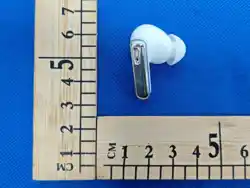
耳帽
触摸区
触摸区
耳帽
Ear cap
Touch area
Touch area
Ear cap

This equipment has been tested and found to comply with the limits for a Class B digital device,
pursuant to part 15 of the FCC Rules. These limits are designed to provide reasonable protection
against harmful interference in a residential installation. This equipment generates, uses and can
radiate radio frequency energy and, if not installed and used in accordance with the instructions, may
cause harmful interference to radio communications. However, there is no guarantee that interference
will not occur in a particular installation. If this equipment does cause harmful interference to radio or
television reception, which can be determined by turning the equipment off and on, the user is
encouraged to try to correct the interference by one or more of the following measures:
•Reorient or relocate the receiving antenna.
•Increase the separation between the equipment and receiver.
•Connect the equipment into an outlet on a circuit different from that to which the receiver is
connected.
•Consult the dealer or an experienced radio/TV technician for help.
Caution: Any changes or modifications to this device not explicitly approved by manufacturer could
void your authority to operate this equipment.
This device complies with part 15 of the FCC Rules. Operation is subject to the following two
conditions: (1) This device may not cause harmful interference, and (2) this device must accept any
interference received, including interference that may cause undesired operation.
RF Exposure Information
The device has been evaluated to meet general RF exposure requirement. The device can be used in
portable exposure condition without restriction.
FCC Statement