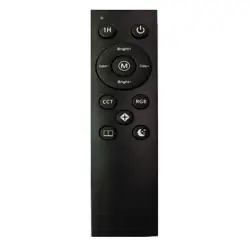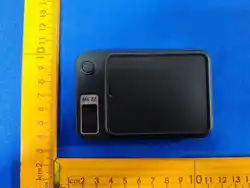
1.Toggle the switch (ON/OFF) on the back of the remote control, the
remote control indicator light will flash automatically.
2. Open the cell phone “Settings”-“Bluetooth” to open the Bluetooth,
search for “ADYSS-A88” click on the device name pairing, display
“Connected”, the indicator light stops flashing, that is, the connection is
successful (remote control on state). After the display shows “connect-
ed”, the indicator light stops blinking, that is, the connection is
successful (the remote control is turned on).
遥控器使用说明
产品参数
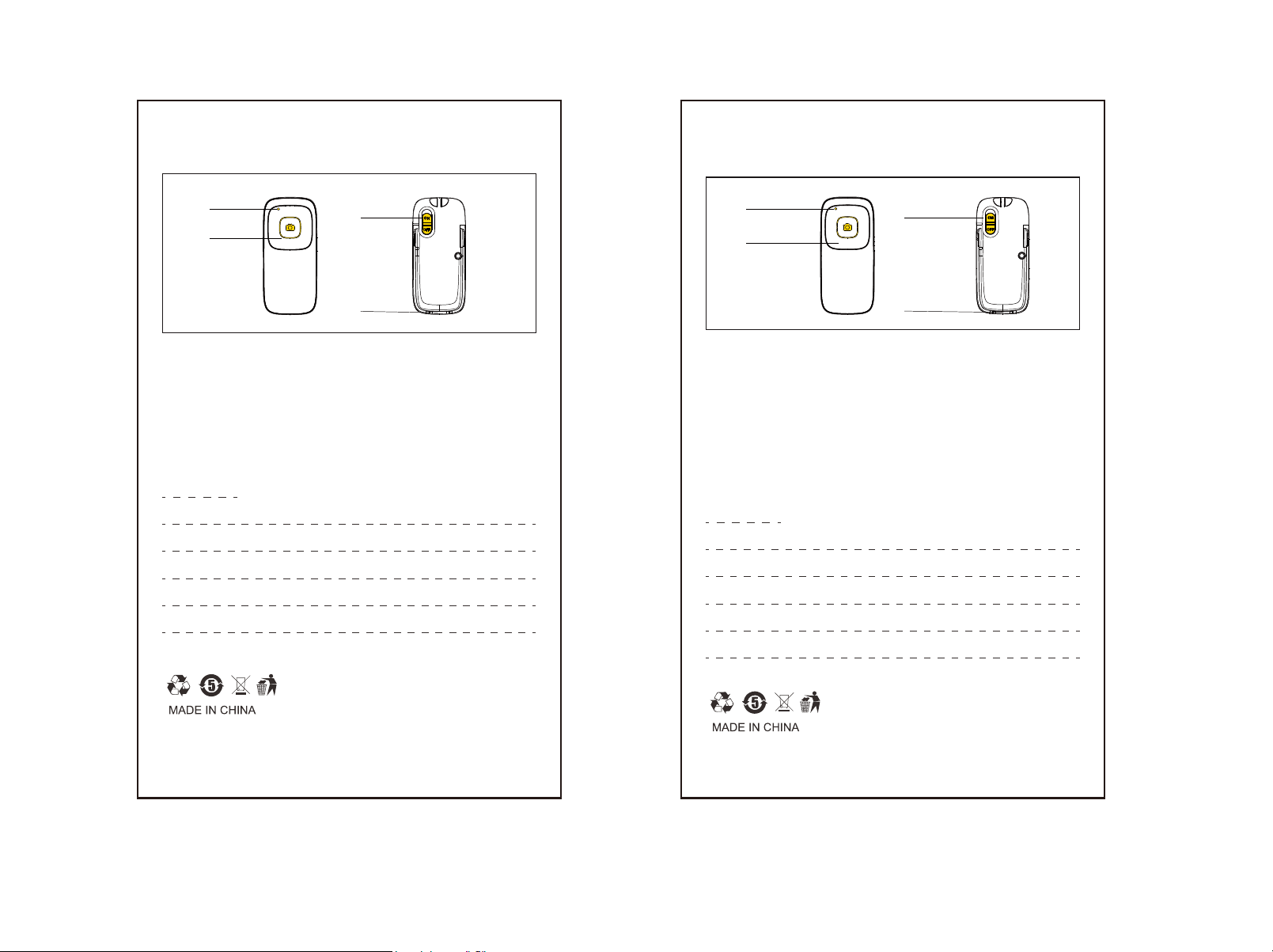
开关键
充电口
拍摄键
指示灯
1.拨动遥控器背面开关(ON开启/OFF关闭),遥控器指示灯自动闪烁。
2.打开手机“设置”-“蓝牙”开启蓝牙,搜索“ADYSS-A88”点击设备名称
配对,显示“已连接”后,指示灯停止闪烁,即连接成功(遥控器开启状
态 )。
蓝牙名称:ADYSS-A88
主要材质:ABS塑料
支持系统:Android,IOS,鸿蒙
连接距离:10米
产品净重:10g
工作电压:2.8-3.6v
工作温度:-10~50℃
电池容量:55mAh
待机时间:180天
Remote control instructions
Product Parameters
Bluetooth Name: ADYSS-A88
Main material:ABS plastic
Support system: Android,IOS,HarmonyOS
Connection distance: 10 metres
Product net weight:10g
Working voltage: 2.8-3.6v
Working Temperature: -10~50℃
Battery capacity: 55mAh
Standby time: 180 days
Indicator light
On/off switch
Charging port
Photo button
r
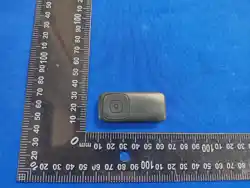
emote control A88

This device complies with part 15 of the FCC Rules. Operation is subject to the
following two conditions: (1) This device may not cause harmful interference, and (2)
this device must accept any interference received, including interference that may cause
undesired operation.
Any Changes or modifications not expressly approved by the party responsible for
compliance could void the user's authority to operate the equipment.
Note: This equipment has been tested and found to comply with the limits for a Class B
digital device, pursuant to part 15 of the FCC Rules. These limits are designed to
provide reasonable protection against harmful interference in a residential installation.
This equipment generates uses and can radiate radio frequency energy and, if not
installed and used in accordance with the instructions, may cause harmful interference
to radio communications. However, there is no guarantee that interference will not
occur in a particular installation. If this equipment does cause harmful interference to
radio or television reception, which can be determined by turning the equipment off and
on, the user is encouraged to try to correct the interference by one or more of the
following measures:
-Reorient or relocate the receiving antenna.
-Increase the separation between the equipment and receiver.
-Connect the equipment into an outlet on a circuit different from that to which the
receiver is connected.
-Consult the dealer or an experienced radio/TV technician for help.
FCC Radiation Exposure statement
The device has been evaluatec to meel general RF exposure requirement. The device
can be used in portable exposure condition without restriction.