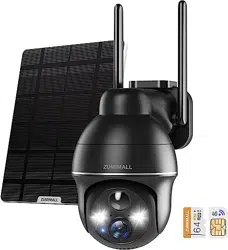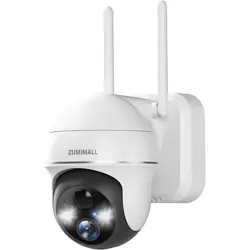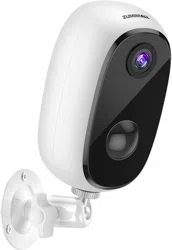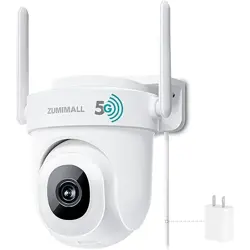
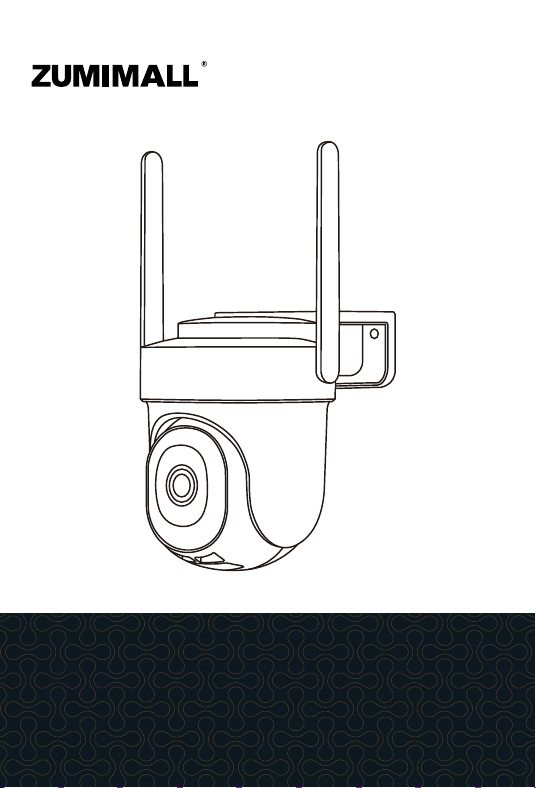
PTZ Security Camera
QUICK START GUIDE
BF-BK05
FCC ID: 2AVKP-BF-BK04
Get Smarter about Your Security
Thank you for choosing ZUMIMALL. Please read this
quick start guide carefully before using this product,
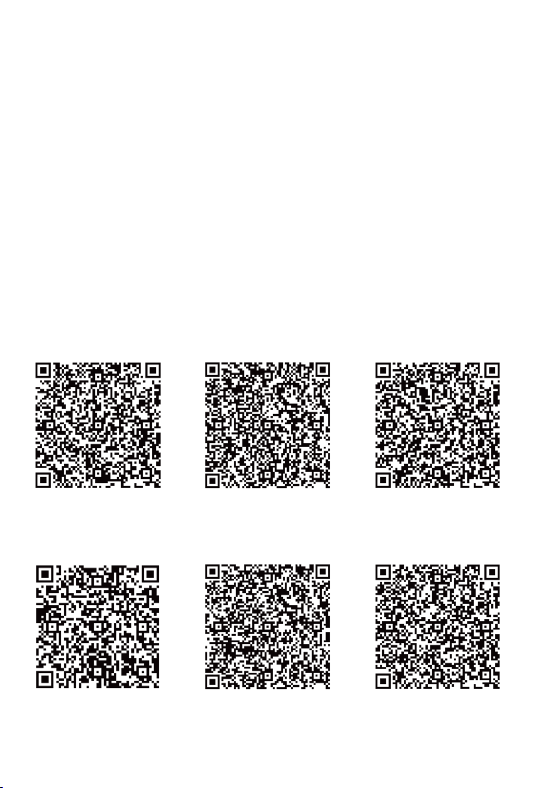
for further information please scan the QR code below
to download user manual on ZUMIMALL website.
Welcome
Please scan the QR code to
get the detailed electronic manual.
English
Italian Spanish Japanese
German French
@zumimall
@zumimalloffice
@zumimallcam
@zumimallcamera
Product Service
Email:
support@zumimall.com
Distributor: distributor@zumimall.com
More About Us
Web: www.zumimall.com
Facebook:
Amazon Store: www.amazon.com/zumimall
Follow
@zumimalloffice
on Facebook
Scan “zumimall” QR
code to purchase products

Brand Story
ZUMIMALL, founded in 2008, focuses on the design
and research of intelligent security technology. We insist
on taking consumers as the core and strive to create
smart home products that lead the global home fashion
trend for consumers. Believe in craftsmanship to create
top-quality goods, technology changes life. With
high-quality products and first-class services, it has won
the love and trust of millions of customers as soon as it
went public.
Over the years, ZUMIMALL has served 45 continents,
covering 80% of the population. We are the provider of
smart lifestyles and a guardian of the wonderful
moments of your life.

1
YEAR
warranty
One-on-One Customer Service
How to Activate the Free 1-year Warranty Extension?
Email: [email protected]
Send us order number and SN number via email.
Please email us within 30 days of receiving the camera.
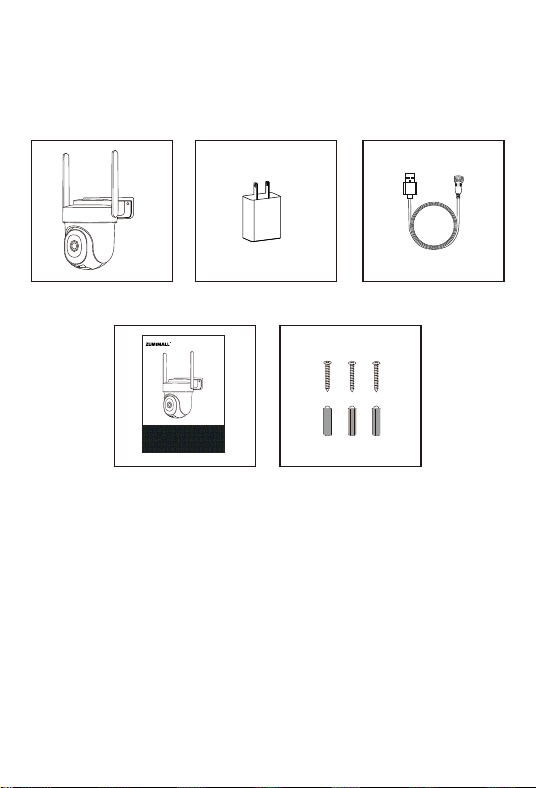
1. What’s in the Box
Camera * 1
Quick User Guide *1
Power Adapter *1
Charging Cable *1
Screws Set *1
PTZ Security Camera
QUICK START GUIDE
BF-BK05
FCC ID: 2AVKP-BF-BK04
Get Smarter about Your Security
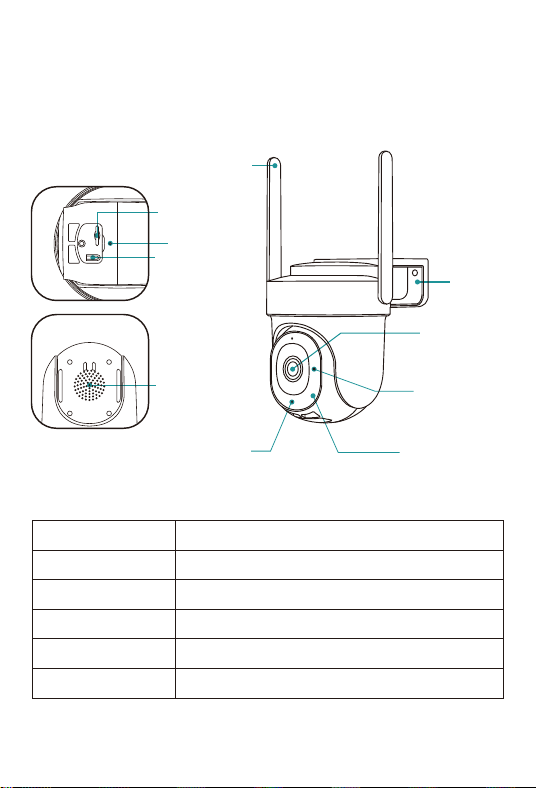
2. Product Diagram
Reset Button
Blink Slowly in Red
Blink Fast in Red
Solid in Red
Solid in Blue
Blink Slowly in Blue
Keep pressing for 5-10 seconds to reset
Awaiting Wi-Fi connection, ready add devices
Wi-Fi connecting
Network problem
Wi-Fi connected, camera running normally
Firmware update
Fill Light
Microphone
SD Card Slot
Reset Key
Speaker
Wi-Fi Antenna
Bracket
Camera
Lens
White Light
indicator
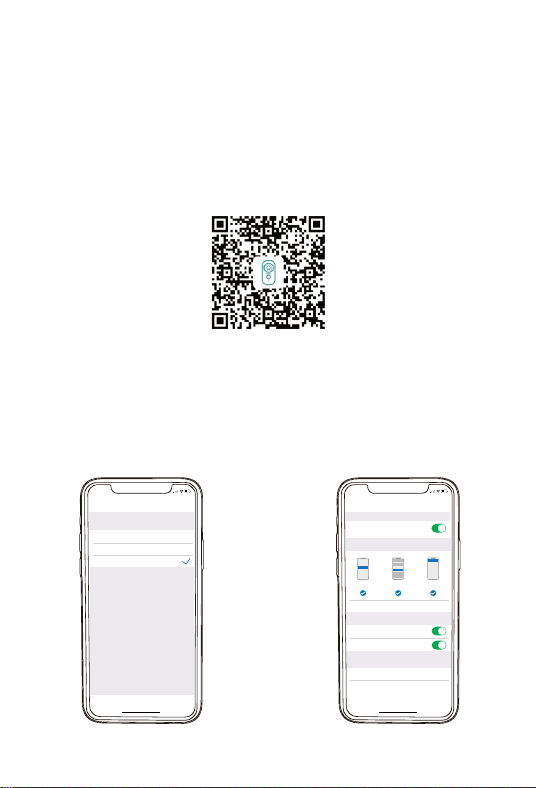
3. Download and Install App
Download ZUMIMALL App from Google Play™ or App Store™.
Or scan the QR codes as below, with your smart phone.
NOTE: Google Play™ is a trademark of Google Inc. App Store™
is a service mark of Apple Inc.
NOTE: Please turn on both of the following permissions.
① Allow ZUMIMALL App to access mobile cellular data and
wireless LAN, otherwise it will fail to connect the camera.
② Allow ZUMIMALL App to receive pushed messages, otherwise,
the phone will not receive alarms when motion is detected.
>
>
<
Notif ica tions
ZUMIM ALL
ALE RTS
Allow Not ifications
9:41
Lock Screen
Banner Style
Sounds
Badges
OPTIONS
When Unlocked(Default )
Show Previews
Temporary
>
>
Aut omatic
Notif ication Grouping
>
Notifi cationCente r Banners
5:51
<
ZUMIMAL L
Wireless Data
ALLOW”WIRE LESS DATA” TO USE DATA
Off
WLA N
WLA N & Cellular Dat a
5:51
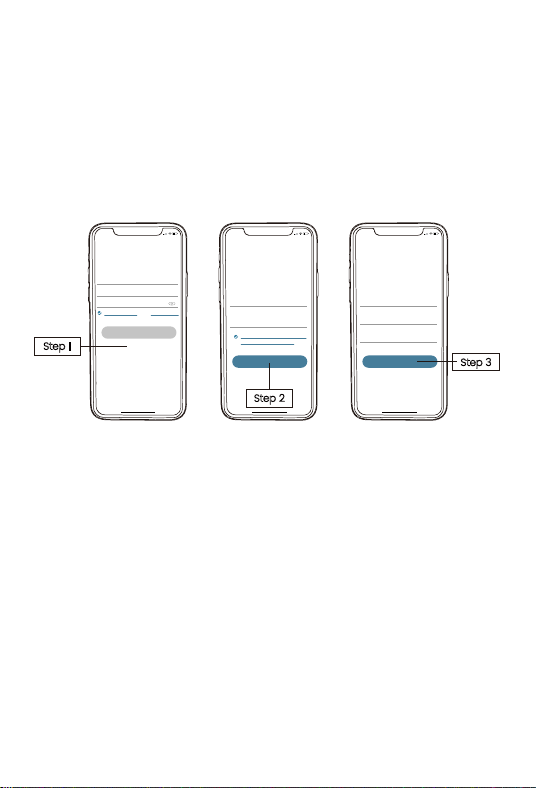
New user needs to sign up ZUMIMALL App with email address.
Click 'Sign up' to create a New Account and follow the steps
to complete registration.
4. Account Registration
5. Add Camera to App
5.1 Preparations for connection
① Insert a Micro SD Card into the camera to save video clips
or you can start the 7-day free cloud service. Without Micro SD
Card or cloud service, no video will be saved.
② Please select 2.4G/5GWiFi to ensure good signal
③ When connecting to the network, please take the camera
close to the router
(Recommended within 10-15ft).
5:51
<
Sign up
United States
+1 >
Email
Registrtion means agreement with the user
agreement and privacy agreement.
Next
5:51
<
Sign up
Account
Nickname
Password
Done
5:51
Log in
Forgot password?Remember password
>
Glad to meet you!
United States
Account
Passward
Sign Up
Step 1
Step 3
Step 2
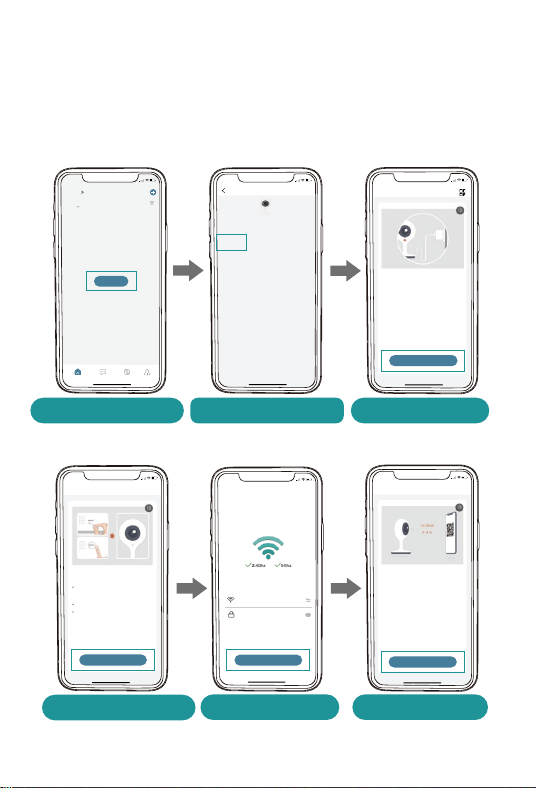
5.2 Connect Camera to App
Tap 'Add Device'
Reset the Camera
Input Wi-Fi Password
Prepare the Scanning
Select 'Power Plug Camera' Turn on the Camera
Home
Homepage Messages Search
5:48
All Devices
Me
Living room Bedroom
Add Device
5:49
Add Camera
Please place t he camera & phone close to
your router for the best signal.
Please power on the device.
<
Next
Hold the RESET button on your device for
4-5 seconds(please refer to the user
manual for more on this).
Wait for a flashing RED indicator light.
Tap Next
5:49
Add Camera
Please reset the device.
<
Next
5:50
Wi-Fi Setup
SELECT A 5G/2.4GWiFi NETWORK AND
ENTER Your Password
Common Router Setup Methods
Junan
cam2019@
<
Next
Please remove all film from the lens.Tap
Next to show a QR code, and let your
device scan the code. Keep your phone
5-8 inches from the lens.
5:50
Operation Instructions
<
Next
5:48
Battery
Camera
Smart
Doorbell
Battery Camera
(WIFI)
Power Plug
Camera
Select Device
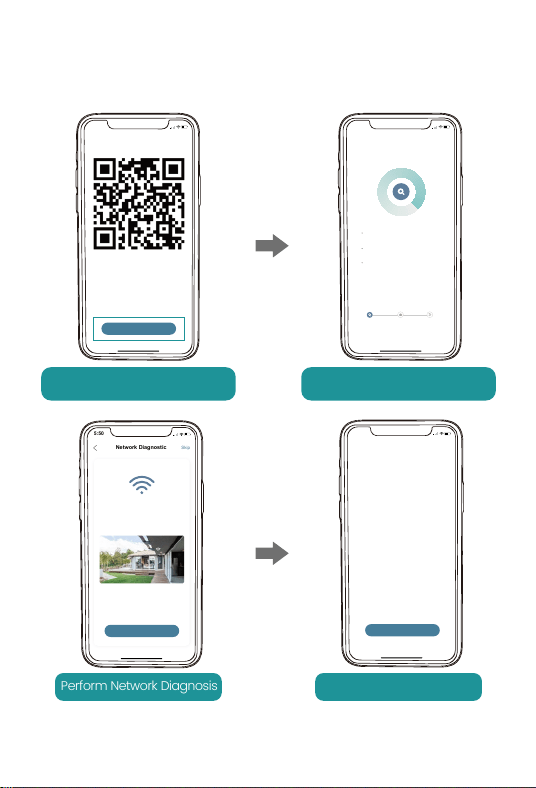
5:50
Scan QR Code
<
Scan the QR code below with the device
at a distance of 5-8 inches. A tone will be
heard when successfully scanned.
Next
Help
Scan QR Code when Indicator
Flashing Slowly in Red
Finished Installation
When Reaches 100%
5:50
Connect Network
<
Make sure the device in an
energized state
02:06
Make sure the device is connected to
the router
Make sure the device and the phone are
on the same network
Search device
Register to the cloud Device
initialization
Perform Network Diagnosis View Installation Tips
5:50
Network Diagnostic
Skip
<
WIFI signal strength
High
Current Place is good, you can install
the camera.
02-15-2022 11:08:17 AM
6KB/s
Next
5:50
How to install camera
Install tips:
<
1.Please use outdoor mounting bracket if you
want to install camera outside.
2.It is recommended to install the camera at a
height of 2-3 meters.
3.Avoid direct sunlight to the camera lens.
4.Avoid placing the camera lens against the
wall and glass at close range.
Done

FCC ID: 2AVKP-BF-BK04
Get Smarter about Your Security