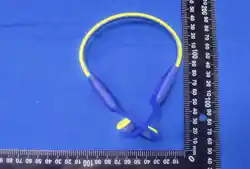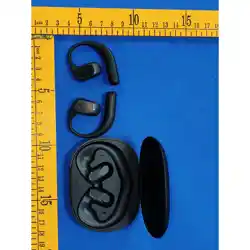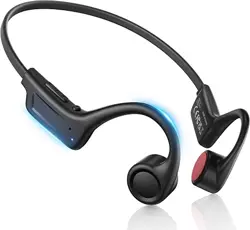

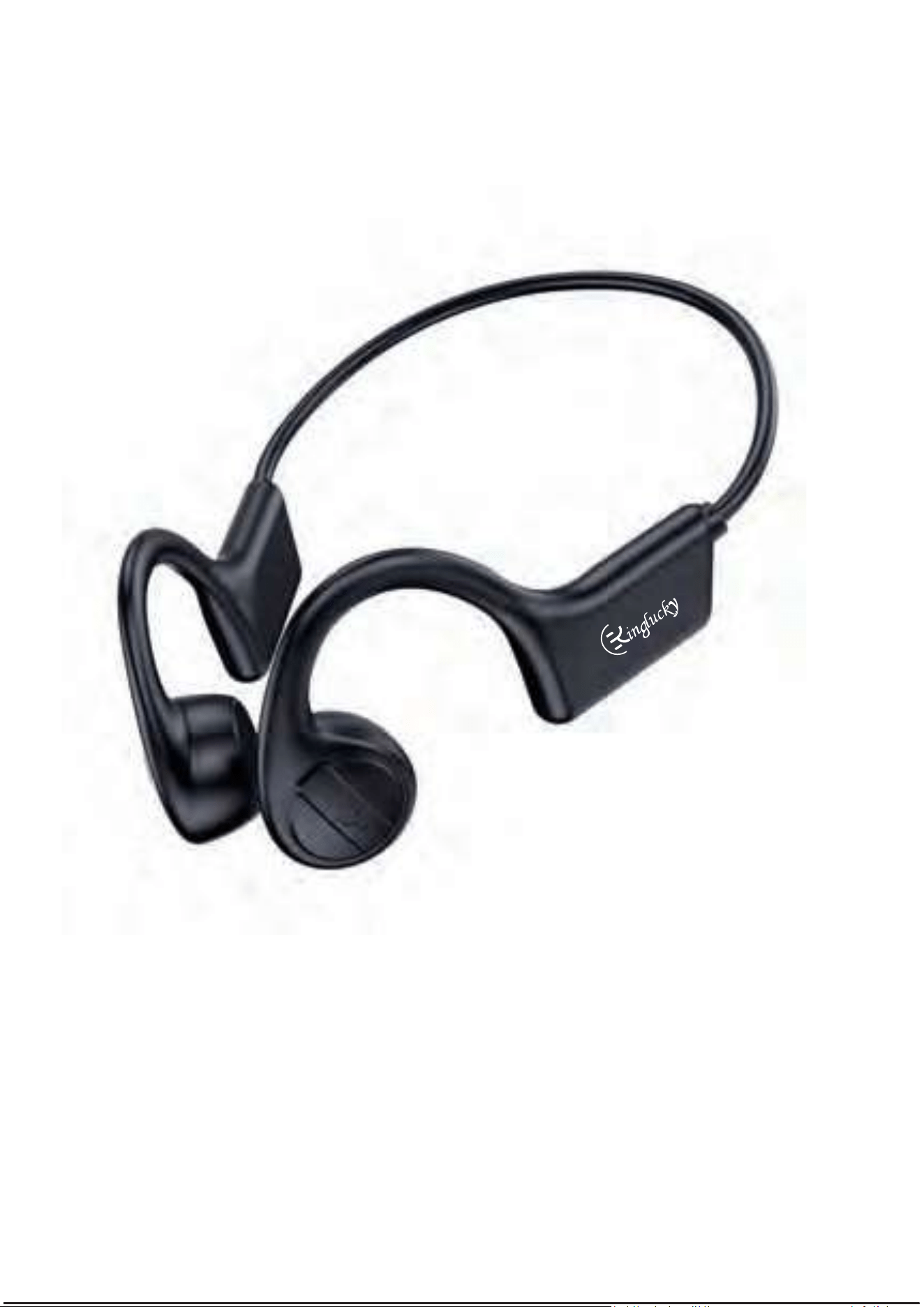
X7BoneConducve
Headphone
User Manual
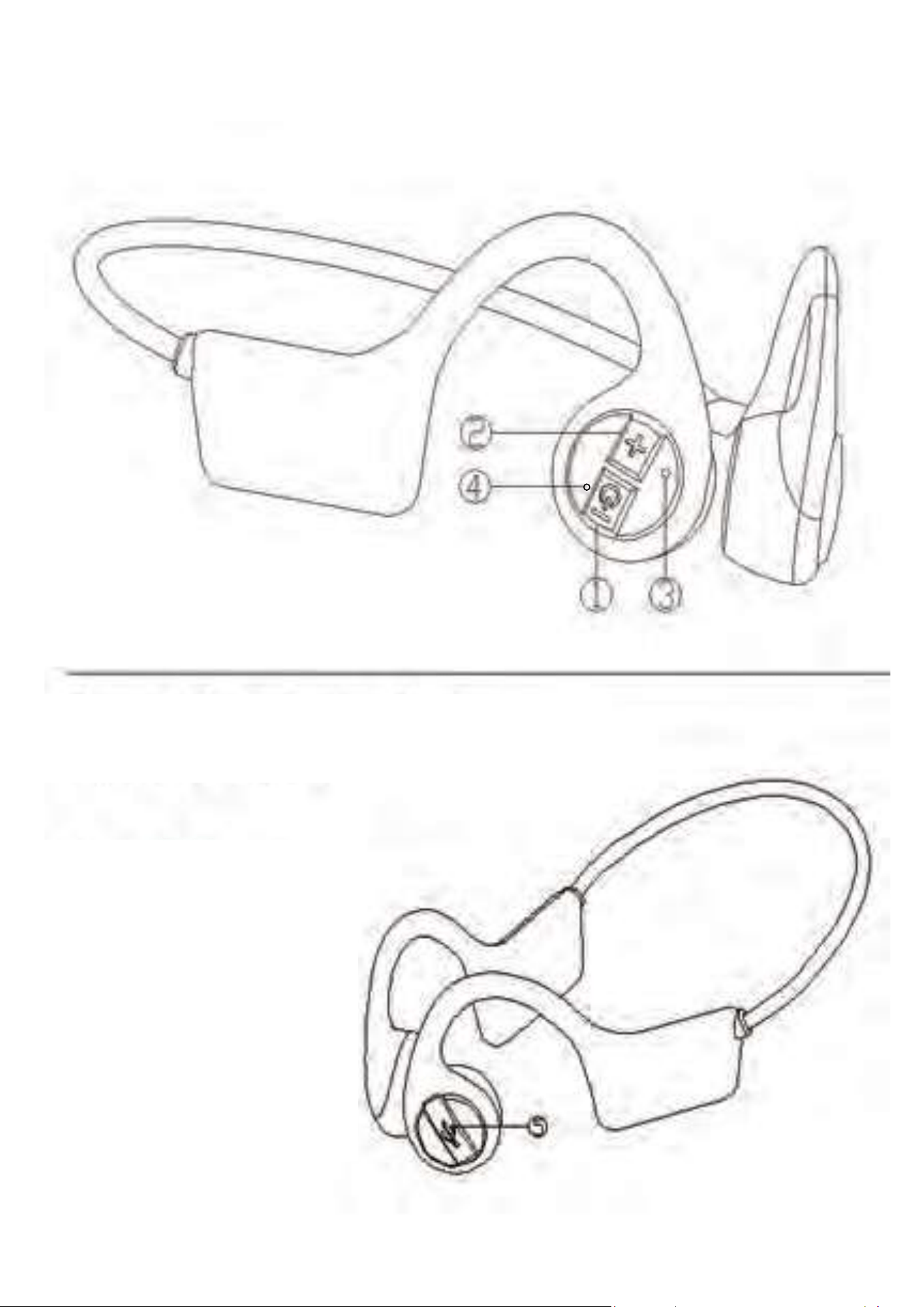
①
PowerON/OFF&VolumeDown
②
Volumeup
③
Microphone
④
Indicator
⑤
USBChargingport
AccessoriesList
1.X7boneconducveheadphone
2.USBchargingcable
3.Instruconmanual
ProductGraphicandAccessories

DireconsToUseX7Headphone
Power On
Topressthepowerbuonfor2secondslltheLEDindicator
blinksREDandBLUEalternately,theheadphoneisturnedon
andreadyforBluetoothconnecon.
BluetoothConnecon
Atthefirstmetouse,a�ertheheadphoneisturnedon,it
willbesearchedintheBluetoothsengsmodeofyour
devices(mobilephoneormusicplayer).Thenyouwillfind
“X7”andselectitinyourBluetoothdevicesfound.WhenX7
isconnectedsuccess,theblueindicatorwillblinkslowlyand
whenmusicplaying,theindicatorwillbeturnedoff.
PowerOff
Topressthepowerbuonfor3secondstoturnoffthe
headphone.Italsocanbeshutdownautomacallyifthereis
nopairingorconneconfor180seconds.
LowPowerAlarm&Charging
Normallythemobilephonewilldisplaytheheadphonepower
status.Ifthebaeryvoltageislowerthan3.4V,youwillhear
thelowpoweralarmforevery120seconds.Oncethebaery
voltagedroppedto3.2V,headphonewillbeturnedoff
automacally.ThenpleaseusetheUSBcabletopluginto
poweradaptorforcharging.
PairedDeviceReplacement
DisconnecttheBluetoothofyourcurrentpaireddevice,then
theheadphoneindicatorwillblinkREDandBLUEalternately
again.Otherdevicescanfind“X7”andavailableforconnecon.

OperaonInstrucon:
POWERON/OFF,VOLUMEDOWN
1.Pushthebuonfor2secondstoturnon
2.Pushthebuonfor3secondstoturnoff
3.Doubleclicksfornextsong
4.TripleclicksforVolumeDown
VOLUMEUP
Toplaymusic:
1.ClickforPlay/Pause
2.Doubleclicksforprevioussong
3.Tripleclicksforvolumeup(Beepsoundwhenreachthemax.
volume)
4.Pushthebuonfor2secondstocallAIassistant(like“siri”)
Toanswerthecall
5.Clickforcallinganswer
6.Pushbuonfor2secondstodismissthecall
7.Clickforconversaonended
8.Doubleclickstoendthecallandanswerthirdpartycall
IndicatorsDescripon
1.AlternateREDandBLUE:waingforpairing
2.BLUEfor3secondsthenturnedoff:Bluetoothconnected
3.RED:underpowercharging
4.BLUE:baeryisfullycharged

ProductSpecificaon
*Modelname:X7
*Bluetoothversion:5.0
*Netweight:31.5g
*Baerycapacity:320mAH
*Powerinput:5V1A
*Baerychargingme:2hours
*Musicplayback:12hoursat70%volume
*Waterproof:IP55
*Transmissiondistance:10meters
*Protocolsupport:A2DP,AVRCP,HSP,HFP

TroubleShoong
1.Unabletoturnonheadphone
=>Pleasemakesurethebaerywasfullychargedand
powerbuonwaspressedonrightposion.
2.Unabletoconnectheadphone
=>PleasemakesuretheindicatorLEDisonthestatus
ofREDandBLUEblinkingalternately.Iftheindicator
blinkBLUEslowly,theheadphonewasconnectedby
otherdevice.Pleasedisconnectthedeviceandtryagain.
3.Unabletoreconnectheadphone
=>pleasemakesureBluetoothonyourdevicewasturned
on.
4.Lesstransmissiondistance
=>PleasemakesureyourBluetoothversionofdeviceis
4.0above.TheoldversionBluetoothmaycauseshorter
transmissiondistance.
Quality Inspector