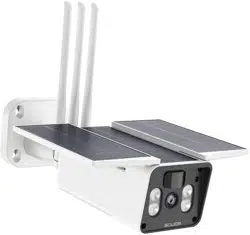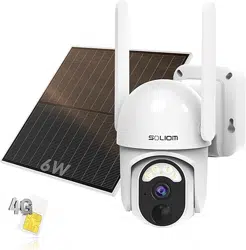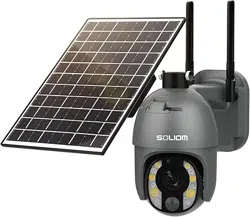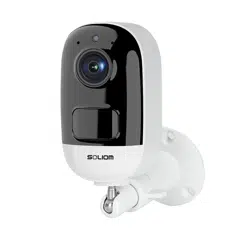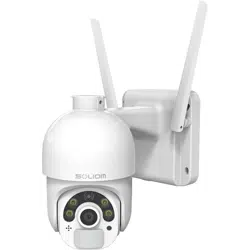
Soliom Home
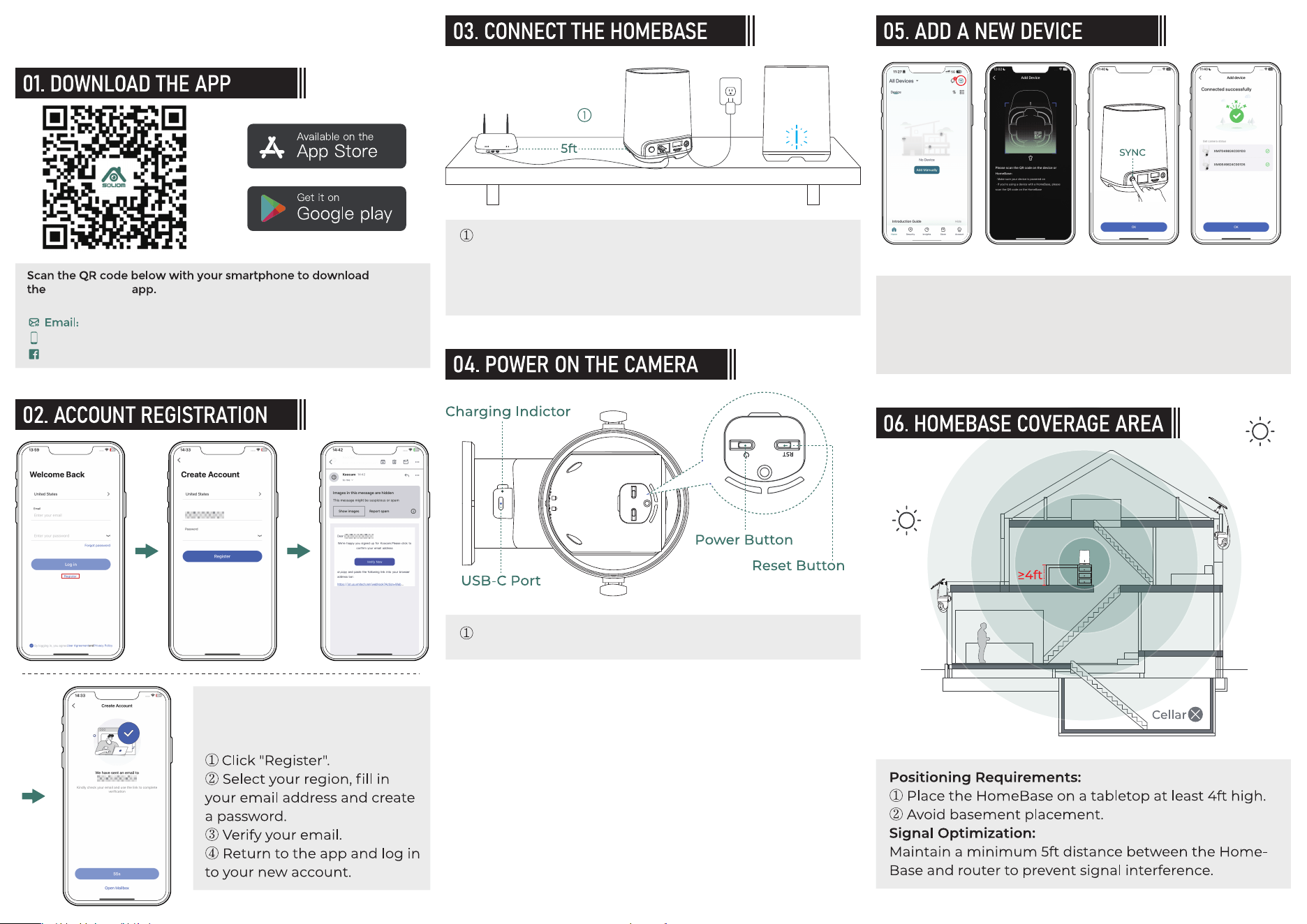
To create a Soliom Home account,
you must register with a valic emai
address.
CONTACT US:
+1-888-299-8883
https://www.facebook.com/soliomcam
Connect the base station to power. Connect the HomeBase to
a router with an Ethernet cable until the indicator light turns
from red to blue.
Press and hold the power button for 3-5 seconds to turn on the
camera
Connect your phone to the same Wi-Fi network as the router
connected to HomeBase.
②
Click the " + "
①
Scan the QR code on the base station with your mobile phone
②
When the HomeBase LED is blue, press and hold the SYNC Off
button for over 3 seconds. The LED will then start flashing blue.
③
Connection successful
④
QUICK SETUP GUIDE(V3)
Can't find the QR code? Click here >
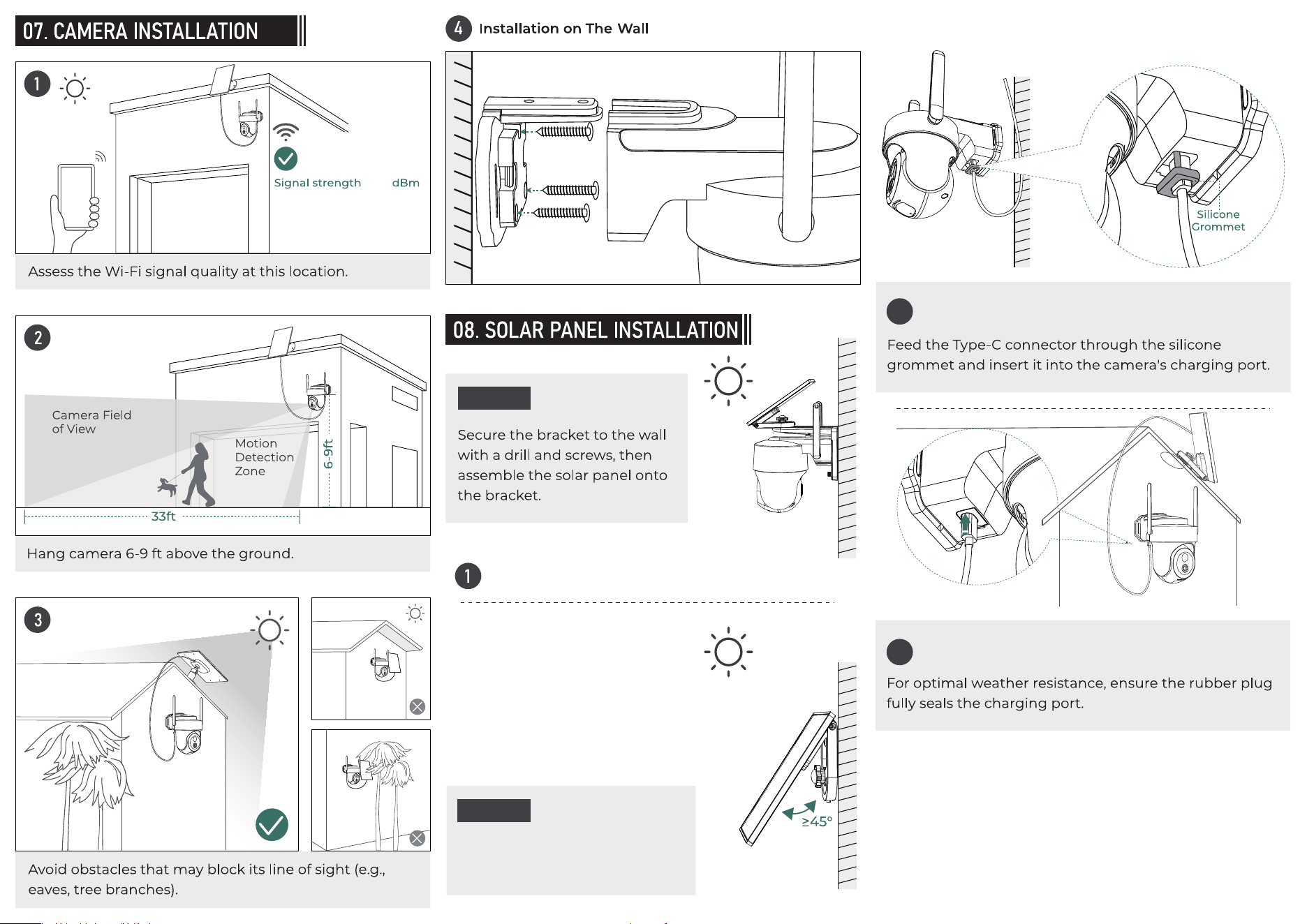
Option 1
Option 2
Drill and screw the solar panel directly
on the wall or roof
Ensure the panel faces direct sunlight
2
3
≤-65