尺寸:��*���mm
材质及工艺:
封面/封底���g双铜+单黑印刷+防刮花哑膜
内页���g双铜+单黑印刷
骑马钉
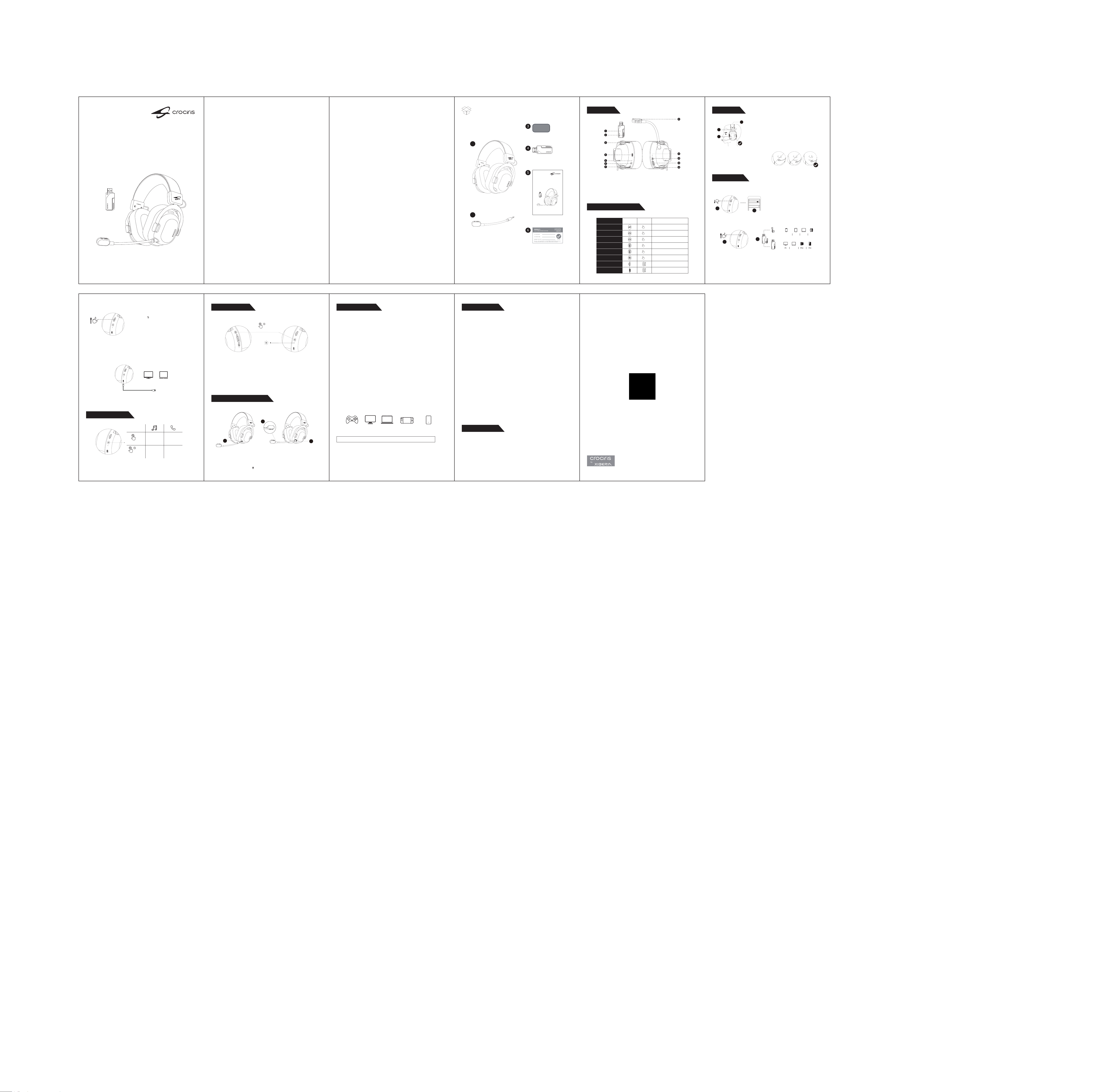
�. CROCIRIS T�� Wireless Gaming Headset
�. Detachable Microphone
�. Windshield Foam Covers
�. USB Adapter
�. Quick Start Guide
�. Warranty Card
Contents
English .............................................................................................. �-��
Português ...............................................................................................�
Español ...................................................................................................�
简体中文 ................................................................................................��
Русский ................................................................................................��
日本語....................................................................................................��
한국어.....................................................................................................13
ﺔﻴﺑﺮﻌﻟا......................................................................................................��
ไทย ........................................................................................................��
Tiếng Việt..............................................................................................��
Bahasa Indonesia ...................................................................................��
........................................................................................................��
Deutsch.................................................................................................��
Français.................................................................................................��
�. USB Adapter
�. Type-C Adapter
�. Sound Mode Button
�. Type-C Port
�. Power Indicator Light
�. Power Button
�. Mode Switch
�. Detachable Microphone
�. Microphone Status Indicator Light
��. Microphone Function Button
��. Volume Adjustment Wheel
��. Microphone Mute Button
� � �
Overview
Connection
Function Operation
� �
Reset Settings
�
Specifications
Specifications are subject to change without notice.
PlayStation PC|MAC Handheld Switch
|
Android| iPhoneLaptop
Install the Microphone
�. Insert the detachable microphone into the headset microphone jack.
�. Rotate the microphone to the right to lock it in place.
�. Rotate the microphone so that the icon is aligned with your mouth.
�
�
�
�
�
Default Default Default
Gaming Mode � / Gaming Mode �
/ Music Mode,Movie Mode
Green light stays on for � second
Red light stays on for � second
On (Red Light On)
�.�GHz Mode / Dual-Device Mode
/ Bluetooth Mode
/
/
/
Music Mode
Sound Mode Button
Power On
Power Off
Mic Gain On/Off
Microphone Noise
Cancellation On/Off
Microphone On/Off
Volume Control
Mode Switch
×1
2S
3S
×1
×2
×1
Wearing
Wearing the Headset:
�. Adjust the adjustable arm to the appropriate length.
�. The headband should rest comfortably on the top of your
head.
�. The ear cushions should fully cover your ears.
Microphone Placement:
Ideal placement of the microphone is at the
corner of your mouth. In this position, your
voice can be heard clearly without the
microphone picking up breath sounds.
�
�
�
FCC Warning
��
This device complies with part �� of the FCC rules. Operation is subject to the following two
conditions:
(�) This device may not cause harmful interference.
(�) This device must accept any interference received, including interference that may cause
undesired operation.
Changes or modifications not expressly approved by the party responsible for compliance could
void the user's authority to operate the equipment.
NOTE: This equipment has been tested and found to comply with the limits for a Class B digital
device, pursuant to part �� of the FCC Rules. These limits are designed to provide reasonable
protection against harmful interference in a residential installation. This equipment generates uses
and can radiate radio frequency energy and, if not installed and used in accordance with the
instructions, may cause harmful interference to radio communications. However, there is no
guarantee that interference will not occur in a particular installation. If this equipment does cause
harmful interference to radio or television reception, which can be determined by turning the
equipment off and on, the user is encouraged to try to correct the interference by one or more of
the following measures:
·Reorient or relocate the receiving antenna.
·Increase the separation between the equipment and receiver.
·Connect the equipment into an outlet on a circuit different from that to which the receiver is
connected.
·Consult the dealer or an experienced radio/TV technician for help.
Radiation Exposure Statement
The device has been evaluated to meet general RF exposure requirements. The device can be used
in portable exposure condition without restriction.
Batteries
A warning that batteries ( battery pack or batteries installed ) shall not be exposed to excessive heat
such as sunshine, fire or the light.
( � ) Replacement of a battery with an incorrect type that can defeat a safeguard;
( � ) Disposal of a battery into fire or a hot oven, or mechanically crushing or cutting of a battery,
that can result in an explosion;
( � ) Leaving a battery in an extremely high temperature surrounding environment that can result in
an explosion or the leakage of flammable liquid or gas;
( � ) A battery subjected to extremely low air pressure that may result in an explosion or the leakage
of flammable liquid or gas.
Service|Support
CROCIRIS is the flagship premium brand of XIBERIA
Copyright ©���� CROCIRIS. "CROCIRIS" and "XIBERIA" are trademarks or registered
trademarks of its affiliated companies in China and other countries/regions. All other
trademarks are the property of their respective owners. CROCIRIS assumes no responsibility
for any errors or omissions in this manual. Actual products may vary from the images shown.
Information contained herein is subject to change without notice. Warranty services are valid
only within designated sales regions.
www.crociris.com
�. Select the "�.�G" button on the headphones.
�. Connect the �.�GHz wireless adapter to the device's port.
Notes:
After the headphones are successfully connected to the adapter, the headphone's status indicator
flashes green once every �� seconds.
�. Select the "BT" button on your headphones.
�. Turn on Bluetooth on your device, find
"CROCIRIS T�� Wireless" in the search bar, and
click to connect.
Notes:
The USB audio mode is only available when the headset is turned on and connected via a
Type-C cable.
Bluetooth Mode:
Dual-Device Mode:
USB Audio Mode:
�.�GHz Mode:
CROCIRIS T�� Wireless
Bluetooth
Bluetooth
My Devices
Settings
�
�
�
�
USB-A Adapter
Type-C Adapter
Laptop
Mobile Phone
Tablet
Laptop Switch
Notes:
If only Bluetooth or �.�GHz is connected, the other mode will enter pairing mode and wait for a
connection, with no indicator light.
�. Select the " " button on your headphones.
�. Turn on Bluetooth on your device, find "CROCIRIS
T�� Wireless" in the search bar, and click to connect.
�. Connect the �.�GHz wireless adapter to the
device's port.
T�� Wireless
WIRELESS GAMING HEADSET
Quick Start Guide
T�� Wireless
WIRELESS GAMING HEADSET
Quick Start Guide
USB Audio Mode
LaptopPC
Button Controls
Notes:
This feature is available in Bluetooth mode.
Play/Pause
Answer/
End a call
Reject a call
Press
×1
Press �.�
seconds
×1.5"
�. With the device powered on, press and hold the power button and microphone mute button
simultaneously for � seconds to restore factory settings.
�. After completion, the green indicator light will flash � times. When powering off, the red indicator
light will stay on for � second and then turn off automatically.
Press � seconds
×3"
Green light
flashing � times
Headphone:
Driver: �� mm neodymium
Frequency response: �� Hz-�� khz
Impedance: �� Ω
Sensitivity: �� ± � dB
Yoke material: Aluminum alloy
Ear pads and headband pad: Memory foam leatherette ear cushions
Wireless range: Up to �� m
Weight: ���.� g
Microphone:
Microphone size: Φ �� mm
Microphone type: Boom
Pickup pattern: Unidirectional
Microphone frequency response: ��� Hz-�� kHz
Battery & Charging:
Battery type: Rechargeable lithium battery
Bluetooth battery life: Up to ��� Hours
�.�GHz: Up to ��� Hours
Tested at ��% headphone volume. Battery life varies based on volume
and usage.
Connectivity:Type-C
Compatibility: