
User Manual
Production description:
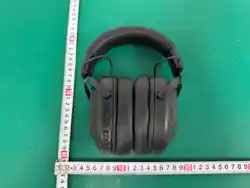
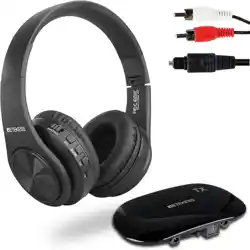
The wireless headphone is a high quality stereo ANC wireless headphone
which possesses wireless music and calling function.
Appearance vogue, beautifully designed, easy to carry, suitable for
household, outdoor travel and other places, enjoy music anytime and
anywhere. Provide super perfect sound quality for your computer, digital
music players, and mobile phones and so on audio-visual products.
Function features:
【
ANC
】
Support Active Noise Canceling function, isolate the noise from
the outside world and enjoy more pure music
【
Wireless Play
】
Support pairing wireless devices to play music such as
mobile phone, tablet, TV.
【
Hands-free calls
】
Support for hands-free calls function, built-in high
sensitive microphones, making phone calls have carefree to enjoy.
【
Voice Prompt Coming Calls
】
It will prompt the phone number when
you have a coming call, it is more convenient.
【
Battery Display
】
Mobile phone real-time display the earphone battery,
let you know the earphone battery.
【
Function of Multi Pairing
】
Support to connect two mobile phones,
more convenient to use.
【
Game mode
】
Supports low latency mode, making gaming more

immersive.
【
SIRI
】
Support intelligent voice assistant operation for greater
convenience.
【
Smart Power-off
】
If not connected wireless mode
,
it will turn off
automatically after 5 minutes, don’ t worry about waste of electricity for
standby.
【
Audio Input
】
Stereo audio input ports ,easy to connect the computer,
digital music player, mobile phone and other audio-visual products so on
all kinds of audio source.
【
Rechargeable Lithium Electricity
】
The built-in rechargeable lithium
battery, environmental protection, economical and practical.
【
Intelligent Charging
】
The voice prompt please charge when the battery
is low, when full charge it will automatically cut off power to avoid
battery charging too much to damage to the battery.
Function definition of product buttons and slot:
① ②
+
③
-
④
ANC
⑤
Type-C Charging Ports
⑥
Audio
Input Ports
⑦
Status Indicator Lamp
⑧
Built-in Mic
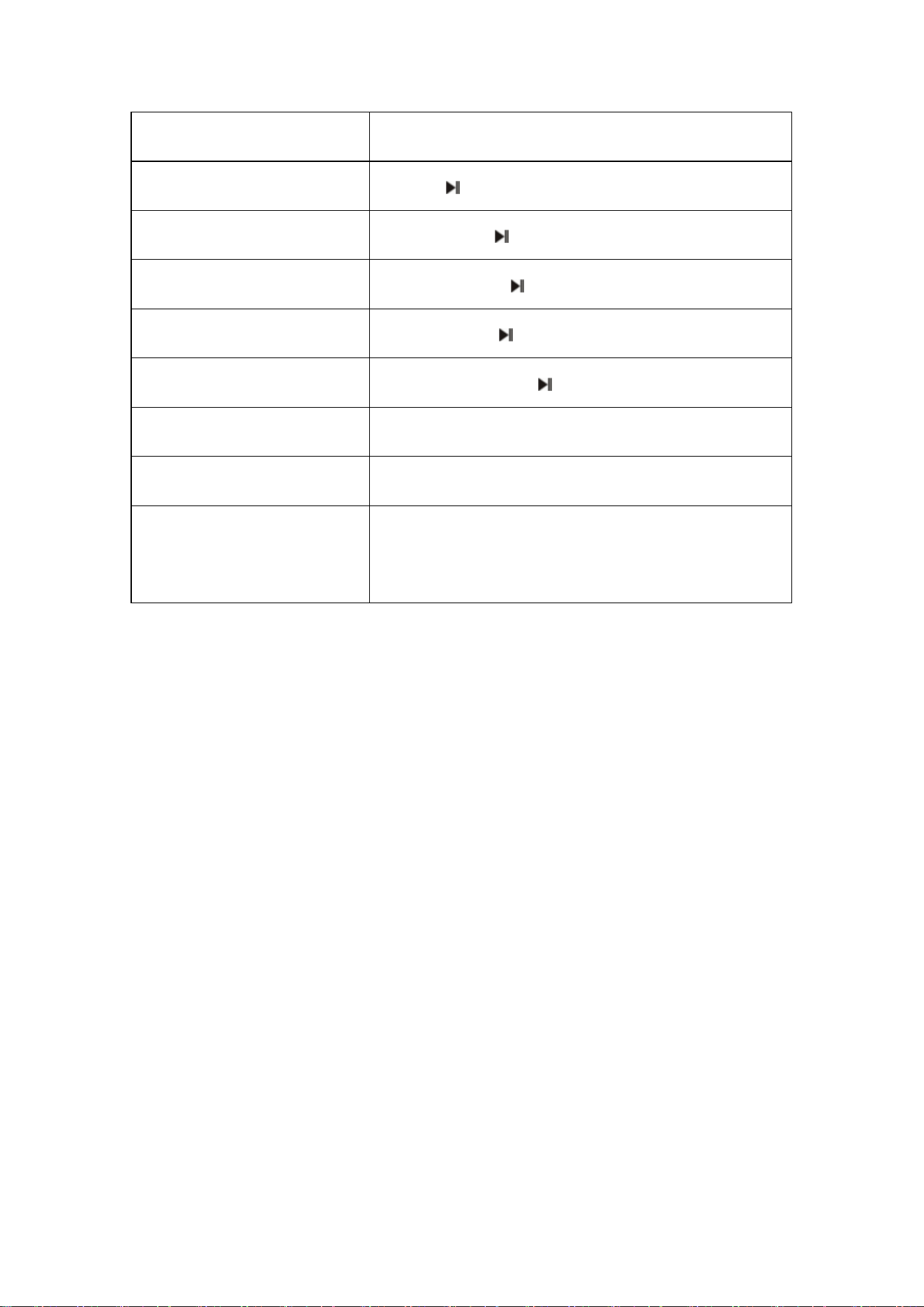
Function Usage Action List
:
Function
Operation method
Power on/Power off
Long press【 】
Play/Pause
Click【 】
Volume+/-
Click
【
+
】/【
-
】
Next/Previous song
Long press【+】/【-】
Answer/Hang up
Click【 】
Reject call
Long press【 】for 2 seconds
Redial
Double click【 】
SIRI on
Triple click【 】
Switching game mode/music
mode
Quadruple click
【 】
ANC on
【
ANC switch
】
dial up
ANC off
【ANC switch】 dial down
On/off transparency
mode
Press and hold the 【+】and【-】keys for 2
seconds
⑤ 【 Type-C Charging Ports 】: Power input jack, can use the special
charging cable from the standard package or the universal Type-C port
charging cable of the mobile phone for charging.
⑥【Audio Input】:Use the audio cable contact to the digital music player,
mobile phone and other audio-visual products so on all kinds of audio
source.
Wireless pairing operation method of the first time:
Press and hold the power button for 3 seconds until the LED blue and red
lights flash alternately. Turn on wireless on the phone,search for the
wireless device,and connect the device manually for the first time. After
the device is successfully connected,there will be a prompt tone.

Operation method of multi pairing:
Search the earphone pairing name on the mobile phone A and mobile
phone B at the same time, click the pairing name on the mobile phones
separately, and when hear a prompt tone means the pairing is successful.
If you want to listen to music on the mobile phone B when you are listen
to music on mobile phone A, you should pause the music on the mobile
phone A by hand and click the music on the mobile phone B to listen to
music and control the mobile phone B.
Method of turn to ordinary headphone:
Insert the 3.5mm audio line jack into the audio input ports, the wireless
headphone will automatically power off, can use the wireless headphone
as ordinary headphone now.
Method of charging:
Insert the end of the charging cable to native Type-C socket, the other end
of the USB plug into the mobile phone charger, the indicator light turns
red when charging, the red light will extinguish when full of.
Low battery:
When there was a low voltage power, the machine will prompt "Battery
low”, please recharge in time at this time. If it is not to be used for a long
time, charging one time every month at least, it can protect the battery
and extend battery life.
Auto power off:

If not connected wireless mode
,
it will turn off automatically after 5
minutes, don’ t worry about waste of electricity for standby.
FCC Statement
This equipment has been tested and found to comply with the limits for a Class B
digital device, pursuant to part 15 of the FCC Rules. These limits are designed to
provide reasonable protection against harmful interference in a residential installation.
This equipment generates, uses and can radiate radio frequency energy and, if not
installed and used in accordance with the instructions, may cause harmful interference
to radio communications. However, there is no guarantee that
interference will not occur in a particular installation. If this equipment does cause
harmful interference to radio or television reception, which can be determined by
turning the equipment off and on, the user is encouraged to try to correct the
interference by one or more of the following measures:
·Reorient or relocate the receiving antenna.
·
Increase the separation between the equipment and receiver.
·
Connect the equipment into an outlet on a circuit different from that to which the
receiver is connected.
·
Consult the dealer or an experienced radio/TV technician for help.
Caution: Any changes or modifications to this device not explicitly approved by
manufacturer could void your authority to operate this equipment.
This device complies with part 15 of the FCC Rules. Operation is subject to the
following two conditions: (1) This device may not cause harmful interference, and (2)
this device must accept any interference received, including interference that may
cause undesired operation.
RF Exposure Information
The device has been evaluated to meet general RF exposure requirement.
The device can be used in 0mm exposure condition, compliance with exposure
requirements.