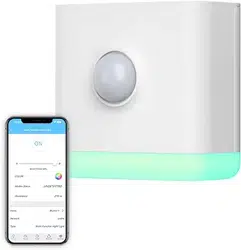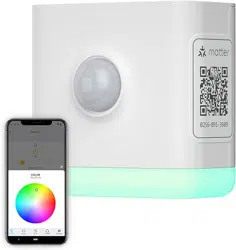
How to add SmartThings drivers for THIRDREALITY
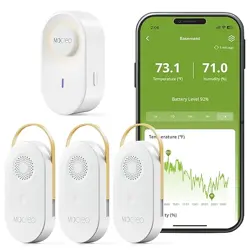
Smart Blind/Smart Button/Smart Switch/Contact
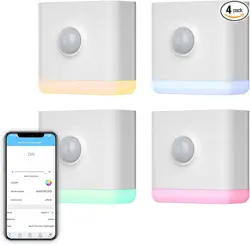
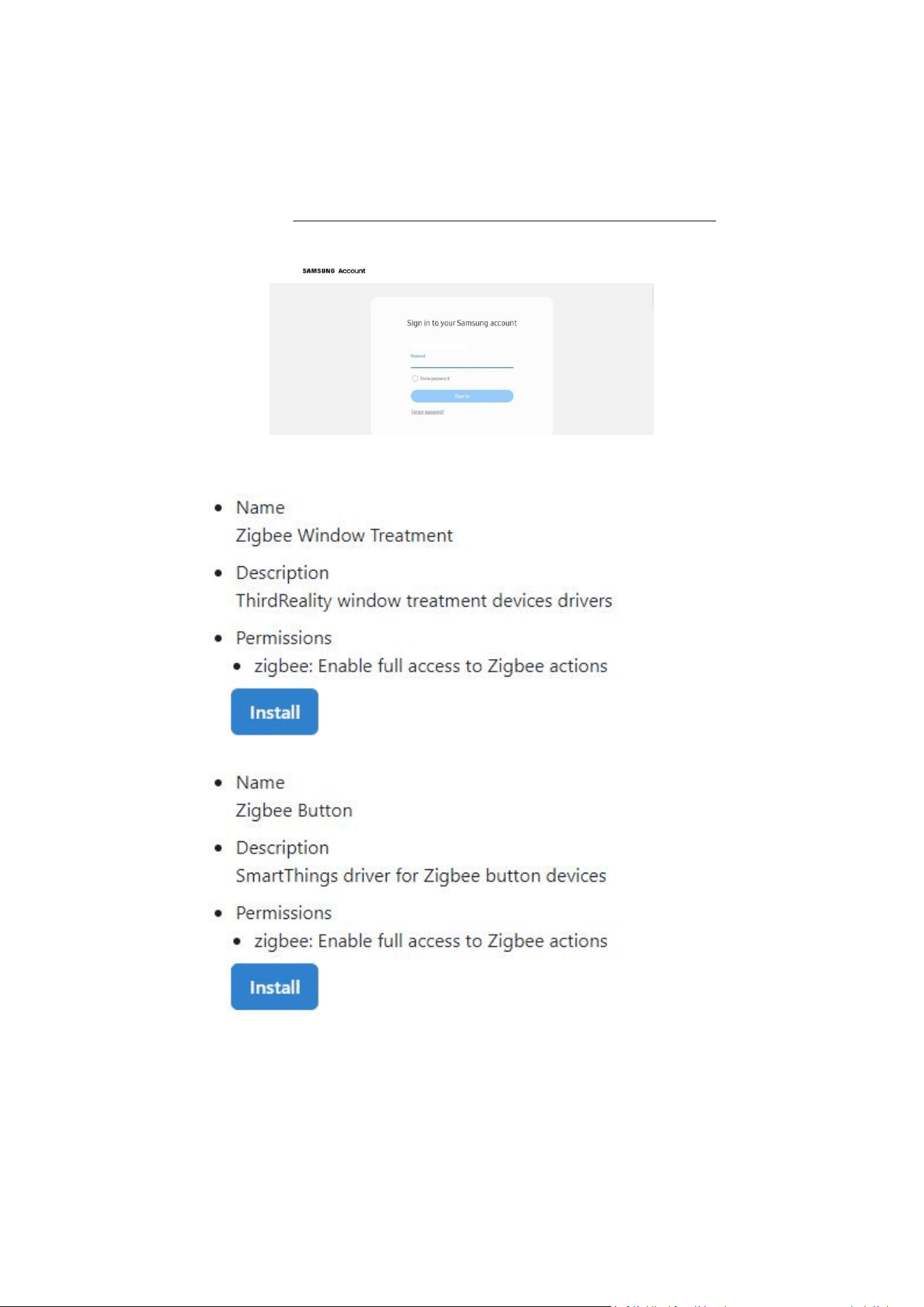
Sensor/T&H Sensor/Multi-Function Night Light
1. Open this link in your PC browser. https://bestow-regional.api.smartthings.com/invite/adMKr50EXzj9
2. Log in your SmartThings Account.
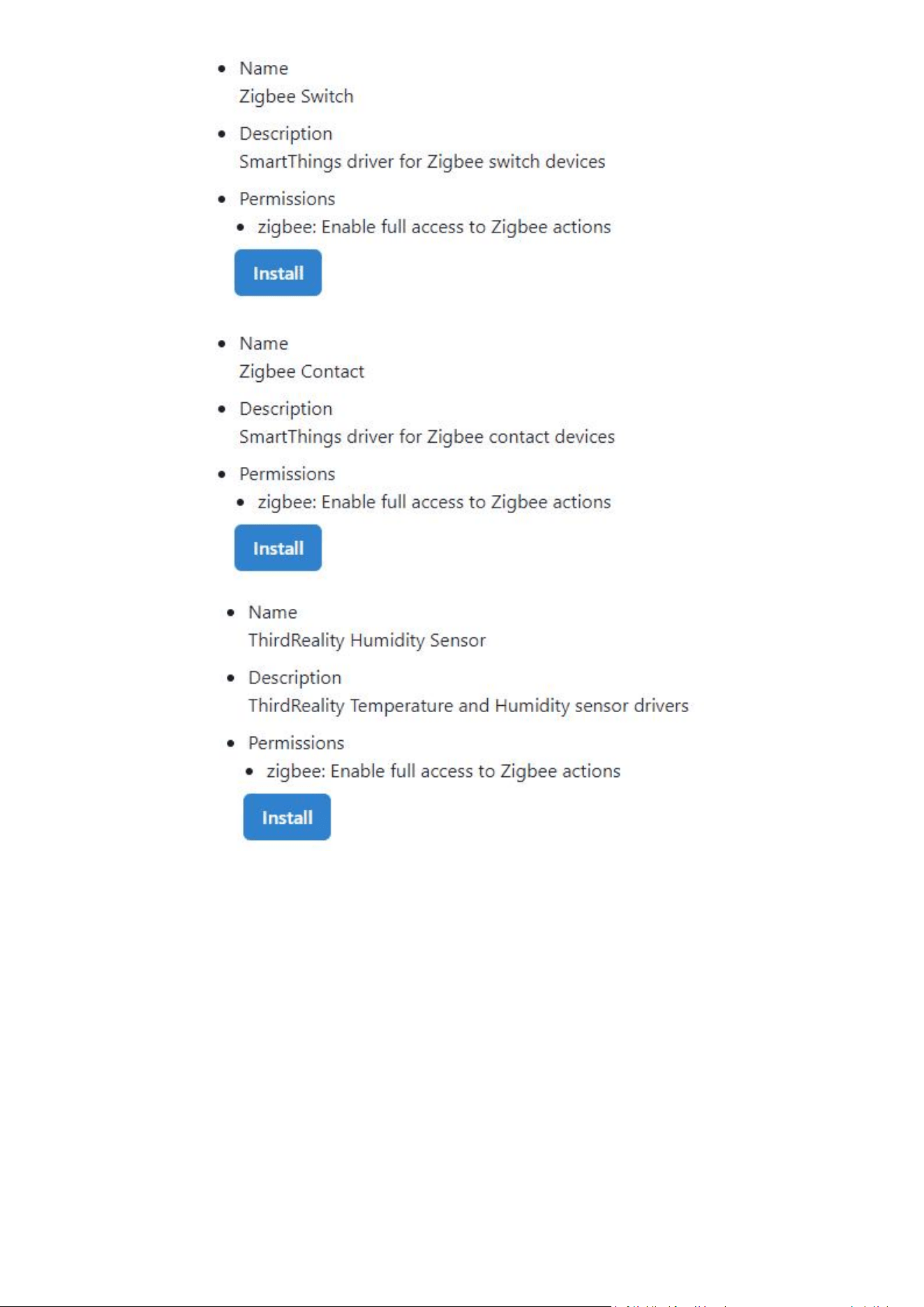
4. Click “Enroll” --“Available Drivers” -- “Install” to install the device driver as needed.
Install “Zigbee Switch” for Zigbee Multi-function Night Light.
5. Reboot your SmartThings hub by powering it off and power it on again.
6. “Scan for Nearby Devices” in SmartThings App to pair the THIRDRELAITY devices with your SmartThings hub.