FCC WARNING
This device complies with part 15 of the FCC Rules. Operation is
subject to the following two conditions: (1) This device may not
cause harmful interference, and (2) this device must accept any
interference received, including interference that may cause
undesired operation.
Note: This equipment has been tested and found to comply with the
limits for a Class B digital device, pursuant to part 15 of the FCC
Rules. These limits are designed to provide reasonable protection
against harmful interference in a residential installation. This
equipment generates, uses and can radiate radio frequency energy
and, if not installed and used in accordance with the instructions,
may cause harmful interference to radio communications. However,
there is no guarantee that interference will not occur in a particular
installation. If this equipment does cause harmful interference to
radio or television reception, which can be determined by turning the
equipment off and on, the user is encouraged to try to correct the
interference by one or more of the following measures:
—Reorient or relocate the receiving antenna.
—Increase the separation between the equipment and receiver.
—Connect the equipment into an outlet on a circuit different from
that to which the receiver is connected.
—Consult the dealer or an experienced radio/TV technician for help.
Note: The Grantee is not responsible for any changes or
modifications not expressly approved by the party responsible for
compliance. such modifications could void the user's authority to
operate the equipment.
The device has been evaluated to meet general RF exposure
requirement.This equipment complies with FCC's RF radiation
exposure limits set forth for an uncontrolled environment. This
device and its antenna(s) must not be co-located or conjunction with
any other antenna or transmitter.
90*120mm Fold
WARNING: Cancer and Reproductive Harm
ADVERTENCIA: Cáncer y Daño Reproductivo
AVERTISSEMENT: Cancer et Troubles de
l'appareil reproducteur
www.P65Warnings.ca.gov
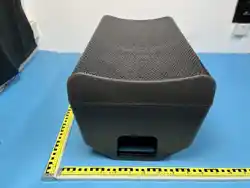
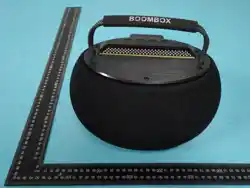
SW169 20W Wireless
BoomBox Speaker
Instruction Manual
Technical Specicatons:
Model: SW169
Main Chip: JL 6965E
Bluetooth Version: Bluetooth 5.4 + EDR
Bluetooth Protocol:A2DP, AVRCP
Transmission Distance: ≥10 meters (line-of-sight, no obstruction)
Rated Output Power: 20W RMS
Frequency Response: 80Hz - 12KHz
Speaker: Φ105mm full-range speaker × 1,
rated frequency range 200-20KHz
Input Sensitivity: 87dBm
Supported Modes: Bluetooth, TF Card, USB, FM Radio
Battery: 18650 lithium battery, 1200mAh*2, with protection board
Playback Time: 50% volume about 6-8H
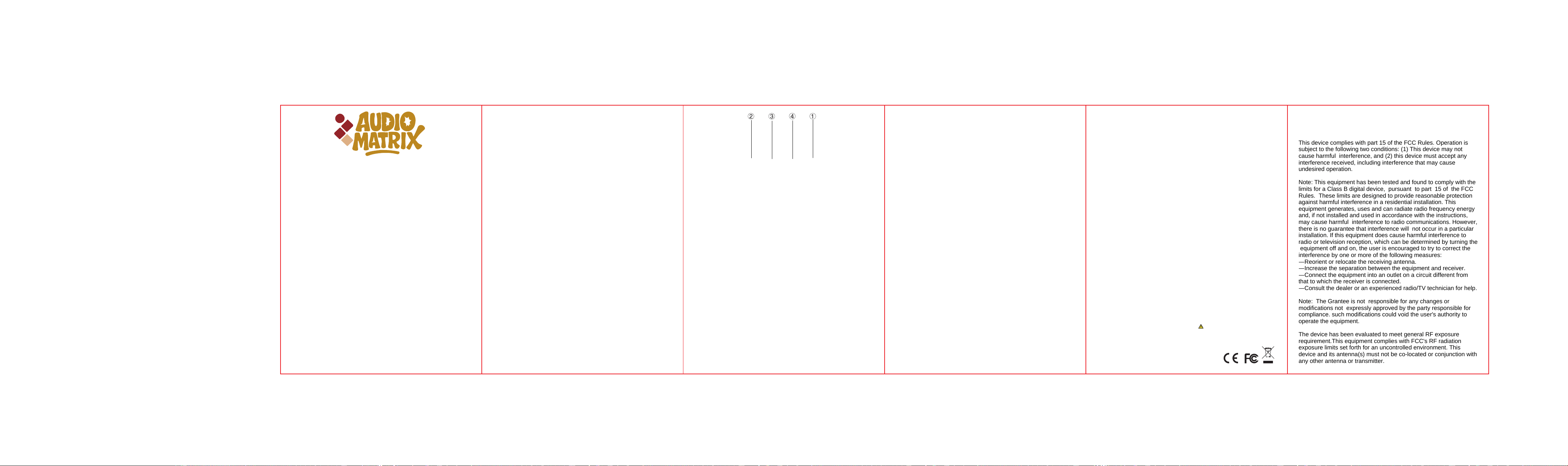
1. Power/Light Button
Long press: Power on/o, with prompt tone
Short press: Switch light mode
2. Volume + / Next Track Button
Long press: Increase volume, with prompt tone
Short press: Switch to next track, with prompt tone
Key Function Description:
Bluetooth pairing connection:
1. Long press the power button to turn on the speaker, it will enter
Bluetooth pairing mode, and the Bluetooth indicator light ashes;
2. Turn on the Bluetooth function of your phone/computer, search
and select the Bluetooth name 「AUDIO MATRIX-SW169」
to complete pairing;
3. After successful pairing, the indicator light stays steady on, and
you can play music.
Multi-mode Switching:
Short press the mode switch button to cycle through Bluetooth,
TF card playback, USB playback and FM radio modes;
When a TF card/USB device is inserted, the speaker will
automatically switch to the corresponding playback mode.
Charging Instructions:
Use a DC 5V/1A charging adapter to connect to the speaker's
charging port, the red indicator light stays on during charging;
The red light will turn o when fully charged, the recommended
charging time is no more than 4 hours.
Notes:
1. Please use a charger with rated voltage of DC 5V/1A for
charging, do not use a charger that does not meet the
specications to avoid damaging the product;
2. Do not use or store the product in high temperature,
humid or strong magnetic eld environments;
3. Do not disassemble or modify the product by yourself.
4. When not in use for a long time, please charge the
product every 3 months to avoid damage to the battery
caused by over-discharge;
5. This product has no waterproof rating, do not use it in
water-related scenarios to avoid damage caused by
water ingress.
3. Volume - / Previous Track Button
Long press: Decrease volume, with prompt tone
Short press: Switch to previous track, with prompt tone
4. Play/Pause/Mode Button
Short press: Play/Pause, blue light switches between slow ash
and steady on
Long press: Switch playback mode