User Manual
Power On / Off
• Power On: Plug the Type-C connector into your phone.
• Power Off: Unplug the Type-C connector from your phone.
ANC & Transparency Modes
Ÿ
ANC On: Press the ANC button - White light ON - Voice prompt.
Ÿ
ANC Off: Press the ANC button again - White light OFF -Voice
prompt.
Ÿ
Transparency Mode: Press the ANC button - White light ON -
Voice prompt.
CONCH Z
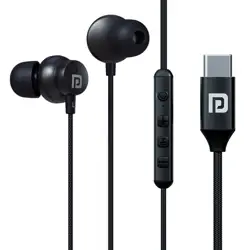
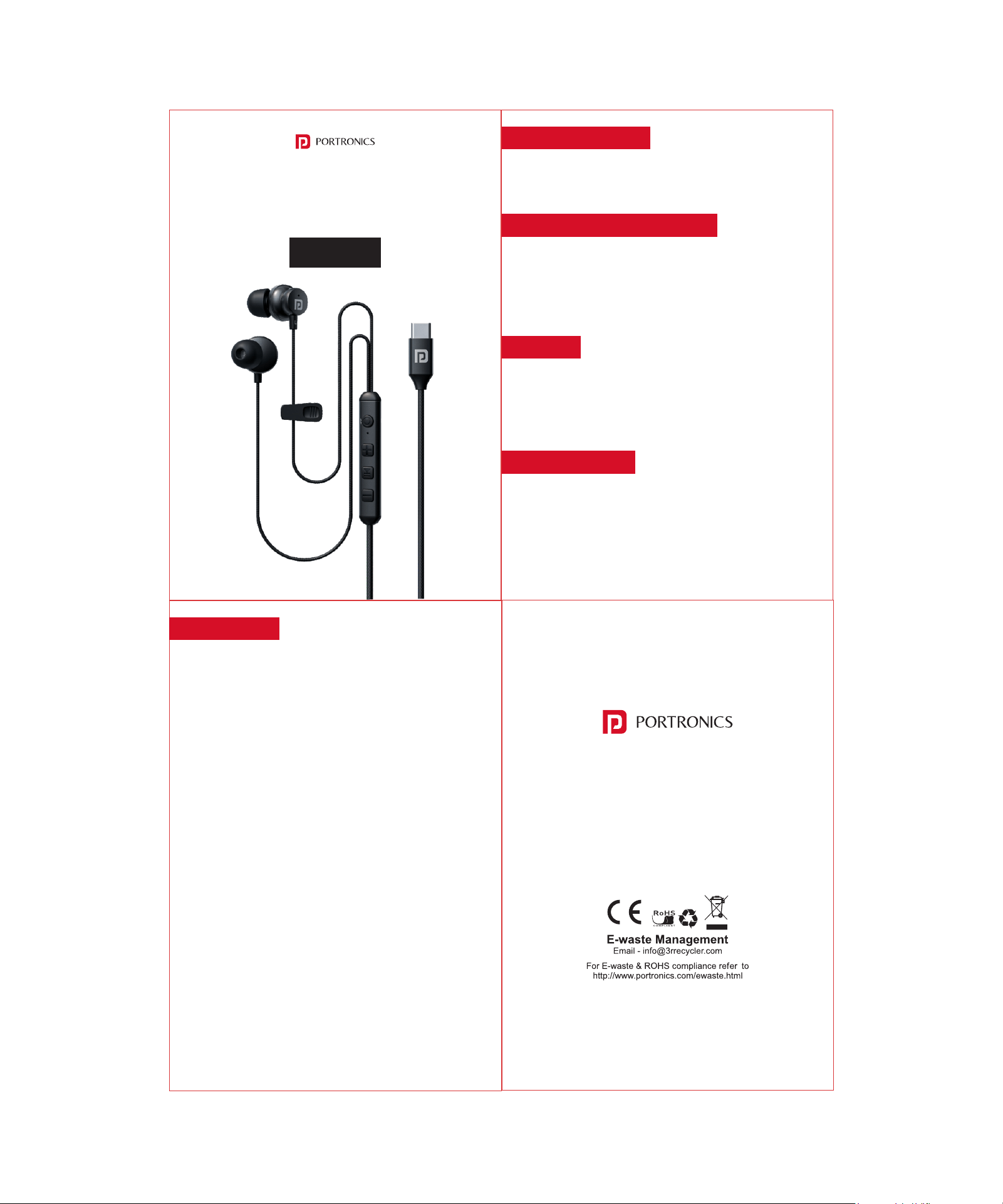
Type C Wired Earphone
Calls
Ÿ Incoming Call: Ring sound.
Ÿ
Pick Up: Short press the MFB (
▶||) button.
Ÿ Hang Up: Long press the MFB (
▶
||) button.
Ÿ
Reject Call: Long press the MFB (
▶
||) button.
Music Controls
Ÿ Play / Pause: Short press the MFB (
▶
||) button.
Ÿ
Next Track: Long press the '-' button.
Ÿ
Previous Track: Long press the '+' button.
Ÿ Volume +: Short press the '+' button.
Ÿ
Volume -: Short press the '-' button.
EQ Modes
• Switch EQ: Double-press the MFB (
▶
||) button - Voice
prompt.
• There are 5 different EQ sound modes.
www.portronics.com
For Support
Visit : www.portronics.com
Email : [email protected]
Contact No. : +91 9555245245
(Working Hrs. : Monday - Saturday 10:00am - 6:00pm)
Note for Android Users:
If your device is not detecting the product, please enable OTG
from your phone settings.
(Usually found under Settings > Additional Settings > OTG or
Settings > Connected Devices.)
Note for iPhone Users:
If the product is not working, please allow wired accessory
access:
Settings Privacy & Security Wired Accessories
Enable permission when prompted.