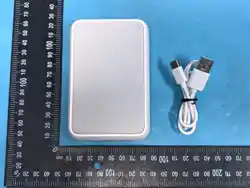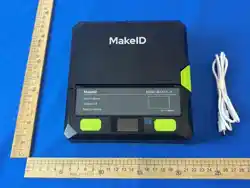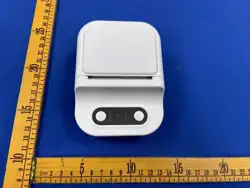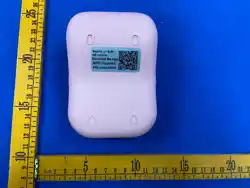
Manufacturer: Xiamen Hanin Electronic Technology Co.,Ltd.
TEL: 400-766-7666
Add: No.96, Rongyuan Road, Tong'an District, Xiamen, China, 361100
Web: cn.hprt.com
Product Introduction
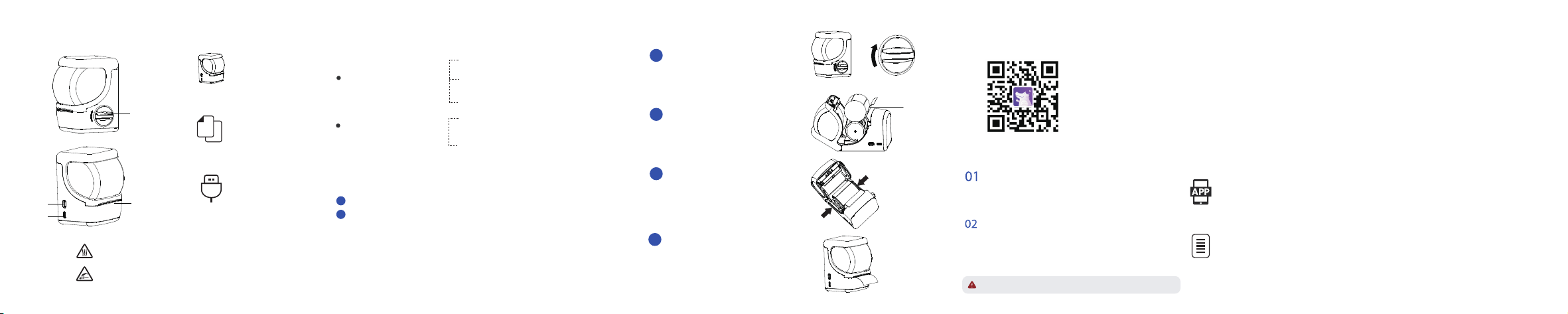
Loading Paper Product Introduction
Button Operation
Appearance and Components Packing List
Quick Start Guide
LED Indicator State
on always:Charging is complete/
Charging Begins
flashes slowly:Charging
Long press the Power button: power-on/power-off
Double-click the power button: Position and calibrate label paper and heating
line positions.
on always:Exception
(paper jam/Out-of-paper/Cover Opening)
flashes slowly:Low power
flashes quickly:TPH is over temperature.
Hold the fuselage with one hand,turn
the cover opening knob clockwise with
one hand,Implement cover opening.
Load the roll in the direction shown and
print face down.
Push both sides of the paper roll baffle
inward (arrow direction) until the paper
roll is clamped.
Exception status
Basic status
Printer
Red Light
White Light
APP Download
Scan the QR code below and download the APP:
Click on“New Tab”, use the official supplies, the APP will
automatically identify and guide the jump, to the corresponding
template editing, in the template editing required content,
and select print.
Connection and Printing
Long press the power button to boot, first open the phone
Bluetooth, and then open the APP, click on“Connect devices”,
select“New 1”.
1
1
2
2
3
Note: App operation shall be subject to the latest version.
USB Cable(选配)
Pull out a small piece of paper,Make sure
that there is a paper section after closing,
on the outside of the machine.
4
This position means that the working temperature is high,
please do not touch it.
This position is a sharp edge, do not touch.
The
thermosensitive
layer
faces down
Cover Opening
Button
Tear Bar
Paper Outlet
power-on
Power Button
Type C
Interface
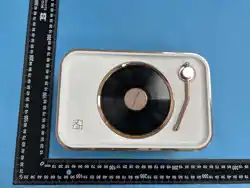
HCS-2LB23L
FCC WARNING
This device complies with part 15 of the FCC Rules. Operation is subject to the
following two conditions: (1) this device may not cause harmful interference,
and (2) this device must accept any interference received, including interference
that may cause undesired operation.
Any changes or modifications not expressly approved by the party responsible
for compliance could void the user's authority to operate the equipment.
NOTE: This equipment has been tested and found to comply with the limits for
a Class B digital device, pursuant to Part 15 of the FCC Rules. These limits are
designed to provide reasonable protection against harmful interference in a
residential installation. This equipment generates, uses and can radiate radio
frequency energy and, if not installed and used in accordance with the
instructions, may cause harmful interference to radio communications.
However, there is no guarantee that interference will not occur in a particular
installation.
If this equipment does cause harmful interference to radio or television reception,
which can be determined by turning the equipment off and on, the user is
encouraged to try to correct the interference by one or more of the following
measures:
-- Reorient or relocate the receiving antenna.
-- Increase the separation between the equipment and receiver.
-- Connect the equipment into an outlet on a circuit different from that to
which the receiver is connected.
-- Consult the dealer or an experienced radio/TV technician for help.
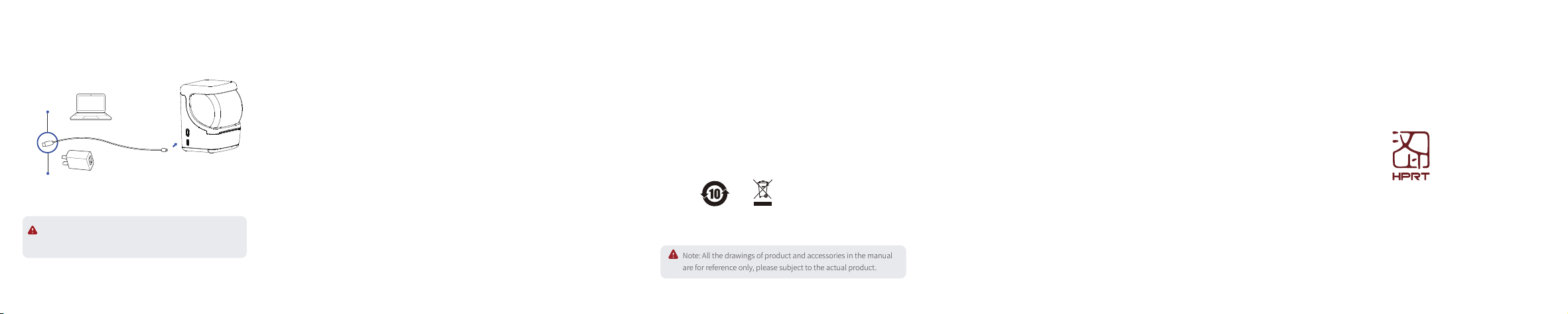
Battery Charging
Note: The printer can be charged via computer USB port or
AC adapter. Please note that the AC adapter is not supplied.
Charge via PC
Charge via AC Adapter
When the battery power is low, the red LED indicator will flash slowly.
Please charge it by the exclusive USB cable in time. If you continue
printing, it may power off automatically.
New 1
Note: All the drawings of product and accessories in the manual
are for reference only, please subject to the actual product.
FCC-ID:2AUTE-NEW1