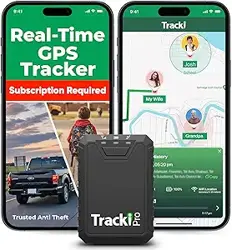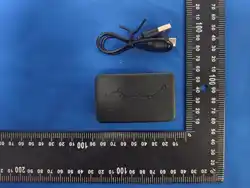

Product specification
User Manual
Please read the below details when setting up the device.
APP:Starry GPS

Step 1, take out the device
Step 2, prepare the NANO sim card, insert to the device (Please note that the chip is
facing down and the notch is facing inward. You will hear a “click”
sound when
you pushing the sim card)
Step3,check the lights. It works normal when you see light flashing in 5 seconds.
Step4,download the app:Starry GPS from the IOS store or Google Play Store. Or
Scan the QR code to download from the web platform:https://web.gps868.com
Step5,You can add a device number to the mailbox registered user name to
log in
Step4,After logging in, you can see the function of the device
Product Positioning: A professional vehicle-mounted GPS positioning terminal designed
specifically for long-haul trucks, refrigerated trucks, box trucks, urban distribution box
trucks, and hazardous chemical transport vehicles. It combines real-time tracking, driving
safety monitoring, and digital fleet management, and is suitable for use by logistics
companies, transportation enterprises, and individual freight vehicle owners in all
scenarios.
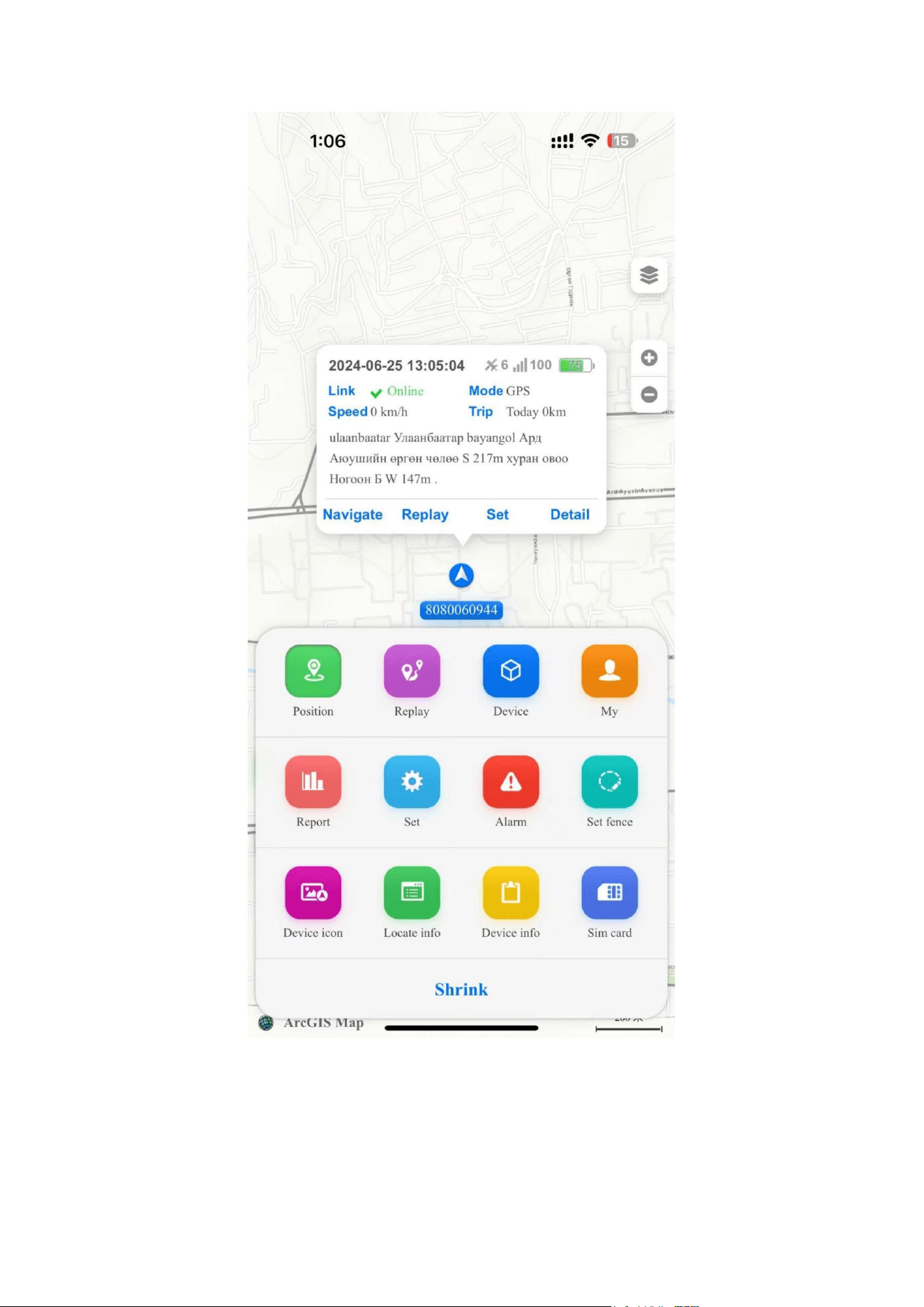
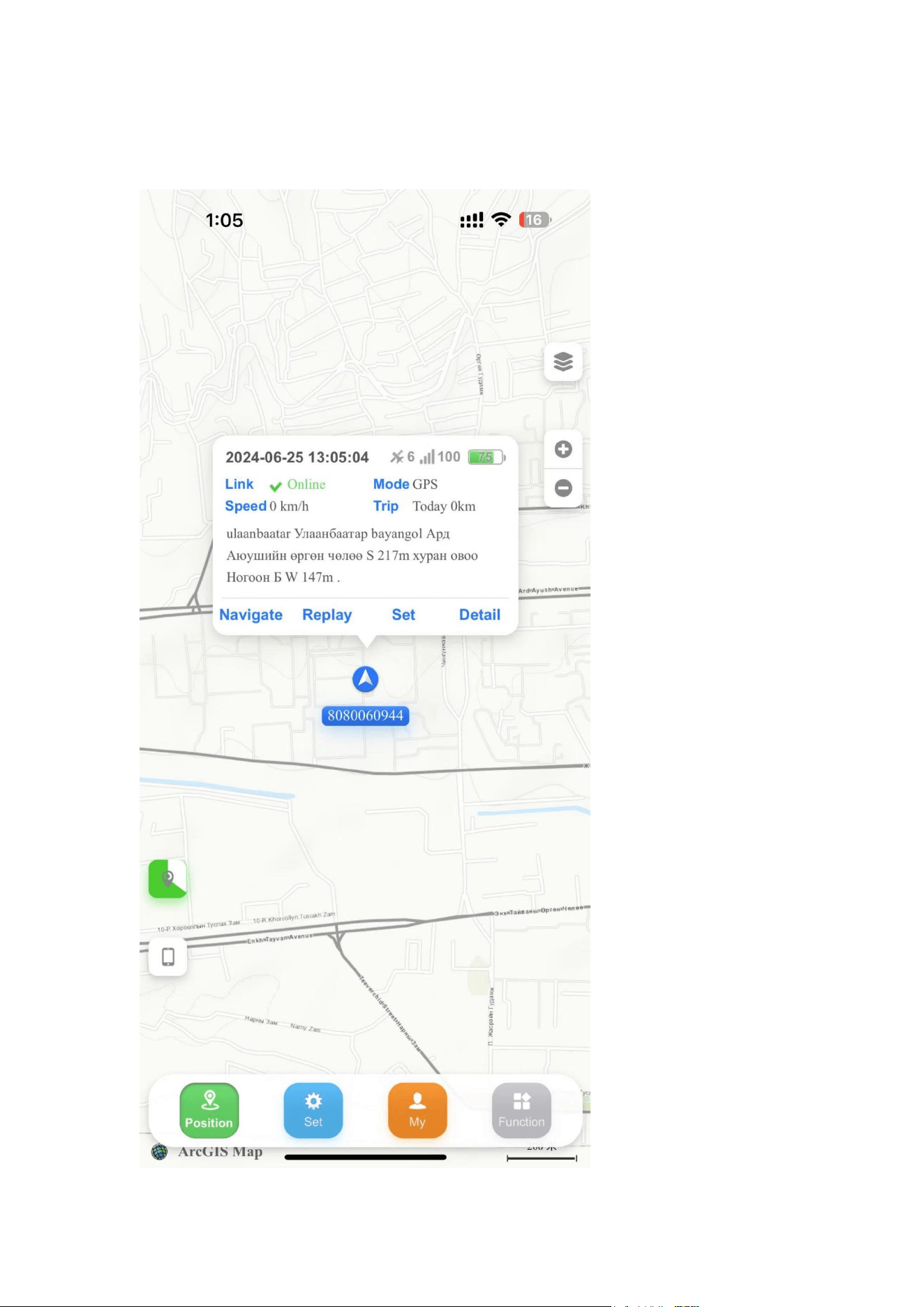
Step8,Click Tracking to see where the device is located

FQA:
1,Do I need to charge it when it arrives? How long does it take to charge?
A:After receiving the device, you should charge it until it is fully charged before use.
The red charging light is always on, and the red light goes out when it is fully
charged. The charging time varies depending on the battery capacity of the device.
Normal charging is about 4 hours. For devices with large capacity, it takes 8 hours to
charge.
2,What should I do if the device is offline?
A:Please check one by one according to the following points.
*The device is out of power; the APP needs to be charged after checking that the
battery is out of power.
* Modified the positioning mode; re-insert the card to resume online
* The device will automatically recover after leaving the area with poor signal (for
example: underground parking lot, tunnel)
3,How is the accuracy?
A:If the device is indoors or in an underground parking lot, it will not be able to
search for GPS satellite signals, resulting in large errors, which is normal.
After the device moves outdoors or leaves an area with poor signal, it will
automatically calibrate its position. As long as it is outdoors or in an open place, the
error will be less than 5meters.
SMS COMMAND :
1,Set the Authorized Phone Numbers
Insert SIM card and the device is on automatically , then send SMS
command admin123456 to set the authorized phone numbers, device
reply: admin OK!
Example:admin123456 15012999955,details are as the following
picture:
2,Querying Device Information
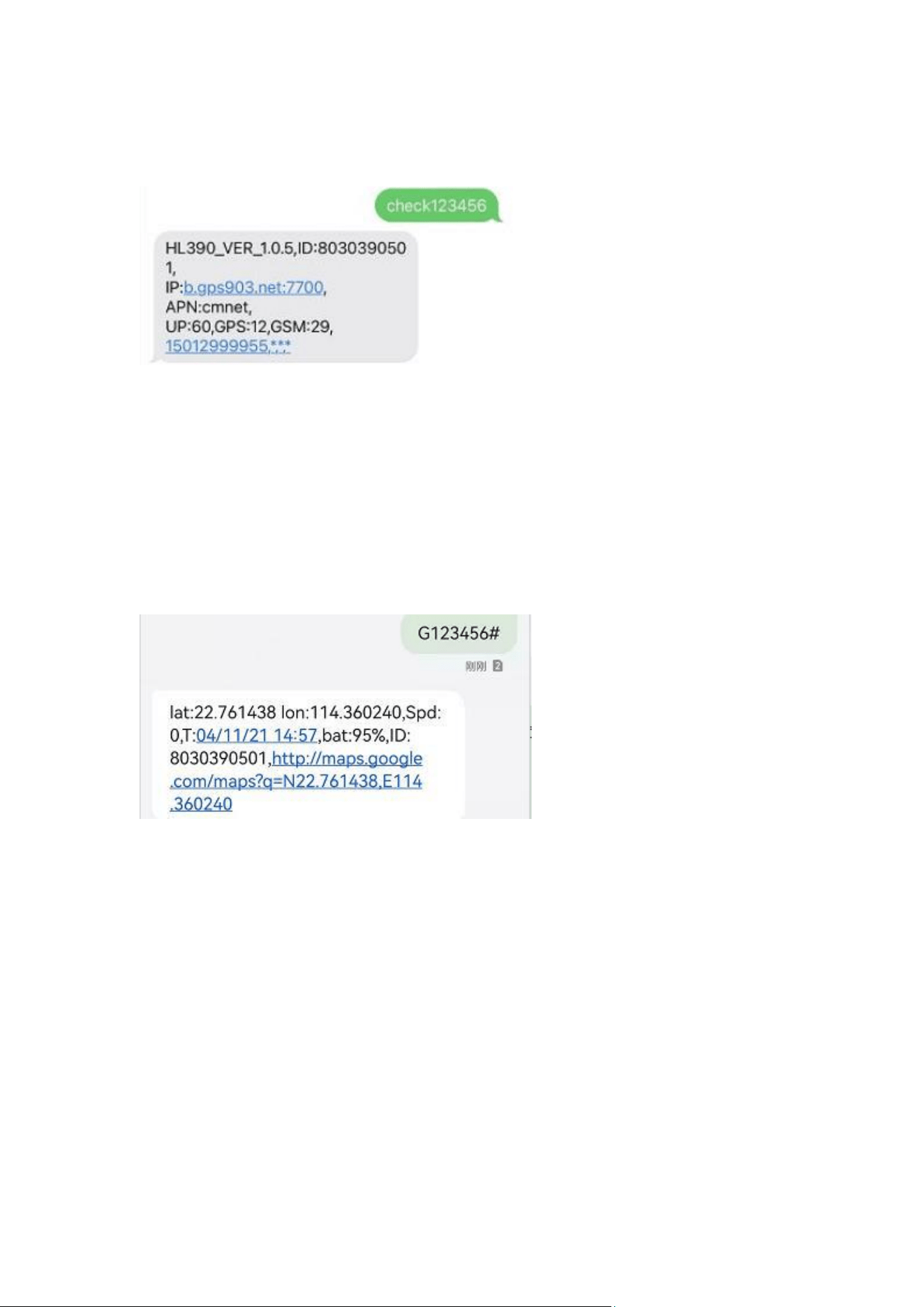
Send SMS command check123456 ,details are as the following picture:
You can query: Software version, device ID number , IP,APN, Upload
intervals, GPS signal, GSM signal, Authorized phone Numbers
3,Query the latitude and longitude
Send SMS command G123456# , the device will reply a positioning message,
details are as the following picture:
4. Set APN
Please ensure the GPRS function of the SIM card is activated.
APN connection:
send SMS message apn123456 apn(APN is on the SIM card inserting
the device.)
Example:apn123456 cmnet (CMNET is APN)
4.1. Send SMS command gprs123456 to switch on GPRS internet access.
4.2. Send SMS command ongprs123456 to switch off GPRS internet access.
5. IP configuration

send SMS command adminip123456 a.trackin123.com 7720
(IP:a.trackin123 ,Port:7720)
Thank you for your use

FCC Warnning:
This equipment has been tested and found to comply with the limits for a Class B digital device,
pursuant to part 15 of the FCC Rules. These limits are designed to provide
reasonable
protection againstharmful interference in a residential installation. This equipment generates,
uses and can radiateradio
frequency
energy
and,
if
not
installed
and
used
in
accordance
with
the
instructions,
maycause
harmful
interference
to
radio
communications.
However,
there
is
no
guarantee
thatinterference
will
not
occur
in
a
particular
installation.
If
this
equipment
does
cause
harmfulinterference to radio or television reception, which can be
determined by turning the equipmentoff
and
on,
the
user
is
encouraged
to
try
to
correct
the
interference
by
one
or
more
of
thefollowing measures:
•
Reorient or relocate the receiving antenna.
•
Increase the separation between the equipment and receiver.
•
Connect the equipment into an outlet on a circuit different from that to which the receiver is
connected.
• Consult the dealer or an experienced radio/TV technician for help.
Caution:
Any
changes
or
modifications
to
this
device
not
explicitly
approved
by
manufacturer
could void your authority to operate this equipment.
This
device
complies
with
part
15
of
the
FCC
Rules.
Operation
is
subject
to
the
following
two
conditions:
(1)This
device
may
not
cause
harmful
interference,
and
(2)
this
device
must
accept
any
interference received, including interference that may cause undesired operation.
This
equipment
complies
with
FCC
radiation
exposure
limits
set
forth
for
an
uncontrolled
environment.
This
equipment
should
be
installed
and
operated
with
minimum
distance
20cm
between the radiator and your body.