Directional Mode
©2026 TP-Link 7100002878 REV1.0.0
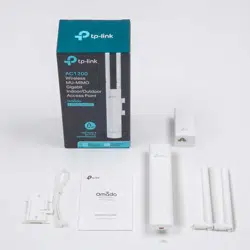
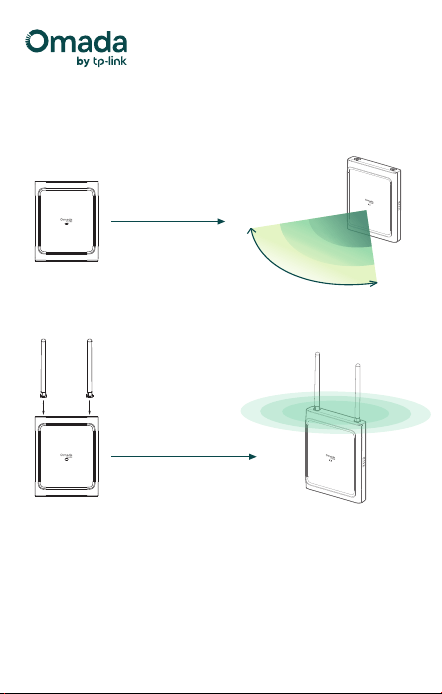
· Directional Mode
(No External Antennas Installed)
Dual-Antenna Modes
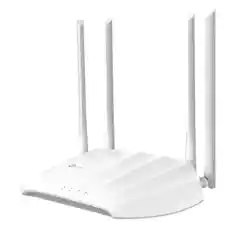
· Omnidirectional Mode
(With External Antennas Installed)
· Smart Switching: External Antenna Auto Detection
By default, the antenna mode automatically switches based on the
presence of external antennas. To manually adjust the antenna mode,
use Omada Controller version 6.1 or later.
Note: Using third-party external antennas is not recommended, as
smart switching may not work properly.
Omnidirectional Mode
90°
6 GHz
5 GHz
2.4 GHz
2.4 / 5 / 6 GHz